The ACASIS USB4 40Gbps NVMe enclosure is an aluminium single-drive M.2 case built around an ASMedia ASM2464PD bridge, with an active fan on top of a shell that already works as a heatsink. BestChoices lists it in its Acasis 40Gbps NVMe enclosure comparison. The draw is a 40Gbps path on hosts that support USB4, tool-free installation and temperatures well below what plastic enclosures reach; the costs are an audible fan under load, no encryption and no RAID.

Full review
An ASM2464PD bridge behind a USB4 port
The controller is an ASMedia ASM2464PD, the bridge that gives USB4 and Thunderbolt 3 and 4 hosts a full 40Gbps path to a single M.2 NVMe drive. Real throughput is set by the drive and the host far more than by the case: owners who paired it with a Crucial P5 Plus report 3,119 MB/s read and 1,577 MB/s write in CrystalDiskMark, while the same enclosure on an older USB 3.1 Gen 2 port is capped near 985 MB/s. It takes 2230, 2242, 2260 and 2280 drives.
Aluminium doing half the cooling, a fan doing the rest
The case is machined aluminium with a corrugated surface, 100 by 68 by 15 mm and 0.22 lb, and the shell itself acts as the heatsink with a thermal pad bridging the drive to it. A small fan handles the rest and switches off from a button on the front. Owners report internal drive temperatures holding around 42°C through long transfers, against the 60 to 70°C that plastic-bodied enclosures reach before they begin throttling.
The fan is audible when it spins up
The cooling works and it is not silent. Under sustained heavy load the fan is clearly audible, and in a quiet room it is the thing about this enclosure people notice first. The switch helps, since passive cooling alone is enough for short transfers, but anyone recording audio or working in silence will hear it during a long copy. Quieter tuning would be the single most useful change to the design.
No encryption, no RAID, one drive
This is deliberately a plain enclosure. There is no hardware encryption, no RAID and no bundled software, so a drive that needs to be secure has to be encrypted by the operating system, and there is no redundancy of any kind. It is also bus-powered, drawing everything from the host port with no separate supply, which is convenient on a desk and worth thinking about on a laptop running on battery with the fan spinning.
Tool-free install, then initialise it in Windows
Installation needs no tools: the base slides open, the drive goes in at an angle, presses flat and takes a single screw, and a thermal pad goes on top before the housing closes. Two pad thicknesses are supplied for different drives. On Windows the drive then appears as uninitialised in Disk Management and has to be initialised as GPT and given a volume before it shows up, which is standard for any bare enclosure but worth knowing before assuming the unit is faulty.
Strengths
- +Supports Thunderbolt 4/3 and USB4 for up to 40Gbps connection speed with consistent sustained throughput under long transfers
- +Active cooling fan and thermal pad provide excellent temperature control during high-load operations
- +Easy tool-free installation with click-fit 2280 NVMe drive insertion and included mounting screws
- +Good build quality with solid aluminum shell that doubles as passive heatsink and compact portable design
Watch-outs
- −Fan is audible under sustained heavy load which may be disruptive in quiet environments
- −No hardware encryption or RAID options—single-drive use only
- −Some early firmware polish needed for maximum compatibility with older USB ports
How it compares
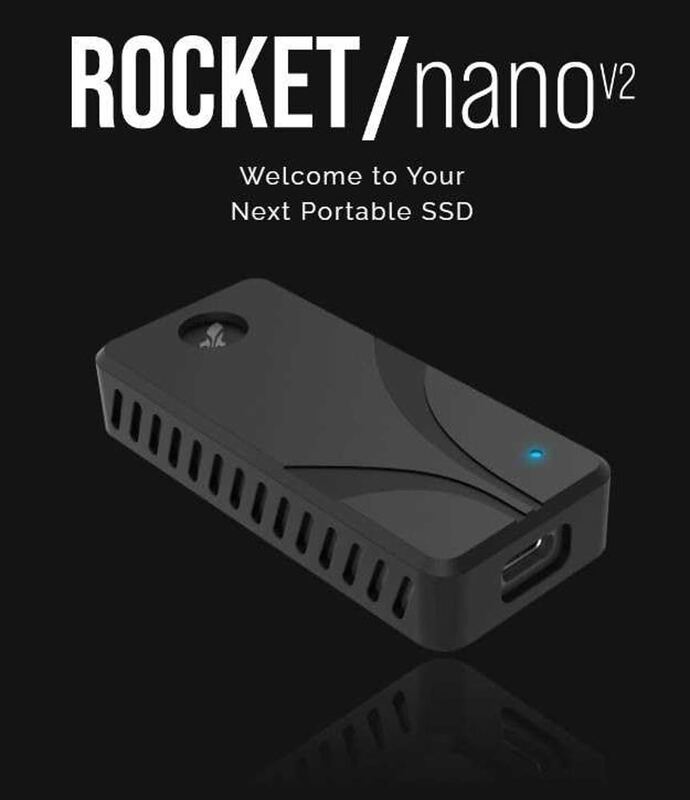
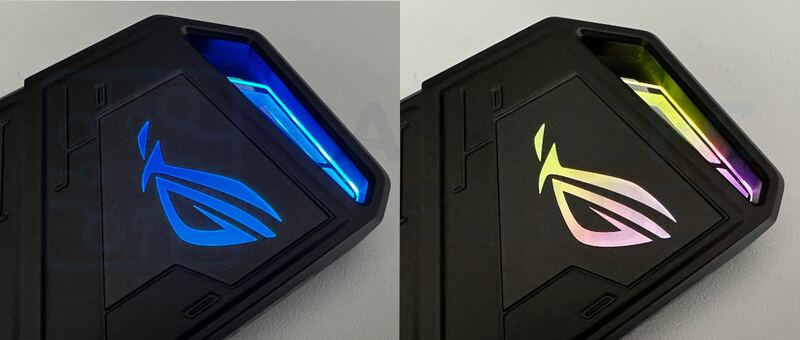
Against the Samsung X5, the ACASIS lets the buyer choose the drive rather than paying for a bundled one, and against the ORICO Thunderbolt 3 enclosure it adds USB4 and Thunderbolt 4 support. The Sabrent Rocket Nano TB4 is more compact with similar thermals but usually costs more, and the ASUS ROG Strix Arion is smaller, cheaper and considerably slower.
Rating sources
Our 4.4 score is the average of these published ratings. More about methodology.