Engadget found the 2024 Kindle Scribe a good ereader and competent writing tablet, built around a 10.2-inch, 300 PPI E Ink display. The device's active canvas feature allows users to embed handwritten notes directly into books, improving upon previous methods. However, the handwriting functionality is constrained to specific areas rather than full page freedom. This device is best suited for readers who want enhanced note-taking capabilities but may not be ideal for those seeking maximum handwriting flexibility.
Full review
Screen and display quality
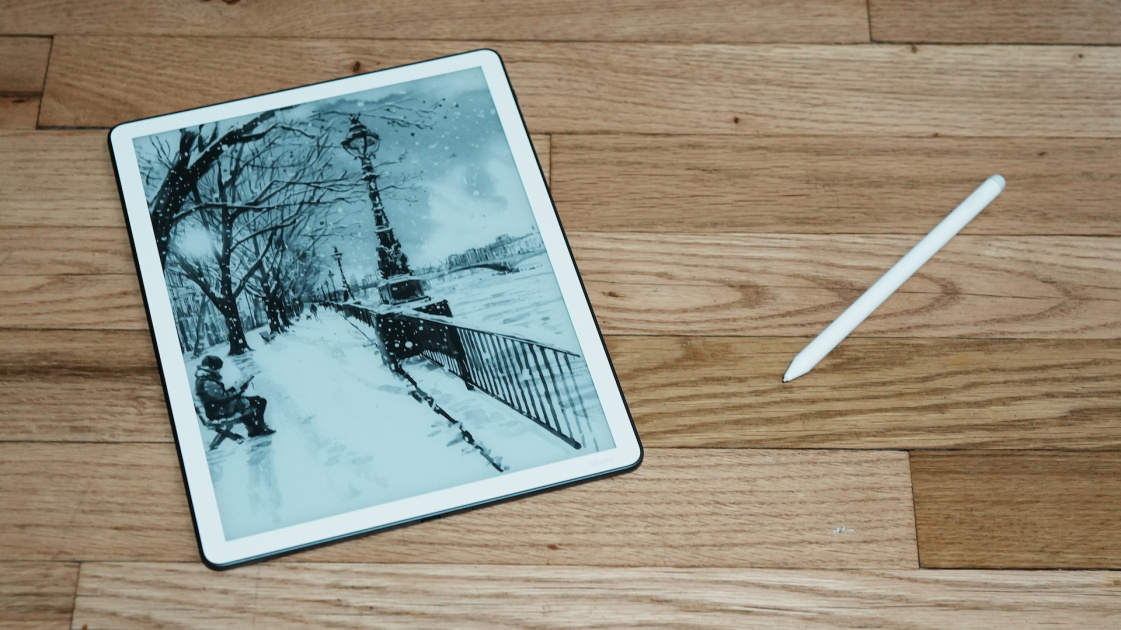
The Kindle Scribe features a 10.2-inch E Ink screen at 300 PPI for crisp text rendering. The screen's design supports both reading and note-taking, making it versatile for various tasks.
The screen's resolution and PPI are consistent with other high-end e-readers, ensuring clear text rendering and comfortable reading. However, the lack of color support limits its use for books with extensive illustrations. The screen's automatic brightness adjustment feature, while helpful, does not completely eliminate the need for manual adjustments in very bright or dim environments.
Stylus and writing experience
The Kindle Scribe comes with a Premium Pen that is battery-free and magnetic, designed specifically for note-taking and highlighting. The pen features a dedicated eraser and a customizable shortcut button, allowing users to quickly access frequently used functions. The new Premium Pen also has a rubberized top for its faux eraser, which improves grip and reduces slippage. However, the pen's performance can vary depending on the user's writing style and pressure sensitivity. The pen's magnetic design allows it to attach securely to the device, preventing loss during use. Users have reported that the pen's responsiveness is generally good, though some have noted that it requires a bit of adjustment to get used to the writing feel.
The writing experience on the Kindle Scribe has been praised for its smoothness and accuracy. The pen's high-precision writing capabilities allow for detailed annotations and notes directly on the screen. The inclusion of a dedicated eraser and customizable shortcut button enhances the pen's functionality, making it more versatile for different writing tasks. However, some users have noted that the pen's performance can be inconsistent, particularly when writing at high speeds or with heavy pressure. The pen's magnetic attachment is reliable, but users have reported that it can sometimes be difficult to remove the pen from the device, especially when the screen is in use. Despite these minor issues, the pen's overall design and functionality make it a strong component of the Kindle Scribe's note-taking capabilities.
Battery life and performance
The Kindle Scribe offers impressive battery life, lasting up to 12 weeks of reading and 3 weeks of writing. This extended battery life is a significant advantage for users who rely heavily on the device for both reading and note-taking. The device is charged via USB-C, which is convenient and fast.
Software and AI features
The Kindle Scribe runs on a Linux-based operating system, which provides stability and long battery life. Engadget reported that the AI features, such as Summarize and Refine tools, can shorten and neaten up handwritten notes, making them more professional and easier to share. These features enhance the device's functionality and make it more versatile for both reading and writing tasks.
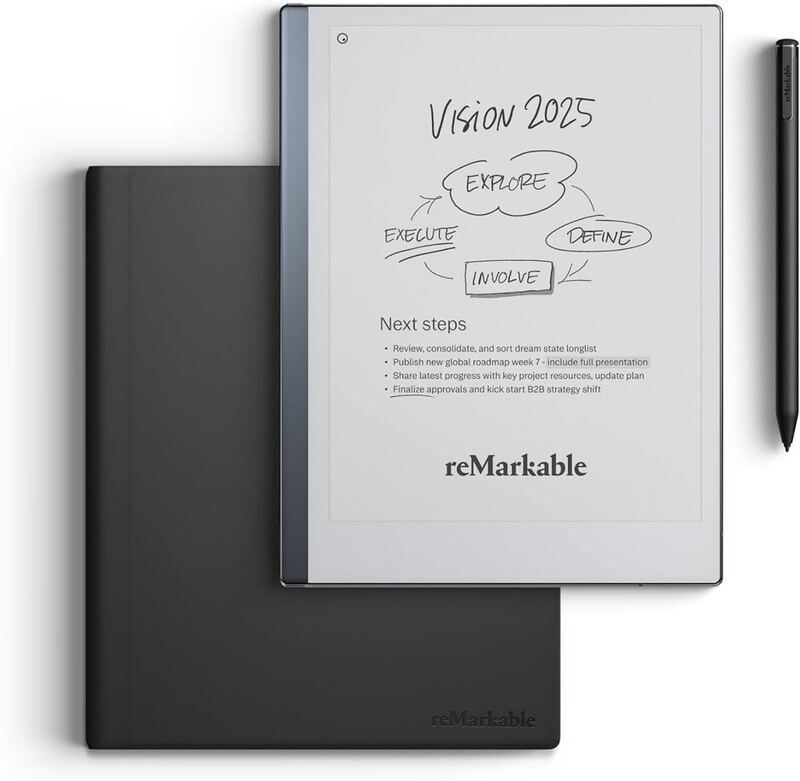
The software and AI features of the Kindle Scribe have been described as functional and helpful, though not revolutionary. Engadget noted that the Summarize and Refine tools are slightly useful for cleaning up handwritten notes, making them more professional and easier to share with others. However, some reviewers have pointed out that the AI features are not particularly advanced or groundbreaking. While the software is functional, it lacks some of the advanced features found in competing devices, such as the reMarkable Paper Pro, which offers more flexibility in editing notes and integrating with other applications.
Design and build quality
The Kindle Scribe has a sleek design with a metal casing that provides durability and a premium feel. The device is described as robust, with four rubber feet on the rear panel to prevent sliding on desks. The metal casing adds to the device's durability, though it also makes the device heavier at 433g. This weight can be a drawback for users who prefer to hold the device for extended periods, especially when reading lying down. The left edge houses the USB-C socket for charging and file transfer, while the power button is positioned in a way that can sometimes cause accidental activation. The device's design is described as elegant and modern, with a white rectangle surrounding the screen within a teal green column on the side. The color scheme is visually appealing and helps distinguish the device from other Kindle models.
The build quality of the Kindle Scribe is robust, with a metal casing that provides durability and a premium feel. The device's four rubber feet on the rear panel prevent it from sliding around on desks, which is a practical feature for users who take notes while sitting at a desk. However, the metal casing also makes the device heavier at 433g, which can be uncomfortable for extended use. The device's design includes a white rectangle surrounding the screen within a teal green column on the side, which is visually appealing but can be confusing as it makes the grippable area seem narrower than it actually is. The USB-C socket is located centrally on the left edge, which is convenient for charging and file transfer. However, some users have reported that the power button's positioning can cause accidental activation, especially when the device is held in certain positions. Despite these minor drawbacks, the device's overall build quality is considered solid and durable.
Storage and connectivity
The Kindle Scribe offers 16GB, 32GB, or 64GB of internal storage, which is sufficient for storing a large library of books and notes. The device's connectivity options are standard for an e-reader, with no additional hardware such as microSD slots or fingerprint scanners.
Strengths
- +300 PPI E-Ink display with crisp text and handwriting visibility
- +Active canvas feature allows handwriting notes to be embedded directly in books
- +Pen supports underline, highlight, and freehand note-taking functions
Watch-outs
- −Handwriting functionality limited to specific areas rather than full page freedom
How it compares
The Kindle Scribe offers active canvas functionality that the Amazon Kindle lacks, but it's limited to specific areas for handwriting unlike the reMarkable Paper Pro's more flexible writing experience. Compared to the Kindle Scribe Colorsoft, it provides better handwriting visibility but lacks the large screen and color capabilities.
Rating sources
“I'm not sure Amazon has done enough to justify charging more for its writing tablet.”
Our 2.5 score is the average of the 1 scored review above; 3 more reviewed it without printing a score and are not in the average. Ratings marked * were derived from the reviewer’s written analysis or video transcript — the publisher didn’t print an explicit numeric score, so we inferred one from their own words. Click through to verify. More about methodology.