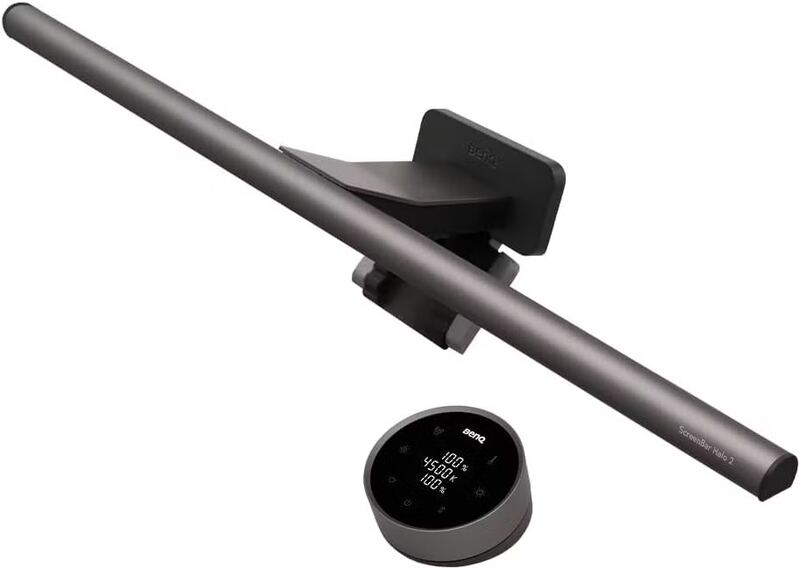
The BenQ ScreenBar Pro is the motion-sensor light bar XDA calls the one most people should buy, sitting between the entry ScreenBar and the Halo. It is BenQ's brightest at over 1,000 lux, with an ultrasonic sensor that lights up the moment you sit down and an asymmetric beam that avoids screen glare. It skips the Halo 2's rear backlight and is still pricey, but as a slightly cheaper, motion-smart light bar it is an excellent pick.
Full review
1,000 lux center brightness, 100 more than the Halo
The BenQ ScreenBar Pro is the light bar XDA Developers frames as the one most people should buy, sitting in the lineup between the entry-level ScreenBar and the curved-monitor-focused Halo. Its headline strength is brightness: XDA called it the brightest ScreenBar light bar to date, and BenQ rates it at over 1,000 lux of central illuminance with at least 500 lux across an 85-by-50-centimeter area on the desk, 100 lux brighter at the center than the original Halo.
Like all ScreenBars, it uses an asymmetric optical design that throws light forward onto the desk rather than straight down, so it brightens the work surface without casting reflections on the screen. Digital Camera World found it bright with great coverage and a solid mount, and Studio Supplies summarized it as a premium monitor light worth the spend. For glare-free desk illumination, it delivers the same core benefit as the Halo 2.
The Motion Sensor
The ScreenBar Pro's signature feature is an ultrasonic motion sensor built into the front of the mount. It detects movement within about 24 inches in front of the screen, in a conical range designed so that simply walking past does not trigger it, and the light turns on instantly when you sit down. When you leave, it gently dims and powers off after five minutes of inactivity.
Reviewers found the sensor reliable rather than gimmicky. XDA judged it performed well enough to be a dependable inclusion, and in practice it removes the small friction of reaching for a control every time you sit down to work. The five-minute auto-off is sensible for sustained work, though it can feel slightly slow if you only step away briefly.
Design and Controls
The ScreenBar Pro is 50 centimeters wide and clips to the top of a monitor with a counterweighted mount, taking up no desk space. XDA noted it blends in nicely with just about any monitor thanks to its slim, neutral design, available in black or white. It is USB-C powered, drawing from a monitor or hub port.
Beyond the motion sensor, it offers adjustable brightness and color temperature with the eye-care, flicker-free output the ScreenBar line is known for. It covers the essentials of a great monitor light, bright, glare-free, adjustable and space-saving, while reserving the more elaborate rear backlight for its pricier Halo 2 sibling.
Missing the Halo 2's rear backlight
The ScreenBar Pro's main limitation relative to the Halo 2 is the absence of a tri-zone rear backlight. That backlight is the Halo 2's standout eye-strain feature, washing the wall behind the monitor with soft light, and the Pro does not have it, so buyers who work in very dark rooms may miss it. The Pro instead concentrates on front desk illumination.
It is also still a premium product at around $140, more than a capable basic desk lamp, and it is USB-C powered so it needs a free port. The five-minute motion auto-off, while reasonable, can feel slow for quick breaks. These are minor trade-offs, but they are the reasons it sits just behind the Halo 2 rather than alongside it.
The Halo 2's cheaper motion-sensor sibling
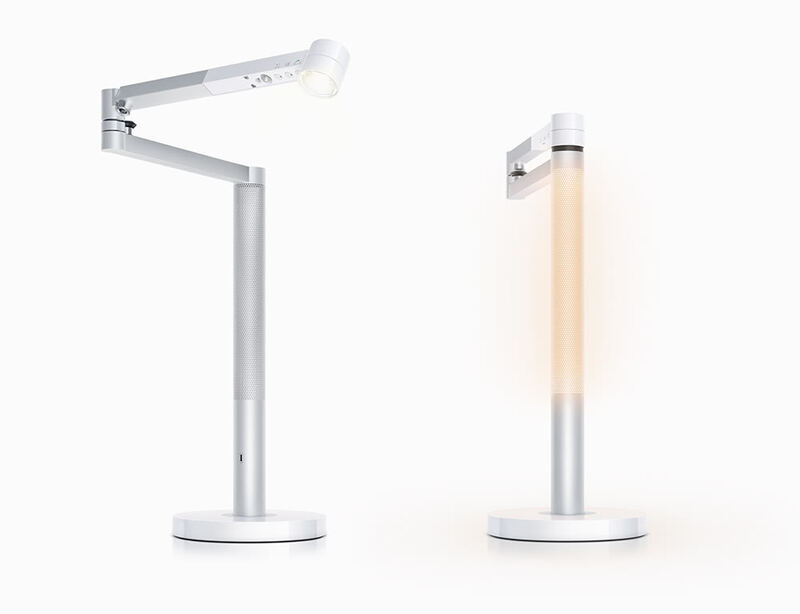
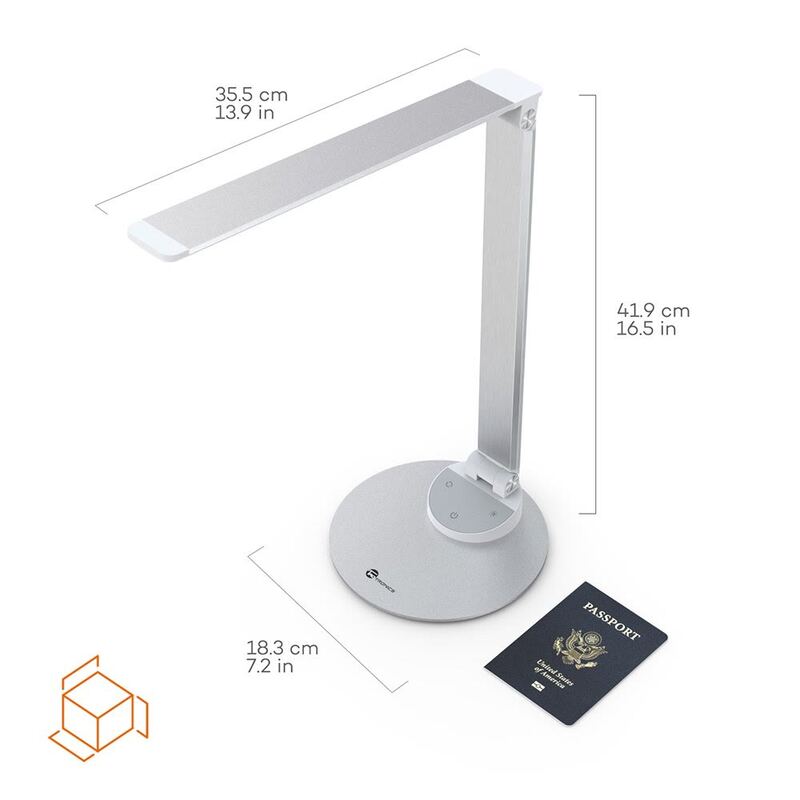
The ScreenBar Pro is the motion-sensor sibling of the BenQ ScreenBar Halo 2, delivering the same glare-free, space-saving desk lighting for a little less money, the key difference being the Halo 2's rear backlight, which the Pro omits. Both clip to the monitor, distinguishing them from the freestanding BenQ eReading LED Desk Lamp, Dyson Solarcycle Morph and budget TaoTronics LED Desk Lamp (TT-DL13).
For a monitor worker deciding between the two BenQ bars, the choice is simple: pay more for the Halo 2 if the rear backlight and dimmer low-end matter, or save with the Pro and keep the bright front light plus the motion sensor. Either way, the Pro is an excellent light bar, and its strong reviews earn it fourth place.
Motion sensor lights the desk on sit-down
The BenQ ScreenBar Pro is best for monitor-based workers who want a bright, motion-activated, glare-free light bar that saves desk space, and who do not need the Halo 2's rear backlight. The ultrasonic sensor that lights up the desk the instant you sit down is a genuine daily convenience.
It is the wrong pick for someone who works in a very dark room and would benefit from behind-the-screen lighting, or for a buyer who needs a freestanding lamp to light a wider work area. But for the core monitor-lighting job at a slightly lower price than the flagship, the ScreenBar Pro is a smart, well-reviewed choice.
Skips the backlight to undercut the Halo 2's price
At around $140, the ScreenBar Pro is the value play within BenQ's premium light-bar lineup: it keeps the bright, glare-free front light and adds the motion sensor while shedding the Halo 2's rear backlight to come in cheaper. Studio Supplies called it a premium monitor light worth the spend, and for a buyer who does not specifically need the backlight, the Pro delivers most of the flagship experience for less.
As with the Halo 2, the value is strongest for someone who works at a monitor daily, since the benefits accrue over long screen sessions. A buyer who wants the absolute best eye-strain mitigation should stretch to the Halo 2 for its backlight, and a budget buyer should drop down to a traditional lamp. But for the mainstream monitor worker who wants bright, motion-activated desk lighting without paying the flagship premium, the Pro is the sensible-value choice in the light-bar category.
Strengths
- +Brightest ScreenBar yet at over 1,000 lux of central illuminance
- +Ultrasonic motion sensor turns the light on as you sit and off after you leave
- +Asymmetric optical design lights the desk without screen glare or reflections
- +Adjustable color temperature and brightness with eye-care, flicker-free output
- +Slim, neutral design blends in with almost any monitor and saves desk space
Watch-outs
- −Lacks the Halo 2's tri-zone rear backlight for behind-the-screen glow
- −Still a premium price versus a traditional desk lamp
- −USB-C powered, requiring a free port
- −Motion sensor's five-minute auto-off can feel slow for quick breaks
How it compares
The motion-sensor sibling of the BenQ ScreenBar Halo 2, slightly cheaper but without the Halo 2's tri-zone rear backlight.
Rating sources
“It's the brightest ScreenBar light bar to date, and it'll blend in nicely with just about any monitor.”
“A premium monitor light worth the spend, with over 1,000 lux of central brightness and an ultrasonic motion sensor.”
Our 4.2 score is the average of these published ratings. Ratings marked * were derived from the reviewer’s written analysis or video transcript — the publisher didn’t print an explicit numeric score, so we inferred one from their own words. Click through to verify. More about methodology.