The Brother QL-800 is a professional label printer designed for home and office use, featuring black and red printing capabilities that enhance label visibility. PCMag reviewers noted its compact design and included starter label rolls, though they criticized the lack of Wi-Fi connectivity and the requirement for a computer connection to operate. The device does not support mobile app functionality, limiting its convenience for users seeking wireless options. This printer is best suited for users who prefer traditional wired operation and don't require wireless connectivity.
Full review
Black and red label capability
The Brother QL-800 stands out with its ability to print labels in both black and red, a feature that significantly expands its versatility for labeling tasks. This dual-color capability allows users to create more visually striking labels for organizational purposes, such as file folders, name badges, and product identification. Reviewers noted that this functionality is particularly useful for creating labels that stand out in busy office environments or for applications requiring clear visual distinction. The printer supports both DK-2251 black/red labels and standard paper labels, enabling users to choose based on their specific needs. The inclusion of these two distinct label types in the starter kit provides users with immediate access to both color options.
The printer's capability to produce high-quality black and red labels is supported by its 300 x 600 dpi resolution, which ensures crisp text and graphics. According to one reviewer, the quality of the printed labels is sharp and readable, making it suitable for professional applications. DisDutch notes the ability to print in red also allows for more creative labeling, such as creating banners or stickers with contrasting colors. This feature is especially valuable for users who need to differentiate between various categories or types of items. The printer's design accommodates both types of labels seamlessly, allowing for easy switching between label types without requiring significant setup adjustments.
Speed and efficiency in label printing
According to PtouchDirect, the QL-800 is engineered for speed, capable of printing up to 93 standard address labels per minute with black text at 300 dpi. This high-speed performance makes it ideal for users who need to produce large quantities of labels quickly. The printer's efficiency is further enhanced by its auto cutter feature, which allows for precise cutting of labels without the need for manual intervention. Reviewers highlighted that the auto cutter eliminates wasted label sheets, contributing to cost savings and improved workflow. The ability to print multiple labels simultaneously also increases productivity, particularly for tasks such as labeling packages, envelopes, or file folders in bulk.
The printer's performance is consistent across different label types, including die-cut and continuous-length labels. Users can expect reliable output when printing both standard address labels and custom designs. The speed advantage becomes particularly apparent when handling large labeling projects, where time efficiency is crucial. One reviewer noted that the printer's ability to print at such high speeds makes it suitable for office environments where labeling tasks are frequent and time-sensitive. The combination of high-speed printing and automatic cutting contributes to a streamlined labeling process, reducing the time required for routine labeling tasks.
Software and connectivity options
The QL-800 comes with P-touch Editor software for Windows and Mac, which allows users to create custom labels with a variety of design options. The software includes pre-designed templates and allows for text, images, and graphics to be incorporated into labels. However, some reviewers noted that the software installation process can be cumbersome, particularly for Mac users who may encounter difficulties with CD-based installations. The software also supports integration with Microsoft Word, Excel, and Outlook, enabling users to print labels directly from these applications. This integration simplifies the labeling process for users who already use these programs regularly.
The printer supports mobile printing through the Brother iPrint&Label app, which is available for Android devices. Users can print labels directly from their mobile devices using a USB-to-Go cable, which must be purchased separately. While this mobile functionality is convenient, it requires additional hardware and setup. The lack of built-in Wi-Fi connectivity means that users must rely on either USB connections or the mobile app for wireless printing. This limitation may be a drawback for users who prefer wireless printing options, especially in environments where mobility is important. The software also includes features such as database file compatibility and barcode generation, which enhance its utility for more complex labeling tasks.
Physical design and build quality
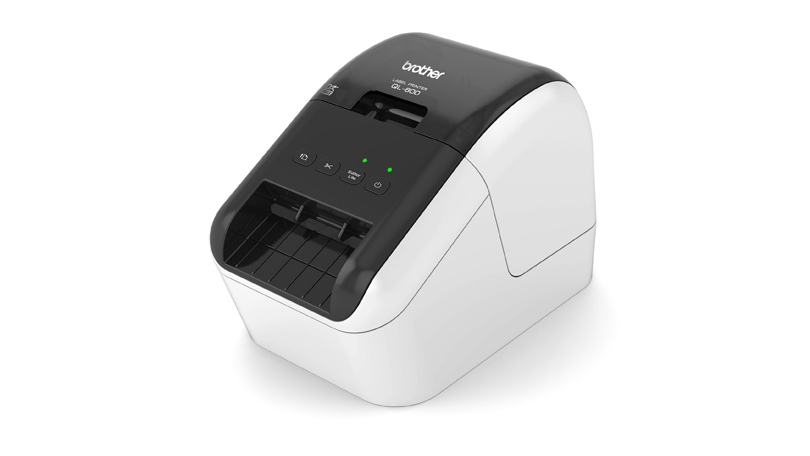
The QL-800 features a compact design that fits well in office environments, measuring 4.9 x 5.6 x 8.4 inches, per PCMag. Despite its relatively compact size, the printer is robust and built to handle frequent use. The housing is white and black in color, which gives it a professional appearance. The printer's build quality is solid, with a sturdy construction that can withstand regular use in busy office settings. The design includes convenient access points for loading labels, and the auto cutter is positioned for easy use. The printer's dimensions make it suitable for small desks or workstations where space is limited.
The printer's physical design includes a clear display and intuitive controls, making it easy to operate even for users who are not tech-savvy. The auto cutter is a standout feature, as it allows for precise cutting of labels without manual intervention. The printer also includes a power cord and USB cable, which are standard accessories included in the package. The inclusion of two starter label rolls, one die-cut and one continuous, provides users with immediate access to both label types. The printer's design allows for easy loading and unloading of labels, which contributes to its user-friendly nature. The overall build quality is consistent with Brother's reputation for reliable office equipment.
Label capacity and printing range
The QL-800 supports a maximum label length of 3 feet, which is particularly useful for creating banners or signage. This capability allows users to produce longer labels for applications such as product identification, facility signage, or event labeling. The maximum print width is 2.3 inches, which is sufficient for most standard labeling needs. The printer's ability to handle continuous-length labels up to 3 feet in length makes it suitable for a wide range of labeling tasks. Users can also print die-cut labels, which are ideal for smaller, more precise labeling applications. The maximum tape width of 2.4 inches allows for flexibility in label size and design.
The printer's maximum resolution of 300 x 600 dpi ensures that labels are crisp and readable, which is essential for professional applications. The high-resolution printing capability allows for clear text and graphics, even on smaller labels. The printer's ability to print in both black and red also enhances the visual appeal of labels, making them more effective for identification purposes. The combination of high resolution and dual-color printing makes the QL-800 suitable for a variety of labeling tasks, from simple address labels to more complex designs. The printer's capacity for handling different label types and sizes makes it a versatile tool for various office and organizational needs.
User experience and setup process
The setup process for the QL-800 is straightforward, with clear instructions included in the quick setup guide. Users can easily connect the printer to their computer using the provided USB cable and power cord. The printer is recognized automatically by the computer, which simplifies the initial configuration. Reviewers noted that the printer's plug-and-play functionality makes it accessible to users with varying levels of technical expertise. The inclusion of starter label rolls in the package allows users to begin printing immediately without needing to purchase additional supplies. The auto cutter feature is intuitive and requires minimal setup, contributing to a smooth user experience.
The software installation process, while functional, can be challenging for some users, particularly those using Mac systems. Some reviewers noted that the CD-based installation process was outdated and required additional troubleshooting. However, once installed, the P-touch Editor software provides a comprehensive platform for designing labels. The software's interface is user-friendly, with a variety of templates and design tools available. Users can also create custom labels using the software's text, image, and frame insertion features. The ability to connect to databases and generate barcodes further enhances the software's utility for complex labeling tasks. The overall user experience is positive, with the printer's ease of use and functionality contributing to its appeal.
Strengths
- +Prints in black and red for enhanced label visibility
- +Includes two starter label rolls (DK size)
- +Compact design suitable for home or office use
- +Works with Brother's Label Design Software
Watch-outs
- −Lacks Wi-Fi connectivity, per PCMag
- −Requires computer connection for operation
- −Does not support mobile app functionality
How it compares
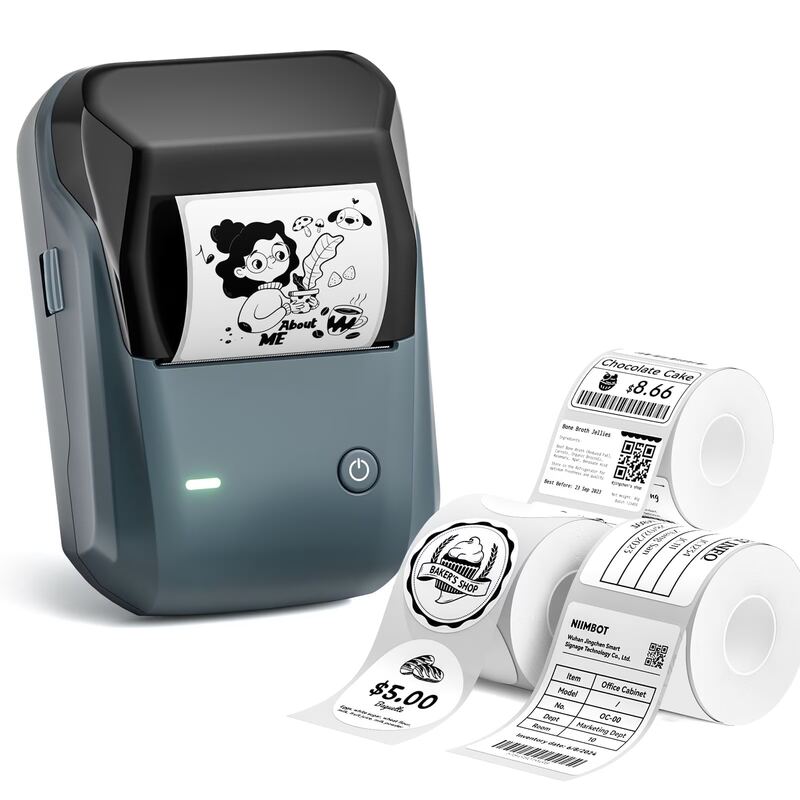
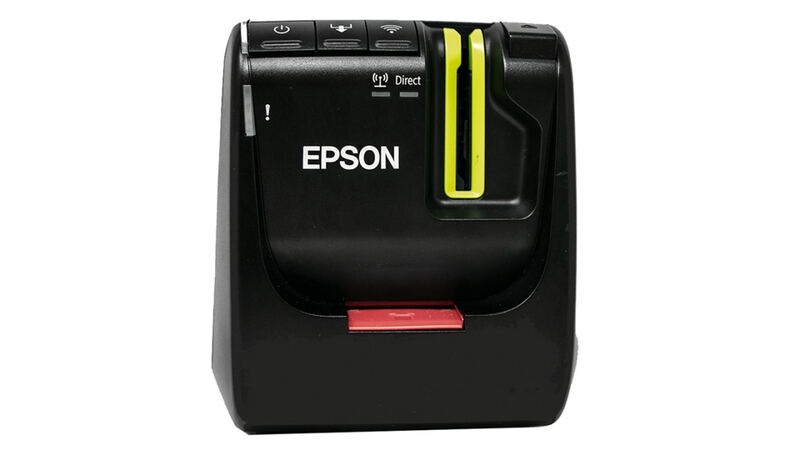
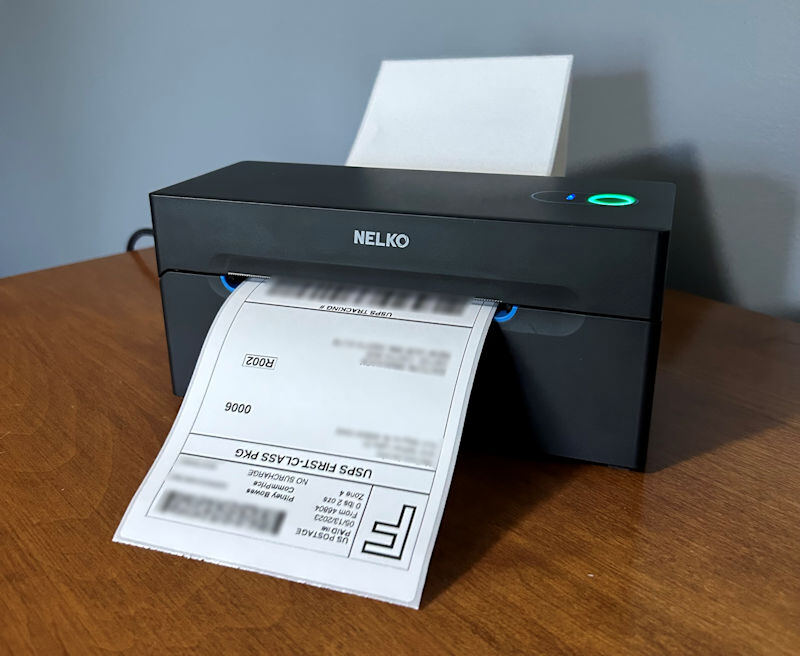
The Brother QL-800 is more limited than the Epson LW-PX800 in terms of connectivity options, lacking Wi-Fi and LAN support, while the Epson offers faster print speeds and a built-in cutter. Unlike the Nelko P21, it doesn't feature wireless Bluetooth, but it does provide a more traditional wired operation that some users prefer over mobile apps.
Rating sources
“Brother's QL800 is a professional, high-speed label printer helps you quickly tackle labeling tasks in your busy office.”
“it's just you know right there but it's just for that price guys I mean brother don't be stingy and just throw in Wi-Fi”
Our 3.7 score is the average of these published ratings. Ratings marked * were derived from the reviewer’s written analysis or video transcript — the publisher didn’t print an explicit numeric score, so we inferred one from their own words. Click through to verify. More about methodology.