Verdict
Head-to-head · Best Laser Engravers

Atomstack A5 Pro vs Glowforge Pro

Which is the better buy? Side-by-side on rating, price, strengths, and watch-outs — with the published ratings we averaged to get there.

Verdict is reader-supported. As an Amazon Associate we earn from qualifying purchases. Some links on this page are affiliate links — if you click through and buy, we may earn a small commission at no extra cost to you. Our ratings are sourced from independent publications, not sponsors.
The short answer

Atomstack A5 Pro and Glowforge Pro score essentially the same (4.0 vs 4.0). Pick the one whose trade-offs match your priorities — the strengths and watch-outs below are where they actually differ.

Atomstack A5 Pro
Ranked #3 in Best Laser Engravers
Atomstack A5 Pro
4 sourcesall derived$143.09as of Jul 31

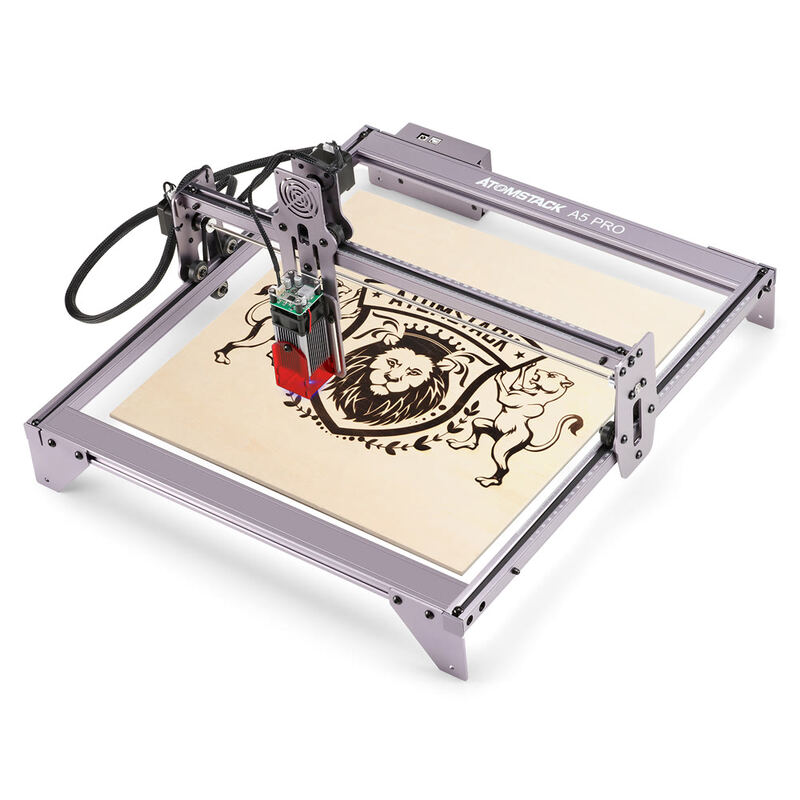
The Atomstack A5 Pro is a 20W diode laser engraver whose fixed focus design keeps operation simple. Reviewers found it easy to assemble and liked the included protective shroud, but noted it has no endstops for automatic positioning. Optical output measures 5-5.5W, well under the electrical input rating. It runs standard laser software and handles wood, plastic, and leather. Beginners and hobbyists who want straightforward engraving are the audience.

Strengths
  • Fixed focus laser design eliminates need for manual focusing
  • Includes protective acrylic shroud for added safety
  • Supports multiple engraving materials including wood, plastic, and leather
Watch-outs
  • No endstops included for automatic homing
  • Laser output power is 5-5.5W despite 20W input rating
Glowforge Pro
Ranked #4 in Best Laser Engravers
Glowforge Pro
4 sources2 derived$7,999as of Aug 1

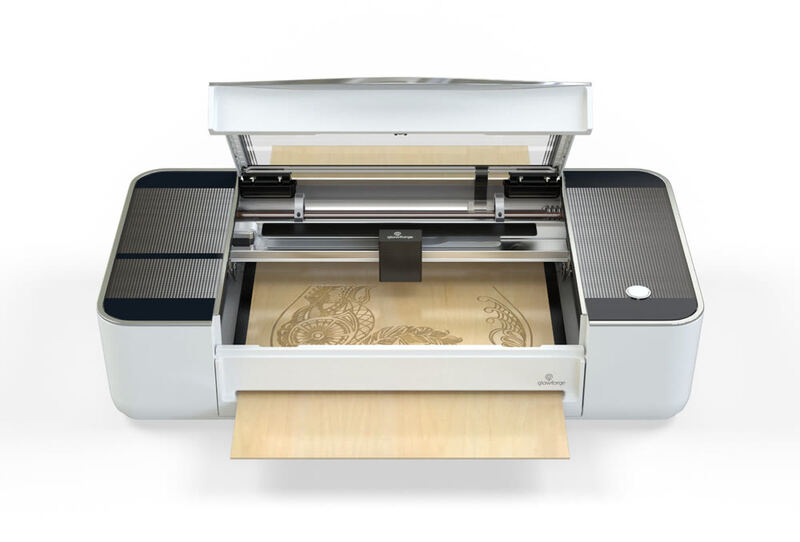
Make: Magazine and Maker Hacks both rate the Glowforge Pro as easy to live with, crediting the easy setup and automatic material detection. Its reliance on cloud connectivity is the recurring complaint, since users hit limitations during internet outages. The built-in camera for placing designs visually draws the most praise, though adding text or simple shapes requires a monthly subscription. The optional air filtration system improves air quality but adds significant cost. Beginners and hobbyists who want an easy machine will be happy; anyone who needs offline functionality should consider alternatives.

Strengths
  • User-friendly setup with clear step-by-step instructions
  • Intuitive web-based software with cloud connectivity
  • Automatic material detection using QR code stickers
Watch-outs
  • Requires constant internet connectivity for operation
  • Expensive optional air filtration system ($1,295)
  • No local backup or offline operation capability

Derived means the reviewer published no score, so one was inferred from their written verdict. Everything else is a number the publisher printed. How we rank.

How they stack up

Atomstack A5 Pro

The Atomstack A5 Pro's fixed focus design and protective shroud make it more beginner-friendly than the Ortur Laser Engraver 4, which requires complex alignment. However, it's less powerful than the xTool D1 Pro and lacks the large cutting area and included software tutorials that make the D1 Pro more accessible.

Glowforge Pro

The Glowforge Pro's reliance on cloud connectivity sets it apart from the xTool D1 Pro and P2, which operate independently. While it offers automatic material detection and a user-friendly interface, it lacks offline functionality and requires constant internet access, unlike the more self-contained Ortur Laser Master 3 or Atomstack P50 Pro.

Specs side-by-side

SpecAtomstack A5 ProGlowforge Pro
Laser Power20W45W
Work Area410*400mm20” x infinity
Weight8.82 lb48 lb
Laser TypeDiode LaserCO2 laser cutter
Machine Size410 x 400 mm38" x 20.75" x 8.25"
MaterialAluminium Alloylaser-compatible material
SoftwareATOMSTACK Studio SoftwareWeb-based cloud client
Max Speed10,600 nm
Dimensions38" x 20.75" x 8.25"
← See the full ranking of best laser engravers