Verdict
The Best 8Aggregated review·46 sources·updated September 29, 2026

Best Laser Engravers

Top 8 Laser Engravers reviewed and ranked.

This guide aggregates 46 published reviews across 8 products; the thinnest-sourced pick rests on 3. How we rank.

Verdict is reader-supported. As an Amazon Associate we earn from qualifying purchases. Some links on this page are affiliate links — if you click through and buy, we may earn a small commission at no extra cost to you. Our ratings are sourced from independent publications, not sponsors.
Quick answer

Xtool S1 40W is our top pick for laser engravers — an averaged 4.9/5 across 8 published reviews at about $1,499. Runner-up: xTool P2 (~$139).

At a glance8 products ▾
1Xtool S1 40WTop Score
8 sources1 derived
$1,499Best for: Makers who prioritize safety and modular versatility for wood and dark materials
$1,499 · Buy at xtool.com
6 sources
$139Best for: Serious makers needing industrial-grade power for thick material cutting in fixed workshops
$139 · Check Price on Amazon
4 sources1 derived
$6,299Best for: High-volume producers needing large format cutting without splitting batches
$6,299 · Check Price on Amazon
6 sources
$7,311.58Best for: Makers prioritizing thermal-free precision on delicate items like glass and paper
$7,311.58 · Check Price on Amazon
7 sources1 derived
$1,099Best for: Makers who need fast engraving on flat materials without protective eyewear
$1,099 · Check Price on Amazon
8 sources
$999Best for: Beginners working in small home offices who want automated material setup
$999 · Buy at shop.glowforge.com
4 sources1 derived
$110Best for: Users needing a portable, handheld laser for small-scale personal projects
$110 · Buy at wainlux.com
Unrated3 sources
$2,599Best for: Workshop users needing high-speed engraving on both wood and metal
$2,599 · Buy at xtool.com

Derived means the reviewer published no score, so one was inferred from their written verdict. Everything else is a number the publisher printed. How we rank.

The full ranking

How we rank →
Xtool S1 40W
#1 · Top Score
Best for: Makers who prioritize safety and modular versatility for wood and dark materials
Xtool S1 40W
8 sources1 derived$1,499as of Oct 1
▾Why it's ranked here

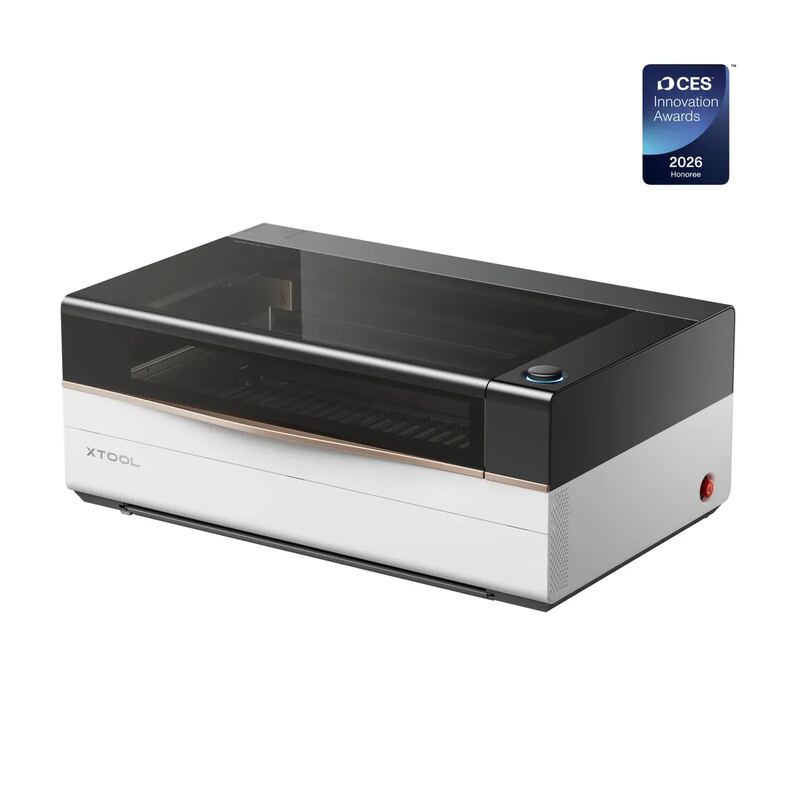
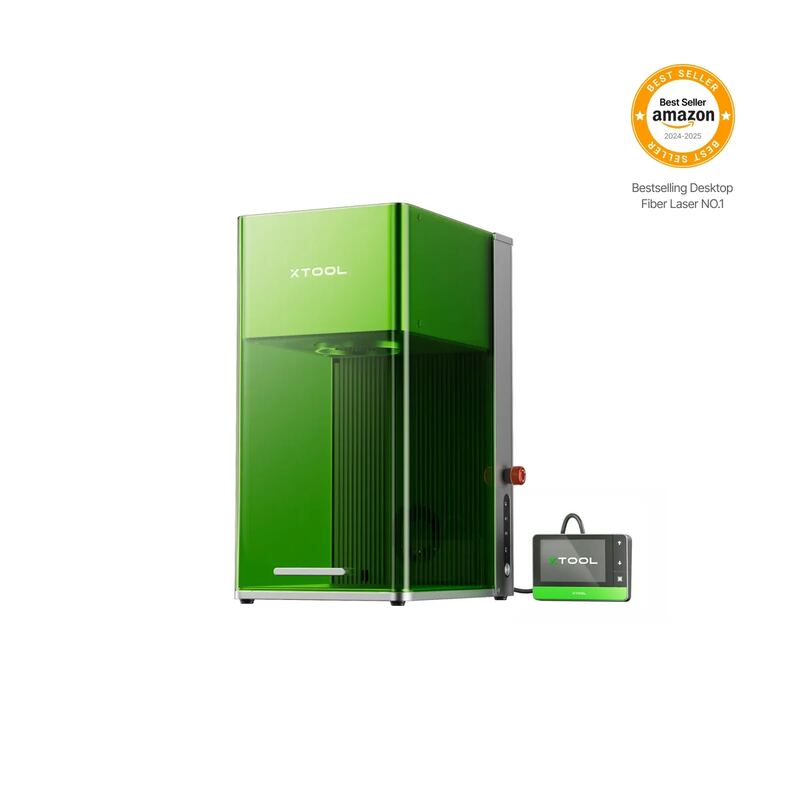
The Xtool S1 40W offers a fully enclosed Class 1 design that ensures safety by containing fumes and preventing laser leakage, while magazine.raspberrypi found this complete enclosure removes the need for protective eyewear during operation. Its interchangeable modules allow users to switch between blue diode cutting and infrared metal engraving, though hobbylasercutters noted that precise physical alignment is critical because the system lacks a visual preview camera. The machine’s primary drawback is its inability to cut clear acrylic or transparent plastics due to the limitations of its blue wavelength laser technology. This model fits makers who prioritize safety and modular versatility for wood and dark materials, but those requiring work with glass or clear sheets should look elsewhere.

Strengths
  • — Fully enclosed Class 1 design provides comprehensive safety against laser leakage, fumes, and fire with automatic shutoff.
  • — Interchangeable laser modules allow switching between 40W blue diode for cutting and 2W infrared for metal engraving without buying new machines.
Watch-outs
  • — Cannot cut clear acrylic or transparent plastics due to the blue wavelength limitations of diode lasers.
  • — The included exhaust hose has a small diameter (3.25 inches) and short length, often requiring third-party extensions for garage use.
xTool P2
#2
Best for: Serious makers needing industrial-grade power for thick material cutting in fixed workshops
xTool P2
6 sources$139as of Oct 1
▾Why it's ranked here

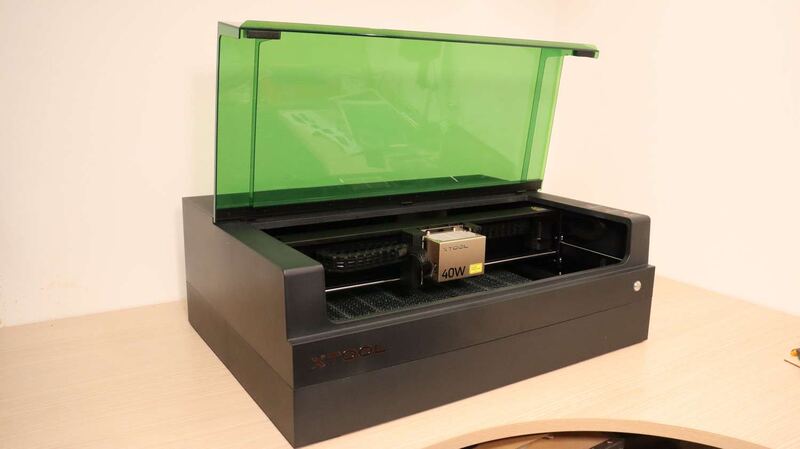
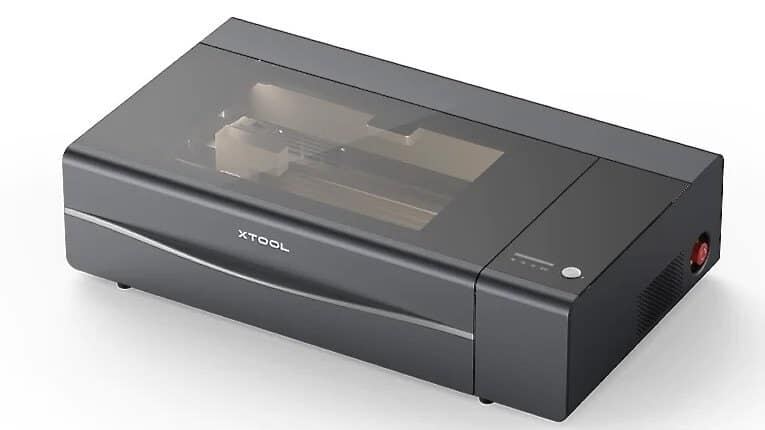
The xTool P2 delivers high-power 55W CO2 laser cutting capable of slicing through 20mm wood and acrylic in a single pass, as uniquecreationsbyanita found it handles thick substrates cleanly. Its fully enclosed design with a pneumatic lid and 145CFM exhaust fan effectively manages fumes, while dual cameras aid precise positioning. However, the machine is heavy at 45kg, requiring a permanent dedicated workspace that cannot be easily moved or stored away. Additionally, advanced features like curved surface mapping are exclusive to the native xTool Creative Space software, limiting users who prefer third-party tools like LightBurn. This model fits serious makers needing industrial-grade power and safety for fixed workshops, but it is unsuitable for those with limited space or a preference for portable setups.

Strengths
  • — 55W CO2 glass laser tube delivers high power capable of cutting up to 20mm thick wood and acrylic in a single pass, per Unique Creations by Anita.
  • — Fully enclosed safety design with a locked pneumatic lid prevents fume leaks and laser exposure during operation.
Watch-outs
  • — Heavy at 45kg (99 lbs) and large in footprint, requiring a permanent dedicated workspace or heavy-duty table.
  • — Requires manual filling of the water-cooling system with distilled water and antifreeze before initial use, MakerHacks notes.
xTool P3
#3
Best for: High-volume producers needing large format cutting without splitting batches
xTool P3
4 sources1 derived$6,299as of Oct 1
▾Why it's ranked here

The xTool P3 features a massive 915 by 458 millimeter working area that accommodates full sheets of material without splitting batches, according to hobbylasercutters. Its Automated Creation System uses four cameras and LiDAR for automatic bed leveling and autofocus, which Make or Break Shop described as the easiest industrial laser they have ever used due to its streamlined workflow. However, the machine weighs 105 kilograms, making it difficult to move without purchasing an optional mobile work stand. Initial optical path calibration can also be intimidating and time-consuming for beginners who are not familiar with mechanical alignment. This unit fits high-volume producers needing large format cutting but is likely too complex and heavy for casual hobbyists.

Strengths
  • — Massive 915 x 458 mm (36 x 18 inch) working area accommodates full sheets of material without splitting batches.
  • — Automated Creation System (ACS) integrates four cameras and LiDAR for automatic bed leveling, autofocus, and precise alignment.
Watch-outs
  • — Heavy weight of 105 kg (230 lbs) makes the unit difficult to move without purchasing an optional mobile work stand.
  • — Initial optical path calibration can be intimidating and time-consuming, with some users reporting struggles during setup.
xTool F2 Ultra UV
#4
★ Premium Pick
Best for: Makers prioritizing thermal-free precision on delicate items like glass and paper
xTool F2 Ultra UV
6 sources$7,311.58as of Oct 1
▾Why it's ranked here

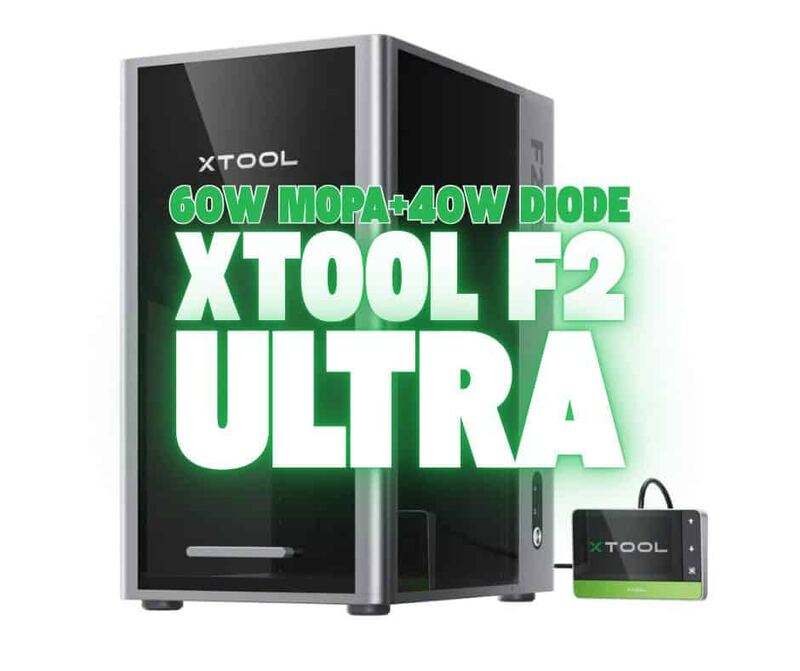
The xTool F2 Ultra UV utilizes 355nm cold-processing technology to engrave heat-sensitive materials like chocolate and paper without charring or melting, while its interchangeable lens system enables embedded 3D crystal work. Hobbylasercutters highlighted this unique inner engraving capability as a standout feature for the machine. However, the device operates exclusively within the closed xTool Studio ecosystem, which lacks compatibility with third-party tools like LightBurn, and its material preset library is incomplete, requiring manual tuning for many substrates. Hackster.io noted that this software restriction may be a dealbreaker for some users. This laser suits makers who prioritize thermal-free precision on delicate items over open-source workflow flexibility.

Strengths
  • — Cold-processing UV technology at 355nm enables photochemical ablation that engraves without burning, charring, or melting heat-sensitive materials like chocolate and paper.
  • — Capable of embedded 3D inner crystal glass engraving using a specialized interchangeable lens and precision pedestal stand included in the package.
Watch-outs
  • — The xTool Studio software ecosystem is closed, offering no compatibility with third-party tools like LightBurn which many makers prefer.
  • — The material preset library in the software is incomplete, requiring users to manually dial in settings for many specific materials not listed by default.
Creality Falcon A1 Pro
#5
Best for: Makers who need fast engraving on flat materials without protective eyewear
Creality Falcon A1 Pro
7 sources1 derived$1,099as of Oct 1
▾Why it's ranked here

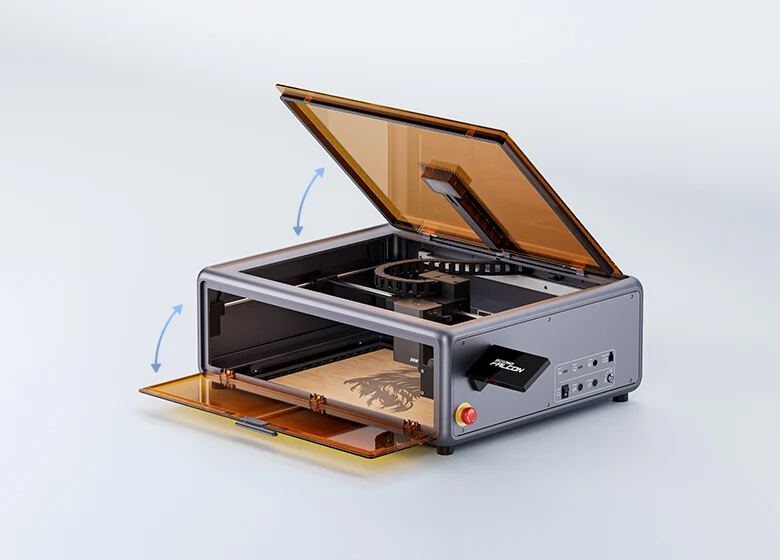
The Creality Falcon A1 Pro utilizes a CoreXY motion system to achieve engraving speeds up to 600 mm/s, which Laserbuying found is approximately three times faster than traditional belt-driven competitors. Its AI-powered visual autofocus automatically adjusts the Z-height in about three seconds with less than 0.3mm accuracy, though CNX Software notes this may require manual fine-tuning for thick material cuts. The enclosed chassis provides robust safety features but lacks sufficient internal power to clear smoke from heavy cutting, necessitating a separate high-capacity extraction system as Grouchyfarmer warned. While the hot-swappable laser head adds versatility, the fixed side-mounted touchscreen obstructs workspace access and limited height clearance restricts thicker objects, making this machine best for flat-sheet crafting rather than bulky item engraving.

Strengths
  • — CoreXY motion system enables engraving speeds up to 600 mm/s, significantly faster than traditional belt-driven gantry designs.
  • — AI-powered visual autofocus automatically measures material thickness and adjusts Z-height in approximately 3 seconds with less than 0.3mm accuracy.
Watch-outs
  • — The built-in exhaust fan lacks sufficient power to clear smoke and fumes from thick material cutting, necessitating a separate high-capacity extraction system.
  • — Fixed side-mounted touchscreen can obstruct workspace access when placing materials next to the machine.
Glowforge Aura
#6
Best for: Beginners working in small home offices who want automated material setup
Glowforge Aura
8 sources$999as of Oct 1
▾Why it's ranked here

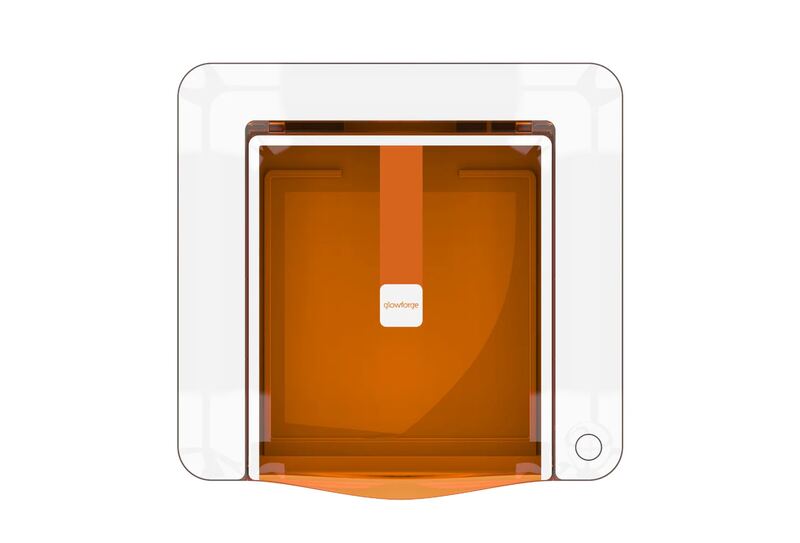
The Glowforge Aura’s compact 19-pound footprint and Proofgrade QR system make it highly accessible for beginners working in small home offices, as Whiskey & Whit noted its ease of setup. However, PCMag found that the optional Personal Filter effectively traps particles but adds significant cost and noise to the experience. The machine's shallow bed prevents rotary attachment use, a limitation explicitly cited by Whiskey & Whit when comparing it to competitors like the xTool M1. Additionally, the 6W diode laser cannot cut clear or white acrylic due to beam physics, making this model unsuitable for crafters needing cylindrical engraving or transparent material fabrication.

Strengths
  • — Compact footprint (22 x 20.5 x 5 inches) and lightweight (19 lbs) design fits easily in small craft rooms or home offices.
  • — Proofgrade material integration uses QR codes to auto-load cutting settings, making it highly accessible for beginners.
Watch-outs
  • — 6W diode laser cannot cut clear or white acrylic as the beam passes through transparent materials without interaction.
  • — Shallow laser bed prevents the use of rotary attachments for engraving tumblers, wine glasses, or cylindrical objects.
Wainlux K10
#7
Best for: Users needing a portable, handheld laser for small-scale personal projects
Wainlux K10
4 sources1 derived$110as of Oct 1
▾Why it's ranked here

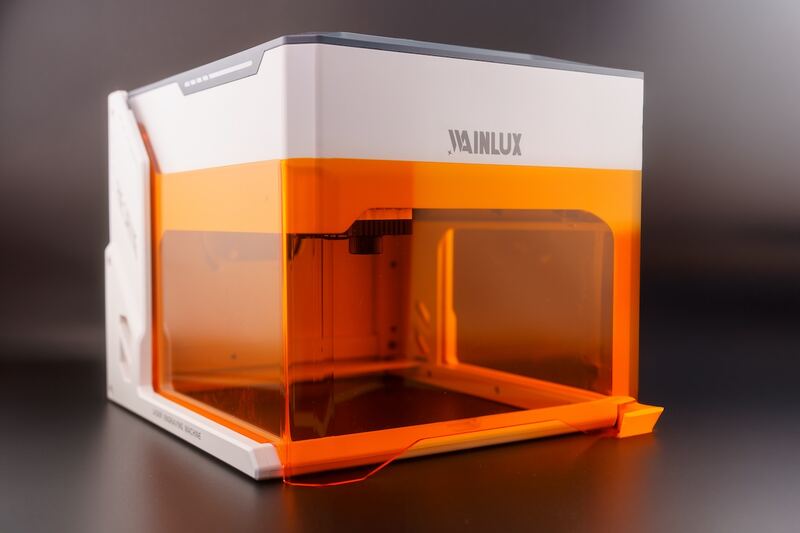
The Wainlux K10 offers a compact, fully enclosed design that allows it to be held in one hand and used safely around children without glasses, as The Gadgeteer found the automatic shield shutdown effective. However, its 80mm x 80mm carving area significantly limits project scale, making it unsuitable for larger items or batch production. Poor Man's DIY noted that while the small footprint aids portability, users needing expansive workspace must look elsewhere. Additionally, the low 3W power restricts the machine to engraving rather than cutting thicker materials.

Strengths
  • — Compact and portable design allows the machine to be held in one hand and easily stored on a shelf.
  • — Fully enclosed chassis with an orange flip-down safety shield that automatically stops the laser when lifted or if tilted more than 13 degrees.
Watch-outs
  • — Small 80mm x 80mm (3.15in) carving area limits the size of projects that can be engraved in a single pass.
  • — Low power output restricts the machine to engraving rather than cutting through thicker materials.
xTool F1 Ultra
#8
Best for: Workshop users needing high-speed engraving on both wood and metal
xTool F1 Ultra
Unrated3 sources$2,599as of Oct 1
▾Why it's ranked here

The xTool F1 Ultra combines a 20W blue diode laser and a 20W infrared fiber source in one compact galvo machine, enabling it to engrave wood, leather, and metals at speeds up to 10,000 mm per second. hobbylasercutters found that this dual-source architecture allows the device to cut thick materials like acrylic and thin metal sheets effectively. The integrated camera simplifies alignment on irregular items, while momsandcrafters demonstrated its ability to create detailed 3D relief engravings using embossing mode. However, the solid bottom plate makes it harder to create custom jigs compared to previous models, and initial setup requires accessing a hard-to-see screw for laser alignment. This machine fits users needing high-speed versatility in a stationary workshop but may frustrate those requiring easy jig construction or frequent transport.

Strengths
  • — Combines a 20W blue diode laser and a 20W infrared fiber laser in one compact machine, per HobbyLaserCutters.
  • — Features a large 220mm x 220mm working area, expandable to 500mm with the optional conveyor accessory.
Watch-outs
  • — Lacks a removable bottom plate, making it harder to create custom jigs compared to previous models, per Make magazine.
  • — Aligning the dual lasers requires accessing a hard-to-see screw during initial setup, per Make magazine.
Reviews aggregated from
Tom's HardwareMakerhacksHobbylasercuttersMakezineHeyletsmakestuffThecraftycatsmanTechRadar

Spec comparison

8 products
vs
SpecXtool S1 40WxTool P2
Laser Power40W55W CO2 Glass Laser Tube
Laser TypeDiode / IR optionalCO2
Working Area19.6 x 12.5 in23622 x 12008 in
Max Speed600 mm/s600mm/s
Machine Weight20 kg45kg (99 lbs)
ConnectivityUSB, Wi-Fi, EthernetWi-Fi, USB-C, Ethernet
Machine Dimensions22.5 x 20.5 x 8.5 inches1000 x 639 x 268mm
Engraving Area432 x 406 mm23.6" x 12"
Accuracy10 times more accurate than single-camera systems0.001 inches

Frequently asked questions

What's the strongest pick among laser engravers?
Xtool S1 40W holds the top score for laser engravers — 4.9/5 averaged from 3 published reviews. The Xtool S1 40W offers a fully enclosed Class 1 design that ensures safety by containing fumes and preventing laser leakage, while magazine.raspberrypi found this complete enclosure removes the need for protective eyewear during operation. Its interchangeable modules allow users to switch between blue diode cutting and infrared metal engraving, though hobbylasercutters noted that precise physical alignment is critical because the system lacks a visual preview camera. The machine’s primary drawback is its inability to cut clear acrylic or transparent plastics due to the limitations of its blue wavelength laser technology. This model fits makers who prioritize safety and modular versatility for wood and dark materials, but those requiring work with glass or clear sheets should look elsewhere.
When was this guide last updated?
This guide was last re-checked in September 2026. Prices, links, and source ratings are re-verified on a rolling basis, and the ranking updates when the underlying scores change.