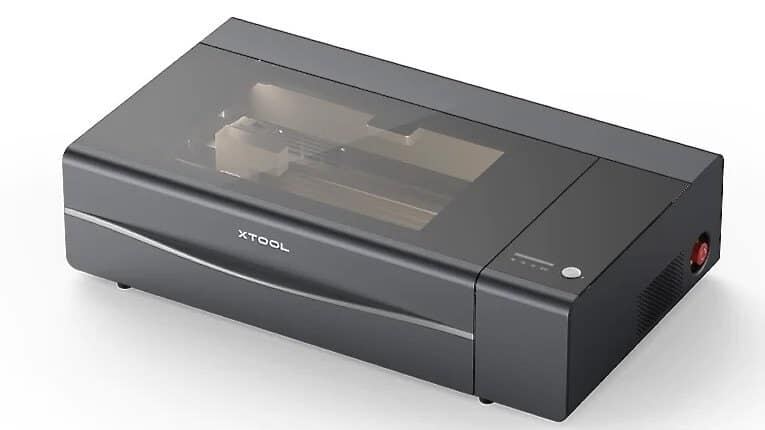
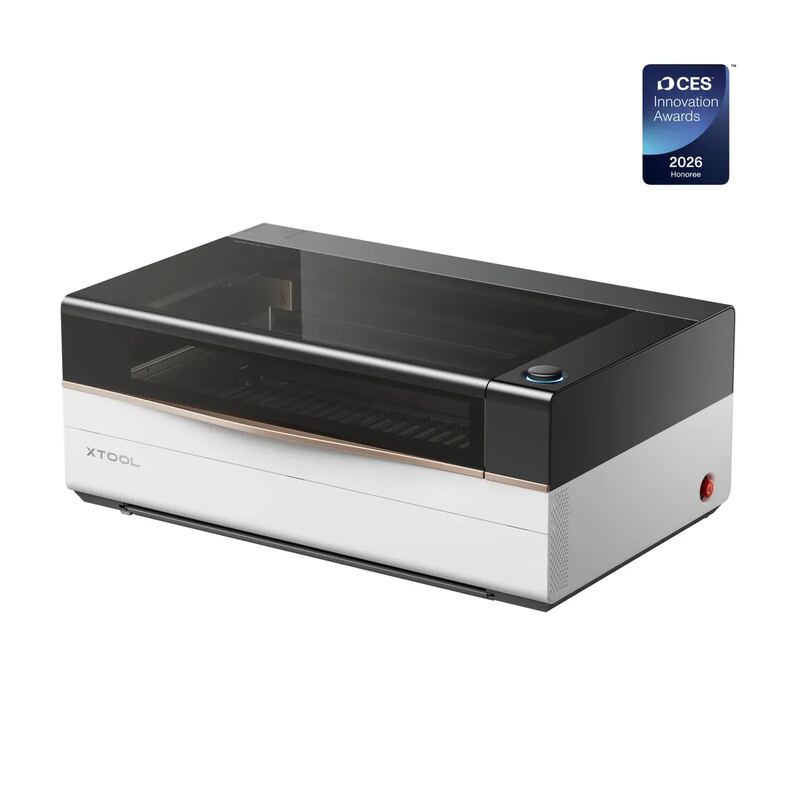
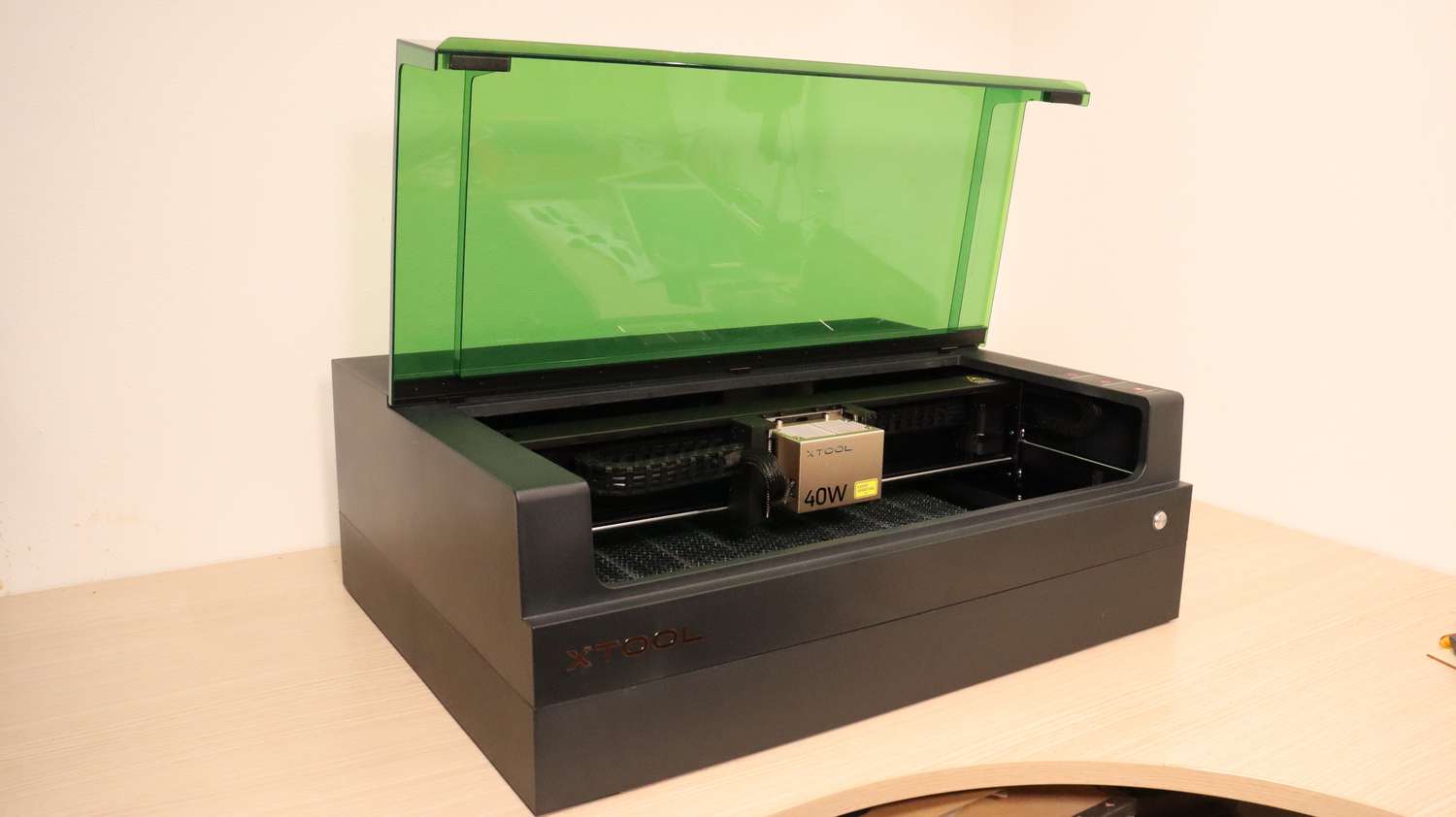
The Xtool S1 40W offers a fully enclosed Class 1 design that ensures safety by containing fumes and preventing laser leakage, while magazine.raspberrypi found this complete enclosure removes the need for protective eyewear during operation. Its interchangeable modules allow users to switch between blue diode cutting and infrared metal engraving, though hobbylasercutters noted that precise physical alignment is critical because the system lacks a visual preview camera. The machine’s primary drawback is its inability to cut clear acrylic or transparent plastics due to the limitations of its blue wavelength laser technology. This model fits makers who prioritize safety and modular versatility for wood and dark materials, but those requiring work with glass or clear sheets should look elsewhere.
Full review
Safety and enclosure design
The xTool S1 is built as a Class 1 laser system, meaning the fully enclosed chassis prevents any laser radiation from escaping during operation. magazine.raspberrypi found that this complete containment removes the need for safety glasses while the machine runs, provided the lid remains closed. The enclosure includes automatic shutoff mechanisms triggered by tilt and collision detection, alongside an emergency stop button located on the side of the unit.
Fire management is integrated directly into the hardware through a built-in flame detector that halts operations if combustion occurs inside the chamber. Users can also connect an external fire extinguishing system to the machine's inlet port for added protection during extended cutting sessions. The fully enclosed design serves as a physical barrier against fumes, which are then actively extracted through a dedicated hose connection on the rear panel.
The exhaust tube that attaches to the back of the machine replaces a standard access panel using a molded seal designed to prevent leaks. makerhacks found that while this sealing method is effective, the hose itself has an unusually small diameter and limited length.
Pin-point positioning and autofocus
Instead of relying on a camera-based preview system, the S1 utilizes a physical pin-point positioning method that makerhacks described as an upgrade over visual guesstimating. Users physically move the laser head to mark specific corners or points on the workbed, and the software converts these coordinates into precise rectangles, circles, or polygons for accurate placement.
The autofocus mechanism employs a touch-style probe attached to the side of the laser module that measures material height by making physical contact with the surface. magazine.raspberrypi noted that once the measurement is complete, the print head moves aside and pushes the probe up out of the way so it does not interfere with engraving or cutting paths.
This physical focusing approach supports curved surface engraving, a capability shared with higher-end CO2 systems like the xTool P2. However, hobbylasercutters found that precise material placement is critical because the pin can miss the workpiece entirely and strike the honeycomb bed if alignment is not carefully verified using calipers or crosshairs.
Interchangeable laser modules
The S1 chassis supports four different interchangeable laser heads, allowing users to switch capabilities without purchasing multiple machines. The base 40W blue diode module is designed for high-speed cutting of wood, leather, and dark acrylics, while a lower-power 20W version offers finer detail at the cost of doubled processing times.
For metal engraving tasks, hobbylasercutters found that swapping in the optional 2W infrared laser module opens up compatibility with stainless steel, raw aluminum, brass, copper, and silver. The blue diode modules cannot mark these bare metals due to their specific wavelength limitations, making the IR module essential for jewelry or industrial marking projects.
makezine noted that the modular design eliminates the mirror degradation issues common in traditional CO2 lasers, resulting in consistent power output over time. The magnetic mounting system allows users to slide the modules into place and secure them with provided screws, while keeping the unused heads compactly stored rather than taking up valuable workspace.
Cutting limitations by material
The blue wavelength of diode lasers creates a hard limitation on transparent materials. makerhacks found that while the 40W power cuts through black acrylic easily, it cannot penetrate clear or glitter-filled acrylic sheets because the light passes straight through without being absorbed.
3dwithus confirmed in their material testing that lighter plastics and most standard glass also fail to work for cutting or engraving tasks. Users requiring these materials must look toward CO2 laser systems instead, as the S1's diode hardware physically cannot interact with them effectively.
For compatible materials like 3mm basswood, plywood up to 10mm thick, leather, and slate, the machine performs reliably. Theinspiredworkshop found that the included air assist pump significantly improves cut quality on these woods by blowing away debris and preventing burn marks along the cutting edges.
Software requirements and connectivity
The machine ships with xTool Creative Space (XCS), a free design and control application available for Windows, macOS, iOS, and Android. makezine found that the software includes robust AI generation tools that allow users to prompt designs directly into the system, though navigating the manual controls initially requires some familiarization.
tomshardware identified a major dependency issue with XCS: it demands an active internet connection to function even when connected to the laser via USB cable. This cloud reliance raises concerns about long-term usability if xTool discontinues their online services or experiences server outages during critical jobs.
For users seeking offline control, LightBurn software is fully supported natively on the S1 platform. hobbylasercutters found that LightBurn provides a more traditional desktop experience without internet dependencies, though early compatibility updates required firmware adjustments to ensure all safety features and autofocus functions operated correctly.
Speed and precision metrics
The S1 achieves a maximum working speed of 600mm/s with the 40W module attached. makerhacks found that this clip is highly competitive for a diode laser, allowing users to process large batches of signs or cutting boards significantly faster than older open-frame models.
Spot size accuracy varies by module wattage according to 3dwithus specifications: the 10W module produces a 0.06x0.04mm spot for extreme detail, while the 20W and 40W modules measure at 0.08x0.06mm and 0.08x0.10mm respectively. The infrared module offers the tightest precision at 0.03x0.03mm.
heyletsmakestuff noted that beginners can achieve usable results within fifteen to twenty minutes of unboxing due to the automated setup processes. The combination of one-touch autofocus and smart air assist presets removes much of the trial-and-error traditionally required when dialing in laser power and speed settings.
Expansion accessories
The base unit supports a wide range of add-ons that transform its functionality. hobbylasercutters highlighted the RA2 rotary attachment for cylindrical objects like tumblers, alongside an optional automatic conveyor feeder that extends the working area to 3000mm for continuous batch processing.
A riser base increases vertical clearance to accommodate taller items such as wine glasses or thick blocks of wood. Theinspiredworkshop found that including a honeycomb bed with magnetic hold-down pins in the standard kit is a significant upgrade over previous models, providing better airflow and preventing small cut pieces from falling through.
For air quality management, users can connect an external smoke purifier to the exhaust port. hobbylasercutters recommended pairing the machine with xTool's optional Safety Pro AP2 fume extractor for indoor environments where window venting is not possible.
Strengths
- +Fully enclosed Class 1 design provides comprehensive safety against laser leakage, fumes, and fire with automatic shutoff.
- +Interchangeable laser modules allow switching between 40W blue diode for cutting and 2W infrared for metal engraving without buying new machines.
- +Pin-point positioning system uses a physical probe to locate workpieces accurately, avoiding the distortion issues common in camera-based systems.
- +One-touch autofocus with adjustable depth offset simplifies setup and supports curved surface engraving.
Watch-outs
- −Cannot cut clear acrylic or transparent plastics due to the blue wavelength limitations of diode lasers.
- −The included exhaust hose has a small diameter (3.25 inches) and short length, often requiring third-party extensions for garage use.
- −Lacks an integrated camera for visual previewing, relying instead on physical markers which can miss material if not carefully aligned.
How it compares
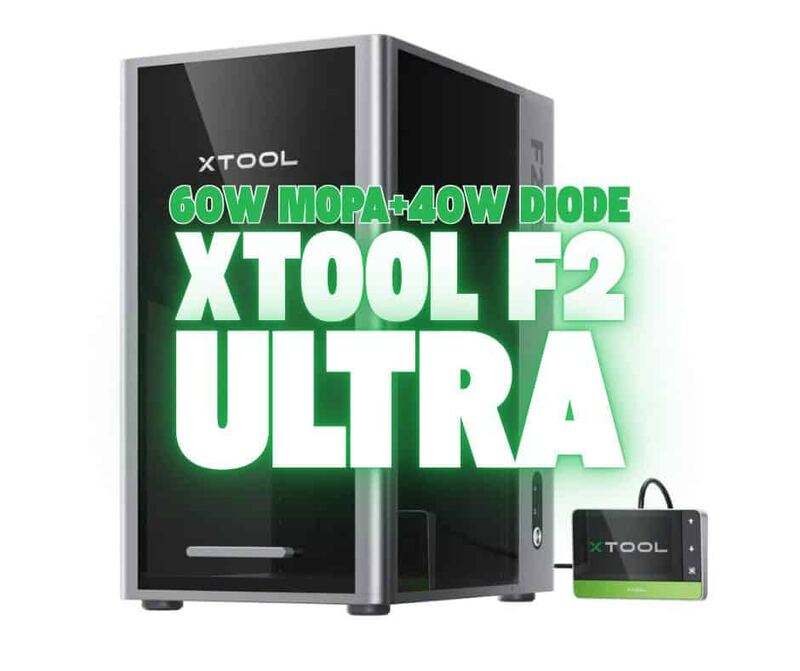
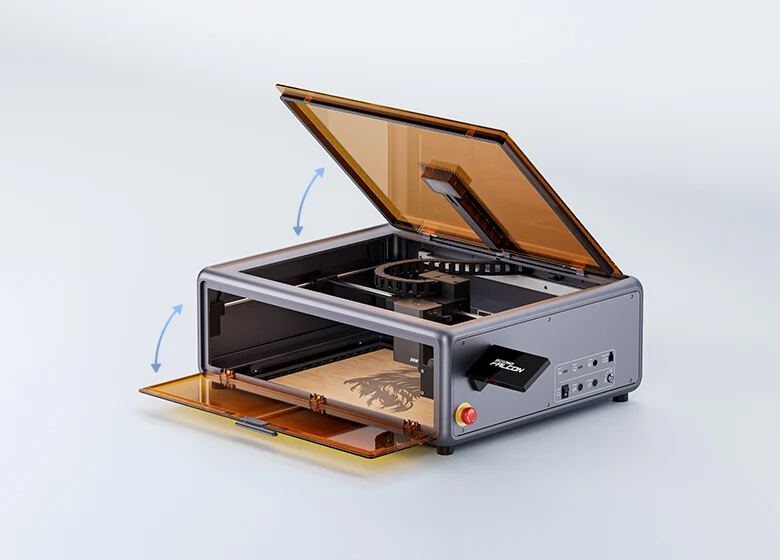
The Xtool S1 40W offers interchangeable modules for switching between blue diode and infrared metal engraving, providing versatility similar to the Creality Falcon A1 Pro but with a different motion system. Unlike the xTool F2 Ultra UV which uses cameras for positioning, the S1 relies on a physical probe for pinpoint accuracy, avoiding distortion issues common in camera-based systems.
Rating sources
“Makeblock has another hit with the xTool S1! The enclosure, autofocus, air assist, and fume extraction make it safe, quiet, and convenient”
Our 4.9 score is the average of the 3 scored reviews above; 5 more reviewed it without printing a score and are not in the average. Ratings marked * were derived from the reviewer’s written analysis or video transcript — the publisher didn’t print an explicit numeric score, so we inferred one from their own words. Click through to verify. More about methodology.