Verdict
Head-to-head · Best USB-C Monitors

Dell UltraSharp 27 4K USB-C Hub Monitor (U2723QE) vs Dell UltraSharp U3225QE

Which is the better buy? Side-by-side on rating, price, strengths, and watch-outs — with the published ratings we averaged to get there.

Verdict is reader-supported. As an Amazon Associate we earn from qualifying purchases. Some links on this page are affiliate links — if you click through and buy, we may earn a small commission at no extra cost to you. Our ratings are sourced from independent publications, not sponsors.
The short answer

Dell UltraSharp 27 4K USB-C Hub Monitor (U2723QE) comes out ahead by a narrow margin (4.5 vs 4.3). The gap is mostly about creative professionals needing versatile USB-C connectivity — read the strengths below before deciding.

Dell UltraSharp 27 4K USB-C Hub Monitor (U2723QE)
Higher ratedRanked #3 in Best USB-C Monitors
Dell UltraSharp 27 4K USB-C Hub Monitor (U2723QE)
1 source$658.09as of Aug 1

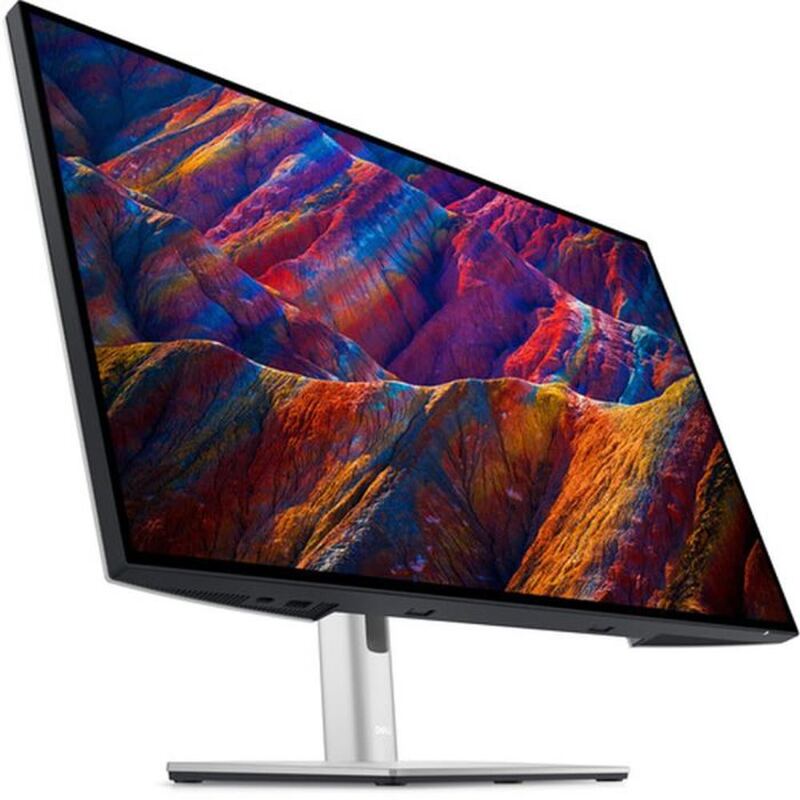
Dell's UltraSharp U2723QE is a 27-inch 4K IPS panel with a USB-C hub built in, aimed at people who want one cable to a laptop and a set of ports on the desk. TechRadar scored it 4.5 out of 5. Colour accuracy and the hub are the reasons to buy it; a 60Hz ceiling and no speakers are the reasons not to. It suits office and creative work rather than gaming.

Strengths
  • 4K UHD resolution with 3840 x 2160 pixels for sharp, detailed visuals
  • USB-C hub functionality supporting video output, data transfer, and power delivery
  • Dell UltraSharp display technology with accurate color reproduction
Watch-outs
  • Limited connectivity options beyond USB-C hub features
  • No built-in speakers included
Dell UltraSharp U3225QE
Ranked #4 in Best USB-C Monitors
Dell UltraSharp U3225QE
2 sources$799.99as of Aug 1

A 32-inch 4K IPS Black panel wrapped around a Thunderbolt 4 dock. PCMag scored it 4.5 out of 5, crediting the contrast the IPS Black generation adds and the convenience of running a laptop's display, power and peripherals down one cable; Wired landed at 8 out of 10 and liked blacks that stay black rather than going grey. There are no speakers, and it is not an HDR display in any meaningful sense. Consolidating a desk is what it is for.

Strengths
  • IPS Black panel lifts contrast to roughly 3,000:1, well past a standard IPS
  • Thunderbolt 4 with 140W power delivery replaces a laptop dock outright
  • 4K at 120Hz, unusual on a monitor built for productivity
Watch-outs
  • No built-in speakers, which undercuts the single-cable desk it is sold for
  • DisplayHDR 600 is bright SDR rather than competitive HDR
  • Ambient light sensor dims too aggressively and needs overriding

How they stack up

Dell UltraSharp 27 4K USB-C Hub Monitor (U2723QE)

The U2723QE offers the same USB-C hub + 90W power delivery story as the newer Dell UltraSharp U2725QE at lower MSRP, but loses to the U2725QE on IPS Black contrast and refresh rate. It undercuts the U3225QE and ASUS ROG Swift OLED PG27UCDM on price while still hitting full 4K + USB-C, which makes it the budget-Dell pick in this lineup.

Dell UltraSharp U3225QE

The Dell UltraSharp U3225QE is the size pick — at 32 inches it gives more workspace than the 27-inch Dell U2725QE and U2723QE for users who want one big screen instead of a dual setup. It shares the U2725QE's Thunderbolt 4 hub story but stops short of the ASUS ROG Swift OLED PG27UCDM's gaming chops.

Specs side-by-side

SpecDell UltraSharp 27 4K USB-C Hub Monitor (U2723QE)Dell UltraSharp U3225QE
Size27 inches32 inches
Resolution3840 x 21604K
Panel TypeIPSIPS Black
Refresh Rate60Hz120Hz
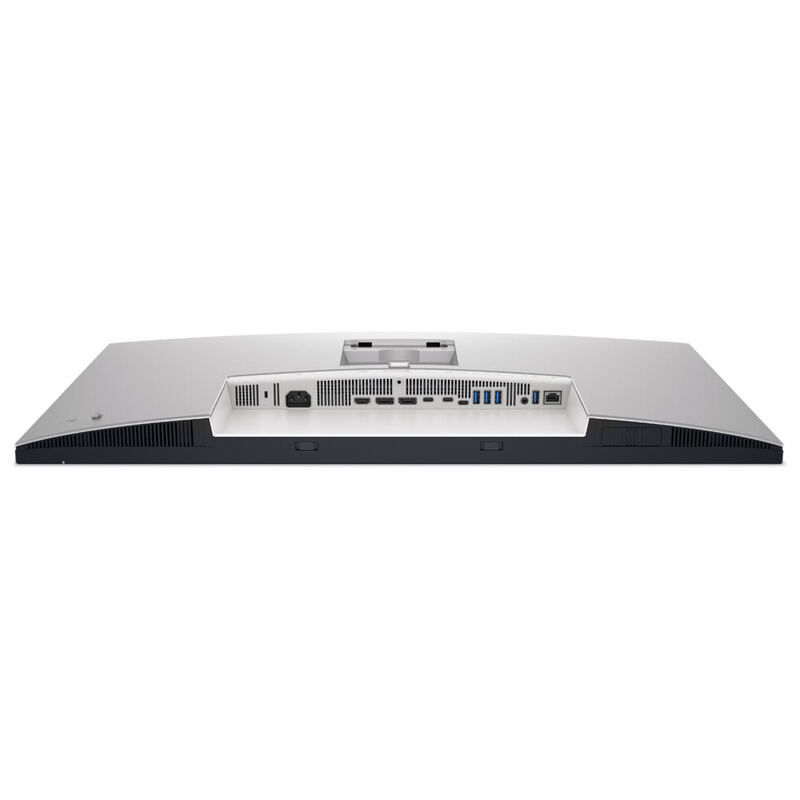
ConnectivityUSB-C hubThunderbolt 4 (140W PD), HDMI 2.1, DisplayPort 1.4
HDRHDRDisplayHDR 600
Weight14.6 lb20.6 lb
← See the full ranking of best usb-c monitors