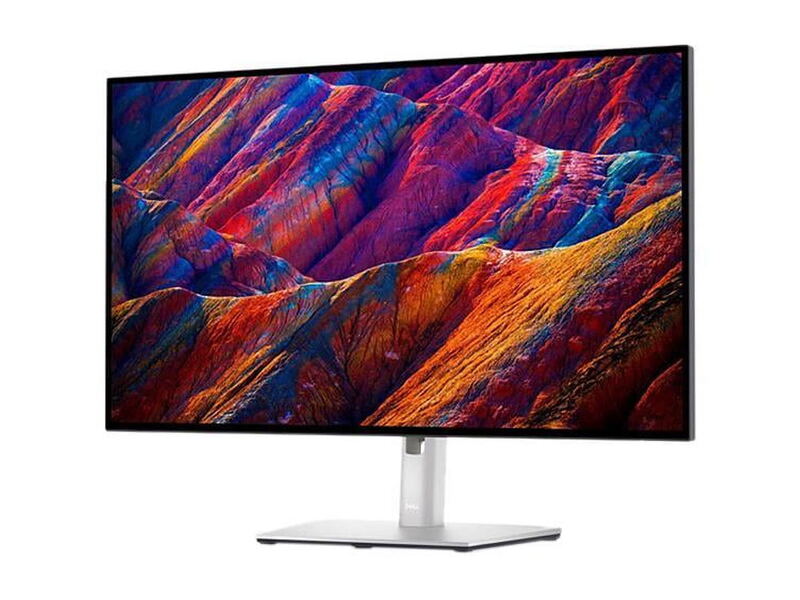
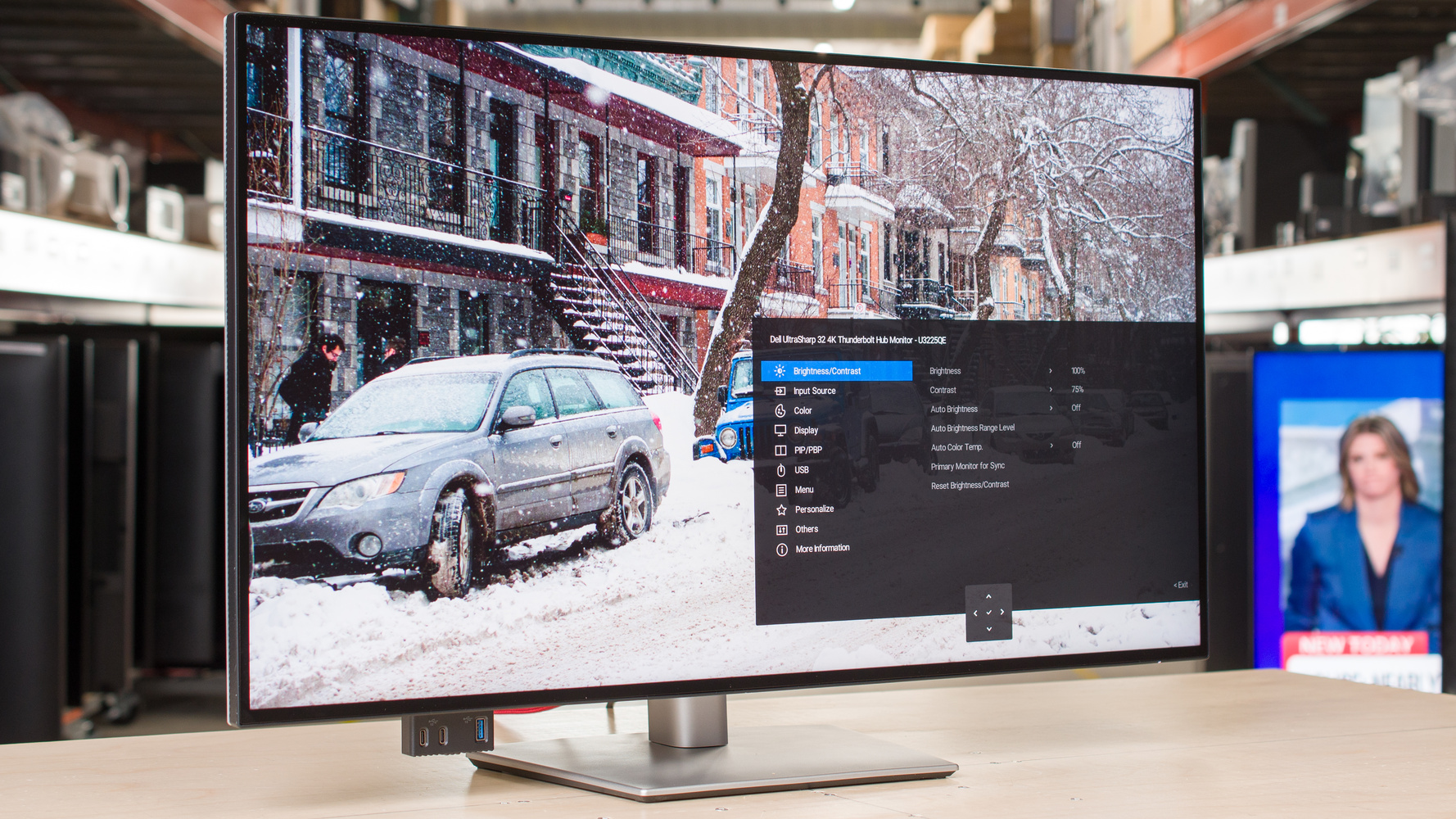
A 32-inch 4K IPS Black panel wrapped around a Thunderbolt 4 dock. PCMag scored it 4.5 out of 5, crediting the contrast the IPS Black generation adds and the convenience of running a laptop's display, power and peripherals down one cable; Wired landed at 8 out of 10 and liked blacks that stay black rather than going grey. There are no speakers, and it is not an HDR display in any meaningful sense. Consolidating a desk is what it is for.
Full review
IPS Black lifts contrast from 2,000:1 to 3,000:1
Dell's IPS Black panel generation is the substantive change here, and PCMag puts the improvement at 2,000:1 to 3,000:1 over a conventional IPS. In practice that is the difference between a dark scene looking grey and looking dark, and Wired's reviewer made the same observation in plainer terms, that the blacks do not wash out. It is not OLED and does not pretend to be. The DisplayHDR 600 badge describes a bright SDR panel with some highlight headroom rather than real high dynamic range.
Thunderbolt 4 with 140 watts of power delivery
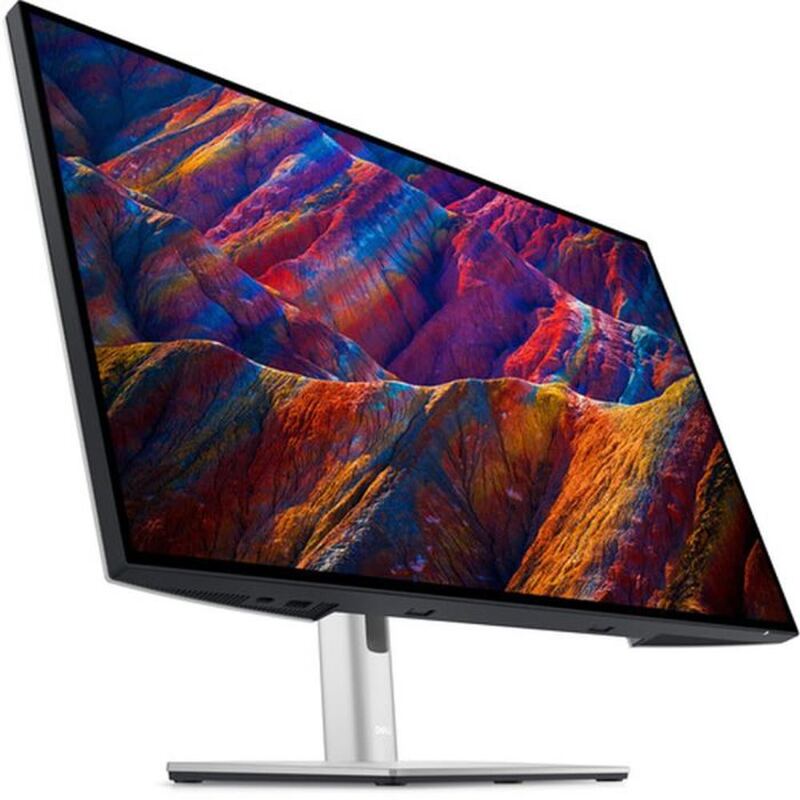
One cable carries the display, 140 watts back to the laptop and everything hanging off the monitor's own ports, and 140 watts is enough for most machines under load rather than merely idling. PCMag singles out the pop-out port cluster on the front edge, which puts USB-A and USB-C where a hand can reach instead of behind the panel. HDMI 2.1 and DisplayPort 1.4 cover a second source for anyone running a desktop alongside the docked laptop.
120Hz on a productivity panel
Running 4K at 120Hz is unusual on a monitor aimed at desks rather than gaming, and it makes scrolling and window dragging visibly smoother than the ordinary office panels this competes with. It is not a gaming display: response times are ordinary and there is no adaptive-sync story worth building a purchase around. Treat the refresh rate as a comfort feature for eight hours of text, because that is what it is.
No speakers, and an ambient sensor that overreaches
Wired's clearest complaint is the absence of built-in speakers, which on a monitor sold as the one cable that replaces a dock is a genuine gap, since the laptop lid is closed and its own speakers are muffled. The ambient light sensor is the other irritation, dimming aggressively in a dim room and wanting a manual override. The anti-glare coating is effective without being subtle, and it will not match the etched finishes on the most expensive panels.
Thirty-two inches at 4K means scaling decisions
At 32 inches, 4K sits at a density where you get either small text or a lot of fractional scaling, and running the panel at an effective 2560 x 1440 is a common compromise that costs some sharpness. That is a Windows and macOS question rather than a Dell one, but it is worth thinking through before buying, because it decides whether the extra pixels become workspace or just crisper text. At 20.6 pounds the monitor is heavy, though the stand tilts, swivels and raises, and VESA mounting is there if the desk needs it.
Strengths
- +IPS Black panel lifts contrast to roughly 3,000:1, well past a standard IPS
- +Thunderbolt 4 with 140W power delivery replaces a laptop dock outright
- +4K at 120Hz, unusual on a monitor built for productivity
- +Pop-out front USB-A and USB-C ports you can actually reach
Watch-outs
- −No built-in speakers, which undercuts the single-cable desk it is sold for
- −DisplayHDR 600 is bright SDR rather than competitive HDR
- −Ambient light sensor dims too aggressively and needs overriding
How it compares
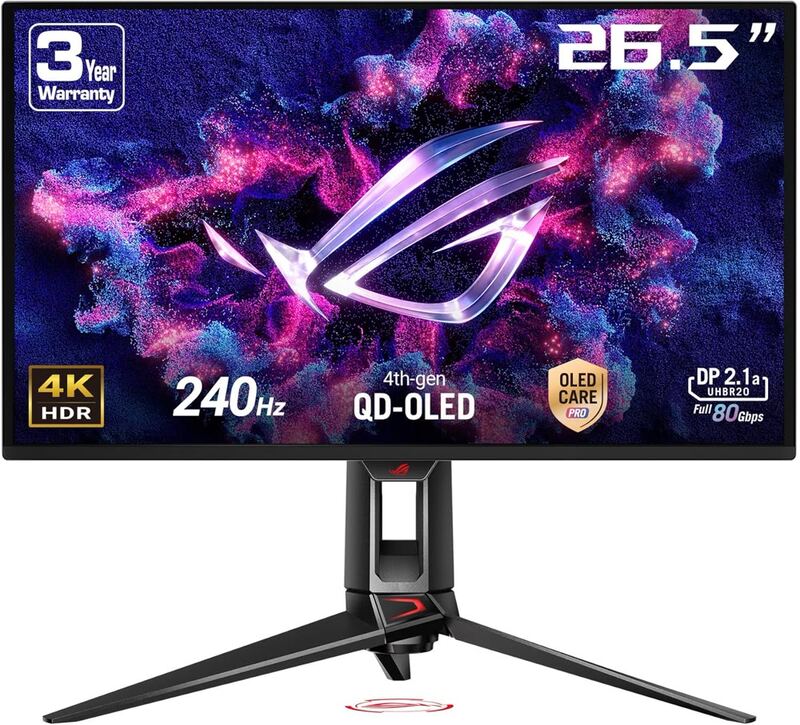
The Dell UltraSharp U3225QE is the size pick — at 32 inches it gives more workspace than the 27-inch Dell U2725QE and U2723QE for users who want one big screen instead of a dual setup. It shares the U2725QE's Thunderbolt 4 hub story but stops short of the ASUS ROG Swift OLED PG27UCDM's gaming chops.
Rating sources
Our 4.3 score is the average of these published ratings. More about methodology.