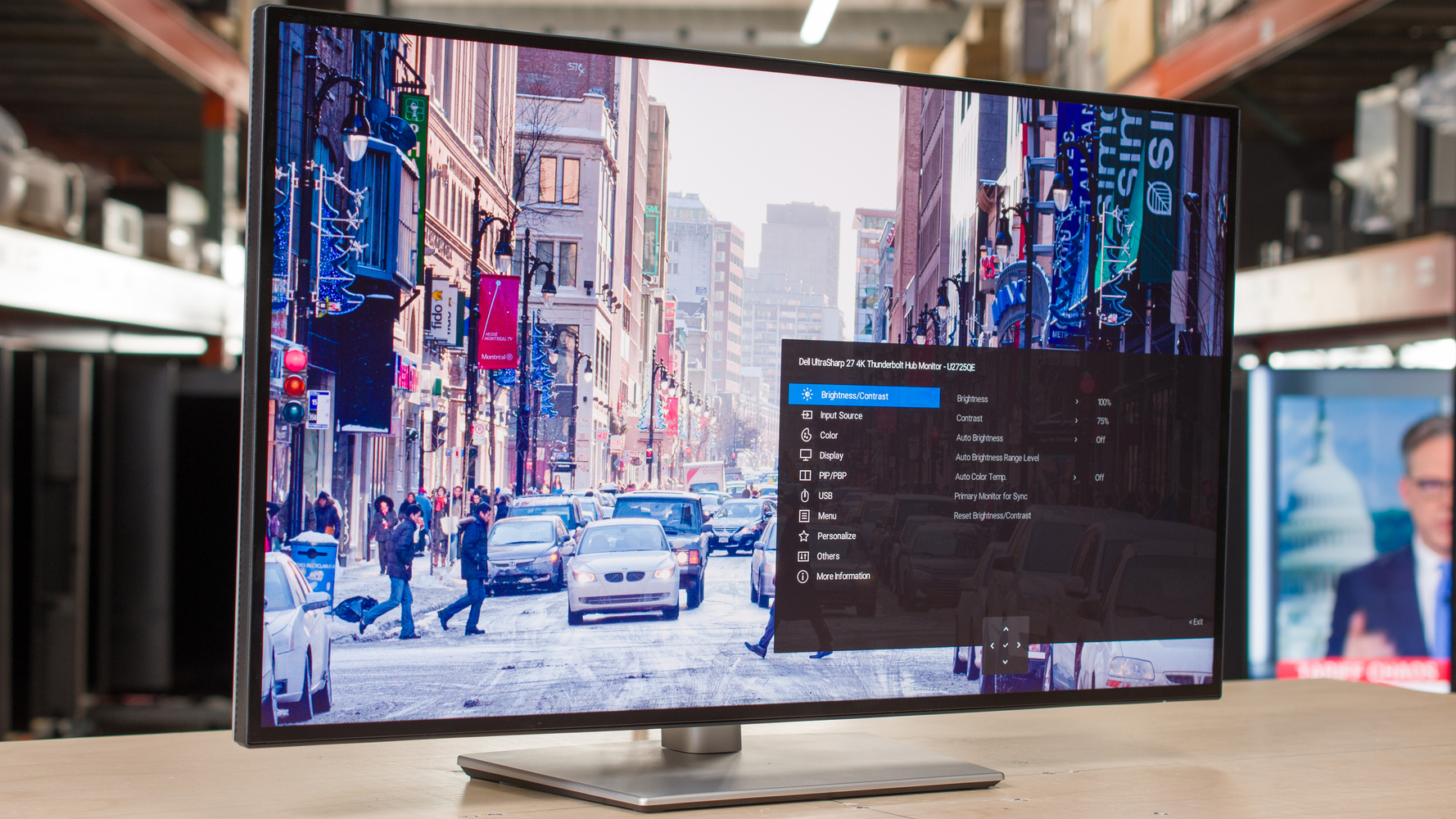
The Dell UltraSharp U2725QE is a productivity-first 27-inch 4K monitor built around an IPS Black panel, a 120Hz refresh rate and Thunderbolt 4 docking. IT Pro called it a worthy evolution for office use while judging its gaming ability still short of the mark, and flagged backlight and panel uniformity as poor. MonitorNerds was warmer about the display but criticised the very short bundled cables and Dell's software. It suits professionals doing photo and video work who want one cable to the laptop, not gamers.
Full review
IPS Black contrast at 4K and 120Hz
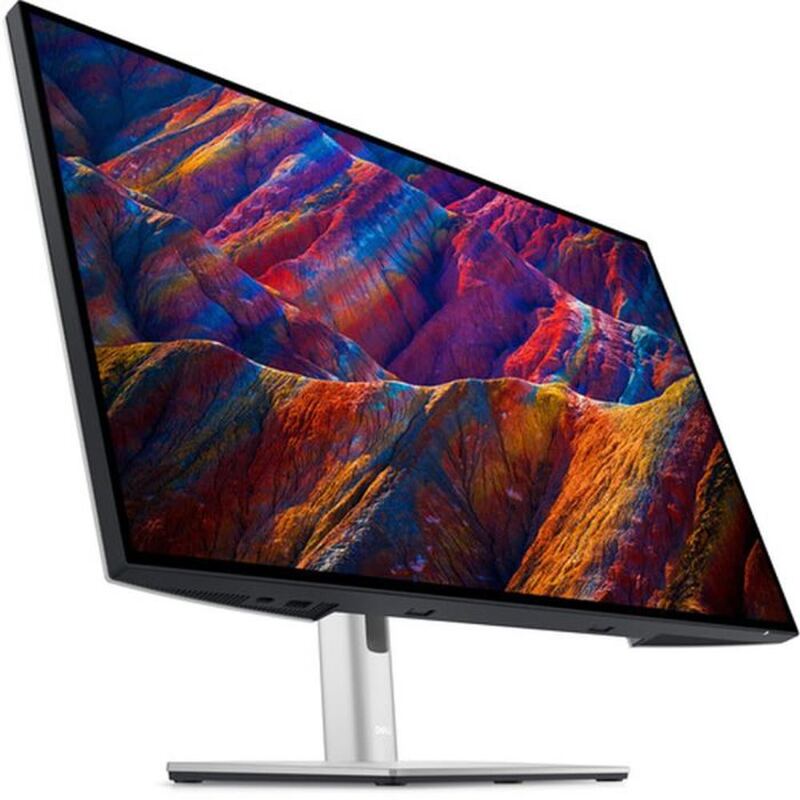
The U2725QE pairs a 27-inch 3840x2160 IPS Black panel with a 120Hz refresh rate. The IPS Black substrate is what carries the picture: contrast lands around 3000:1, deep enough that dark interface chrome stops reading as grey, which is the single biggest visible change from the UltraSharps this model replaces. Expert Reviews and Techaeris both scored it well on image quality, and MonitorNerds described the colour as very accurate. A matte anti-glare coating keeps the panel legible under overhead office lighting, and DisplayHDR 600 certification covers the highlight range. This is a display tuned for text, spreadsheets and colour work rather than spectacle.
Thunderbolt 4 turns the monitor into the dock
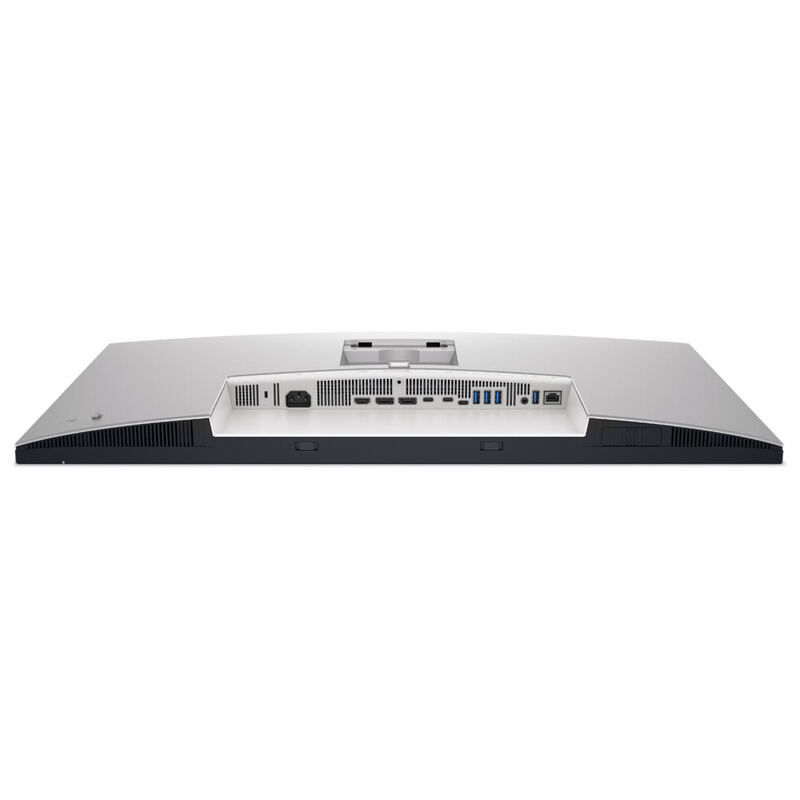
Connectivity is the strongest argument for buying this particular panel. One Thunderbolt 4 cable carries 4K at 120Hz, 2.5GbE ethernet and full-speed USB 3.2 Gen 2 to a laptop while charging it, and IT Pro described that consolidation as transformational for port-starved modern laptops. Behind the screen sits a USB hub and a KVM switch, so a desk running a work laptop alongside a personal machine can share one keyboard and mouse and swap between them without unplugging anything. HDMI 2.1 and DisplayPort 1.4 cover whatever will not speak Thunderbolt. How-To Geek scored it 9 out of 10 and framed it explicitly as a hub monitor, which is the right way to think about the price.
Backlight uniformity is the recurring complaint
The consistent criticism is uniformity. IT Pro found backlight and panel uniformity poor, and owner reports echo it: visible brightness variation across a full-white document, most obvious toward the corners. That is an awkward flaw on a monitor sold for office work, because a spreadsheet or a page of white text is exactly the content that exposes it, and a photo editor checking an even grey field will see it too. The contrast and colour accuracy are good in spite of this, not because the problem is minor.
Short cables and software nobody defends
Two smaller irritations come up repeatedly. MonitorNerds noted that the included cables are incredibly short, which matters more than it sounds on a monitor whose entire pitch is a single cable running to a laptop that may sit at the far side of a desk or on a stand. The same review was blunt about Dell's display software, calling it simply not great. Neither is a reason to avoid the monitor, but both are avoidable annoyances on a product at this end of the market.
The 120Hz panel is not a gaming panel
A 120Hz refresh rate reads like a gaming specification and is not one here. There is no adaptive-sync support, and IT Pro concluded that the monitor's gaming talents still fall short despite the upgrades. What the refresh rate does buy is smoother cursor movement and scrolling, which is a productivity benefit rather than a competitive one. IT Pro's advice to anyone for whom gaming performance is non-negotiable was to buy a dedicated gaming monitor instead, or pay the premium for a more broadly talented alternative — and on the evidence that is still the right call.
What the price buys, and where it does not
IT Pro judged the US pricing good and the Canadian pricing steep, which is worth checking before ordering. Beyond that, the value case turns almost entirely on whether the docking matters to you: if this monitor replaces a separate Thunderbolt dock and an ethernet adapter, the premium over a plain 4K panel disappears quickly. If it does not, a cheaper display does most of the same work. IT Pro's overall verdict was that the U2725QE is something of a victim of its own ambition, with several upgrades that have minimal impact for the office audience it is actually built for.
Strengths
- +Excellent image quality in both SDR and HDR with DisplayHDR 600 certification
- +Improved 120Hz refresh rate for better productivity and light gaming
- +40Gbps Thunderbolt 4 connectivity supporting 120Hz 4K, USB 3.2 Gen 2, and 2.5Gbe Ethernet via single cable
- +Built-in USB 3.2 Gen 2 hub and integrated KVM switch for simplified workspace setup
Watch-outs
- −Backlight and panel uniformity issues reported by some users
- −Still not suitable for serious gaming despite 120Hz refresh rate
How it compares
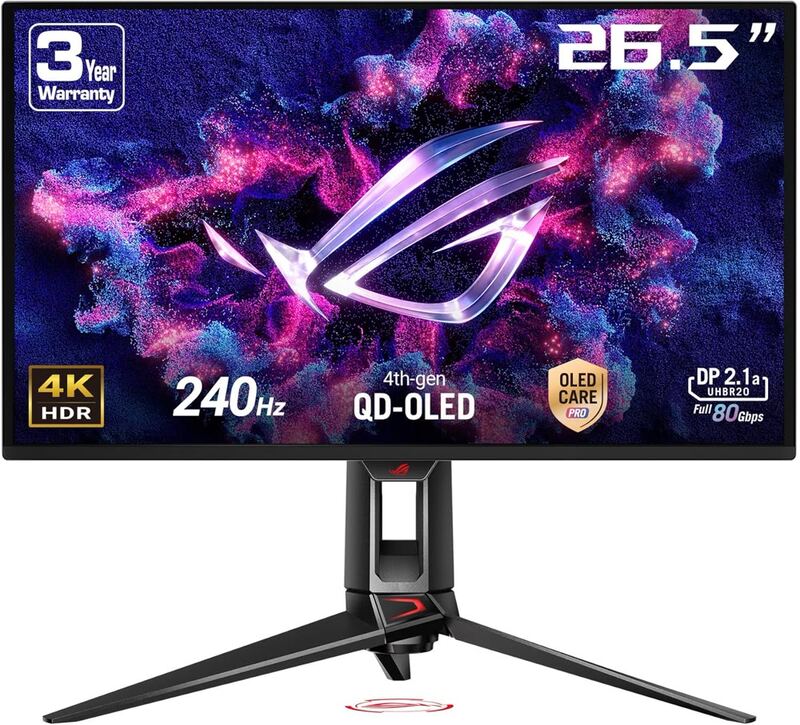
The Dell UltraSharp U2725QE is the productivity-focused pick — IPS Black contrast and Thunderbolt 4 give it the cleanest desk-docking story in the lineup. It trades the ASUS ROG Swift OLED PG27UCDM's gaming features for a much lower price, while beating the older U2723QE on contrast and the larger U3225QE on cost-per-inch.
Rating sources
Our 4.5 score is the average of these published ratings. More about methodology.