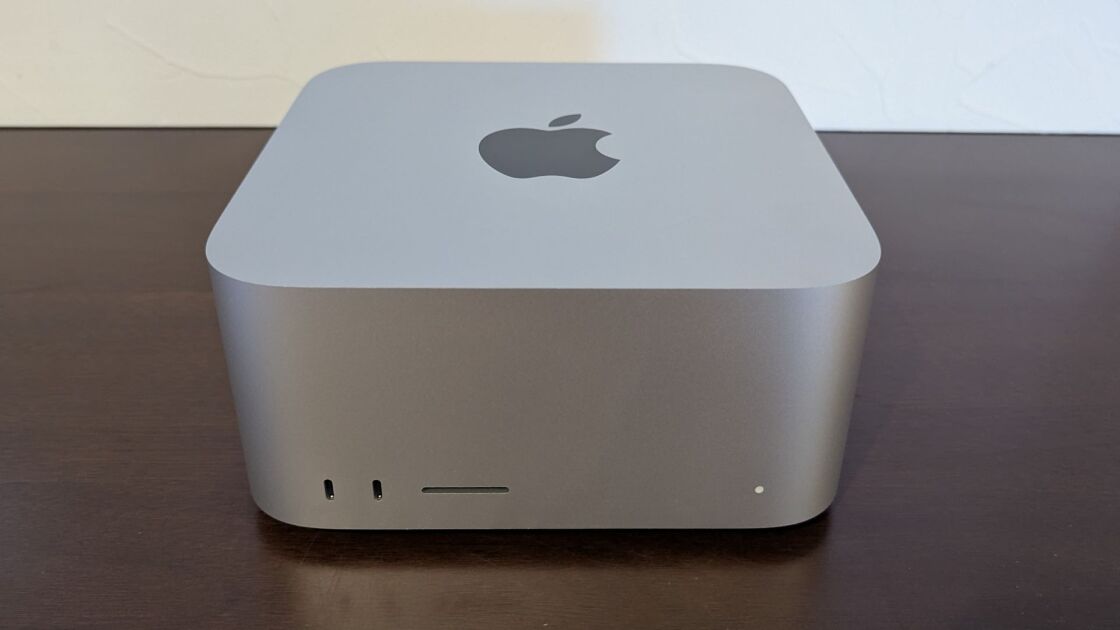
Nothing else in this guide moves memory faster than the Apple Mac Studio with the M3 Ultra chip. The base 96 GB / 64-GPU-core configuration starts at $3,999 and scales up to 512 GB of unified memory, enough to hold a 405B-parameter Q4 model on a single desktop. Its 819 GB/s of memory bandwidth is roughly three times a Mac mini M4 Pro's, which gives it the fastest single-user 70B Q4 inference of any machine here that lacks a discrete pro GPU. Reviewers at PCMag, TechRadar praised the compactness, silent operation, and raw performance in creative workflows. The trade-off is Apple's closed ecosystem (MLX/Metal only, no CUDA) and zero hardware upgradability after purchase. For local-LLM developers who can live within the Mac toolchain and need a 256+ GB unified memory ceiling, this is the most cost-effective path under $10,000.
Full review
819 GB/s of unified memory bandwidth
Memory bandwidth is the reason this machine appears in an AI guide at all. The M3 Ultra moves 819 GB/s through unified memory, roughly triple a Mac mini M4 Pro, and bandwidth is the limiting factor for single-user inference once a model fits in memory. The 96 GB base configuration holds a 70B model at Q4 with headroom; the 256 GB and 512 GB options are the only single-machine route to 405B-class weights short of renting rack space. All of it runs from a desktop that draws a fraction of the power of an equivalent multi-GPU box.
An M3 chip in an M4-generation machine
The generational mix is genuinely odd and Ars Technica says so directly: the Ultra is built on the older M3 architecture while the Max option in the same chassis is M4. Single-threaded work can therefore be faster on the cheaper machine, and at low resolutions the M3 Ultra's GPU ends up bottlenecked by its own CPU cores. Multi-threaded and GPU-bound workloads flip the result decisively, because the core count wins, but buyers should be clear about which side of that line their work sits on.
A copper heatsink and a UHS-II card slot
The chassis is unchanged at 3.7 by 7.7 by 7.7 inches, though Ars Technica notes the Ultra weighs about two pounds more than the Max version because its heatsink switched from aluminum to copper. TechRadar's review emphasises how quiet it stays under sustained load, which is not a small thing in a room where the alternative is a workstation full of fans. There is a UHS-II card slot on the front alongside Thunderbolt 5 ports, both of which the redesigned Mac mini lacks.
No CUDA, no upgrades, no Wi-Fi 7
Nothing inside can be changed after purchase — not memory, not storage, not the GPU — so the configuration you buy is the machine you keep, and Apple's memory pricing makes the large configurations expensive quickly. The software constraint bites harder for AI work: research code written against CUDA does not run here, and porting it to MLX or a Metal backend is real work rather than a recompile. TechRadar also lists the absence of Wi-Fi 7 as a con on a machine at this price.
Strengths
- +Up to 512 GB unified memory at 819 GB/s — the highest memory bandwidth in this entire guide
- +Compact and stylish desktop chassis (3.7 x 7.7 x 7.7 inches) with silent operation
- +Operates quietly even under heavy AI inference load
- +Best Llama-3-70B Q4 inference per dollar of any single-machine pick when the 256/512 GB unified-memory configs are factored in
Watch-outs
- −Internal components like GPU and storage are not upgradable
- −High price for the 256/512 GB unified-memory configs that unlock 405B-class models
- −Lacks Wi-Fi 7 support
- −macOS-only software stack — no CUDA, MLX or Metal-llama only
How it compares
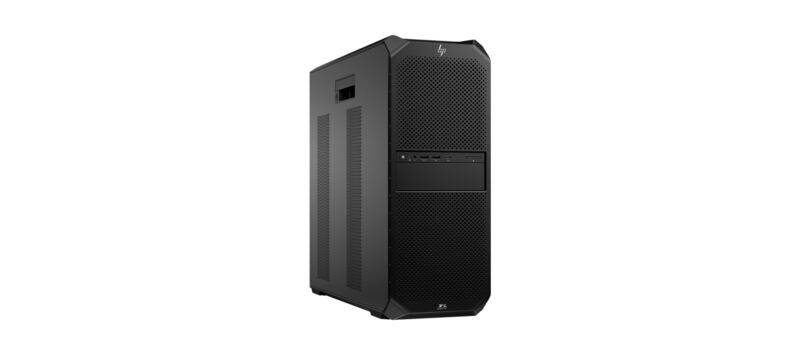
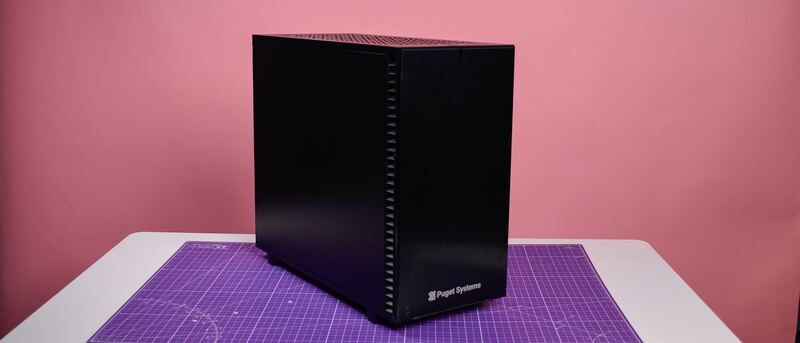
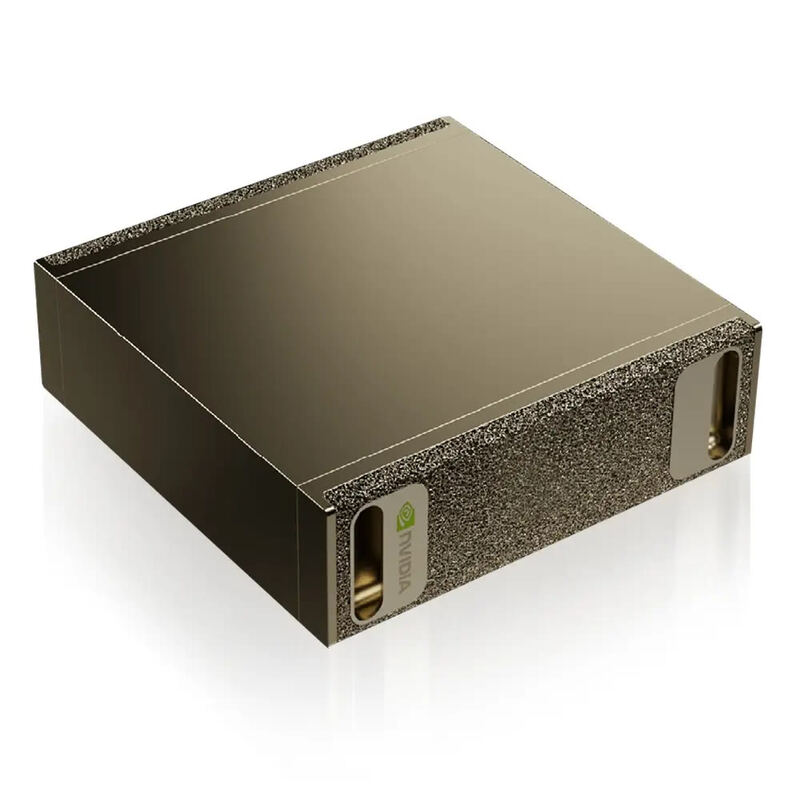
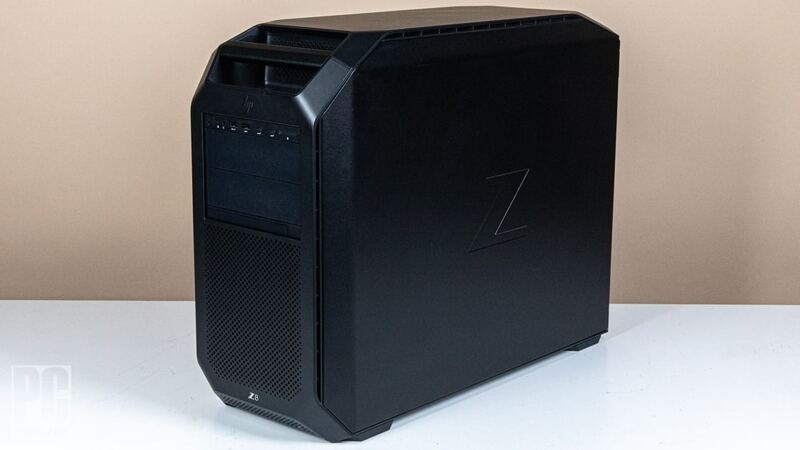
The Apple Mac Studio M3 Ultra is the best Mac-ecosystem AI workstation and competitive on raw local-LLM throughput per dollar. Versus the DGX Spark ($4,699 / 128 GB), the base Mac Studio M3 Ultra ($3,999 / 96 GB) loses on memory ceiling but wins on memory bandwidth (819 vs 273 GB/s) — meaning faster decode tok/s on dense models that fit. Step up to a 256 GB or 512 GB Mac Studio config and you exceed the Spark's memory ceiling at higher bandwidth, at the cost of premium Apple memory pricing. Versus the multi-GPU PC workstations (Puget, HP Z6/Z8), the Mac Studio cannot match peak training throughput but is silent, half the size, and roughly half the price of an equivalent dual-GPU PC build.
Rating sources
Our 4.3 score is the average of these published ratings. Ratings marked * were derived from the reviewer’s written analysis or video transcript — the publisher didn’t print an explicit numeric score, so we inferred one from their own words. Click through to verify. More about methodology.