Enterprise buyers who need configurations the major OEMs can't match are the audience for the Puget Systems Genesis II, a professionally built and deeply customizable workstation. Specs run to AMD Threadripper Pro, up to 4x RTX 4090 (or RTX Ada workstation cards), and 256 GB ECC DDR4, and Puget's hand-tuned assembly shows in both performance and build quality, with a quiet edition among the options. On local LLM work, a single RTX 4090 (24 GB VRAM at 1008 GB/s) runs 70B Q4 with system-RAM offload at roughly 10-20 tokens/sec; a 4x RTX 4090 configuration pools 96 GB of VRAM, holds 70B Q4 entirely in VRAM, and reaches 30-40 tokens/sec through tensor parallelism. The steep entry price limits it to buyers who can justify a $10K+ workstation. If local LLMs are the only goal, the DGX Spark below offers comparable model-size headroom at less than half the price.
Full review
Extreme Customization and Pricing
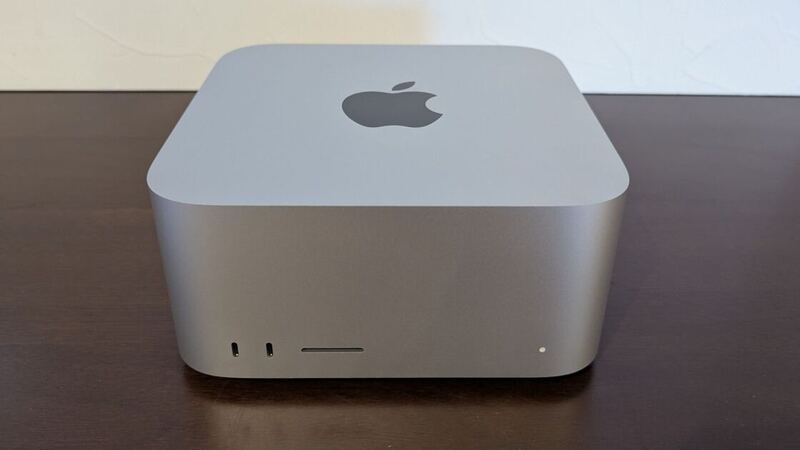
The Puget Systems Genesis II is not a single product but a highly configurable platform, meaning its value proposition depends entirely on the specific components selected. TechRadar highlights this extreme variance, noting that the lowest possible configuration starts at roughly $3,132, while a fully loaded enterprise build can exceed $61,000. The review unit sent to TechRadar featured an AMD Threadripper Pro 5975WX 32-core CPU, 256GB of DDR4 ECC memory, an Nvidia RTX 4090, and 4TB of NVMe storage, totaling approximately $10,569. This price point positions it directly against high-end Apple hardware; for comparison, a similarly priced Mac Pro with an M2 Ultra chip offers 192GB of unified memory but lacks the discrete GPU power and upgradeability of the Puget system. The configurator allows users to select from mainstream and pro-channel components, including Nvidia Ada workstation GPUs, ensuring the machine can be tailored for specific workflows like AI processing, 3D rendering, or video editing.
Professional Build Quality and Design
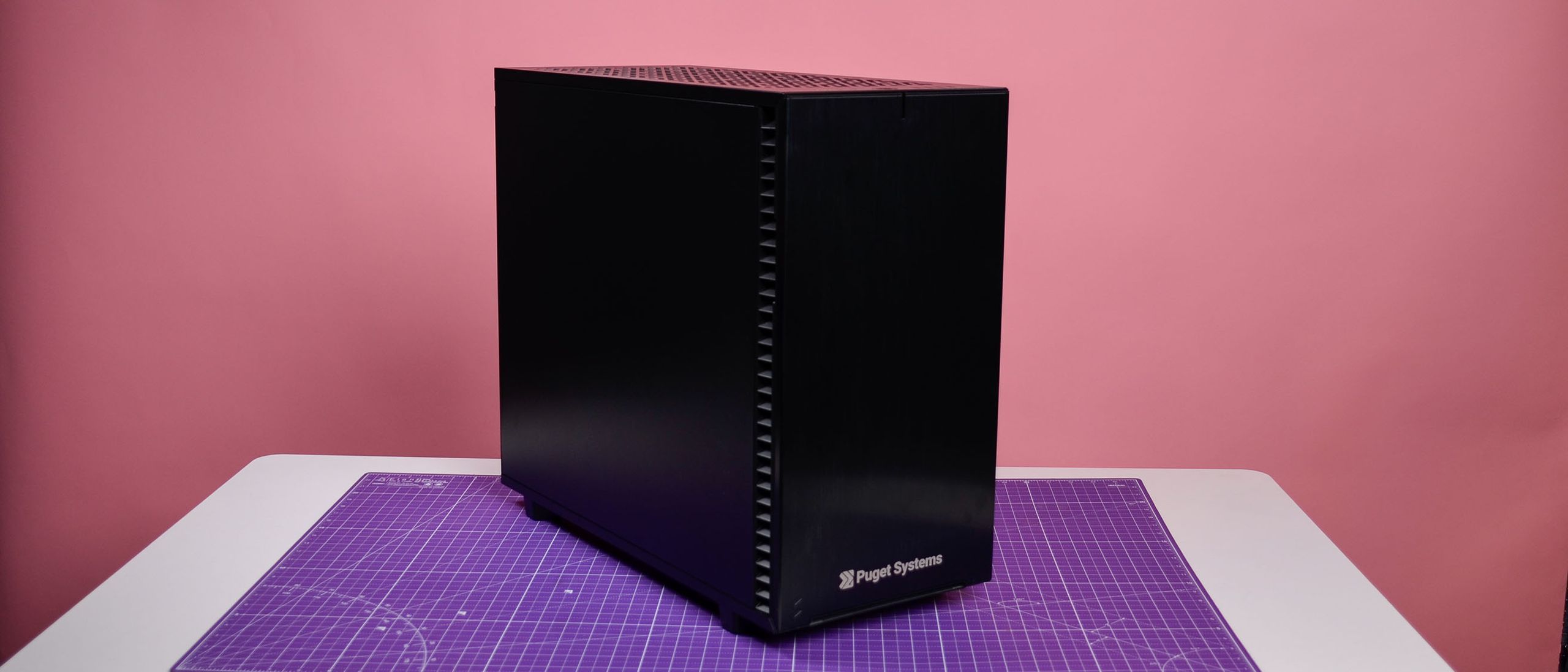
Build quality is a defining characteristic of the Genesis II, with reviewers consistently praising the professional aesthetic and robust construction. TechRadar describes the build as 'seriously professional,' noting that the system is designed to fit seamlessly into workplace environments without the aggressive styling of gaming PCs. The chassis, often the Fractal Design Define 7, is chosen for its stability and airflow management. This attention to physical design ensures that the workstation not only performs well but also endures the rigors of daily professional use, a critical factor for businesses that cannot afford downtime.
Performance in Professional Workflows
Performance benchmarks and real-world testing confirm that the Genesis II delivers exceptional results for content creation and engineering tasks. TechRadar notes that the system is a 'true Mac Pro competitor,' particularly for users who need more than macOS can provide, such as raw compute power via an RTX 4090 or specialized AI processing capabilities. The use of AMD Threadripper Pro processors, combined with ECC memory, ensures stability during long render times and complex simulations. The ability to configure multiple GPUs and high-capacity storage further enhances its suitability for demanding post-production and scientific computing tasks.
Quiet Operation and Cooling
The Genesis II Quiet Edition addresses a common pain point for high-performance workstations: noise. Tom’s Hardware highlights that this variant packs workstation-oriented power into a package that is 'almost too quiet to hear,' making it suitable for open-plan offices or sound-sensitive environments. This focus on quiet operation does not come at the expense of performance; the system maintains high clock speeds and stable temperatures under load, demonstrating that professional-grade computing can be both powerful and unobtrusive.
Cost and complexity
Despite its strengths, the Genesis II is not without drawbacks, primarily centered around cost and complexity. TechRadar points out that the system 'can be very expensive,' with high-end configurations reaching prices that may be prohibitive for smaller studios or individual creators. The premium price tag is justified by the customization and support, but it places the Genesis II out of reach for budget-conscious buyers. Additionally, the sheer number of configuration options can be overwhelming for users unfamiliar with hardware specifications. While Puget Systems offers consulting services to guide buyers, the initial setup process requires a significant time investment. Some users have also noted that the system’s size and weight may not fit well in compact workspaces. These factors mean that the Genesis II is best suited for organizations with dedicated IT support and substantial budgets.
Strengths
- +Highly customizable with a wide assortment of mainstream and pro-channel components like Nvidia Ada workstation GPUs, per TechRadar
- +Serious professional build quality with careful component selection and assembly
- +Exceptional customer experience including an easy-to-use configuration tool with detailed component comments
- +Available in a quiet edition specifically designed to minimize noise while maintaining workstation power, as Tom's Hardware describes
Watch-outs
- −Extremely expensive, with review units costing over $10,000 and configurations reaching nearly $61,000, according to TechRadar
- −Configurations with 4x RTX 4090 lose the NVLink that would have helped tensor-parallel LLM inference
- −Price can be prohibitive compared to a DGX Spark or HP Z6 G5 A for buyers whose only need is local LLMs
How it compares
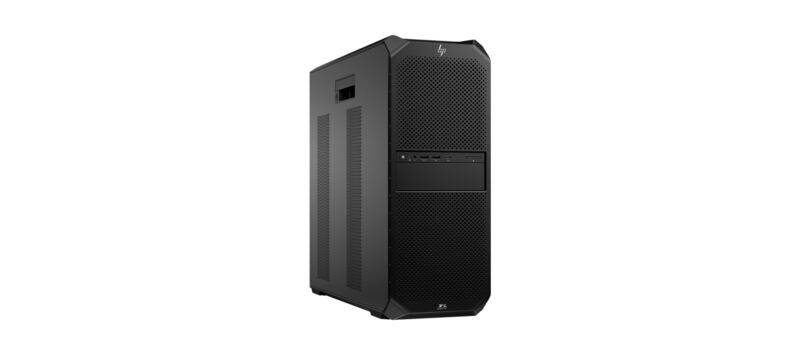
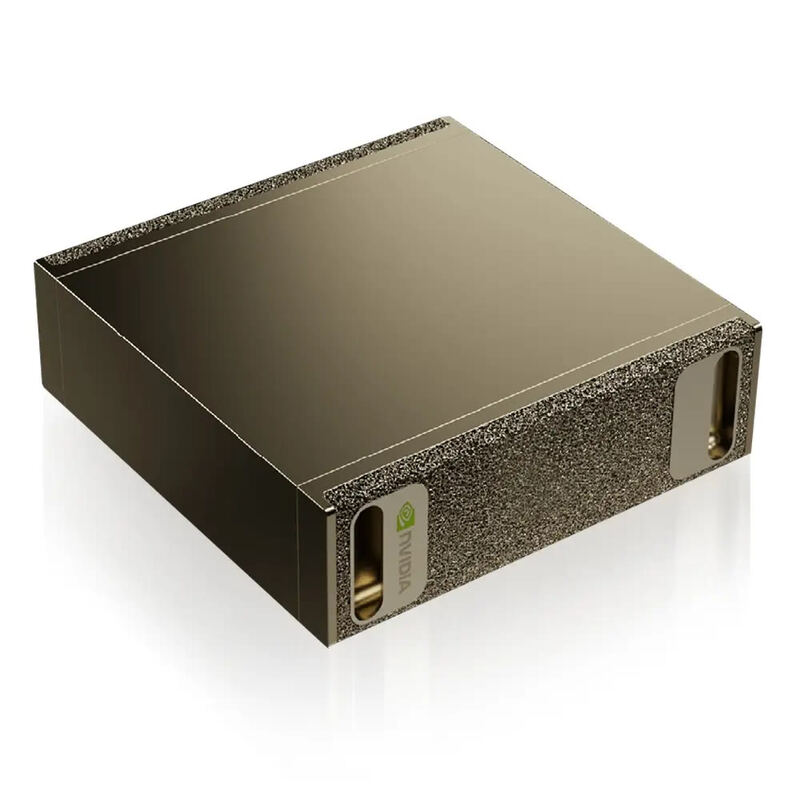
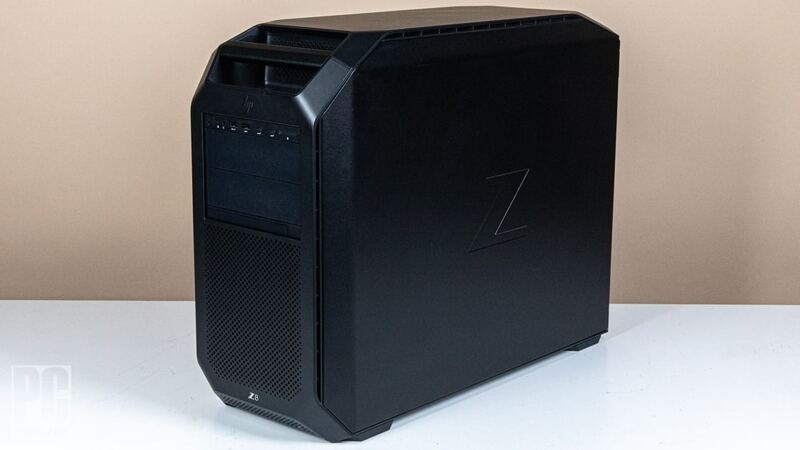
The Puget Systems Genesis II is the enterprise pick. Versus the HP Z8 Fury G5, it offers comparable scale-up capability but in a quieter chassis with a more thoughtful configurator. Versus the HP Z6 G5 A, it's two tiers up in price and ceiling. Versus the NVIDIA DGX Spark, it's a different class of machine entirely — the DGX Spark is a 128 GB unified-memory dev box, the Genesis II is a multi-GPU training/inference workstation. For buyers whose only goal is running large local LLMs, the DGX Spark is the more cost-effective answer; the Genesis II earns its premium when training, fine-tuning, or multi-application workstation duty are part of the picture.
Rating sources
“All fans scale back to their minimums and the system is almost too quiet to hear unless you're inches from the PC.”
Our 4.5 score is the average of the 1 scored review above; 1 more reviewed it without printing a score and is not in the average. More about methodology.