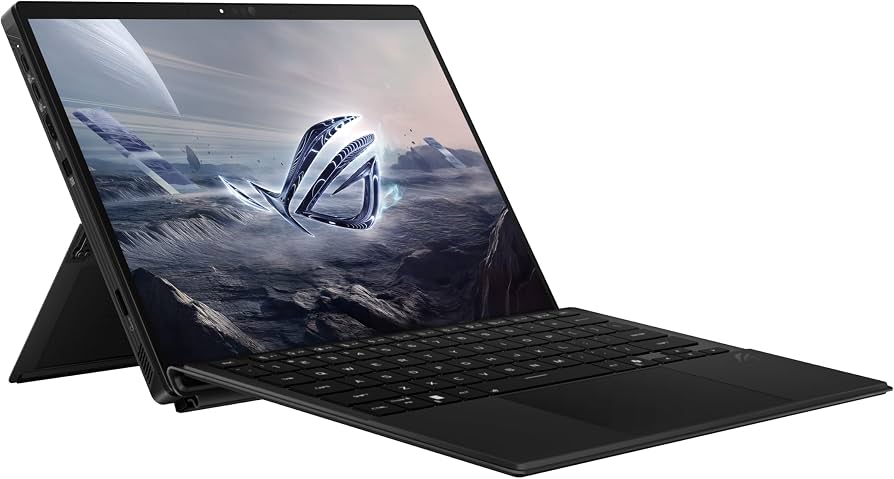
The Asus ROG Flow Z13 delivers exceptional gaming performance in a tablet chassis, leveraging its AMD Ryzen AI Max+ 395 processor and unified memory to handle demanding titles like Cyberpunk 2077 at playable frame rates. overkill.wtf found that enabling FSR3 allows the device to maintain around 60 FPS on Ultra settings when connected to power, while laptopmag confirmed robust multitasking capabilities with high Geekbench scores. The 13.4-inch display offers a sharp QHD+ resolution and smooth 180Hz refresh rate, though rtings measured peak brightness at 455 nits rather than the advertised maximum. However, the device runs hot under load and generates significant fan noise when pushed to maximum performance settings, making it cumbersome for extended handheld use due to its heavy weight of approximately 2.74 lbs. This product fits users seeking a powerful, portable workstation who can tolerate thermal constraints and acoustic trade-offs, while those prioritizing silent operation or true tablet ergonomics should look elsewhere.
Full review
Strix Halo performance in a tablet chassis
The defining characteristic of this device is the AMD Ryzen AI Max+ 395 processor, which integrates the Radeon 8060S graphics engine into a unified memory architecture. This configuration allows the system to dynamically allocate shared RAM between the CPU and GPU, offering flexibility that traditional discrete graphics cannot match. overkill.wtf found that with this chip, the device can handle demanding titles like Cyberpunk 2077 at Ultra settings around 60 FPS when connected to power and utilizing FSR3 frame generation. This level of graphical throughput is unprecedented for a tablet form factor, effectively replacing dedicated desktop components in many scenarios.
laptopmag measured Geekbench 6 scores of 19,457 and Handbrake conversion times of 2.51 minutes, confirming the processor's robust multitasking capabilities. The unified memory approach means that configurations with up to 128 GB of RAM are viable for heavy workloads like large language model inference or complex video editing, though overkill.wtf noted that 32 GB is sufficient for most gaming needs. This architectural choice transforms the device from a simple media tablet into a legitimate workstation capable of handling sustained computational loads without thermal throttling as aggressively as traditional laptops.
Gaming frame rates at QHD+ resolution
The 13.4-inch display operates at a native 2560 x 1600 resolution, presenting a significant challenge for integrated graphics that previous generations could not overcome. laptopmag recorded specific frame rates across several AAA titles to quantify this capability. In Borderlands 3 and Shadow of the Tomb Raider, the device maintained playable speeds of 79 FPS and 68 FPS respectively at 1080p settings. Far Cry 6 hit exactly 60 FPS under similar conditions, demonstrating consistent performance in open-world environments when resolution is scaled down slightly.
The graphical ceiling becomes apparent with more demanding engines. laptopmag clocked Cyberpunk 2077 at a sluggish 14 FPS and Red Dead Redemption 2 at 47 FPS at native or near-native settings without frame generation assistance. However, the integration of FSR3 changes the equation entirely for modern titles. overkill.wtf reported that enabling frame generation pushes Cyberpunk 2077 into a smooth 60 FPS experience on Ultra settings. This reliance on upscaling technology is necessary to unlock the full potential of the Radeon 8060S, making it essential for users who want high-fidelity visuals without sacrificing fluidity.
Display brightness and refresh rate quality
The screen is a glossy IPS panel featuring an 180Hz refresh rate, which provides exceptional motion clarity for both gaming and general interface navigation. rtings measured the peak brightness at 455 nits in their specific testing environment, while other reviewers noted it reaches up to 500 nits under optimal conditions. This luminance level ensures that content remains visible even in moderately lit rooms or near windows, though direct sunlight will wash out the glossy coating.
Color reproduction is handled by a panel covering 100% of the DCI-P3 gamut. rtings recorded an sRGB coverage of 115%, indicating vibrant and oversaturated colors that are well-suited for media consumption but may require calibration for professional color-critical work. The high refresh rate makes scrolling through documents and web pages noticeably smoother compared to standard 60Hz or even 90Hz tablets, reinforcing its position as a productivity device rather than just a passive media consumer.
Thermal management under sustained load
Cooling this level of performance in a thin tablet chassis requires aggressive fan profiles that generate noticeable noise. ultrabookreview detailed the acoustic and thermal behavior across different power modes. However, Turbo mode pushes the system to 100W, resulting in a sustained 80W output but increasing fan noise to 49-50 dBA, creating a distinct whirring sound during intensive tasks.
Heat distribution is another critical factor. laptopmag measured surface temperatures reaching 110 degrees Fahrenheit on the chassis under load, describing it as running hotter than a steam engine in a desert scenario. This heat is concentrated around the center and rear of the tablet due to the component layout. While ultrabookreview found that Silent mode keeps noise below 35 dBA with a 35W sustained output, gaming on battery power results in significantly reduced frame rates and shorter runtimes, making it nearly essential to keep the device plugged into its large charger during extended sessions.
Tablet form factor compromises
The detachable keyboard folio introduces structural flex that detracts from the typing experience compared to a rigid laptop chassis. ultrabookreview noted that while the keys themselves are high-quality and similar to those found on Asus laptops, the magnetic attachment allows the board to bend slightly under pressure. This flexibility makes it less ideal for rapid gaming inputs or heavy typists who rely on consistent key travel depth.
The kickstand design also presents ergonomic friction points. ultrabookreview highlighted that the single pull tab located on the right side conflicts with muscle memory for right-handed users, requiring a period of adjustment to open it smoothly while supporting the tablet's weight. xda-developers reported that using the device on one's lap is awkward due to the hinge design and the heat generated by the rear components, limiting its utility as a true handheld media consumption device.
Port selection and connectivity layout
Despite its compact footprint, the device offers an impressive array of ports that eliminate the need for dongles in many scenarios. The left side houses two USB-C ports supporting USB 4.0 with DisplayPort and power delivery capabilities, alongside a standard USB-A 3.2 Gen 2 port and an HDMI 2.1 output. This configuration allows users to connect high-resolution monitors while simultaneously charging the device or transferring data from legacy peripherals.
The placement of these ports can be inconvenient depending on cable length and desk setup. overkill.wtf pointed out that having the USB-C ports located at the top edge of the tablet, rather than the side, creates awkward cable routing when the keyboard is attached. The 200W GaN charger uses a proprietary connector to achieve its high power output in a relatively small brick, but users can also charge via USB-C up to 100W for lighter loads, offering flexibility for travel where carrying the heavy main brick might be undesirable.
Battery life variations by workload
The 70 Wh battery provides respectable endurance for productivity tasks but drains rapidly during gaming. ultrabookreview recorded a general runtime of approximately seven hours when using the device in Silent mode with brightness set to 200 nits, which is a significant improvement over previous generations that lasted only around three and a half hours. This makes it viable for full workdays involving web browsing, document editing, and video calls without needing to seek an outlet.
Gaming performance on battery power tells a different story. laptopmag measured gaming battery life at just 1.35 hours, reflecting the immense power draw required to drive the Radeon 8060S iGPU at playable frame rates. The device is designed to be used plugged in for any serious graphical work; running games on battery forces significant downclocking and reduces resolution to maintain minimal playability, negating the benefit of portability during gaming sessions.
Software stability issues with Bazzite
Users attempting to run Linux distributions like Bazzite on this hardware have encountered significant stability challenges. github issue #3029 documents reports of system crashes and freezes, particularly when using the beta image or switching between desktop and big picture modes. Users described scenarios where the system would freeze within minutes of logging in, with audio continuing to play while the display remained stuck.
The root cause appears linked to the amdgpu kernel driver, with logs indicating pageflip timeouts that require a hard power button reset to recover. While Asus provides official Windows support and optimized drivers for their ROG software suite, third-party operating systems face hurdles in fully stabilizing the Strix Halo platform's unique hardware integration. This makes the device less appealing to tinkerers or Linux enthusiasts who rely on open-source driver maturity.
Strengths
- +AMD Ryzen AI Max+ 395 processor delivers exceptional performance, enabling playable frame rates in demanding titles like Cyberpunk 2077 and Assassin's Creed Shadows at native QHD+ resolutions.
- +13.4-inch IPS display offers a sharp 2560 x 1600 resolution with an exceptionally smooth 180Hz refresh rate and high brightness of up to 500 nits.
- +Provides versatile connectivity for its size, including dual USB-C ports supporting USB 4.0/DisplayPort, a standard USB-A port, HDMI 2.1, and a microSD card reader.
- +Features an innovative unified memory architecture that allows users to dynamically allocate RAM between the CPU and GPU, optimizing performance for both gaming and creative workloads.
Watch-outs
- −Heavy weight of approximately 2.74 lbs (1.24 kg) makes it cumbersome to hold in tablet mode for extended periods or use on a lap.
- −Runs hot under load and generates significant fan noise when pushed to maximum performance settings.
How it compares
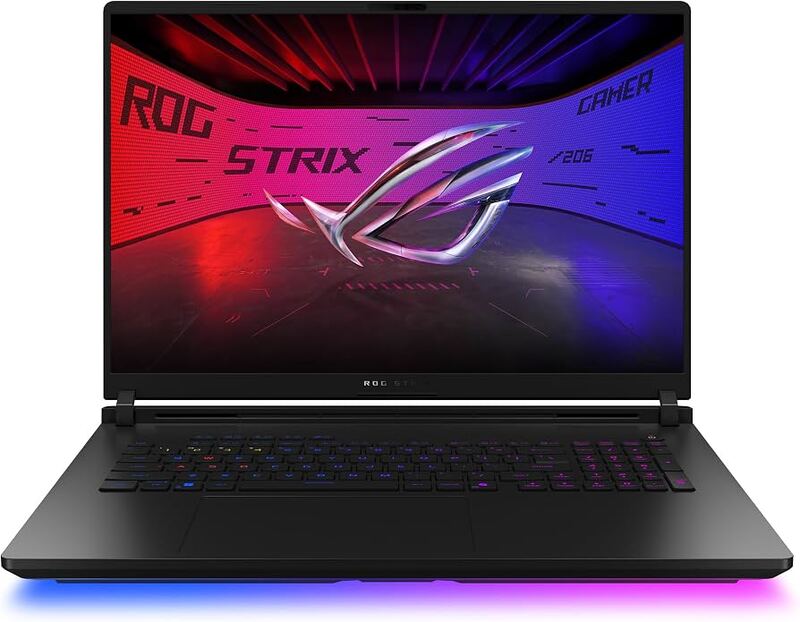
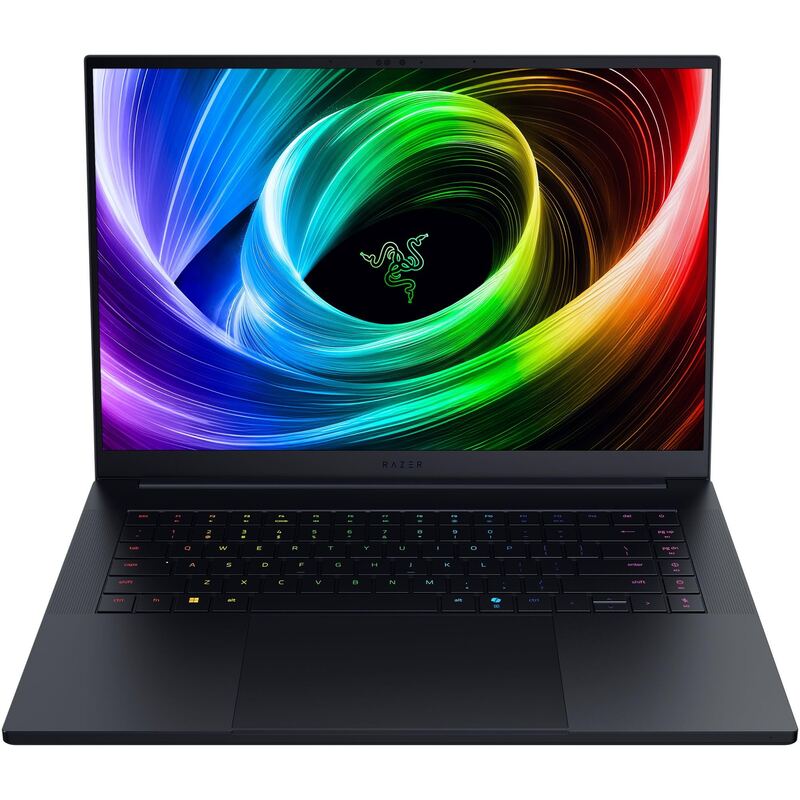
Unlike the stationary Asus ROG Strix Scar 18 which weighs 8.16 lbs, this tablet form factor is significantly lighter at 2.74 lb, though it still runs hot under load like its desktop-class sibling. It offers more flexible memory allocation via unified architecture compared to the soldered RAM in the Razer Blade 16 with RTX 5090, making it better suited for dynamic creative workloads.
Rating sources
Our 3.9 score is the average of the 4 scored reviews above; 4 more reviewed it without printing a score and are not in the average. More about methodology.