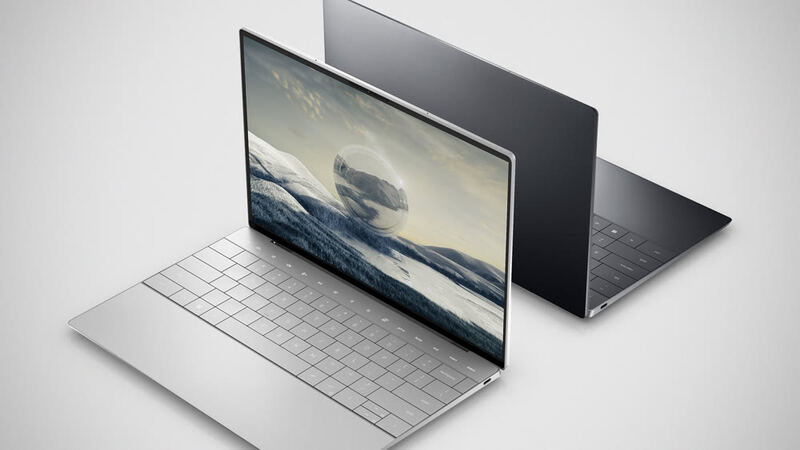
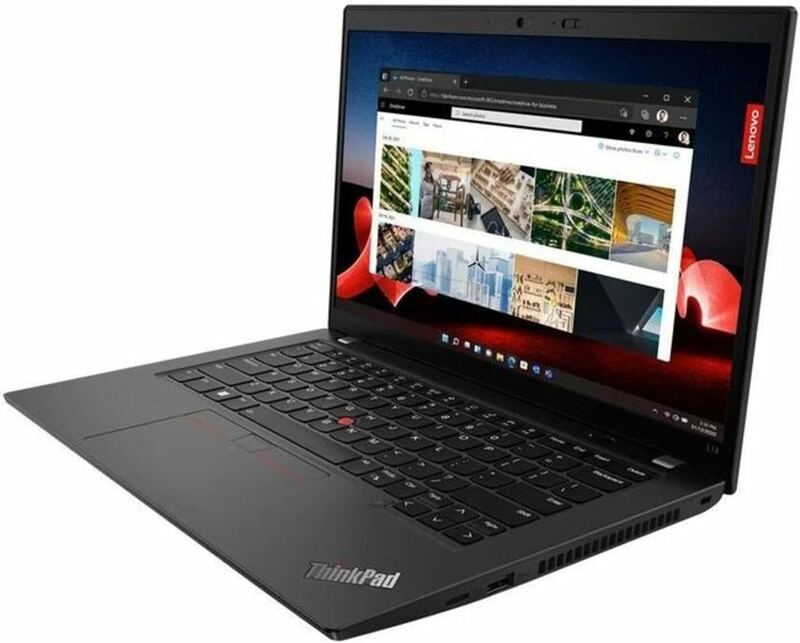
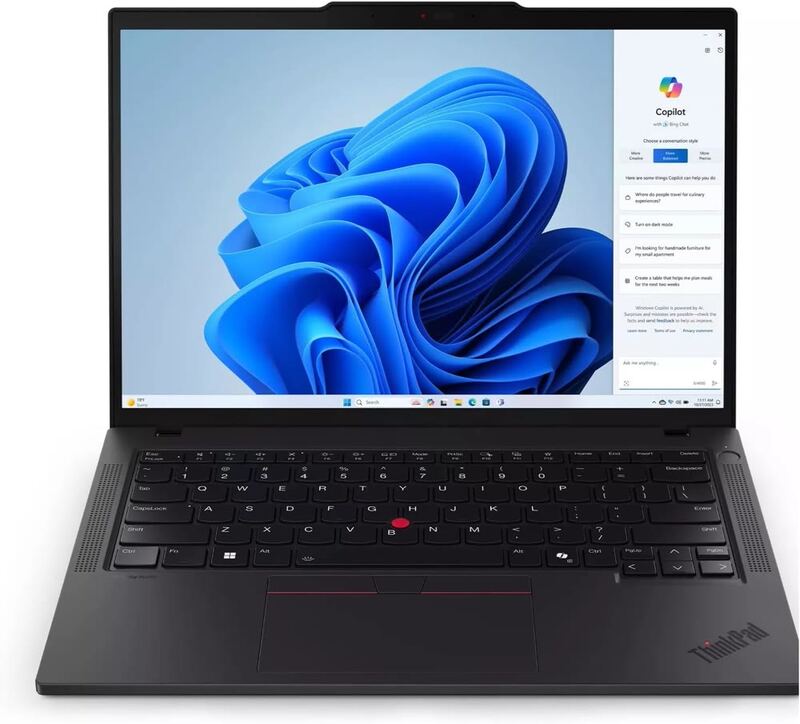
A gorgeous OLED display, solid build quality, and enough performance for daily work make the ASUS Zenbook 14 OLED a genuine premium ultraportable. The compromises are non-upgradeable RAM and occasional thermal throttling. For a portable productivity laptop under $2000, it is still excellent value.
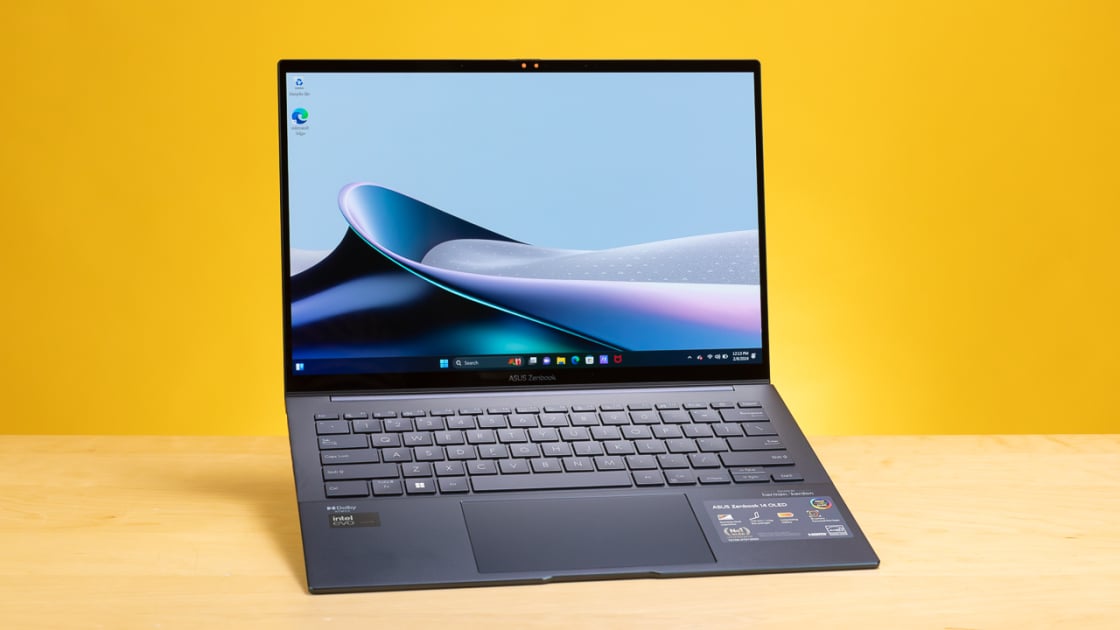
Full review
Premium Build and Portability
The ASUS Zenbook S 14 OLED distinguishes itself through a chassis that prioritizes material quality and extreme portability over traditional bulk. Reviewers from Pickr highlight the use of a ceramic and aluminum composite, resulting in a device that weighs just 1.2 kg and measures a mere 1.1 cm at its thinnest point. This construction allows the laptop to slip easily into a backpack without adding significant weight, making it a compelling option for users who travel frequently. The design language diverges from the ubiquitous MacBook Air aesthetic, featuring angled edges and a distinctive lid pattern that gives it a unique visual identity. However, this pursuit of thinness introduces ergonomic trade-offs. The display hinge does not allow the lid to open fully to 180 degrees, which limits its versatility for flat-surface use or sharing content with others. Additionally, the keyboard travel is shallower than on the regular Zenbook 14, a compromise made necessary to accommodate the slim chassis. While the build feels sturdy and premium to the touch, the physical constraints of the design mean that some traditional laptop conveniences are sacrificed for the sake of portability and aesthetics.
Stunning OLED Display Performance
The 14-inch OLED panel is widely regarded as the standout feature of the Zenbook S 14, delivering visual fidelity that exceeds expectations for a laptop in this size class. The screen boasts a 2.8K resolution (2880 x 1800 pixels) with a 16:10 aspect ratio, providing ample vertical space for productivity tasks while maintaining sharp text rendering. Pickr describes the display as 'sexy' and 'impressive,' noting that the OLED technology delivers perfect blacks because the pixels are completely turned off when displaying dark content. This results in high contrast ratios that make photos and movies look vibrant and immersive. The panel covers 100% of the DCI-P3 color gamut, ensuring accurate color reproduction for creative professionals who require reliable color metrics. Furthermore, the 120Hz refresh rate contributes to a smoother user experience, particularly when scrolling through web pages or navigating the Windows interface. The OLED screen is a highlight that enhances the overall usability of the device. The inclusion of touch functionality adds another layer of interactivity, although reviewers note that the limited hinge angle may restrict how often users actually utilize the touch features. For anyone who values display quality, this panel is a significant upgrade over standard LCDs found in competing ultrabooks.
Intel Lunar Lake Performance
Under the hood, the Zenbook S 14 OLED is powered by Intel's Lunar Lake platform, specifically the Core Ultra 7 258V processor, which represents a shift in Intel's strategy toward efficiency and integrated graphics performance. The system comes equipped with 32 GB of soldered LPDDR5-8533 memory and a 1 TB NVMe SSD, providing ample resources for most users without the need for future upgrades. The integrated Intel Arc 140V graphics, featuring 8 Xe Cores, deliver excellent GPU capabilities for this class of laptop, handling light gaming and creative workloads with ease. Benchmarks indicate that the Core Ultra 7 258V performs competitively against rivals like the Ryzen AI 9 HX 370 and the previous generation Core Ultra 7 155H. However, reviewers caution that this is not the most powerful option in the segment, suggesting that users with heavy computational needs might find it lacking. The performance profile is tuned for sustained efficiency, making it suitable for office work, web browsing, and media consumption, but less ideal for intensive video editing or 3D rendering tasks.
Thermal Management and Noise
Thermal performance and acoustic behavior are critical aspects of the Zenbook S 14's user experience, with reviewers noting a distinct difference between its various operating modes. This mode is designed to maximize performance, but the increased fan activity is a trade-off for higher computational throughput. Conversely, the 'Standard' and 'Whisper' modes keep the laptop much quieter, with noise levels dropping to 30-35 dBA, making it nearly silent during typical office tasks. This dual-mode approach allows users to balance performance and noise based on their immediate needs. The cooling system is effective enough to prevent thermal throttling during moderate workloads, ensuring consistent performance. However, the ultra-thin design limits the size of the cooling components, which can lead to warmer surface temperatures under sustained load. Users who prioritize a silent working environment will likely prefer the quieter modes, while those who need maximum performance should be prepared for increased fan noise. The thermal management is adequate for the target audience, but it is not without its compromises.
Keyboard and Trackpad Ergonomics
The input devices on the Zenbook S 14 OLED receive mixed reviews, with some users finding them adequate and others expressing frustration. Pickr notes that the keyboard, while having definite travel, can feel 'plasticky' at times and lacks the premium feel expected from a high-end laptop. The shallow key travel, a consequence of the thin chassis, may not satisfy users who type extensively or prefer a more tactile feedback. Ultrabook Review also points out that the keyboard is shallower than on regular Zenbook 14 models, which could impact long-term comfort for heavy typists. The trackpad is another area of contention, with Pickr describing it as 'difficult to push and use at times' due to the firm click required for interaction. This resistance can lead to finger fatigue during prolonged use, detracting from the otherwise premium experience. While the trackpad is large and made of glass, similar to many modern laptops, the implementation of the click mechanism is not as refined as in some competitors. Users who rely heavily on keyboard and trackpad input may find these aspects to be a drawback, especially when compared to laptops with more traditional ergonomic designs. The input experience is functional but falls short of the excellence seen in other areas of the device.
Battery Life and Efficiency
Battery life is a strong point for the Zenbook S 14 OLED, thanks to the efficiency of the Intel Lunar Lake platform and the 72 Wh battery capacity. The combination of the efficient processor and the high-capacity battery ensures that users can work on the go without constant anxiety about power availability. However, Pickr offers a more cautious perspective, noting that 'real world battery could be better.' This discrepancy may arise from different testing methodologies or usage scenarios, with real-world conditions often involving higher screen brightness, more background processes, and varied workloads that can drain the battery faster than controlled tests. The OLED display, while visually stunning, can also be more power-hungry, especially when displaying bright content. Users who prioritize all-day battery life should be aware that actual performance may vary depending on their specific usage patterns. Overall, the battery life is competitive within the ultrabook segment, but it may not exceed the expectations set by the most efficient competitors in the market.
Connectivity and Port Selection
The Zenbook S 14 OLED offers a comprehensive array of ports, which is a notable advantage in an era where many ultrabooks are moving towards a USB-C-only design. The laptop features two Thunderbolt 4 ports on the left side, allowing for high-speed data transfer and connection to external displays. Additionally, there is an HDMI 2.1 port, which supports high-resolution video output, and a USB-A 3.2 Gen 2 port on the right side for legacy peripherals. A 3.5mm headphone jack is also included, catering to users who prefer wired audio solutions. Pickr highlights that there are 'more ports than you might expect,' which adds to the laptop's versatility and reduces the need for dongles or adapters. The inclusion of WiFi 7 and Bluetooth 5.4 ensures that the device is future-proofed for wireless connectivity. This robust port selection is a significant plus for professionals who need to connect to various peripherals and displays without carrying extra accessories. The thoughtful inclusion of both modern and legacy ports makes the Zenbook S 14 OLED a practical choice for users who value convenience and connectivity.
A 3,399 AUD price that divides reviewers
The pricing of the Zenbook S 14 OLED is a point of contention among reviewers, with some feeling that the premium materials and specifications justify the cost, while others find it too expensive. Pickr echoes this sentiment, stating that the laptop is 'a little on the expensive side' due to its premium spec. The Australian review lists the price at 3399 AUD, which translates to a high cost in other markets as well. For users who prioritize aesthetics, build quality, and display performance, the price may be acceptable. However, those looking for a more budget-friendly option with similar performance characteristics might find better value in the standard Zenbook 14 or other competing ultrabooks. The decision to purchase the S14 OLED ultimately depends on how much a user values the premium design and OLED screen relative to the additional cost. It is positioned as a high-end option for those who are willing to pay for top-tier materials and visual excellence.
Skips the dongles, but keys feel shallow to press
The ASUS Zenbook S 14 OLED is best suited for users who prioritize portability, display quality, and premium build materials in a compact form factor. Professionals who travel frequently and need a lightweight laptop that can handle daily productivity tasks, web browsing, and media consumption will find this device appealing. The stunning OLED display makes it an excellent choice for content consumers and creative professionals who require accurate color reproduction. The comprehensive port selection adds to its versatility, making it a practical option for those who need to connect to various peripherals without carrying dongles. However, users who require maximum computational power for intensive tasks like video editing or 3D rendering may find the Intel Lunar Lake platform lacking. Additionally, those who are sensitive to keyboard and trackpad ergonomics might be disappointed by the shallow key travel and firm trackpad click. The high price point is another factor to consider, as it may not offer the best value for budget-conscious buyers. Ultimately, the Zenbook S 14 OLED is a strong fit for shoppers who value design and display quality over raw performance and ergonomic perfection.
Strengths
- +Stunning 2.8K OLED display with vivid colors and deep contrast
- +Compact and lightweight aluminum chassis ideal for portability
- +Strong performance from Intel Core Ultra processors for productivity tasks
- +Excellent battery life with fast charging support
Watch-outs
- −RAM is soldered and not upgradeable
- −Can experience thermal throttling under heavy sustained loads
- −Speakers sound boxy compared to premium competitors
How it compares
Its OLED display outshines the IPS panels of competitors, while its compact design makes it more portable than the bulkier Dell Latitude. However, it lacks the upgradeability of the ThinkPad T14 Gen 5's SO-DIMM slots.
Rating sources
Our 4.3 score is the average of these published ratings. More about methodology.