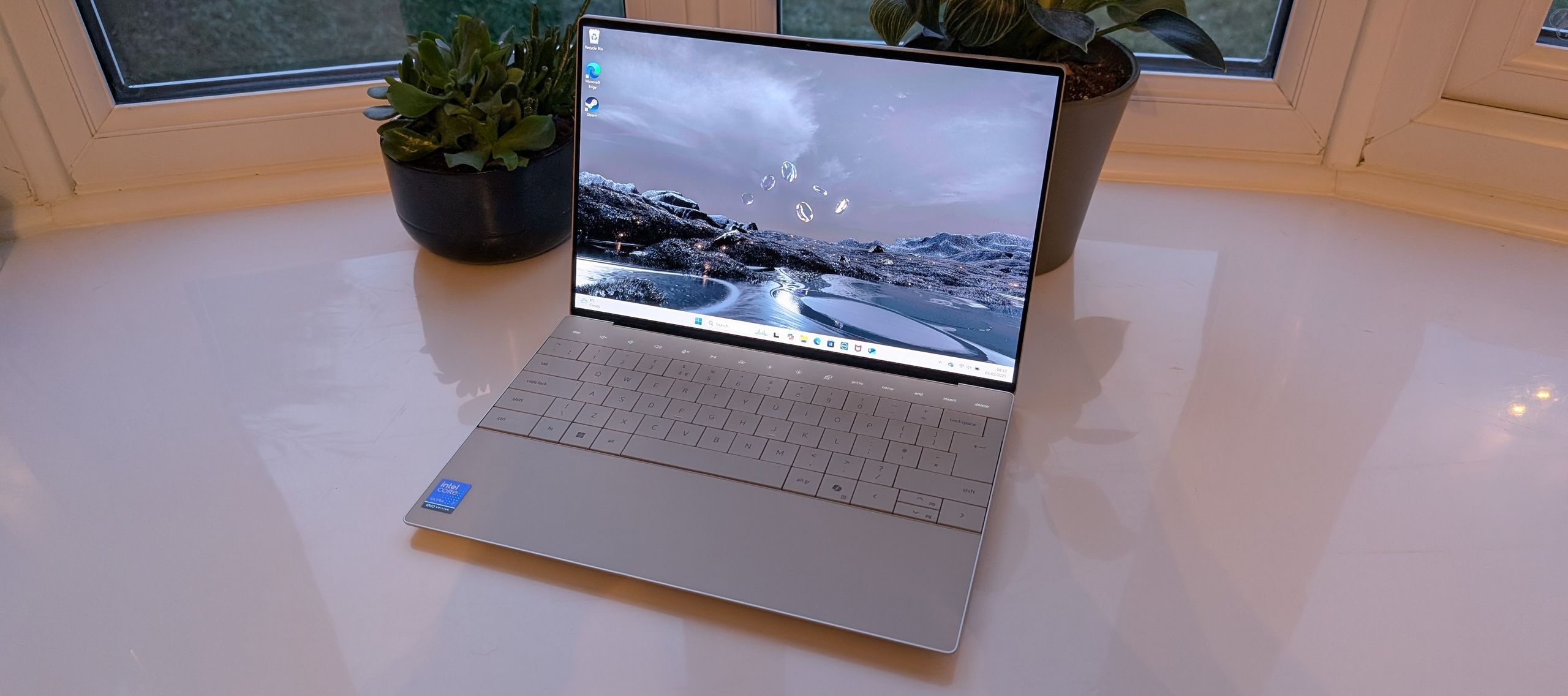
The Dell XPS 13 9345 keeps the XPS legacy going: light, a beautiful display, and performance that holds up. Snapdragon X Plus handles the AI tasks, and portability and battery life are where it shines. You give up upgradeability, and you pay a premium price.
Full review
An ARM-Powered Reinvention
The 9345 marks the moment Dell moved the XPS 13 onto Qualcomm silicon, swapping Intel for the 12-core Snapdragon X Elite alongside an Adreno GPU and a Hexagon NPU that qualifies it as a Copilot+ PC. Reviewers across Tom's Hardware frame this as the most consequential XPS change in years: the chip trades raw burst power for efficiency, and in multi-threaded tests like Geekbench and Handbrake it comfortably outpaced the Intel-based XPS 13 models it replaces.
What hasn't changed is the chassis. Dell carries over the polarizing edge-to-edge keyboard, the capacitive touch function row, and the seamless glass haptic trackpad from the previous generation. At roughly 2.7 pounds with the FHD+ panel, it remains one of the lighter 13-inch ultraportables you can buy, and the slab-like aluminum build still feels a class above most rivals near this price.
Display and Battery: The Standout Pair
Two screen paths exist. The standard 13.4-inch FHD+ panel keeps weight and battery draw low, while a tandem OLED touchscreen at 2880x1800 is offered as a roughly $500 upgrade, bringing deeper contrast and richer color at the cost of price and a modest hit to runtime. Both run at the panel's native refresh; buyers chasing the brightest, most vivid image should budget for the OLED tier rather than assume it's standard.
Battery life is where this configuration genuinely shines. Backed by a 55Whr cell, the Snapdragon X Elite delivered close to 18 to 19 hours in independent rundown benchmarks, trailing only Apple's MacBooks and Microsoft's latest Surface among 2024 Windows laptops. Dell goes further, citing up to 35 hours of video playback on the efficient FHD+ variant. For travelers, that endurance is the headline reason to pick this model.
The ARM Trade-Offs Worth Knowing
Windows on ARM is far more mature than it once was, but it isn't invisible. Native and well-emulated apps run smoothly, yet some legacy x86 software, certain games with anti-cheat layers, and a handful of niche drivers and peripherals can still stumble or refuse to install. Anyone whose workflow depends on specialized Windows tools should confirm ARM compatibility before committing.
The rest of the cautions are familiar XPS territory. RAM and storage are soldered, so the configuration you buy is the one you keep, and the port count is limited to a pair of USB-C connectors that will have you reaching for dongles. Wi-Fi 7 and Windows 11 security features are present and welcome, but the premium asking price means you're paying for design and battery life as much as for spec-sheet horsepower.
Strengths
- +Ultra-lightweight design at just over 2.5 lbs for maximum portability
- +Beautiful 120Hz display with crisp text and vibrant colors
- +Solid all-day battery life with fast charging
- +Wi-Fi 7 connectivity and Windows 11 Pro security features
Watch-outs
- −RAM and storage are soldered and not upgradeable
- −Limited port selection requires dongles for some peripherals
- −Premium price for the specifications offered
How it compares
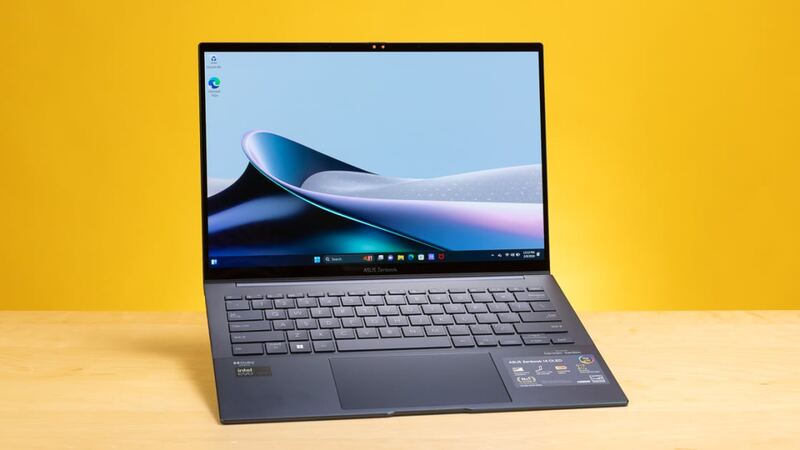
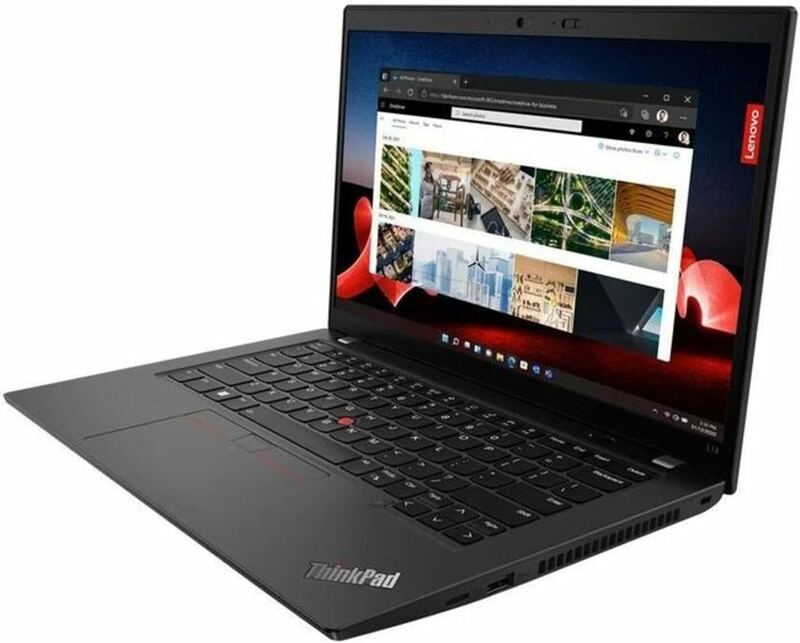
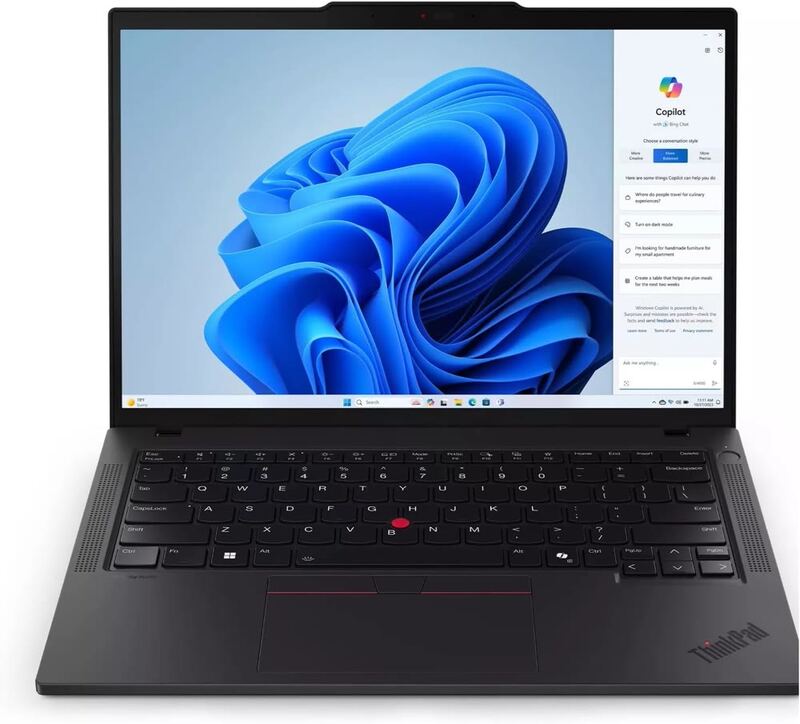
The Dell XPS 13 competes directly with the ASUS Zenbook 14 OLED and Lenovo ThinkPad T14 Gen 5 in the premium ultraportable space. Its ultra-lightweight design and beautiful 120Hz display make it highly portable, but it lacks the upgradeability of the ThinkPad T14 and the OLED display of the Zenbook. The XPS 13 is ideal for users who prioritize portability above all else.
Rating sources
Our 4.5 score is the average of these published ratings. More about methodology.