For most people the BlueDriver Bluetooth Pro is the Bluetooth OBD2 scanner to buy. The hardware is ordinary; the software carries it, with Confirmed-Fix Repair Reports that match your exact code and VIN to verified repairs, enhanced ABS/SRS/TPMS reads, and no subscription. It pairs with a free iOS or Android app and has topped recommendation lists for a decade.
Full review
Cross-references your VIN against millions of real repairs
The BlueDriver Bluetooth Pro has held its spot as the single most-recommended consumer OBD2 tool for about a decade, and the reason is the software rather than the hardware. The Review Index aggregated user sentiment to an 8.7-out-of-10 score across roughly a thousand reviews, and on Amazon it carries a 4.6-star average across more than 60,000 ratings from over a million units sold. Owners repeatedly describe it as 'accurate, easy to use, easy to understand, no mechanic experience required,' which is exactly the bar a consumer scanner needs to clear.
What sets it apart in practice is the Confirmed-Fix Repair Report. When BlueDriver reads a trouble code, the app does not just hand you a P-code and a generic definition; it cross-references your exact year, make, model, engine and VIN against a database of millions of verified real-world repairs and tells you the most likely fix. Automoblog's reviewers, including a used-car dealer, praised its ability to 'do a basic scan of all vehicles' fast and accurately, and noted it reads transmission and body-control-module codes, not just engine codes.
Deep diagnostic coverage with minor pairing variations
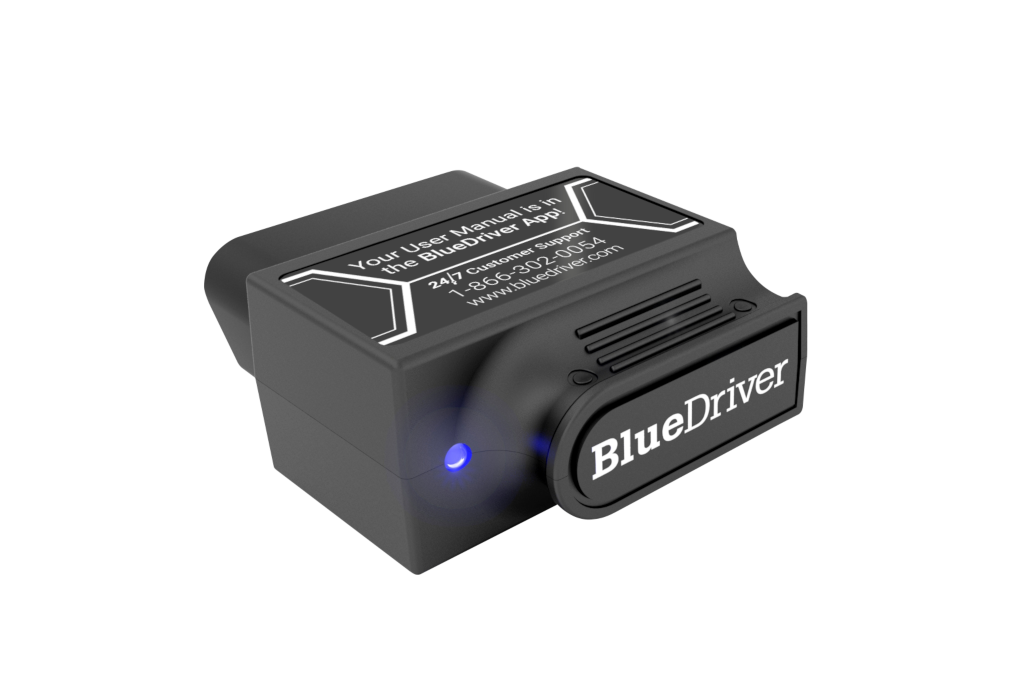
The BlueDriver dongle is a matchbox-sized unit that plugs into the OBD2 port and pairs over Bluetooth with the free BlueDriver app on both iOS and Android. iOS devices tend to pair more reliably, while some Android users report occasional pairing hiccups that a Bluetooth cache clear resolves. There are no buttons or screens on the dongle itself; everything happens in the app, which keeps the hardware simple and durable.
Crucially, BlueDriver reads enhanced manufacturer-specific systems, ABS, airbag/SRS, TPMS and climate control, across major brands including GM, Ford, Chrysler, Toyota, Nissan, Honda, BMW, Mercedes and Volkswagen/Audi, not just the generic powertrain codes that cheap ELM327 clones are limited to. It covers gas vehicles from 1996 onward. The one coverage caveat is that, like most consumer tools, it does not reach every proprietary network on the very newest vehicles.
One-time purchase provides long-term savings
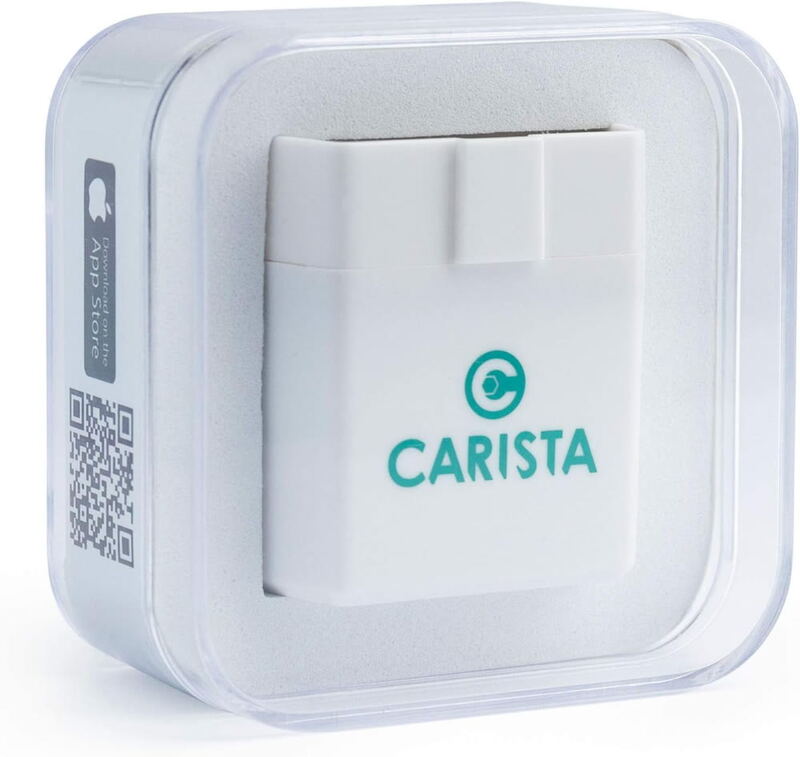
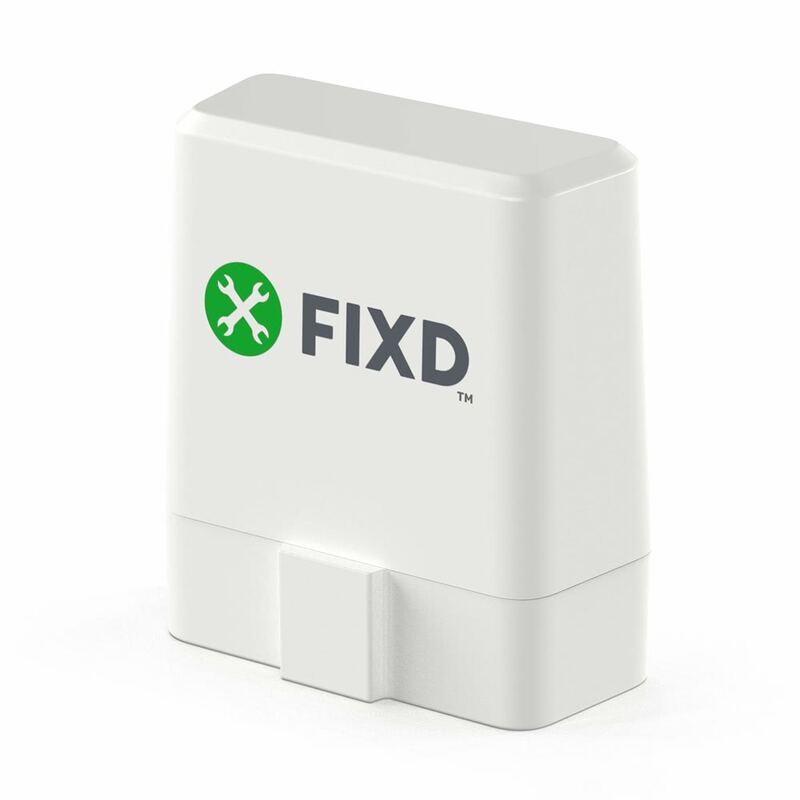
The BlueDriver's defining commercial advantage is that there is no subscription. Every feature, the enhanced system reads, the live data, and especially the Confirmed-Fix Repair Reports, is included in the one-time purchase price. That stands in sharp contrast to the FIXD and Carista, both of which lock their most useful features behind monthly or annual plans, and it is the single most-cited reason reviewers keep recommending BlueDriver year after year.
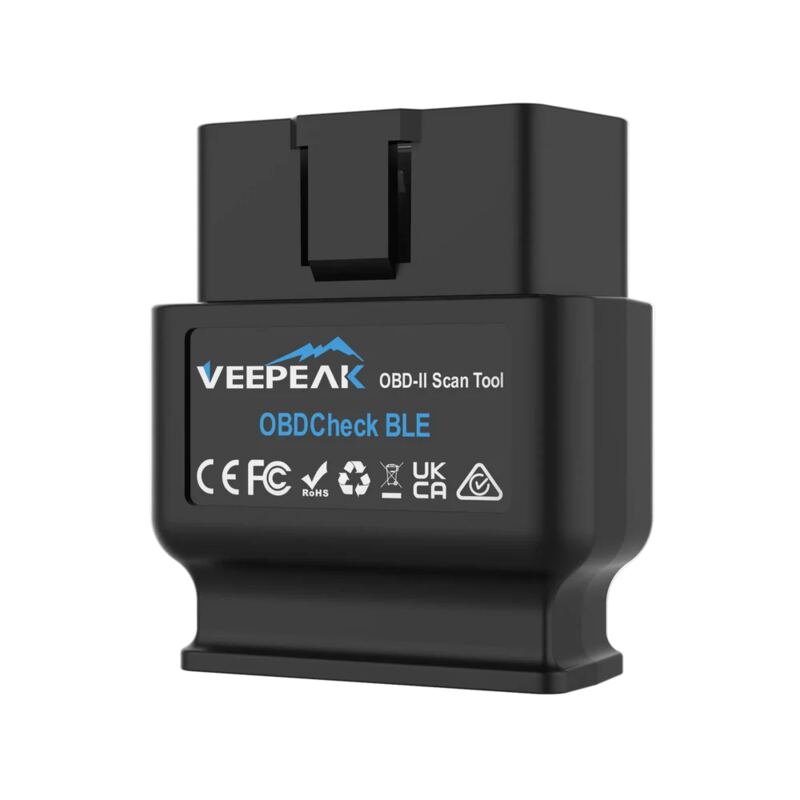
At around $140 it is not cheap for a dongle that still needs your phone to do anything, and budget shoppers can get basic code reading from a sub-$40 Veepeak. But for a buyer who wants real diagnostic guidance rather than just raw codes, the BlueDriver's repair-report value is hard to match, and not paying a recurring fee means the cost stops at the purchase. Over a few years of ownership it is often the cheapest capable option.
Seamless and guided setup experience
Getting started with the BlueDriver is about as simple as OBD2 tools get. You plug the dongle into the vehicle's 16-pin OBD2 port, download the free BlueDriver app, and pair over Bluetooth, no account hoops or hardware buttons involved. The app walks you through selecting your vehicle and reading codes, and because BlueDriver controls both the hardware and the software, the pairing experience is more guided and consistent than the generic ELM327 adapters that leave app choice up to you.
iOS pairing is the most reliable; Android users occasionally need to clear the Bluetooth cache or re-pair, a quirk reviewers note but consider minor. Once connected, the dongle stays paired for subsequent sessions. Because BlueDriver reads enhanced manufacturer systems rather than only generic powertrain data, the initial vehicle selection matters, and the app handles that automatically from the VIN. For a non-technical owner, this hand-held setup is a big part of why BlueDriver feels approachable despite its professional-grade capability.
No third-party app flexibility like the Veepeak
The BlueDriver's price is its most obvious drawback: at roughly $100 it costs more than double the Veepeak OBDCheck BLE and well above the FIXD sensor's base price. For someone who only ever needs to read and clear a check-engine light, that is more capability than they will use. The Android pairing quirks, while solvable, are a recurring minor annoyance.
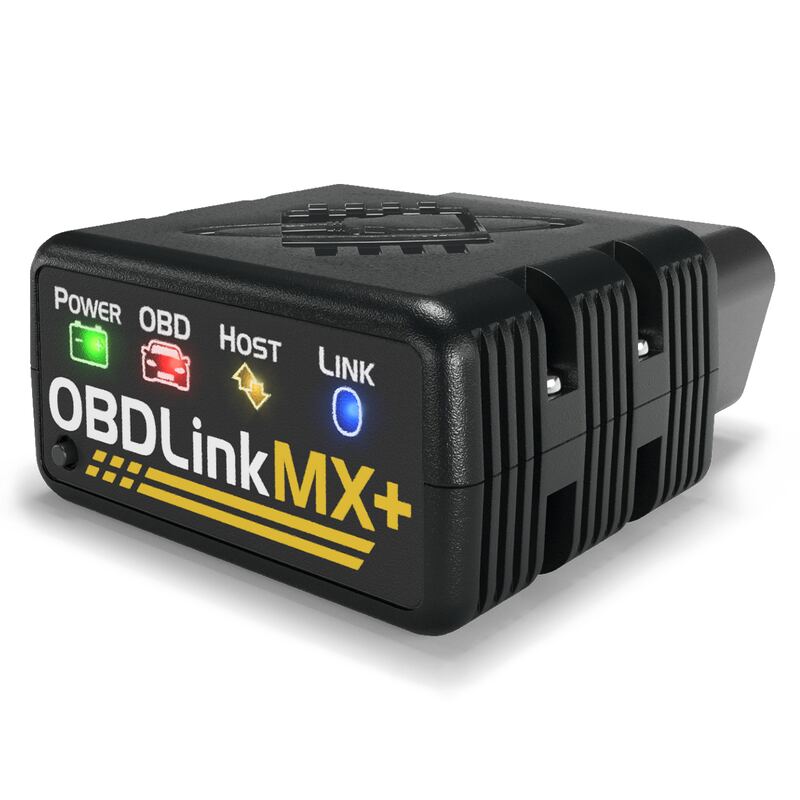
On raw performance it does not offer the live-data sampling speed of the OBDLink MX+, so enthusiasts logging high-frequency sensor data for tuning will prefer the MX+. And because it leans on its own closed app, it does not give you the third-party app flexibility (Torque, OBD Fusion, BimmerCode) that ELM327-based adapters like the Veepeak do. BlueDriver is a polished, guided experience rather than an open, tinker-friendly one.
Pay once, no subscription for repair reports
Buy the BlueDriver Bluetooth Pro if you want the most useful, actionable diagnostics from a consumer OBD2 tool and you would rather pay once than subscribe. Its Confirmed-Fix Repair Reports turn a cryptic trouble code into a likely repair, which is exactly what most DIYers and worried car owners actually want. It is the safest default recommendation in the category.
Look elsewhere if you want the cheapest possible code reader (the Veepeak OBDCheck BLE), the fastest live data and third-party app support for tuning (the OBDLink MX+), or deep manufacturer-specific customization and coding (the Carista OBD2 Bluetooth Adapter). For straightforward, reliable, subscription-free diagnostics, though, BlueDriver remains the one to beat.
Close to the MX+ on ABS and SRS coverage
Against the FIXD OBD2 Scanner and the Carista OBD2 Bluetooth Adapter, the BlueDriver's decisive edge is the no-subscription model: both rivals reserve their best features for paid plans, while BlueDriver includes everything up front. Against the OBDLink MX+, the two are close on enhanced ABS/SRS coverage, but the MX+ wins on live-data speed and third-party app flexibility while BlueDriver wins on guided repair reports.
The Veepeak OBDCheck BLE undercuts BlueDriver dramatically on price but is a bare ELM327 adapter that depends entirely on third-party apps for any intelligence. The BlueDriver's position is clear: it is the polished, all-inclusive, guidance-first option that most non-enthusiast buyers should choose, and the decade of consistent top recommendations reflects that it earns the spot.
Strengths
- +Confirmed-Fix Repair Reports cross-reference your exact VIN and code against millions of real repairs
- +Reads enhanced ABS, airbag (SRS), TPMS and climate codes, not just generic engine codes
- +Zero subscription, all features included with the free iOS and Android app
- +Most-recommended consumer OBD2 tool for roughly a decade, with proven reliability
- +Simple matchbox-sized dongle with no buttons to fumble
Watch-outs
- −Around $140, pricey for a dongle that needs your phone
- −Some Android users report occasional pairing hiccups that need a Bluetooth cache clear
- −No live-data speed advantage over the OBDLink MX+
- −Gas vehicles 1996+ only; limited coverage on the newest proprietary networks
How it compares
The best all-around pick. Its Confirmed-Fix Repair Reports and subscription-free model beat the FIXD OBD2 Scanner and Carista OBD2 Bluetooth Adapter, both of which gate features behind paid plans. It matches the OBDLink MX+ on enhanced ABS/SRS reads but the MX+ has faster live data, while the Veepeak OBDCheck BLE is cheaper but relies on third-party apps.
Rating sources
Our 4.6 score is the average of these published ratings. More about methodology.