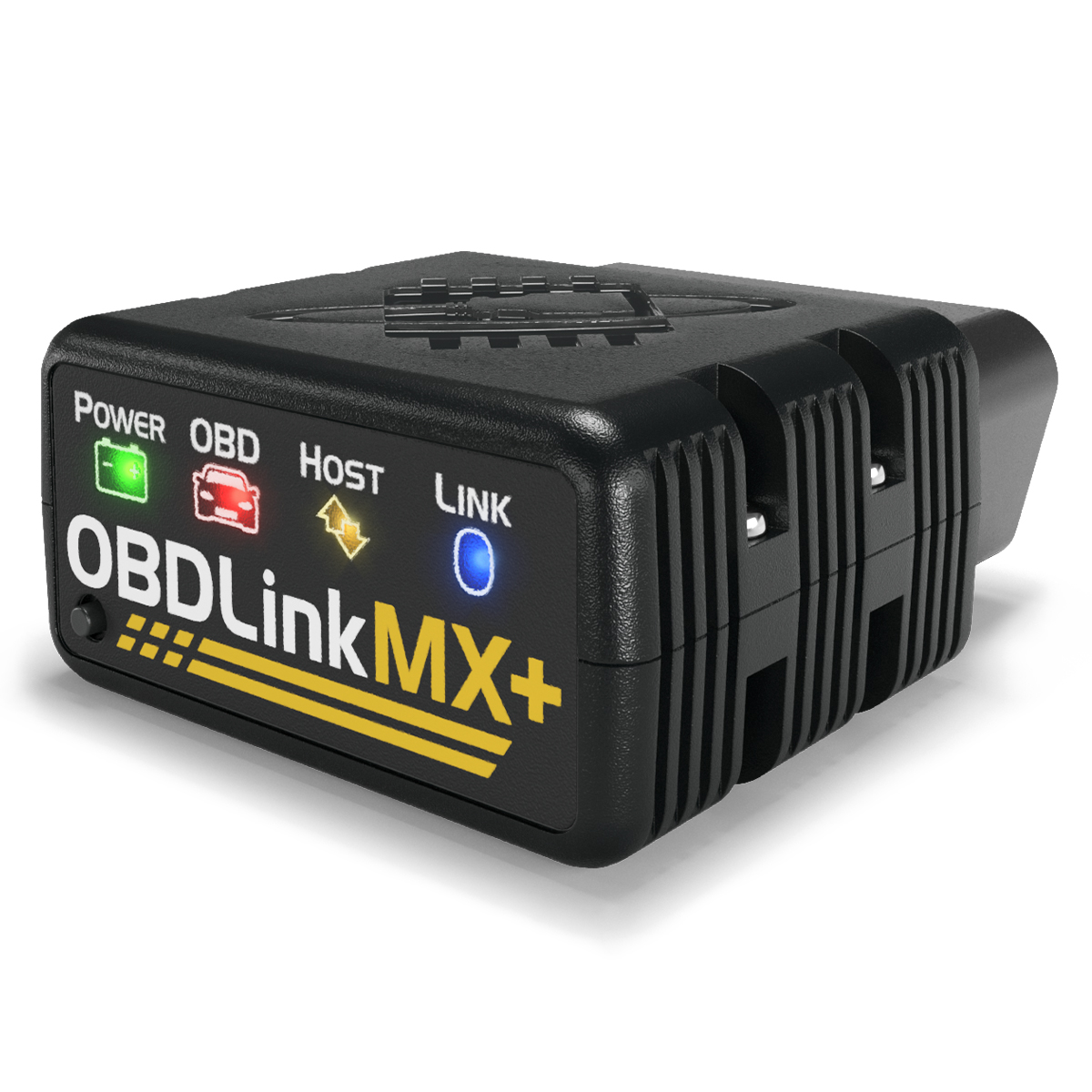
Enthusiasts gravitate to the OBDLink MX+, which reads advanced Ford MS-CAN and GM SW-CAN networks, streams live data at near 100 samples per second, and works with iOS, Android, Windows and third-party ELM327 apps. The Drive praised its responsiveness and accuracy. Bluetooth 3.0 is dated and this is the priciest option here, but for live data and broad app flexibility it leads.
Full review
Nearly 100 data samples per second
The OBDLink MX+ is the tool reviewers reach for when raw diagnostic capability and live-data speed matter most. The Drive tested it and reported 'a quick user-friendly interface, even with many pop-ups, and accurate real-time information,' noting the unit 'seemed quite responsive and didn't freeze up' while displaying real-time gauges during driving. OBD Advisor highlighted that it 'supports all legislated OBD-II protocols, plus advanced Ford and GM vehicle networks (MS-CAN and SW-CAN),' coverage that ordinary consumer scanners simply cannot match.
The headline performance figure is data throughput: the MX+ delivers nearly 100 data samples per second, which is what enables smooth real-time gauges and meaningful sensor logging for diagnosis or light tuning. That speed, combined with its ability to read manufacturer-specific networks, is why it consistently ranks as the long-term-investment pick over simpler dongles. With more than 11,500 Amazon reviews behind it, the MX+ is a proven, heavily validated tool.
Broad app support with specialized vehicle network access
The MX+ ships with the free OBDLink app for iOS, Android and Windows, the broadest platform support in this lineup, and the app is well regarded, holding 4.7 stars from around 3,500 App Store reviews and 4.1 stars from nearly 10,000 Google Play ratings. Beyond its own app, the MX+ emulates the ELM327 protocol, so it also works with popular third-party apps such as Car Scanner ELM OBD2, giving owners flexibility that closed-ecosystem tools like the BlueDriver do not offer.
Its standout compatibility feature is access to Ford's MS-CAN and GM's SW-CAN networks, which unlock body, chassis and comfort modules on those brands that most adapters leave invisible. The trade-off is connectivity: the MX+ uses Bluetooth 3.0 (Class 2), which is dated next to the Bluetooth Low Energy used by the FIXD, Carista and Veepeak. In practice it pairs and performs well, but it is older technology under the hood.
Value and Subscription
At around $140 the MX+ is the most expensive option here, and that price only makes sense for buyers who will use its advanced capabilities. The core OBDLink app is free with no subscription for standard diagnostics and live data, which is a meaningful advantage over the FIXD and Carista subscription models, though some advanced manufacturer-specific functions are delivered through paid add-on apps.
For an enthusiast, a Ford or GM owner, or anyone who logs live data, the MX+ justifies its cost through capability the cheaper tools cannot replicate. For a casual user who only needs to read a check-engine light, it is overkill, and the BlueDriver's guided repair reports or the Veepeak's low price would serve better. The MX+ is a long-term investment that rewards heavier, more technical use.
Seamless pairing with broad app and protocol support
Setup of the MX+ is straightforward despite its depth. You plug it into the OBD2 port, install the free OBDLink app for iOS, Android or Windows, and pair over Bluetooth 3.0. The Drive reported that 'it paired and connected to my iPhone quickly and easily' — 'I actually didn’t read the instructions, did it wrong, and I was still able to link it up.' Once paired, the reviewer said, 'I didn’t have any issues with dropped connections or poor readings.' The app supports a security feature that automatically powers the adapter down when the car is off, helping prevent battery drain, a practical touch for a device left plugged in.
Because the MX+ emulates the ELM327 protocol, you are not limited to OBDLink's own app; you can pair it with third-party tools like Car Scanner ELM OBD2, BimmerCode or Torque, which is where its full protocol coverage, including Ford MS-CAN and GM SW-CAN, becomes accessible. Selecting the right protocol for advanced networks can take a moment of configuration in those apps, but for standard OBD2 the connection is automatic. The breadth of platform and app support is unmatched in this lineup.
Still runs on the older Bluetooth 3.0 standard
The MX+'s clearest weaknesses are its price and its dated Bluetooth 3.0 connectivity. At $140 it is a hard sell for casual users, and the older Bluetooth standard, while functional, lacks the low-power efficiency and seamless iOS pairing of modern BLE adapters. Some of the most advanced manufacturer features also require paid third-party apps, adding cost on top of the already-premium hardware.
It is also, by design, more tool than most people need. It does not hand you guided repair suggestions the way the BlueDriver does; it gives you fast, deep, accurate data and expects you to know what to do with it. For enthusiasts that is the appeal, but for a first-time scanner buyer it can feel like buying a professional instrument to change a tire. The MX+ rewards expertise rather than substituting for it.
Pairs with third-party apps like BimmerCode
Buy the OBDLink MX+ if you are a car enthusiast, a Ford or GM owner who wants access to MS-CAN and SW-CAN networks, or anyone who logs live sensor data and values fast, accurate real-time information across iOS, Android and Windows. Its third-party ELM327 app support also makes it ideal for users who want to pair it with specialized apps like BimmerCode or Car Scanner.
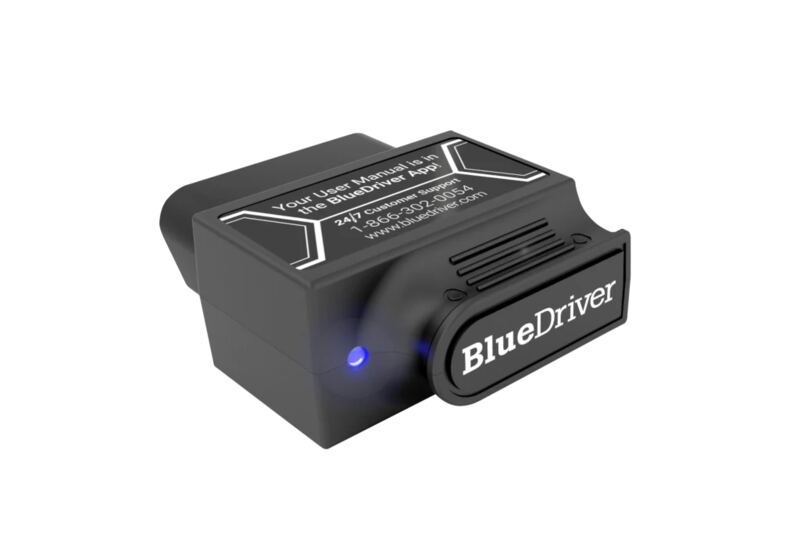
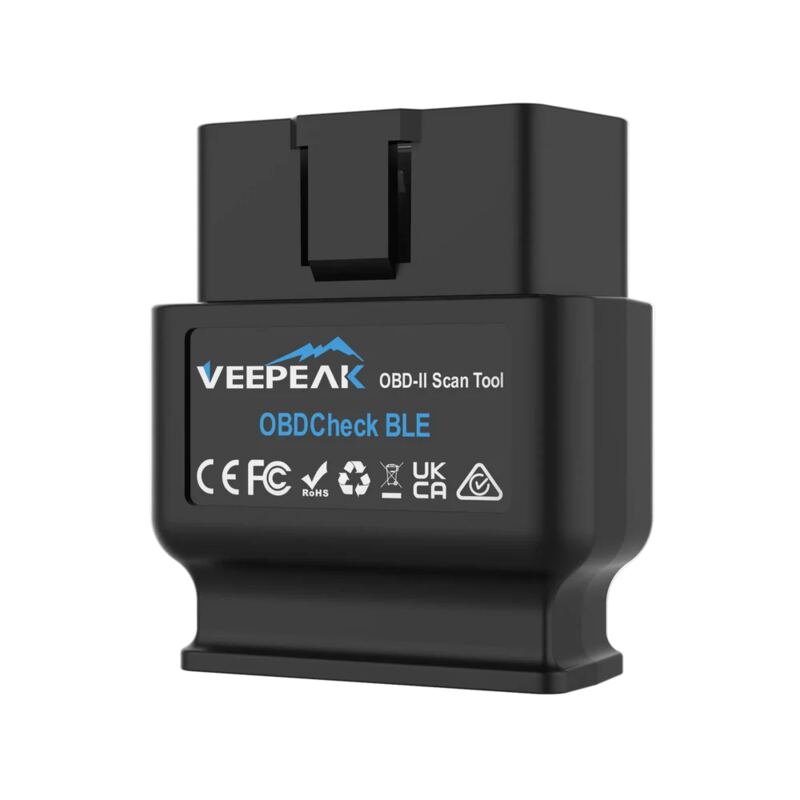
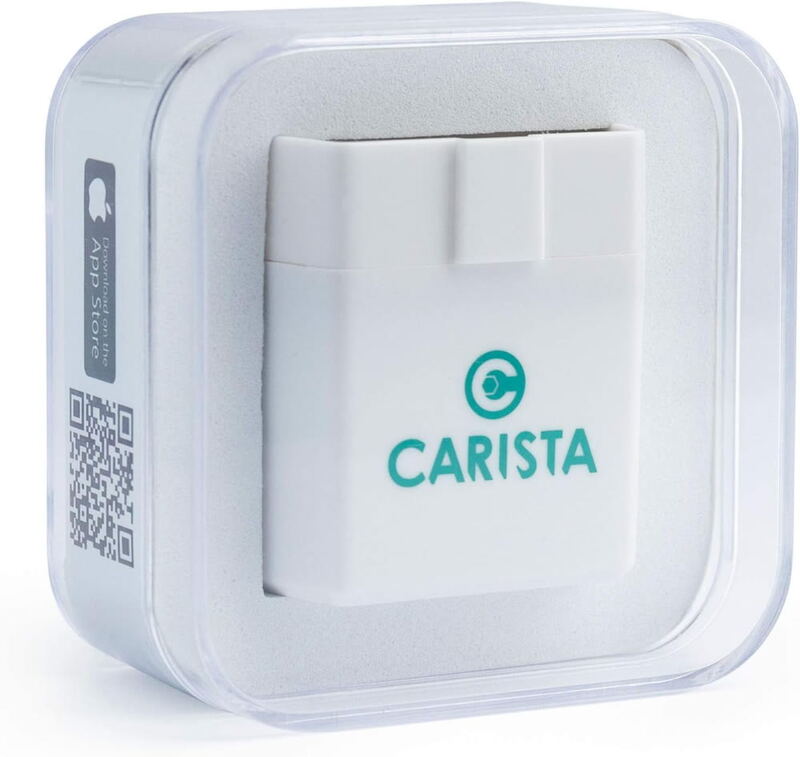
Look elsewhere if you want guided repair reports from a simpler tool (the BlueDriver Bluetooth Pro), the lowest price (the Veepeak OBDCheck BLE), or brand-specific dealer-level customization (the Carista OBD2 Bluetooth Adapter). For deep, fast, flexible diagnostics, though, the MX+ is the most capable Bluetooth scanner in this group.
Reads Ford and GM networks the budget dongles can't
The MX+ and the BlueDriver Bluetooth Pro are the two premium picks here, and they split the audience: BlueDriver is the guided, repair-report tool for DIYers, while the MX+ is the fast, open, data-rich tool for enthusiasts. The MX+ reads Ford and GM networks neither the FIXD OBD2 Scanner nor the Veepeak OBDCheck BLE can touch, and its sampling speed leaves the budget adapters behind.
The Carista OBD2 Bluetooth Adapter overlaps on advanced features but focuses on coding and customization rather than live-data speed, and it gates those features behind a subscription. The Veepeak is far cheaper but is a basic ELM327 dongle. The MX+'s niche is unambiguous: the most capable, fastest, most flexible adapter for technical users, at a price that only makes sense if you will actually use that capability.
Strengths
- +Reads advanced Ford MS-CAN and GM SW-CAN networks most consumer tools cannot
- +Extremely fast live data, near 100 samples per second for real-time gauges and logging
- +Works with the free OBDLink app plus ELM327-compatible third-party apps like Car Scanner
- +Supports iOS, Android and Windows, the broadest platform coverage here
- +Highly rated app, 4.7 stars on the App Store and 4.1 on Google Play
Watch-outs
- −Dated Bluetooth 3.0 (Classic) rather than modern BLE
- −Around $140, the most expensive option in this group
- −Advanced manufacturer features can require paid add-on apps
- −Overkill for someone who only reads a check-engine light
How it compares
The enthusiast and live-data leader. Its MS-CAN/SW-CAN coverage and sampling speed exceed the BlueDriver Bluetooth Pro, the FIXD OBD2 Scanner, the Carista OBD2 Bluetooth Adapter and the Veepeak OBDCheck BLE, and its three-platform support is the broadest here, though it uses older Bluetooth 3.0 versus the BLE in the FIXD, Carista and Veepeak.
Rating sources
“My experience with the device was a quick user-friendly interface, even with many pop-ups, and accurate real-time information.”
“MX+ supports all legislated OBD-II protocols, plus advanced Ford and GM vehicle networks (MS-CAN and SW-CAN).”
Our 4.7 score is the average of these published ratings. Ratings marked * were derived from the reviewer’s written analysis or video transcript — the publisher didn’t print an explicit numeric score, so we inferred one from their own words. Click through to verify. More about methodology.