Verdict
Ranked #4 of 7Aggregated review·4 sources·updated August 1, 2026

HeyGears Ultracraft Reflex RS Turbo

Averaged from 1 published rating, 2 derived from review text + 1 derived from video review
The verdict

The HeyGears Ultracraft Reflex RS Turbo is a production mSLA printer that delivers impressive print quality and ease of use, according to 3DPrint.com's review. It features a sturdy build with a steel plate and robust Z tower, along with a 29.7 µm pixel size and consistent UV light that produces sharp details. The Blueprint software is praised for its simplicity and intuitive interface, though it limits user customization. Reddit users noted the printer's durability and performance, though some criticized its lack of resin flexibility. This printer is ideal for users seeking a plug-and-play solution but may not suit advanced users wanting full control over their printing process.
HeyGears Ultracraft Reflex RS Turbo

Full review

Unboxing and Initial Setup

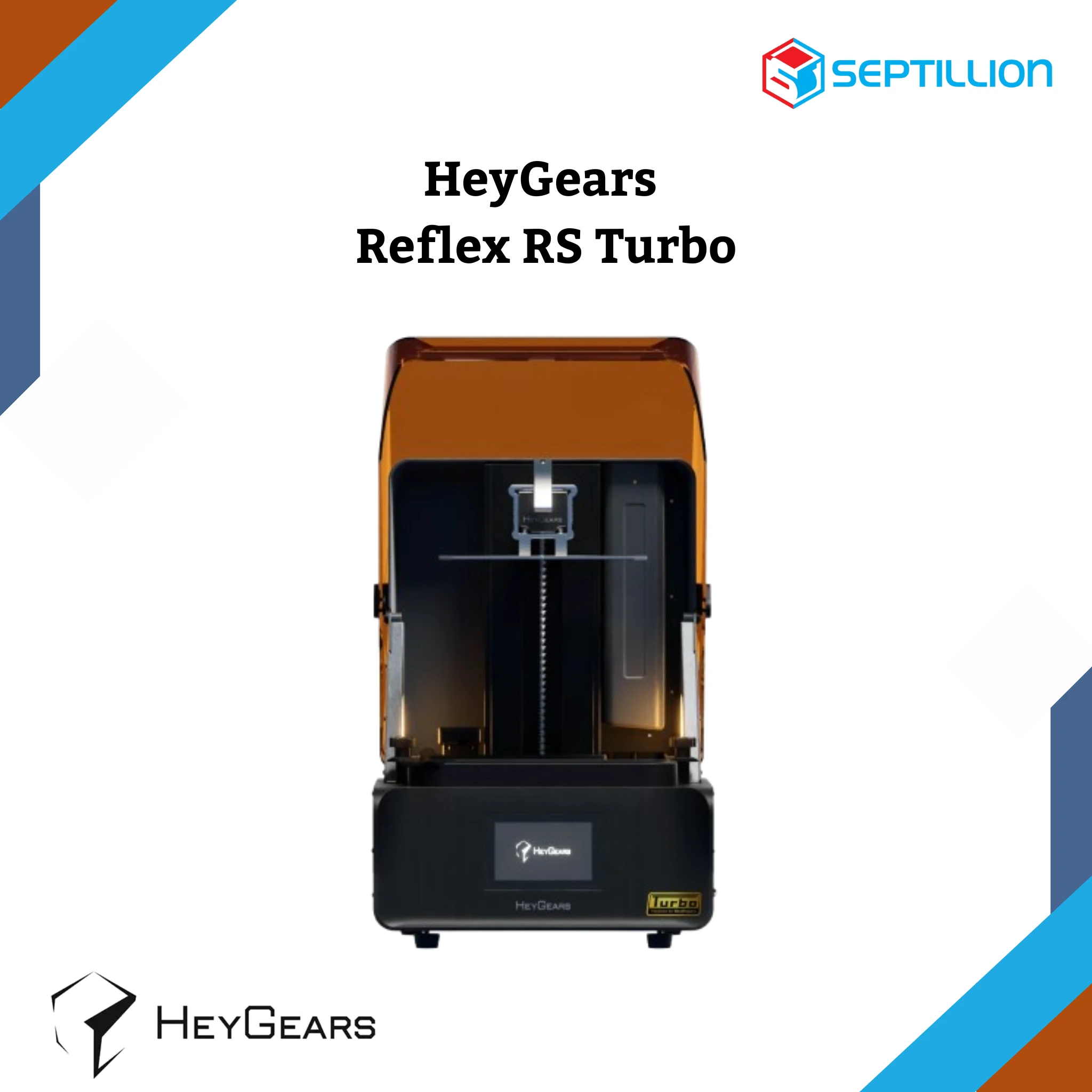
The HeyGears Reflex RS Turbo arrives with packaging that, while functional, shows signs of rough shipping with one reviewer noting 'crushed box' during their unboxing experience. However, the internal packaging proves robust, with components secured in thick foam that prevented any damage during transit. This attention to protective packaging contrasts with some competitors who may neglect such details. Assembly process is straightforward, with the printer feeling sturdy from the outset. Reviewer Orville from 3DPrint.com noted that 'the Reflex RS feels sturdy' and that 'the lid operates smoothly, the Z tower is robust, and the build plate is a solid slab of steel.' The overall build quality suggests this printer can stand up to regular use, comparable to more expensive models like the Formlabs Form 4, despite its lower price point.

Print Quality and Performance

Performance testing reveals the Reflex RS Turbo delivers on its promise of sharp detail and consistent output. The printer utilizes a 29.7 µm pixel size with a highly intense and consistent UV light, achieving a claimed ±3% variation across the entire screen. This setup produces excellent print quality and accuracy, according to 3DPrint.com's Orville, who noted 'both printed flawlessly and effortlessly' when testing with Ironman and Eiffel Tower models. The printer's dynamic motion algorithm 3.0 reportedly increases print speeds by up to 33% compared to conventional methods, with layer times averaging 4.5 seconds per layer when using PAWW10 resin. Tom's Hardware confirmed that the device can handle complex models like a BenchyCarrier without issues, though they noted the printer's 'hardware and specifications' require careful attention to resin compatibility, as the system only works optimally with HeyGears' proprietary resins.

Software and User Interface

The Blueprint software interface is designed for simplicity, making it easy for new users to get started without needing extensive technical knowledge. 3DPrint.com's reviewer praised the 'incredibly simple and easy to navigate' interface, with 'everything intuitively placed' and a screen quality comparable to smartphone displays. However, this ease of use comes with limitations. The software restricts customization options, with users unable to adjust layer cure times or perform X, Y, or Z calibration. The system only allows adjustments to layer height and supports, which has led to criticism from the community who prefer more control over their printing parameters. Tom's Hardware pointed out that 'there is no tuning or calibration' and that 'all of that is handled for you,' which creates a point of contention among users who want to experiment with different resins or optimize their own material profiles.

Resin Compatibility and Limitations

HeyGears' proprietary resin system presents both advantages and disadvantages for users. The company offers several resins including PAP10, PAWW10, PAS10, PARP10, PAWR10, and others, each designed for specific applications. However, the system's limitation lies in its closed nature. While the printer operates on a 405nm wavelength that theoretically supports any 405nm curable resin, users cannot control critical parameters like cure times or calibration settings. This restriction has generated frustration among the consumer 3D printing community, as noted by 3DPrint.com's reviewer who stated, 'I have mixed feelings about this' and 'you cannot control the layer cure time, any X, Y, or Z calibration, or most other settings.' The lack of flexibility means that users must rely entirely on HeyGears' pre-set profiles, which may not suit all printing scenarios or user preferences.

Locked to HeyGears' own resin formulas

Despite its strengths, the Reflex RS Turbo has notable shortcomings that have drawn criticism from reviewers and users. The most significant issue is the closed resin system, which prevents users from experimenting with third-party resins or fine-tuning parameters for optimal results. Tom's Hardware highlighted this as a major drawback, stating that 'the point of contention lies for many in the 3D printing community' due to the lack of customization options. The device's performance may also be affected by its closed nature, as users cannot optimize settings for specific materials or printing conditions.

Auto-refill and auto-leveling for plug-and-play printing

The HeyGears Reflex RS Turbo is best suited for users seeking an easy-to-use, reliable 3D printer for general prototyping and miniature creation. It's ideal for beginners or those who want a plug-and-play solution without the complexity of manual calibration and resin mixing. The printer's automatic features, such as auto-leveling, automatic resin refill, and floating screen leveling, make it accessible to users with minimal experience in resin 3D printing. However, it's not recommended for advanced users who require extensive customization options or want to experiment with various resins. Those who prioritize ease of use over flexibility, and who are willing to use HeyGears' proprietary resins, will find this printer a strong fit. The device also appeals to hobbyists and small businesses looking for a production-quality printer without the steep learning curve associated with more advanced systems.

Feels like a printer costing 2-3x more

When compared to other mSLA printers in its price range, the Reflex RS Turbo offers a compelling mix of features and performance. While it lacks the customization options of some competitors, it provides a more user-friendly experience than many similar devices. The printer's build quality compares favorably to more expensive models like the Formlabs Form 4, as noted by 3DPrint.com's reviewer who stated that 'the Reflex RS feels sturdy' and 'exudes durability and strength, comparable to printers that cost 2-3 times more.' However, its proprietary resin system and limited software control distinguish it from more open platforms. Unlike printers that offer extensive parameter adjustment capabilities, the Reflex RS Turbo's closed system makes it less appealing to advanced users who prefer to fine-tune their printing processes. The device's performance in handling complex models like the BenchyCarrier demonstrates its capability, though the lack of customization options may limit its appeal to users who want more control over their printing parameters.

$999 with resin included, but locked in

At $999, the Reflex RS Turbo offers competitive value for its performance and features, particularly for users who prioritize ease of use over customization. The printer's ability to handle complex models with minimal setup and its robust build quality justify its price point for many consumers. However, the closed resin system and limited software control may be seen as drawbacks that could affect long-term value for users who want more flexibility. 3DPrint.com's reviewer noted that 'everything was securely cradled in thick foam, ensuring the printer's survival' and that 'the entire system exudes durability and strength,' suggesting that the investment is worthwhile for users who value build quality and reliability. The inclusion of HeyGears' proprietary resins in the package adds to the value proposition, though users must consider that they're locked into using only HeyGears' products for optimal results. The device's performance in handling various resin types and its automated features make it a strong contender in the mid-range mSLA market, though its closed nature may limit its appeal to users seeking more open platforms.

Strengths

  • +Sturdy build quality with steel build plate and robust Z tower
  • +Easy-to-use software with intuitive Blueprint slicer interface
  • +Excellent print quality with 29.7 µm pixel size and consistent UV light intensity
  • +Automatic calibration and leveling eliminates user setup hassle
  • +Fast printing speeds averaging 4.5 seconds per layer with PAWW10 resin

Watch-outs

  • Limited resin compatibility - only works optimally with HeyGears proprietary resins
  • No user control over layer cure time or calibration settings
  • Packaging quality was poor with severely damaged shipping box

How it compares

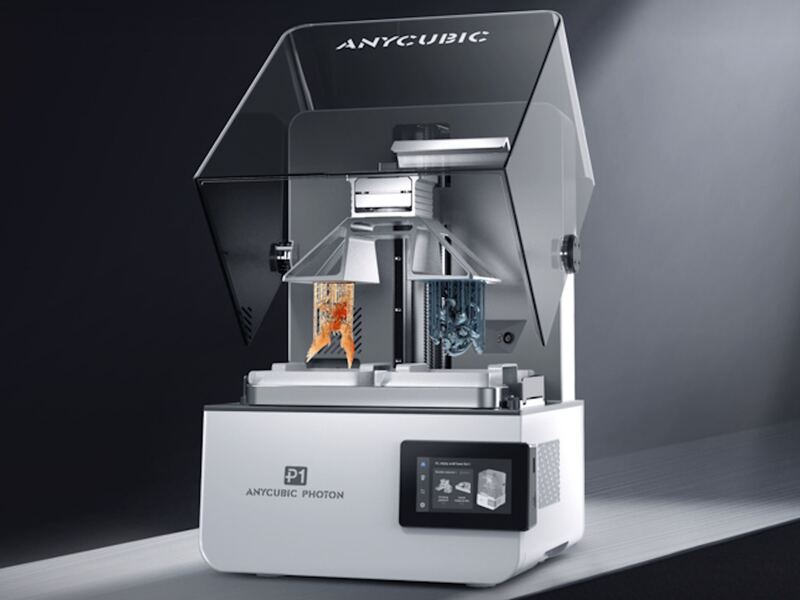
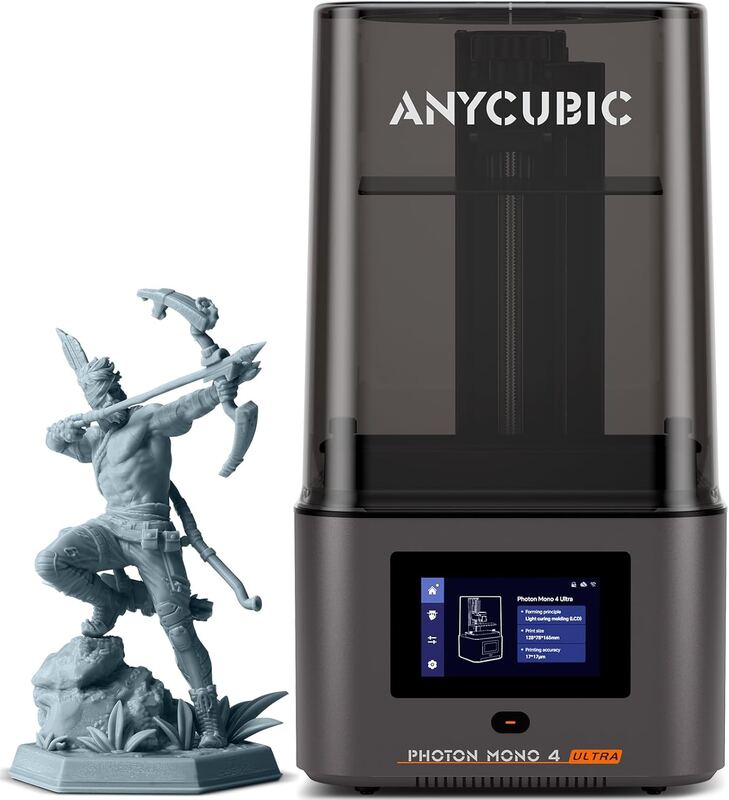
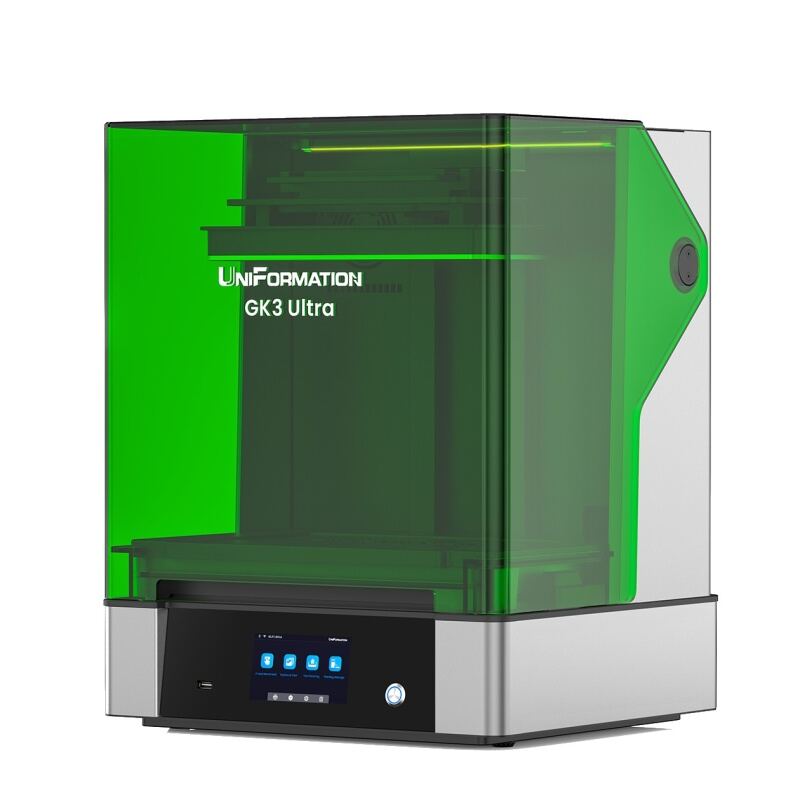
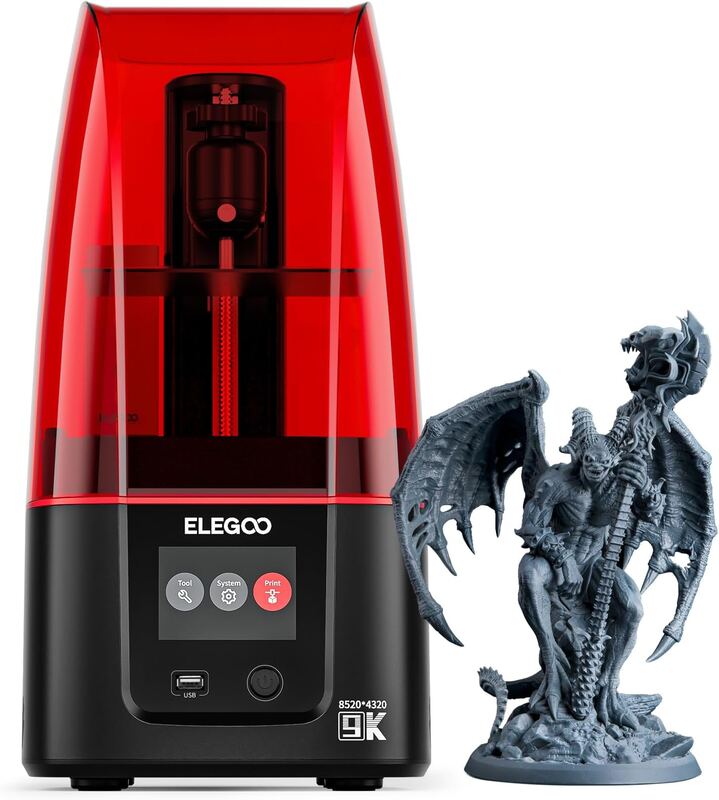
The HeyGears Ultracraft Reflex RS Turbo offers fast printing speeds and easy-to-use software, surpassing the Elegoo Saturn 4 Ultra in automation and user-friendliness. However, it's limited to proprietary resins, unlike the Anycubic Photon P1 or Uniformation GK Three Ultra, which support a wider range of materials. It also lacks the large build volume and heated chamber features of the Elegoo Saturn 4 Ultra or Phrozen Sonic Mega 8K S.

Rating sources

Our 4.3 score is the average of these published ratings. Ratings marked * were derived from the reviewer’s written analysis or video transcript — the publisher didn’t print an explicit numeric score, so we inferred one from their own words. Click through to verify. More about methodology.
How it compares

See all 7
HeyGears Ultracraft Reflex RS Turbo
4.3/5· $999
Buy at store.proto3000.com
Affiliate link — we may earn a commission. Rankings are not affected.