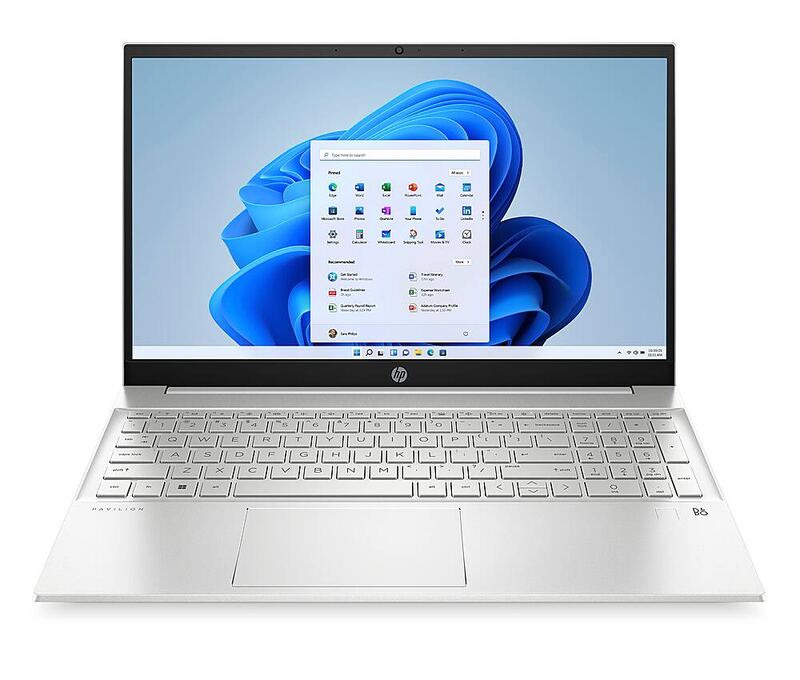
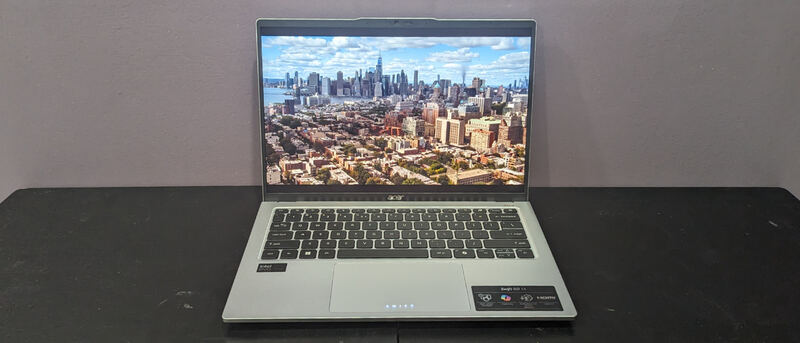
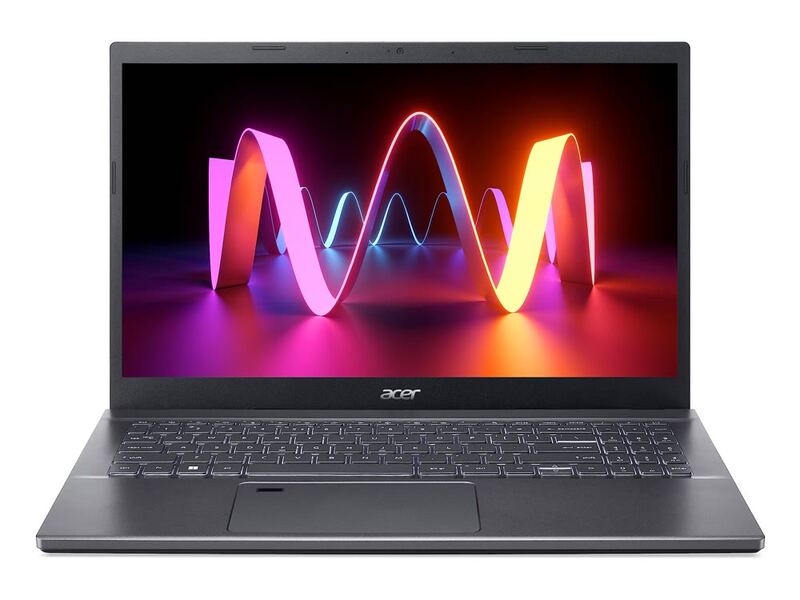
The OmniBook 5 14 is the battery-life champion: an ARM-based ultraportable that PCWorld. PCWorld called it "a strong contender if you want a Windows laptop with great battery life," and TechRadar praised its display and endurance. The catch is the Snapdragon platform's app-compatibility quirks.
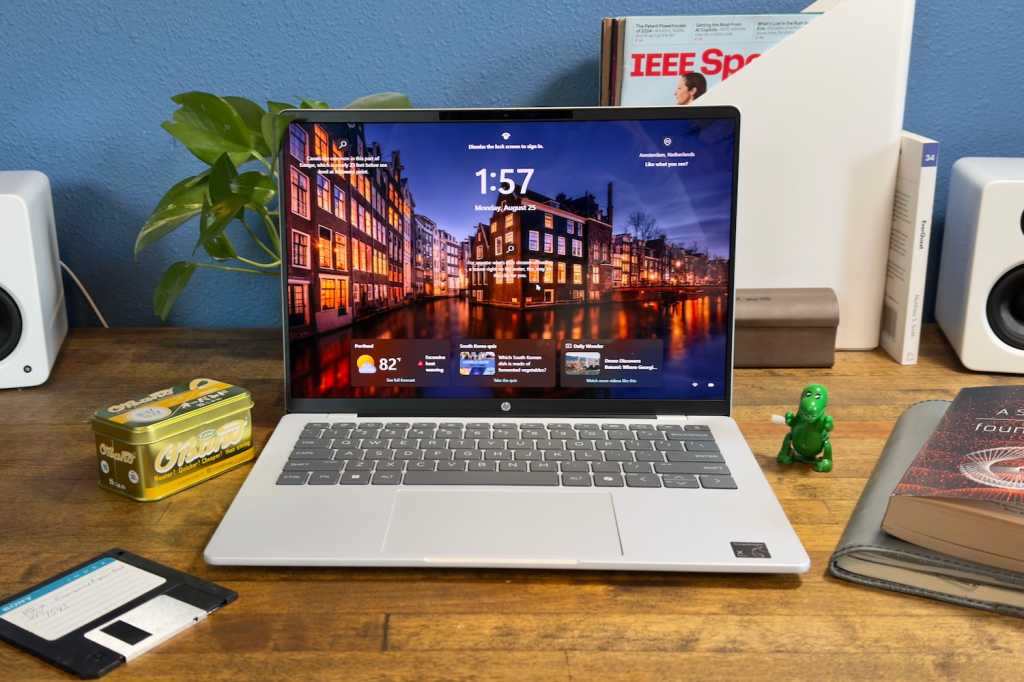
Full review
Twenty-five hours, and nobody disputes it
Battery is why this laptop is here. PCWorld measured over 25 hours in a video playback test. HP's claim of up to 34 hours is marketing, but even the independent figures put the OmniBook in a different class from every x86 machine it competes with. PCWorld also noted a fast-charge mode that adds up to 50 percent in 30 minutes. This is a laptop you can genuinely leave the charger at home for.
An OLED panel at a price that usually buys IPS
The 14-inch 2K OLED touchscreen is the second reason. PCWorld confirmed the panel looks great and delivers the wide gamut and high contrast the technology implies, and TechRadar's verdict called it a top-tier display at an affordable price, scoring the laptop 4.5 out of 5. Deep blacks and saturated color at this price point are rare enough that the screen alone separates the OmniBook from the IPS-equipped competition for anyone who watches media on their laptop rather than only working on it.
Adequate performance, and an ARM asterisk
The Snapdragon X Plus is efficient rather than fast. PCWorld's assessment - performance is okay but not exceptional, while remaining plenty quick for a wide range of productivity tasks - is the right one. Browsing, office work and streaming are responsive, and the chip runs cool and quiet enough that fan noise is essentially absent. The catch is the instruction set: some Windows applications run through emulation, and a minority of games, drivers and specialist professional tools run badly or not at all. Mainstream software is fine now; verify anything unusual before buying.
It gets warm where your hand is not
Thermals are the recurring complaint on this family of machines: under sustained load the rear underside gets uncomfortably warm, which matters if you actually use the laptop on your lap rather than a desk. Port selection on the base configurations is thin as well, so a hub is likely. Neither issue undoes the core proposition, but together they are why this is a specialist recommendation rather than a general one.
Buy it for the battery and the screen, or not at all
The OmniBook 5 14 does two things better than anything else near its price and is merely adequate at everything else. If your work is web, office, email and media, and you value going a full day unplugged with a beautiful screen, nothing here competes. If you need raw multi-core throughput or you depend on legacy x86 software, an AMD or Intel machine in the same bracket is the safer purchase - you give up most of the battery advantage and the OLED, but you never have to check a compatibility list first.
Strengths
- +Outstanding battery life, exceeding 25 hours in independent video tests
- +Vivid 2K OLED touchscreen with wide color gamut and deep contrast
- +Light, portable 14-inch design built for all-day mobile use
- +Fast charging adds about 50% capacity in 30 minutes
- +Quiet, efficient operation thanks to the low-power Snapdragon chip
Watch-outs
- −Snapdragon X Plus is an ARM chip, so some Windows apps run emulated or not at all
- −Performance is adequate but not exceptional for heavy workloads
- −Can run warm on the rear underside under sustained load
- −Base configurations are fairly minimal on ports
How it compares
The trade-off is the ARM Snapdragon platform's app-compatibility limits, which the x86 machines avoid.
Rating sources
“Incredible battery life and a top-tier display at an affordable price.”
Our 3.9 score is the average of these published ratings. More about methodology.