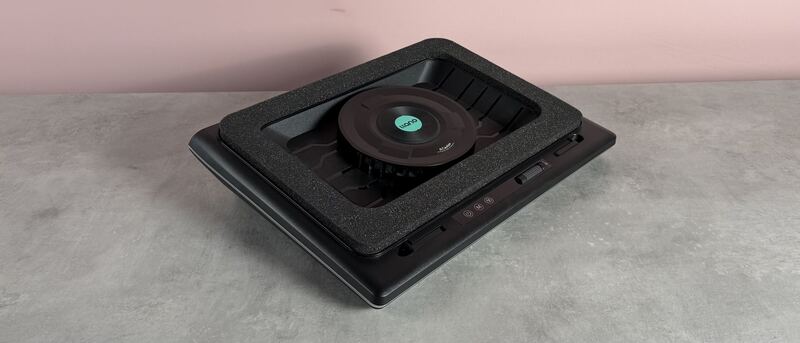
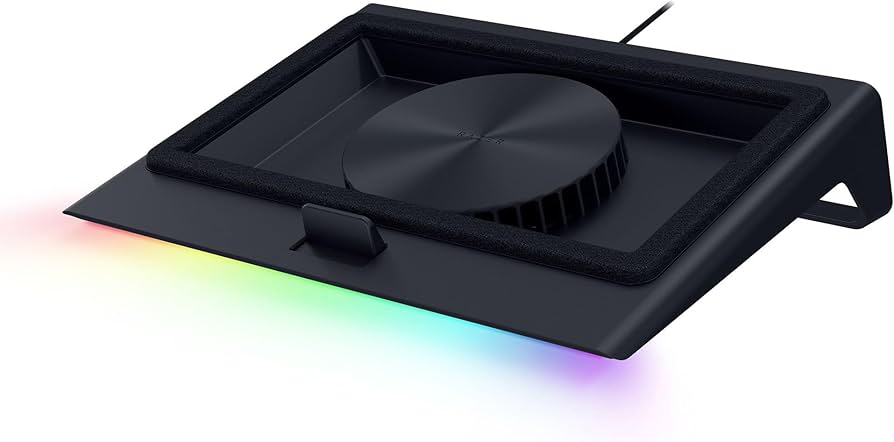
G Style Magazine called the Razer Laptop Cooling Pad 'one of the smartest and most refined laptop cooling solutions available right now.' The pad uses a pressure system with magnetic frames and memory foam to create an airtight seal, improving airflow into laptops. It integrates with Razer Synapse for automatic fan speed adjustment based on CPU/GPU temperatures, offering three preset curves and custom fan curves. The device also includes a 3-port USB-A hub and supports laptops from 14" to 18". While reviewers praised its smart features and performance, some noted the plastic build quality doesn't match the premium price point. It's best suited for users seeking an intelligent cooling solution over basic airflow.
Full review
Smart temperature integration
The Razer Laptop Cooling Pad's integration with system temperature sensors represents a key differentiator from basic cooling pads. According to G Style Magazine, the pad uses Razer Synapse to read CPU and GPU temperatures and automatically adjust fan speeds in real-time. The fan can ramp up to around 3000 RPM for heavy workloads but scale down when idle or browsing to keep noise at manageable levels. This temperature-responsive control is particularly effective during sustained gaming sessions, where the system's thermal stability improves significantly. The pad's Smart Mode avoids dramatic fan ramp jumps, offering a more gradual adjustment that reduces intrusion compared to traditional cooling solutions.
GamingTrend's David Flynn noted that while the pad requires the Synapse software for full functionality, it does provide a more intelligent approach to cooling than simple on/off modes. The pad comes with three control buttons on the side that toggle between speed profiles, and users can customize fan curves through Synapse's interface. The ability to set and forget the cooling system, rather than manually adjusting settings, is a significant advantage for users who want to maintain consistent performance without micro-management.
Airtight sealing mechanism
The pad's magnetic frame system and memory foam seals create a near-airtight chamber that maximizes airflow into the laptop system. G Style Magazine reported that the memory foam lining around the included frames allows the pad to form a tight seal under different laptop shapes, directing airflow through the laptop's cooling intake rather than losing pressure to open air. This feature is particularly important for larger laptops, such as the 18-inch unit tested by G Style Magazine, where the seal made a noticeable difference during GPU-heavy gaming sessions. The pad's ability to form a tight seal is crucial for optimizing cooling performance.
The airtight seal mechanism is a core component of the pad's effectiveness, according to G Style Magazine's review. The pad's design allows it to work with laptops up to 18 inches, and the magnetic frames can be swapped to accommodate different laptop sizes. The memory foam seals help create a tight fit that prevents air from escaping around the edges, which is essential for maintaining airflow pressure and directing it through the laptop's cooling system rather than letting it dissipate into the surrounding environment.
Performance gains under load
These performance gains are attributed to the pad's ability to keep temperatures under control, allowing the laptop's GPU and CPU to maintain higher performance levels for longer periods.
These gains were achieved by enabling Hyper Boost mode, which increases the maximum TGP for laptops equipped with RTX 40 series graphics and beyond. The cooling pad's role in maintaining lower temperatures allowed these performance modes to be sustained without thermal throttling.
Noise and volume concerns
While the Razer Laptop Cooling Pad delivers effective cooling performance, it does come with significant noise considerations. GamingTrend's David Flynn noted that the pad can sound like a jet engine when running at decent speeds, with the fan being audible from several rooms away. The noise level increases substantially at high RPM, which can be disruptive in quiet environments. However, the pad's Smart Mode avoids dramatic fan ramp jumps, offering a more gradual adjustment that reduces intrusion compared to traditional cooling solutions.
G Style Magazine's reviewer also noted that noise levels do increase at high RPM, but the Smart Mode avoids the dramatic fan ramp jumps they're used to. The changes are more gradual and less intrusive, though they acknowledged that in Quiet Mode, there is a ramp-up sequence that can be distracting, as it sometimes quiets down for a couple of minutes before suddenly becoming loud for a few seconds before dialing down again. This behavior suggests that while the pad's noise management is improved over basic cooling pads, it still has room for refinement in quieter operation.
Build quality and design limitations
The Razer Laptop Cooling Pad's build quality has been criticized for not feeling premium despite its price point. G Style Magazine noted that while the pad has a sturdy hard-plastic shell and is structurally sound, it doesn't carry the same cold-to-the-touch metal finish that might be expected from a product in this price category. The plastic itself doesn't feel cheap, but it also doesn't provide the premium tactile impression that many users might expect. The pad's design includes a fixed angle that isn't adjustable, which can make typing uncomfortable on some setups.
GamingTrend's reviewer also expressed dissatisfaction with the pad's design, particularly noting that it's a bit cumbersome with no way to adjust the angle. The pad requires an outlet nearby to even use it, as it needs to be plugged into both the laptop via USB and an electrical outlet to power the fan. The lack of adjustable angle and the requirement for an outlet nearby are seen as design limitations that reduce its versatility in different usage scenarios. The pad's appearance is described as a 'big plastic shell' that feels a bit cheap when considering its $170 price tag.
USB hub and dock functionality
The Razer Laptop Cooling Pad includes a 3-port USB-A hub built into the rear, which allows it to double as an expansion dock. G Style Magazine found that this helped clean up peripheral routing and reduce cable clutter, something they appreciated more than initially expected. The USB hub integration provides additional convenience for users who want to connect multiple peripherals without having to rely on their laptop's limited ports. This feature is particularly useful for users who want to set up a more desktop-like environment with their laptop.
GamingTrend's reviewer also noted that the USB hub integration helps with peripheral management, allowing them to plug in a keyboard and mouse to make a pseudo desktop setup. However, they found that the pad puts laptops at too steep an angle to be comfortable to type with, which is a limitation when using it as a dock. The pad's design doesn't allow for angle adjustment, which can make it less suitable for extended typing sessions or for users who prefer a more ergonomic setup.
Thermal performance consistency
This thermal performance is particularly notable for an 18-inch gaming laptop, where sustained heat can be a significant concern. The pad's ability to maintain consistent cooling performance under various workloads is a key strength, especially for users who run demanding applications or games for extended periods.
While the tests showed that average CPU power increased significantly with Hyper Boost enabled, the temperatures were only about 2°C warmer on average, which is a manageable increase considering the performance gains achieved. This suggests that the pad's cooling system is effective at managing heat even under high-load conditions.
Strengths
- +Intelligent temperature-responsive fan control via Razer Synapse integration
- +Airtight seal with magnetic frames and memory foam lining for optimized airflow
- +3-port USB-A hub built into the rear for peripheral expansion
- +Supports laptops from 14" to 18" with interchangeable magnetic frames
Watch-outs
- −Hard-plastic shell feels less premium than the price suggests
- −The plastic shell feels less premium than expected for the price.
How it compares
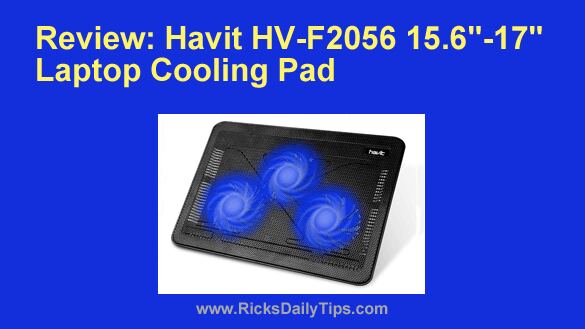
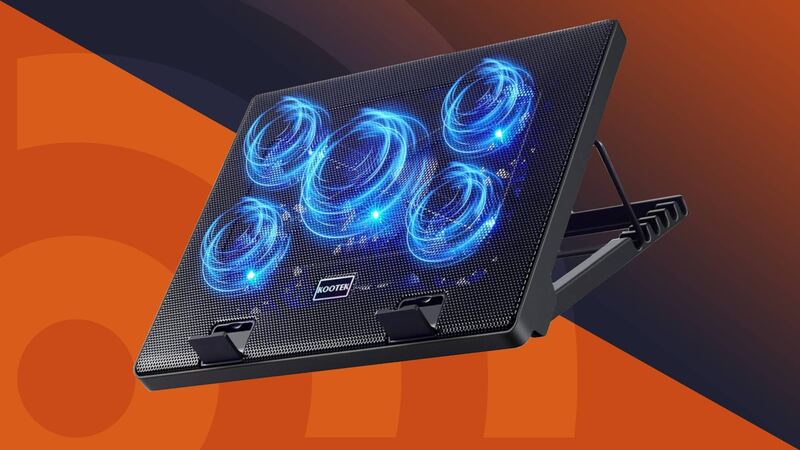
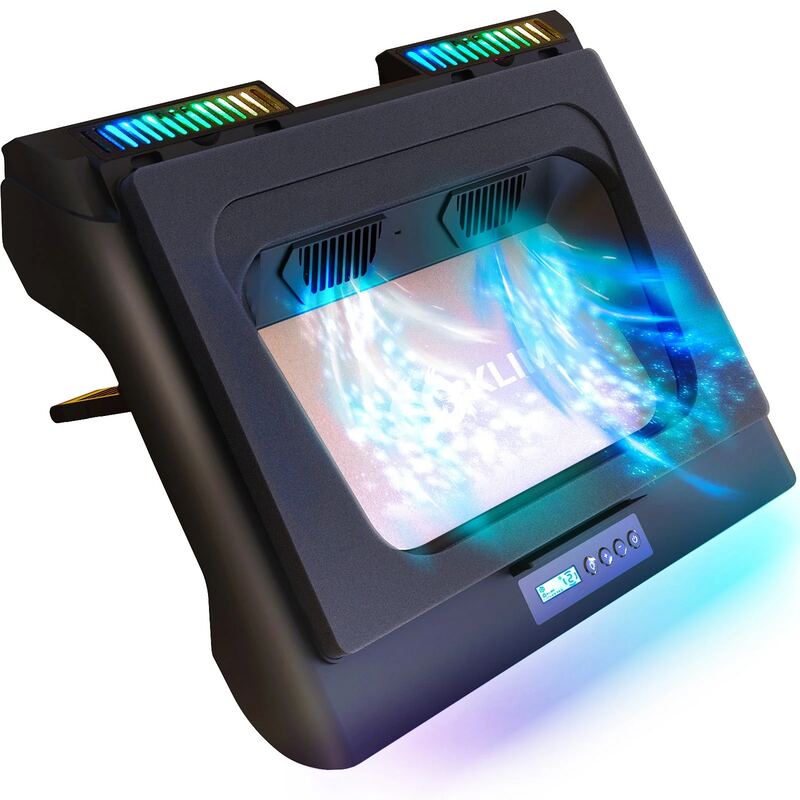
The Razer Laptop Cooling Pad stands out with its Razer Synapse integration for intelligent fan control, a feature not found in competitors like the Kootek or Tecknet models. While it offers smart temperature-responsive cooling, it lacks the raw performance and build quality of the KLIM Everest or IETS GT500, which provide superior airflow and durability. Its plastic construction also falls short compared to the aluminum-mesh design of the Klim Everest.
Rating sources
“Cool but loud”
“pricey but worth it for the right setup”
Our 3.9 score is the average of these published ratings. Ratings marked * were derived from the reviewer’s written analysis or video transcript — the publisher didn’t print an explicit numeric score, so we inferred one from their own words. Click through to verify. More about methodology.