TP-Link's first serious gaming router pairs tri-band Wi-Fi 7 with hardware aimed at latency rather than headline speed: a dedicated 2.5Gbps gaming port, per-game QoS through Game Acceleration, and WTFast GPN access. PCMag called it the best router TP-Link has built. Dong Knows Tech was cooler on it, pointing at heat and fan noise. It suits a gaming desk on a fast fiber line, not a quiet shelf in a small apartment.
Full review
Two 10Gbps ports, an SFP+ cage and four 2.5Gbps LAN
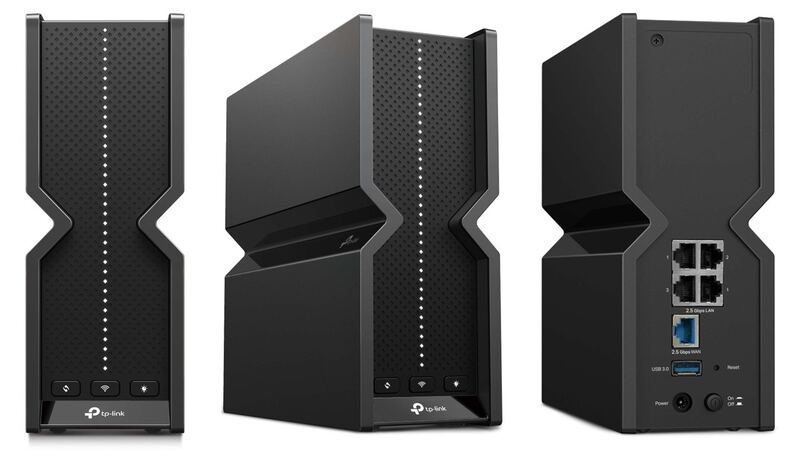
Wired connectivity is the clearest reason to buy this over a cheaper Wi-Fi 7 router. There are two 10Gbps WAN/LAN ports, an SFP+ cage for a fiber transceiver, four 2.5Gbps LAN ports and a USB 3.0 port. One of the 2.5Gbps ports is designated the gaming port and prioritizes traffic from whatever is plugged into it. For a household on a multi-gig line that is a genuinely usable spread rather than a spec-sheet flourish.
Qualcomm Network Pro 1220, with a fan between the antennas
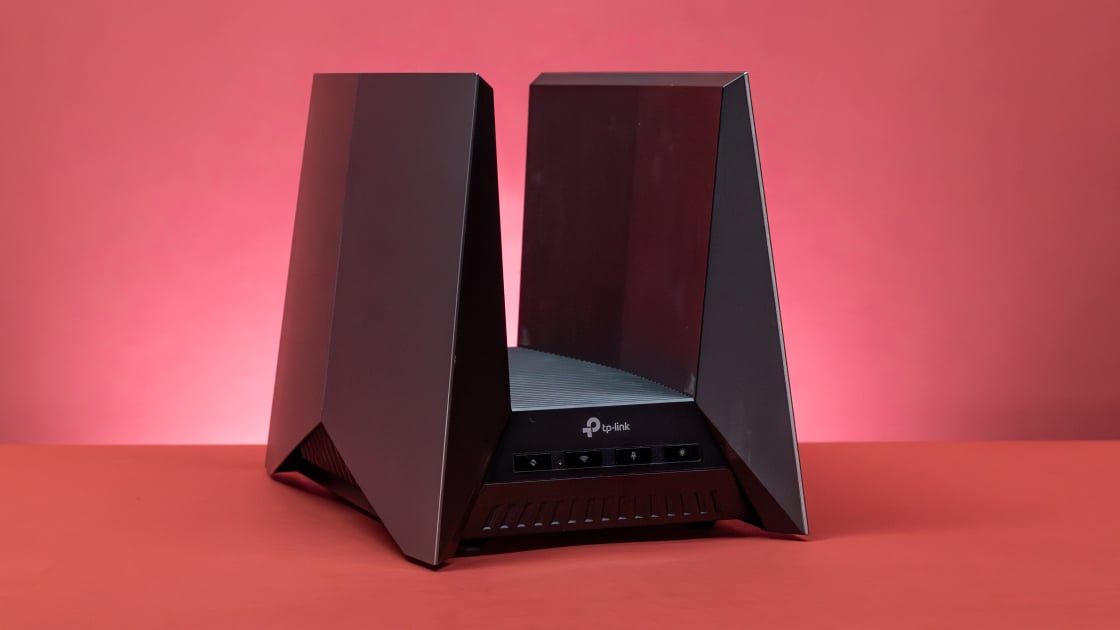
The platform is Qualcomm's Network Pro 1220, a 2.2GHz quad-core part with 2GB of RAM, and it needs active cooling: there is a fan tucked between the antennas. Tom's Hardware credits the cooling with keeping the router stable under sustained load, but the same design is why the unit runs warm and why the fan is audible in a quiet room. The chassis is large, with a shape that will not disappear on a bookshelf.
6GHz throughput that beats a 2.5G wired link
Blacktubi measured over 2500Mbps on the 6GHz band to a laptop with an Intel BE200 adapter at five meters, faster than the 2.5G Ethernet port it would otherwise be sharing with. Peak radio rates are 1376Mbps on 2.4GHz, 5760Mbps on 5GHz and 11520Mbps on 6GHz. Multi-Link Operation lets a capable client hold all three bands at once and move between them without dropping, which is the reliability story rather than the speed one.
Game Acceleration, a gaming port and WTFast
The gaming features are real rather than cosmetic. Game Acceleration detects the title being played and applies QoS automatically, the Game Panel shows live network state, and WTFast GPN routing is built in for players chasing lower latency to distant servers. PCMag rates this the first TP-Link router where the gaming label describes the software as well as the styling. The RGB lighting is customizable through the Tether app and can be switched off entirely.
Security+ and parental controls are paid add-ons
Security+, intrusion detection and the parental control suite are subscription features here, where competing routers at this price bundle the equivalent for the life of the product. Early firmware also shipped with rough edges, and adaptive frequency coordination is not supported, which limits 6GHz power. Against the ASUS GT-BE98 Pro this is the cheaper and hotter option with the less polished software.
Strengths
- +Tri-band Wi-Fi 7 performance with 19000 Mbps total bandwidth
- +Includes dedicated 2.5Gbps gaming port for prioritized gaming traffic
- +Game Acceleration feature automatically optimizes QoS settings for specific games
- +Supports Game Private Network (GPN) integration with WTFast for improved gaming latency
Watch-outs
- −Router runs hot and can be noisy during high usage
- −No AFC (Adaptive Frequency Control) support in current firmware
How it compares
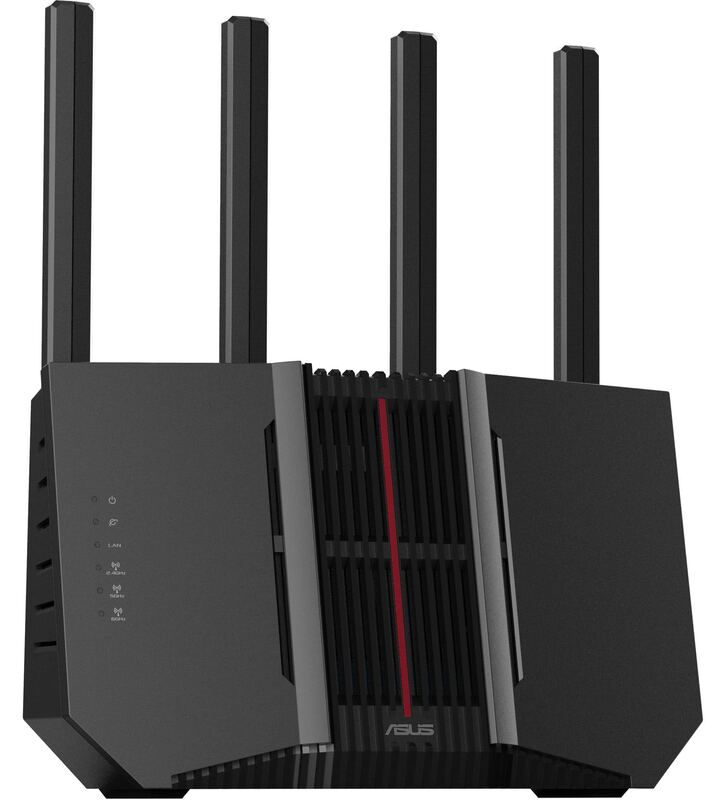
The TP-Link Archer GE800 excels in gaming-specific features like Game Acceleration and dedicated 2.5Gbps port, outperforming the ASUS RT-BE58U in gaming optimization. However, it's more expensive than the ASUS RT-BE58U and runs hotter than the ASUS ROG Rapture GT-BE98 Pro, making it less ideal for users seeking a refined experience.
Rating sources
Our 4.0 score is the average of these published ratings. More about methodology.