VEVOR's 34-inch vinyl cutting plotter performs well for what it costs. Reviewers praised the sturdy construction and an interface that feels familiar to anyone who's used high-end Roland machines, and rated the included SignMaster software easy to use and capable. Complaints center on the quality of the included vinyl and the low audio in the setup videos. Customer feedback points to shop decals, window graphics, and HTV work as its strengths, with one reviewer calling it a 'workhorse' for its price. There's no Bluetooth connectivity.
Full review
Stand catches long banners before they hit the floor
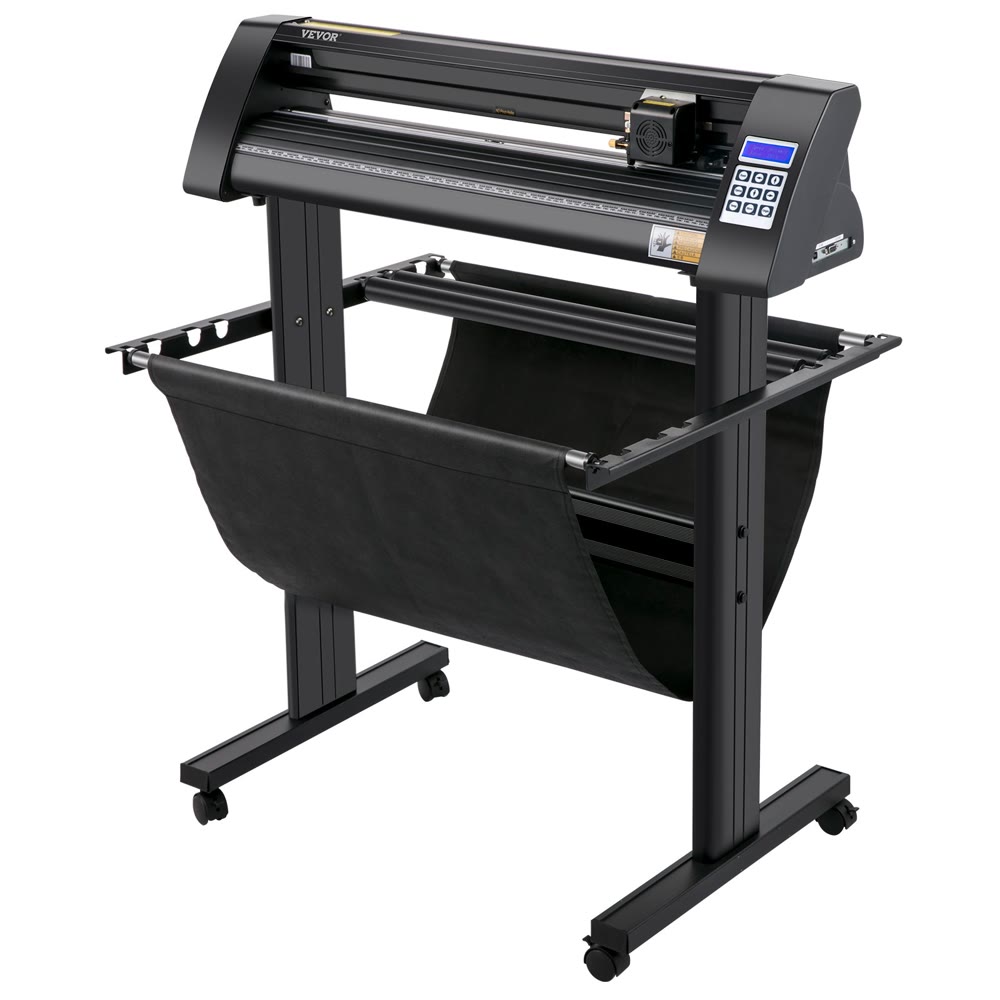
The VEVOR vinyl cutting plotter presents a sturdy construction that belies its affordable price point, with reviewers noting its robust build quality and reliable performance. The inclusion of double-spring pinch rollers and aluminum knurling stick ensures stable paper feed, with users reporting minimal deviation during extended cutting runs. The unit's stand includes rollers for holding vinyl rolls and a catch cloth to prevent long banners from dropping to the floor during cutting operations. Brandon Head Grunt from a 52-review sample noted the stand's stability and the inclusion of a catch basket that keeps vinyl off the floor, which he found particularly useful for shop decals and window graphics. The machine's design incorporates an illuminated LCD display and a large control panel with adjustable cutting pressure from 10-500g and cutting speed from 10-800 mm/s, offering users fine-grained control over cutting parameters.
Cuts Oracal 651 like butter with the right blade
Performance testing reveals the VEVOR plotter delivers consistent results for its price range, with users reporting clean cuts on various materials including Oracal 651 vinyl. Brandon Head Grunt noted that with a 45° blade, the machine cuts Oracal 651 'like butter,' while swapping to a 60° blade enabled him to cut small lettering (about ½") that weeds cleanly. Users consistently praised the machine's ability to maintain straight tracking during 8-10 ft runs when properly centered with all three pinch rollers. However, some users reported challenges with small detail cutting, with Luis Gerardo Encarnacion Dominguez noting that the machine 'struggles to cut' in small files. The machine's noise level was described as a 'steady hum,' which most users found acceptable for home or shop environments. One owner, IanRoberts, reported that the machine performs 'surprisingly well for the price' and cuts vinyl more accurately than a Cricut while being faster too.
Software and Interface
The SignMaster CUT v5 software bundled with the VEVOR plotter has received mixed reviews from users. Doug Joseph from V1E.com Forum noted that while the software is 'pretty nice,' it's Windows-only, requiring Mac users to employ virtualization software like Parallels Desktop. The software provides a familiar interface similar to older Roland machines, with a 'cut' icon that allows users to verify USB ports and check cut options before initiating cuts. One notable feature is the automatic addition of weeding guides through a checkbox during cut preparation, which users found helpful for easier weeding. However, some reviewers criticized the software's limitations, with Ray G noting that while the machine works well, 'I don't like the software it comes with.' The software supports DM/PL and HP/GL language, and users can import SVG/AI files directly. The interface includes adjustable cutting pressure and speed controls, with a 'test cut' function to check cutting pressure before full execution. Some users reported issues with the included software's basic version, requiring upgrades for advanced features, while others found it sufficient for their needs.
34-inch width handles banners and window graphics
Users consistently praised the VEVOR plotter's value proposition, with many reviewers highlighting its affordability compared to premium brands. José G described the equipment as 'very reliable' and noted that 'the setup is very simple and the equipment is very easy to use.' The machine's ability to handle various materials was particularly appreciated, with users reporting success with HTV, stencil vinyl, and window tint applications. Brandon Head Grunt emphasized that the 34" cutting width makes it 'a workhorse' for shop decals, window graphics, banners, and HTV. The inclusion of a comprehensive stand with rollers and catch cloth was also appreciated, with users noting that assembly took only about 30 minutes. The machine's ability to produce clean, repeatable results was frequently mentioned, with users stating that it 'cuts like butter' with proper blade selection and settings. Additionally, the inclusion of both USB and COM interfaces was seen as a plus, providing flexibility for different user preferences and setups.
Arrived without the laser alignment system
Several significant drawbacks were identified by reviewers, with the most prominent being the lack of Bluetooth connectivity and the absence of a laser alignment system. Lynda Crafter specifically noted that 'it's not being Bluetooth compatible,' which she felt was a major limitation. Yamil Reyes Arteaga reported a critical issue where the machine arrived 'without rayo laser' (laser alignment system), which he discovered only after purchase and which prevented him from performing contour cuts. This was particularly problematic since the machine's description didn't specify this absence. The included software was criticized as basic and requiring upgrades for advanced functionality, with some users noting that 'the program that is comes with Inkmaster isn't that great.' Additionally, the machine's USB cord length was identified as a minor inconvenience, with users wishing for a longer cable. The absence of a quick-start card with common pressure/speed presets was also mentioned as a missed opportunity for user-friendliness. Some users reported firmware issues, with Angela Kinney describing a situation where the machine 'started flashing on the screen and then clicking' and receiving no response from customer service.
Windows-only software, no Mac support
The VEVOR vinyl cutting plotter is best suited for hobbyists, small business owners, and DIY enthusiasts who require an affordable yet capable cutting solution. Based on user reviews, it's particularly well-suited for those who need to handle shop decals, window graphics, banners, and HTV applications, as noted by Brandon Head Grunt. The machine's 34-inch cutting width and ability to handle various materials make it ideal for users who don't require the high-end features of professional-grade machines but still need reliable performance. The inclusion of SignMaster software and the Windows compatibility make it accessible to users familiar with PC-based design software. However, it has no wireless connectivity - the cited hands-on video notes the machine 'is not Wi-Fi compatible, not this version' and connects over USB - which rules it out for shops that expect a networked cutter. The machine also isn't ideal for users who need Mac compatibility, as the software is Windows-only, requiring virtualization software for Mac users. Users with experience in vinyl cutting will find it easier to adapt, while beginners may need time to learn the software and optimal settings.
Matches machines four times its price, testers say
When compared to premium brands like Roland, the VEVOR plotter offers a compelling value proposition despite lacking some advanced features. While Roland machines are known for their precision and durability, the VEVOR offers comparable performance at a fraction of the price point, as noted by users who found it 'works just as well as until name brand machine that was 4x the price.' The VEVOR's inclusion of both USB and COM interfaces provides flexibility that some premium machines lack, though it doesn't match the advanced features of professional-grade machines. The machine's cutting precision of +/- 0.0004" / 0.01 mm is competitive with many mid-range machines, though it falls short of the ultra-precision offered by high-end models. Compared to other budget-friendly options, the VEVOR stands out for its inclusion of a comprehensive stand, catch cloth, and the SignMaster software package. The machine's reliability was praised by users, with José G stating it's 'very reliable' and 'very easy to use,' though it doesn't match the build quality and longevity of premium machines.
Stand, software, and five vinyl rolls in the box
The VEVOR vinyl cutting plotter offers strong value for money, particularly when considering its performance relative to its price point. Users who purchased the machine reported satisfaction with its ability to handle various materials and produce clean cuts, with many stating it 'works surprisingly well for the price.' The inclusion of a comprehensive stand, catch cloth, and SignMaster software package adds significant value to the overall package. However, the machine's value is somewhat diminished by the lack of Bluetooth connectivity and laser alignment system, features that are increasingly standard in similar priced products. The machine's ability to handle 34-inch cutting width and its inclusion of both USB and COM interfaces provide good flexibility for users. The overall value proposition is strong for users seeking an affordable yet capable cutting solution, though it may not satisfy users requiring advanced features.
Strengths
- +Sturdy stand with rollers for holding vinyl roll and catch cloth to prevent signs from dropping
- +Includes SignMaster CUT v5 software on USB thumbdrive and CD with serial number for activation
- +Clean cuts achieved with proper blade selection (45° for Oracal 651, 60° for small lettering)
- +Easy setup and use with familiar interface similar to expensive Roland cutters
Watch-outs
- −Included vinyl is poor quality with insufficient backing thickness
- −No Bluetooth connectivity
- −Software installation video has very low audio quality
How it compares
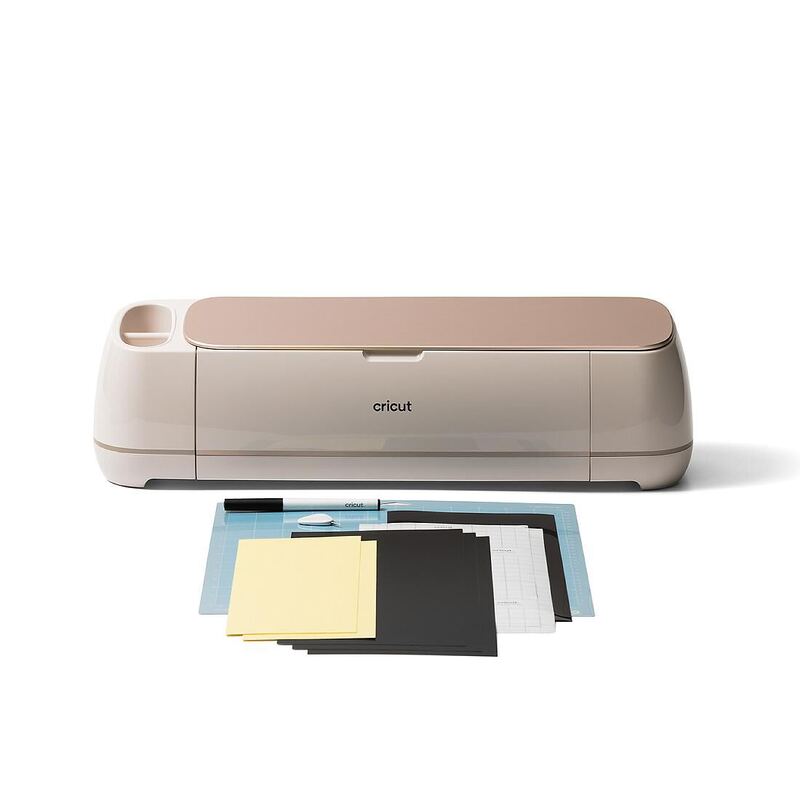
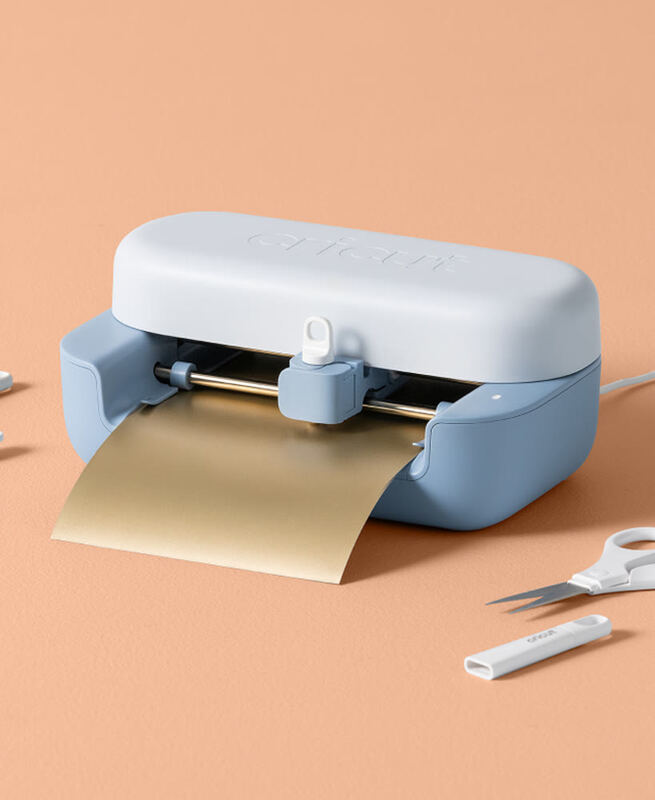
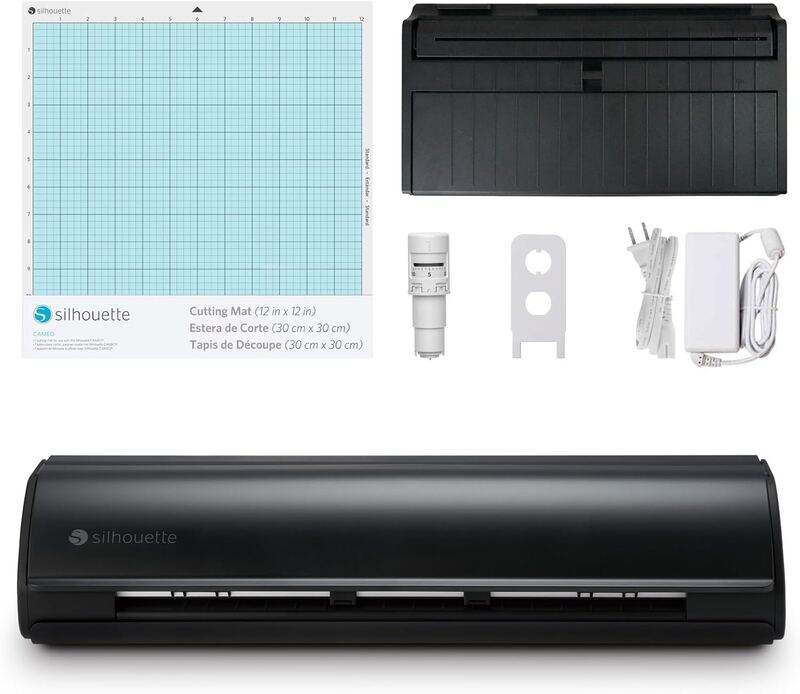
The VEVOR Vinyl Cutting Plotter offers a cost-effective solution with a sturdy build and familiar interface compared to the Cricut Joy 2 and Brother ScanNCut SDX125E, which lack its roll-holding stand and catch cloth. However, it doesn't support Bluetooth connectivity and has subpar included vinyl, unlike the more feature-rich Cricut Explore 4 or Silhouette Cameo 5.
Rating sources
Our 4.5 score is the average of these published ratings. Ratings marked * were derived from the reviewer’s written analysis or video transcript — the publisher didn’t print an explicit numeric score, so we inferred one from their own words. Click through to verify. More about methodology.