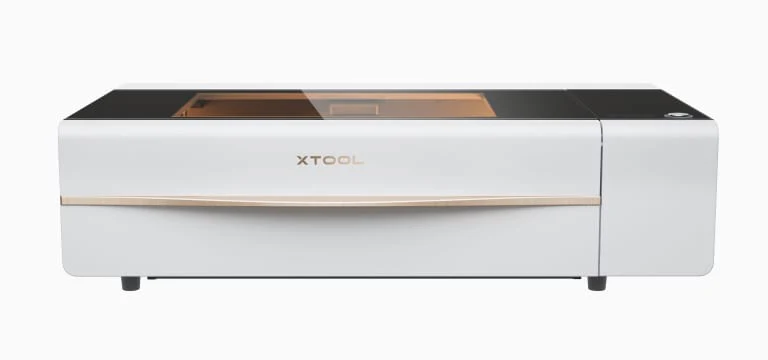
The xTool P2 is a powerful 55-watt CO2 desktop laser cutter with tricks most rivals don't have, including curved engraving and automated AI batch engraving. CNET called it a potential Glowforge killer, and reviewer Chris Garrett came away impressed after a single day of testing. It ships fully enclosed with fume extraction and air assist built in, which makes it safer to run. It's aimed at people cutting thicker materials or wanting faster engraving speeds. Setup is involved, requiring distilled water and antifreeze, and the large footprint won't suit every workspace.
Full review
A 55-watt CO2 tube in a desktop enclosure
The P2's central claim is cutting power that desktop diode machines cannot approach: 20mm acrylic and 18mm solid wood in a single pass, positioning accuracy quoted at 0.01mm, and engraving speeds to 600mm/s. CNET's read is that this is the machine that makes a serious CO2 laser plausible on a bench rather than in a workshop, and the comparison that matters is against xTool's own diode models, which simply cannot cut those thicknesses at all. Everything else about the machine follows from that tube.
Curved engraving and two 16MP cameras
The feature that separates the P2 from most rivals is automatic height detection: the machine measures the surface and adjusts the Z axis as it goes, so it will engrave a curved or warped workpiece — the standing example being wine-barrel staves — without an accessory. Two 16MP cameras handle autofocus and material thickness measurement and provide a live view of the bed for placement. Batch engraving builds on the same cameras, recognising several identical objects and applying one design across all of them.
Distilled water, antifreeze and mirror alignment
This is not a machine that works ten minutes out of the box. The water-cooling loop has to be filled with distilled water and the supplied antifreeze before first use, and the mirrors need aligning. The Handyman's Daughter, who ran the machine for over six months, found that first setup took more time and technical confidence than expected, and buyers in the Maker Hacks community reported the same. The packaging at least arrives well protected, with dense foam around the tube and optics.
XCS is easier than LightBurn and thinner
xTool Creative Space is approachable and includes a grid-array function for building material test cards, which is genuinely useful for a beginner. It also lacks the depth of LightBurn, which the P2 supports as an alternative — with the caveat that curved engraving and auto height detection are exclusive to xTool's own software, so choosing LightBurn means giving up the machine's most distinctive features. Unique Creations By Anita's coverage leans heavily on those XCS-only capabilities, which is a fair reflection of where the value sits.
The camera loses silver against silver
Camera-based batch processing works well on contrasting material and fails on low-contrast combinations — silver tags on a silver honeycomb bed being the case reviewers hit repeatedly. Low light makes it worse. It is a recognition limitation rather than a laser one, but it undercuts the automation that justifies the price for anyone producing in volume, and there is no manual fallback that is as quick.
Big, loud and heavy enough to plan around
At a shade under a hundred pounds with a footprint measured in feet rather than inches, the P2 is a permanent fixture that needs a dedicated bench and probably two people to place it. The built-in fume extraction and air assist are the right call for indoor use and remove the need for external ventilation kit, but the exhaust is loud enough that reviewers asked for quieter operation on long jobs. Small workshops should measure before ordering.
Strengths
- +55-watt CO2 laser provides substantial cutting and engraving power
- +Built-in fume extraction and air assist for safer operation
- +Curved Engraving feature automatically adjusts z-height for warped materials
- +Automated AI Batch Engraving recognizes shapes and engravings multiple objects in one batch
Watch-outs
- −Requires distilled water and included antifreeze before first use
- −Machine size is substantial at 39.4×25.1×10.6 inches
How it compares
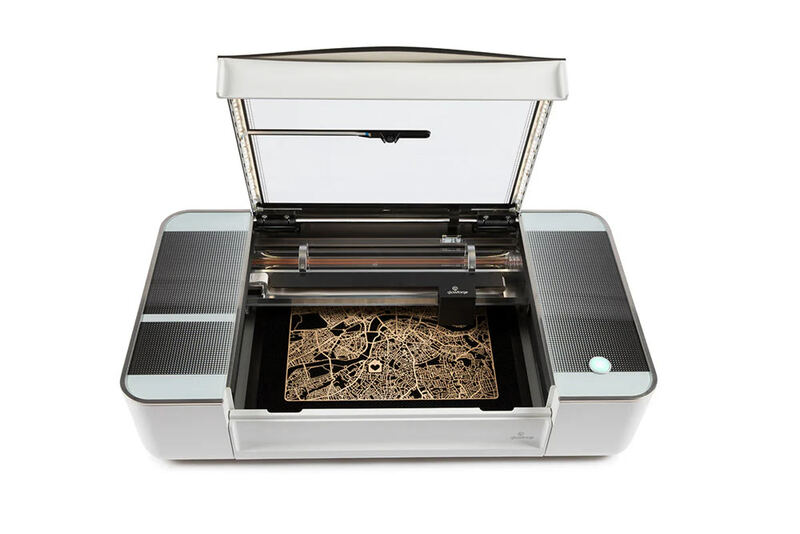
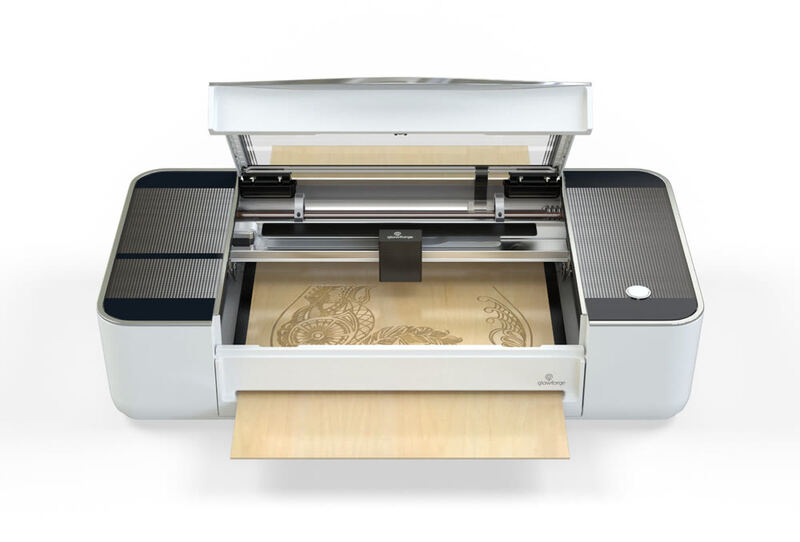
The xTool P2 stands out from the Glowforge Pro with its fully enclosed design and built-in fume extraction, features that the Glowforge lacks without an expensive add-on. Compared to the xTool D1 Pro, it offers more power with its 55-watt CO2 laser and includes advanced AI batch engraving, but requires more setup effort and has a larger footprint.
Rating sources
“The xTool P2 desktop CO2 laser cutter has blown me away. In fact, that is a huge understatement.”
“I have received the new xTool P2 CO2 laser, launched in 202,3, from Makeblock for reviewing purposes. All the opinions expressed in this post are solely my own and are based on my personal experience while using the laser.”
“I'll share my genuine experience using this tool for the first time, and any hiccups that occurred along the way.”
Our 4.3 score is the average of these published ratings. Ratings marked * were derived from the reviewer’s written analysis or video transcript — the publisher didn’t print an explicit numeric score, so we inferred one from their own words. Click through to verify. More about methodology.