Verdict
Head-to-head · Best Ipad Stylus Alternatives

Apple Pencil (USB-C) vs Logitech Crayon (USB-C)

Which is the better buy? Side-by-side on rating, price, strengths, and watch-outs — with the published ratings we averaged to get there.

Verdict is reader-supported. As an Amazon Associate we earn from qualifying purchases. Some links on this page are affiliate links — if you click through and buy, we may earn a small commission at no extra cost to you. Our ratings are sourced from independent publications, not sponsors.
The short answer

Logitech Crayon (USB-C) comes out ahead by a narrow margin (4.0 vs 3.8). The gap is mostly about users seeking simple, no-frills functionality — read the strengths below before deciding.

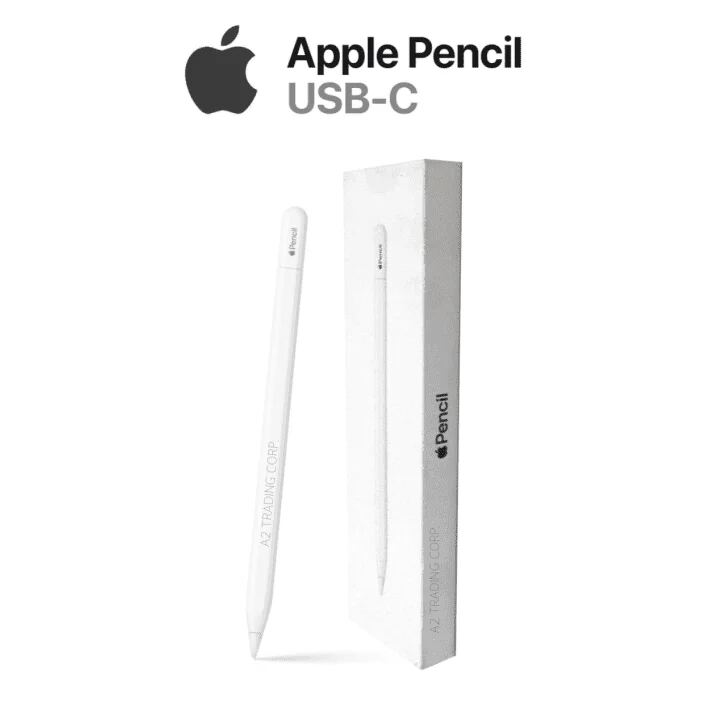
Apple Pencil (USB-C)
Ranked #7 in Best Ipad Stylus Alternatives
Apple Pencil (USB-C)
5 sources2 derived$79as of Sep 25

PCMag's Eric Zeman reviewed the Apple Pencil (USB-C) and noted its USB-C charging interface and similar ergonomics to the second-generation model. YouTube reviewers highlighted its compact design and built-in cap as improvements over previous versions, though they pointed out the absence of wireless charging and the double-tap tool switching feature found on the second-gen. The pencil is positioned as a more affordable alternative to the premium Apple Pencil 2 while maintaining core functionality for iPad users.

Strengths
  • — Features USB-C charging and pairing interface
  • — Includes built-in cap to prevent loss, unlike first-generation model
  • — Compatible with iPad models that support Apple Pencil
Watch-outs
  • — Lacks wireless charging capability
  • — No double-tap tool switching function
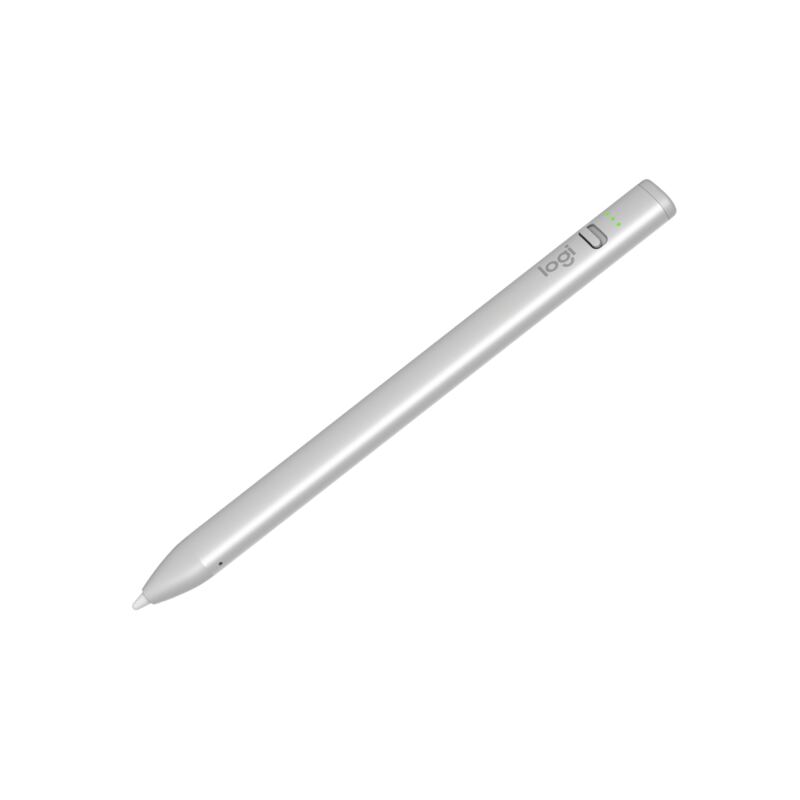
Logitech Crayon (USB-C)
Higher ratedRanked #3 in Best Ipad Stylus Alternatives
Logitech Crayon (USB-C)
3 sourcesall derived$43.83as of Aug 11

The Logitech Crayon (USB-C) serves as an affordable alternative to the Apple Pencil, offering compatibility with iPads from 2018 onwards. Reviewers noted its comfortable, non-rolling design and instant pairing capability. The updated model features a new on/off switch and three LED battery indicators for better power management. While it lacks pressure sensitivity, which keeps costs lower, it provides a reliable, latency-free writing experience with 7 hours of usage time. This stylus is ideal for users seeking a simple, no-frills digital drawing tool compatible with older iPad models.

Strengths
  • — Compatible with iPads from 2018 onwards including models with Lightning port
  • — Charges via standard USB-C cable that users commonly carry
  • — Comfortable ergonomic design that stays put when placed on table rather than rolling
Watch-outs
  • — No pressure sensitivity, which Robert Setiadi notes explains its lower price point
  • — Available only in silver color, no longer offered in orange, as Robert Setiadi points out

Derived means the reviewer published no score, so one was inferred from their written verdict. Everything else is a number the publisher printed. How we rank.

How they stack up

Apple Pencil (USB-C)

The Apple Pencil (USB-C) offers a more modern connection method with USB-C charging and pairing, features not found in the first-generation Apple Pencil. However, it lacks the wireless charging and double-tap tool switching found in the Apple Pencil (2nd generation), making it a more affordable alternative for users who don't require those premium features.

Logitech Crayon (USB-C)

The Logitech Crayon (USB-C) offers instant pairing and a comfortable ergonomic design, features not found in the Apple Pencil (1st generation).

Specs side-by-side

SpecApple Pencil (USB-C)Logitech Crayon (USB-C)
Charging MethodUSB-CUSB-C
CompatibilityiPad models supporting Apple PenciliPad 2018 onwards
ConnectivityUSB-CUSB-C
Weight0.72 ounce2.12 kg
Tip Size8.9 mm—
MaterialSiliconeAluminum
Dimensions6.10 x 0.35 x 0.35 inches6.26 x 0.47 x 0.31 inches
Battery Lifeup to 12 hours7 hours
Tip Type—Replaceable (purchased separately)
← See the full ranking of best ipad stylus alternatives