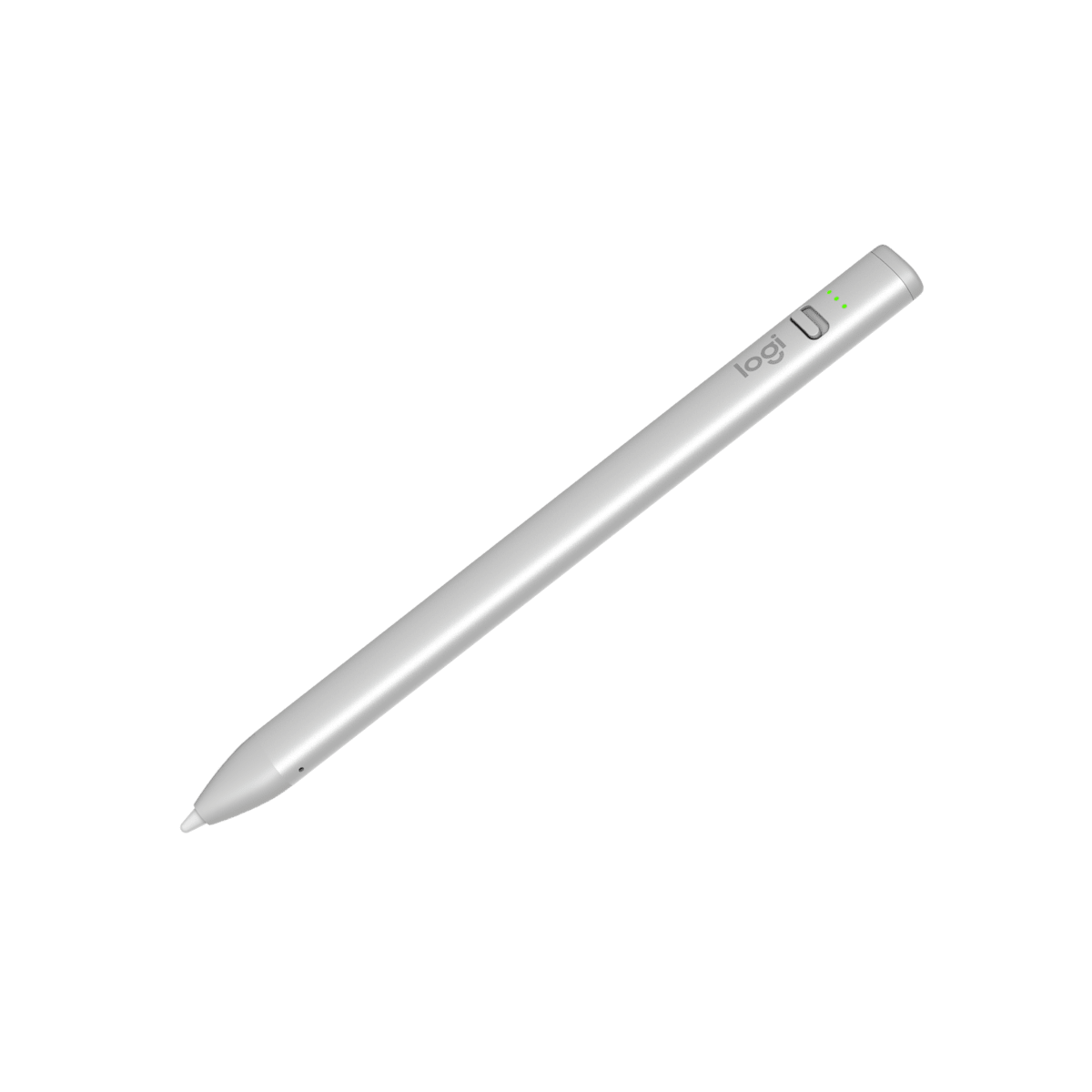
The Logitech Crayon (USB-C) serves as an affordable alternative to the Apple Pencil, offering compatibility with iPads from 2018 onwards. Reviewers noted its comfortable, non-rolling design and instant pairing capability. The updated model features a new on/off switch and three LED battery indicators for better power management. While it lacks pressure sensitivity, which keeps costs lower, it provides a reliable, latency-free writing experience with 7 hours of usage time. This stylus is ideal for users seeking a simple, no-frills digital drawing tool compatible with older iPad models.
Full review
Design evolution and form factor
The Logitech Crayon (USB-C) represents a refined iteration of its predecessor, maintaining core functionality while introducing subtle but meaningful design improvements. According to Josephine Watson from Creative Bloq, the 2023 model features a 'sleeker, minimalist design' compared to the original 2018 version, with a more modern aesthetic that mirrors the charging evolution seen in newer iPad models. The stylus adopts a rounded rectangular form factor rather than the circular design of Apple Pencil, which Watson notes makes it 'not roll over my desk.' This practical consideration addresses a common complaint about traditional pen designs, as Robert Setiadi from RobertSetiadi.com confirms, stating that the 'rounded rectangle form factor instead of circular design so that it will not roll over my desk' is a welcome improvement. The new USB-C charging port replaces the older Lightning connection, aligning with current iPad charging standards and eliminating the need for proprietary cables.
Charging and power management
Power management in the Logitech Crayon (USB-C) is handled through a USB-C port, which offers convenience for users who already own compatible cables. The stylus automatically powers off after 30 minutes of inactivity to conserve energy, a feature that Watson finds practical for daily use. Battery status is indicated by three LED lights: red when low, green when charging, and all green when fully charged. According to the YouTube reviewer in 'New Logitech Crayon (USB-C): The Ultimate iPad Pencil Alternative,' a two-minute charge provides 30 minutes of writing time, which is particularly useful for quick note-taking sessions. However, the device's power management system has been noted to have quirks by Reddit users, with DavidBeck from MPU Talk reporting that the tip can become loose and cause the stylus to malfunction, requiring users to tighten it manually to restore functionality.
Compatibility and pairing process
The Logitech Crayon (USB-C) maintains broad compatibility with iPad models from 2018 onwards, including all iPad Pro, iPad Air, iPad mini, and iPad (10th generation) variants. Watson from Creative Bloq confirms that the stylus 'pairs instantly with iPads' and requires no Bluetooth setup, unlike some competitors. The pairing process is straightforward: users simply flip the on/off switch and begin using the stylus immediately. This seamless integration contrasts with the Apple Pencil, which requires a more involved pairing process. According to the YouTube reviewer, the pairing experience is so intuitive that users don't need to navigate Bluetooth settings or perform any complex configurations. The stylus works across the entire iPad OS ecosystem, supporting native apps like Notes and Pages, as well as third-party applications such as Notability, ensuring consistent performance regardless of software choice. The lack of a dedicated charging cable is a minor inconvenience, but Watson notes that the device can be charged using the standard iPad USB-C cable, which most users already possess.
Performance and writing experience
Performance-wise, the Logitech Crayon (USB-C) delivers a latency-free, high-precision experience that closely mimics Apple Pencil functionality. Watson from Creative Bloq emphasizes that the stylus offers 'minimal lag' and 'palm rejection,' which allows users to write without accidentally triggering screen inputs. The smart tip features two modes: standard writing and shading when tilted, providing a textured experience for different artistic applications. The YouTube reviewer notes that the stylus feels comfortable for long periods and that the flat design prevents it from rolling off surfaces. However, the lack of pressure sensitivity is a significant limitation, as Patrick from 'Do you really need the Apple Pencil?' points out, stating that 'the lack of pressure sensitivity on the crayon which kind of disqualifies it for most artists.' The stylus also lacks the 'double tap to switch tools' feature found in Apple Pencil, which is useful for quick tool switching. Despite these drawbacks, Watson praises the crayon's ability to handle drawing tasks, particularly diagonal lines, which often pose challenges for cheaper alternatives.
User experience and ergonomic considerations
Ergonomic comfort is a key factor in the Logitech Crayon (USB-C) user experience, with both professional reviewers and Reddit users highlighting its practical advantages. Watson from Creative Bloq finds the device 'very comfortable to use over long periods of time' and appreciates that 'when you put it down on the table it's going to stay put so it's not going to roll off.' The rounded rectangular shape, while different from Apple Pencil's sleek design, is practical for desk use and prevents accidental rolling. The YouTube reviewer also notes that the stylus feels comfortable for extended note-taking sessions and that it allows for more freedom in how notes are taken, including annotation on PowerPoints. However, the device's design does present some challenges, as Patrick from 'Do you really need the Apple Pencil?' points out that 'the crayon does a perfect job probably the biggest difference is the lack of pressure sensitivity on the crayon which kind of disqualifies it for most artists.' The stylus' plastic tip, while functional, can feel slippery on the iPad's glass surface, though Watson suggests that screen protectors can mitigate this issue. Additionally, the device's tip can become loose, as reported by Reddit users, requiring manual adjustment to restore functionality.
Great for students but lacks professional features
The Logitech Crayon (USB-C) is positioned as a budget-friendly alternative to Apple Pencil, offering comparable functionality at a fraction of the cost. Watson from Creative Bloq notes that the device 'is a more affordable model than Apple's styluses, that's not a huge surprise' given its lack of pressure sensitivity and premium features. The stylus' value is particularly evident for students or casual users who require basic stylus functionality without the advanced features of Apple Pencil. The YouTube reviewer emphasizes that the device is 'especially perfect for students' due to its affordability and versatility. However, the stylus' limitations become apparent when compared to Apple Pencil's advanced features, including pressure sensitivity, double-tap tool switching, and magnetic attachment. Patrick from 'Do you really need the Apple Pencil?' concludes that 'if you're an artist don't bother just get the apple pencil but if you just want to take some notes or use it as a stylus to flick around the ipad the crayon is more than capable.' The device's value proposition is clear for users seeking an affordable, reliable stylus for basic note-taking and general iPad navigation, though it falls short for professional artists or those requiring advanced drawing capabilities.
Strengths
- +Compatible with iPads from 2018 onwards including models with Lightning port
- +Charges via standard USB-C cable that users commonly carry
- +Comfortable ergonomic design that stays put when placed on table rather than rolling
- +Includes three LED battery indicators for clear power status, which Creative Bloq calls a marked improvement
- +Pairs instantly with iPad without needing to access Bluetooth settings
Watch-outs
- −No pressure sensitivity, which Robert Setiadi notes explains its lower price point
- −Available only in silver color, no longer offered in orange, as Robert Setiadi points out
How it compares
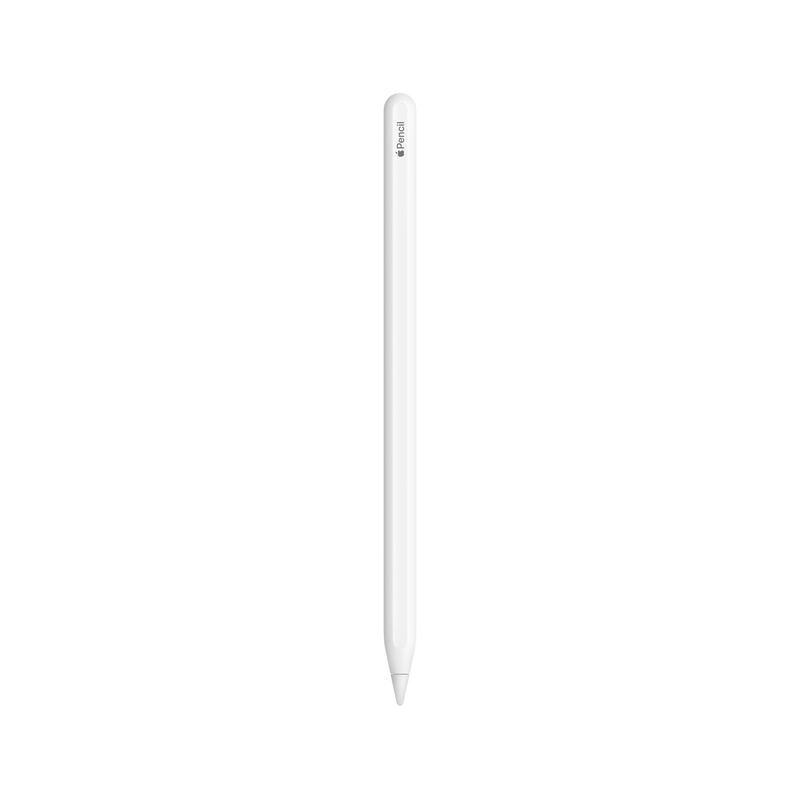
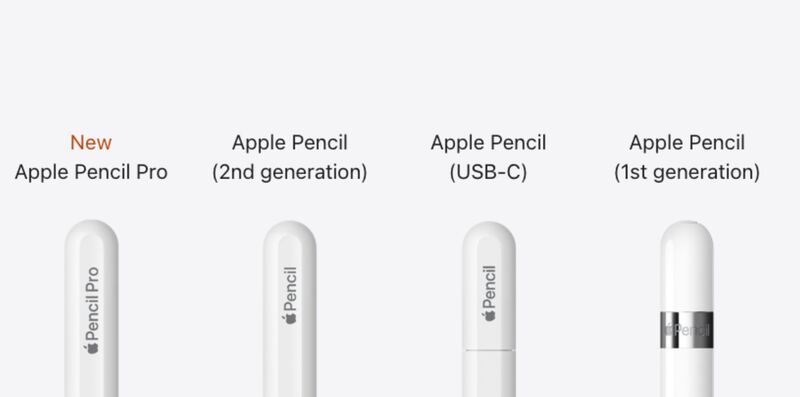
The Logitech Crayon (USB-C) offers instant pairing and a comfortable ergonomic design, features not found in the Apple Pencil (1st generation).
Rating sources
“A simple stylus that does what it says without issues. Would recommend this to anyone with compatible iPad.”
Our 4.0 score is the average of the 1 scored review above; 2 more reviewed it without printing a score and are not in the average. Ratings marked * were derived from the reviewer’s written analysis or video transcript — the publisher didn’t print an explicit numeric score, so we inferred one from their own words. Click through to verify. More about methodology.