The Adonit Note+ 2 is the alternative for aspiring iPad artists: it is the only stylus here with genuine 2,048-level pressure sensitivity, plus two programmable shortcut buttons and three interchangeable nibs. AppleInsider rated it 3.5/5 and Laptop Mag called it a stroke of excellence. The catch reviewers stress is that pressure and shortcuts only work in select apps, and setup can be fiddly, but no rival here offers pressure at this price.
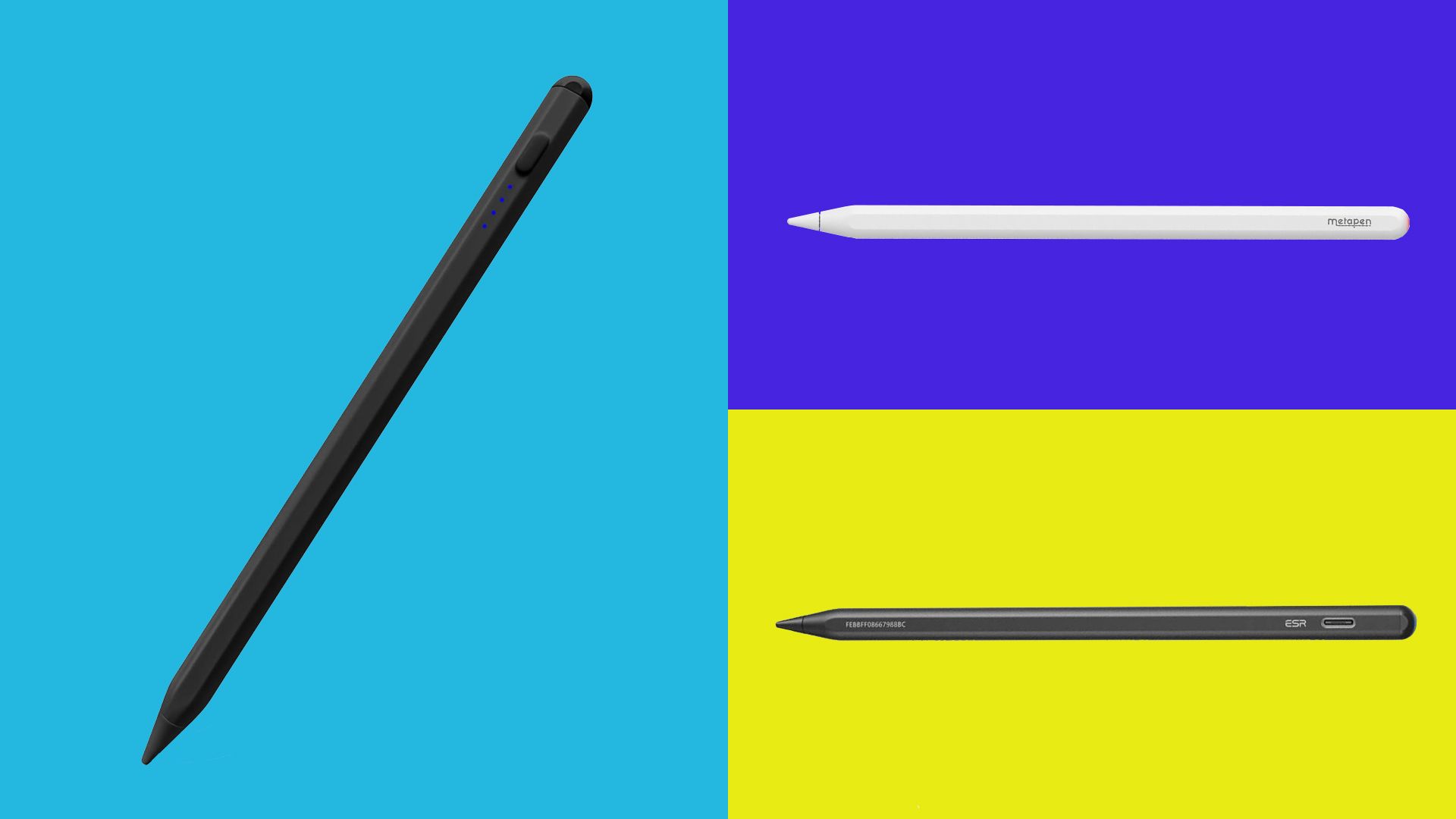
Full review
2,048 pressure levels, unique in this group
The Adonit Note+ 2's standout feature is genuine pressure sensitivity, 2,048 levels of it, which no other stylus in this roundup offers. That makes it the alternative aspiring digital artists reach for, since pressure-based line weight and shading are central to drawing apps. AppleInsider, which rated it 3.5 out of 5, concluded that "if you're looking for an iPad stylus that performs well and is reasonably priced, the Adonit Note+ 2 is worth considering," and Laptop Mag dubbed it 'a stroke of excellence.' Beyond pressure, it adds tilt support, two programmable shortcut buttons for switching tools or colors, and three interchangeable nibs of differing hardness.
The crucial real-world caveat, which every reviewer flagged, is that the pressure sensitivity and shortcut buttons only function in apps that specifically support them. Cult of Mac, scoring it 3 out of 5, concluded that 'if you like one or more of the applications that support the advanced features of the Note+ 2, then it's a strong competitor for Apple Pencil 2', a conditional endorsement that captures the experience well. In supported apps it is excellent; in unsupported ones it reverts to a basic stylus, so the value hinges on your software.
Lightest stylus here at just 14 grams
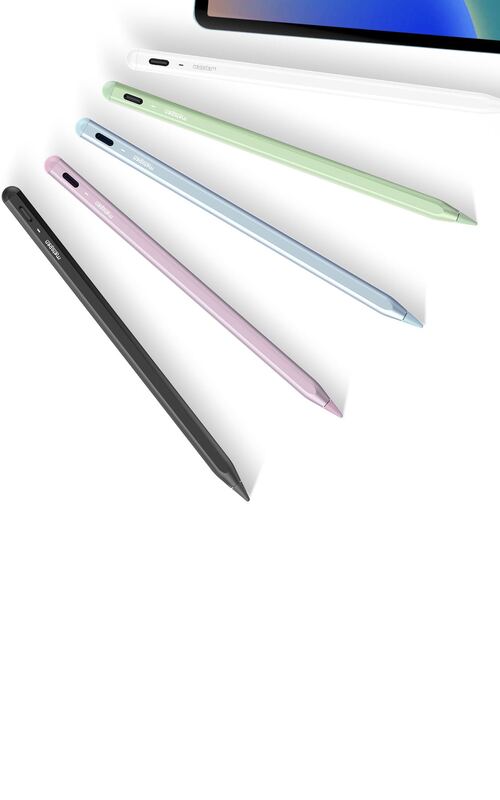
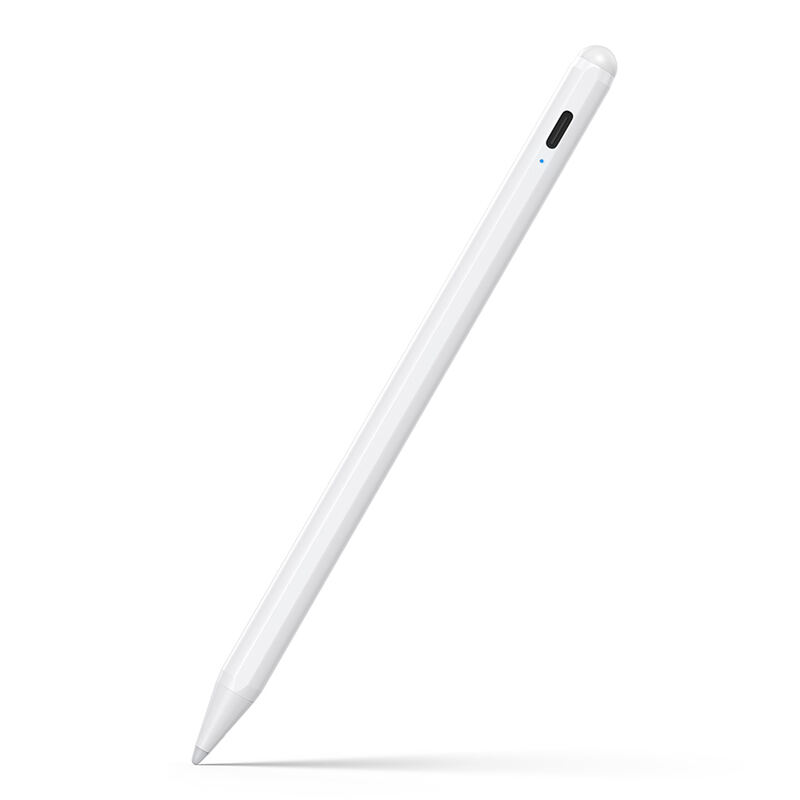
Physically the Note+ 2 is a slim, pen-like aluminum stylus weighing just 14 grams, the lightest in this group, with an aluminum body AppleInsider describes as slim and pen-like. It attaches magnetically to compatible iPads and charges over USB-C, reaching a full charge in about an hour for roughly 8 hours of use. The two programmable shortcut buttons sit on the barrel, giving quick access to tools or colors in supported apps, a feature no other pen here matches.
The three interchangeable nibs, in soft, medium and hard resistances, let users tune the writing feel to their preference, another point of flexibility over the fixed-tip rivals. There are limitations, though: Adonit notes the Note+ 2 cannot magnetically attach to the 2024 iPad Pro, Air or mini, so prospective buyers with the newest iPads should check fitment. And several reviewers raised durability questions, suggesting the build may not hold up over multiple years as reliably as the rugged Logitech Crayon.
Closest alternative to the full Apple Pencil 2
Reviewers loved that the Note+ 2 brings genuinely advanced features, pressure, programmable buttons, interchangeable nibs, to a price point below the Apple Pencil (USB-C). AppleInsider's 3.5/5 and Laptop Mag's 'stroke of excellence' verdict both centered on the impressive feature set for the money, and Creative Bloq highlighted it as an easy recommendation for aspiring iPad artists who want to experiment with pressure-based drawing without a big investment.
The slim, premium aluminum design and the interchangeable nibs drew specific praise as touches that make it feel more like a serious tool than a budget knockoff. For the buyer whose apps support its features, reviewers agreed it punches well above its price and is the closest any alternative here comes to replicating the full Apple Pencil 2 experience.
Advanced features only work in supporting apps
The Note+ 2's biggest weakness is the very thing that makes it special: its advanced features are app-dependent and fiddly to set up. Reviewers repeatedly noted that finding apps that enable pressure sensitivity and the shortcut buttons together can be a headache, and as a third-party, unsupported device it faces compatibility friction that Apple's own hardware avoids. If your preferred apps do not support it, you are paying for pressure you cannot use.
Durability is the other concern, with multiple reviewers expressing doubt that it would last several years of heavy use as well as sturdier rivals like the Logitech Crayon. And the inability to magnetically attach to the 2024 iPad Pro, Air and mini limits its appeal for owners of the newest hardware. These caveats are why it sits mid-pack here despite its unique pressure capability, it is brilliant for the right user and frustrating for the wrong one.
Best for artists whose apps support pressure
The Adonit Note+ 2 is the clear pick for an aspiring iPad artist or sketcher who specifically wants pressure sensitivity, programmable buttons and interchangeable nibs without paying for an Apple Pencil 2. If you use drawing apps that support its features and you value tunable line weight and shading, nothing else in this roundup delivers that, and it does so at a price below Apple's USB-C Pencil.
It is the wrong choice for buyers who just want reliable note-taking and markup, who are better served by the simpler, sturdier Logitech Crayon, or for those who want maximum convenience features like the ZAGG Pro Stylus 2's wireless charging. Owners of 2024 iPads should also verify magnetic-attachment compatibility first. But for the pressure-sensitivity use case at this price, the Note+ 2 is essentially the only game in this group, which earns it a solid mid-table placement.
Value hinges entirely on app support
At around $70, the Adonit Note+ 2 matches the Logitech Crayon on price and undercuts the ZAGG Pro Stylus 2, while being the only pen here to offer pressure sensitivity, programmable buttons and interchangeable nibs. For the artist whose apps support those features, that makes it outstanding value, you get close to the Apple Pencil 2 feature set for a fraction of the cost. The value proposition narrows sharply, however, for anyone whose software does not support the advanced features, because then you are paying a premium over the cheaper Metapen A8 and JAMJAKE for capabilities you cannot access, while getting a build reviewers consider less durable than the Crayon. So its value is highly conditional: superb for the supported-app artist, mediocre for the casual note-taker. Matched to the right buyer, it is one of the best-value styluses available; matched to the wrong one, the simpler Crayon or a budget pen is the smarter spend.
Strengths
- +Genuine 2,048-level pressure sensitivity, rare among alternatives
- +Two programmable shortcut buttons for tools and colors
- +Three interchangeable nibs of varying hardness
- +Tilt support and magnetic attachment in a slim aluminum body
- +Costs less than an Apple Pencil (USB-C)
Watch-outs
- −Pressure sensitivity only works in select compatible apps
- −Software compatibility is finicky to configure
- −Durability raises long-term doubts per reviewers
- −Cannot magnetically attach to 2024 iPad Pro/Air/mini
How it compares
The Adonit Note+ 2 is the only pressure-sensitive stylus in this group, the key differentiator over the Logitech Crayon, ZAGG Pro Stylus 2, Metapen A8 and JAMJAKE, which all lack pressure. It adds programmable buttons and interchangeable nibs the others do not have, but its app-dependent features and durability concerns mean the Crayon remains the more reliable everyday writer.
Rating sources
“A stylish, simple, svelte, and surprisingly-priced stylus that gives the Apple Pencil a run for its money.”
“If you like one or more of the applications that support the advanced features of the Note+ 2, then it's a strong competitor for Apple Pencil 2.”
“An iPad stylus that's a stroke of excellence.”
“its 2,046 pressure levels, two customisable shortcut keys, and ability to magnetically attach to your iPad make it a fantastic option for note-takers and artists using compatible apps”
Our 3.6 score is the average of these published ratings. More about methodology.