Verdict
Head-to-head · Best Ultrawide Monitors

ASUS ROG Swift PG349Q vs Dell Alienware AW3423DW

Which is the better buy? Side-by-side on rating, price, strengths, and watch-outs — with the published ratings we averaged to get there.

Verdict is reader-supported. As an Amazon Associate we earn from qualifying purchases. Some links on this page are affiliate links — if you click through and buy, we may earn a small commission at no extra cost to you. Our ratings are sourced from independent publications, not sponsors.
The short answer

ASUS ROG Swift PG349Q comes out ahead by a narrow margin (4.5 vs 4.4). The gap is mostly about users needing native G-Sync and robust ergonomics on a budget — read the strengths below before deciding.

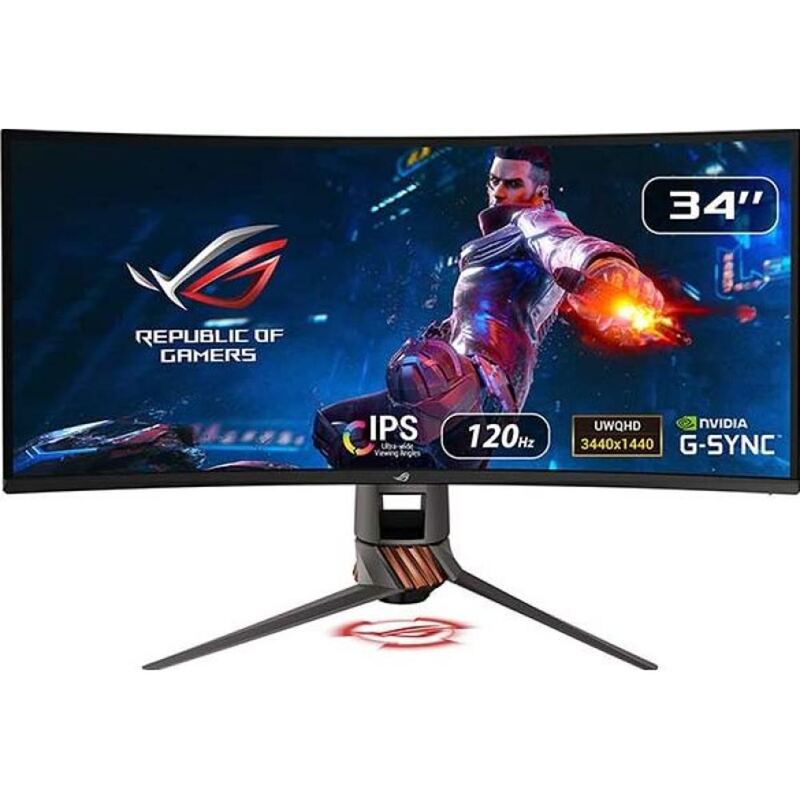
ASUS ROG Swift PG349Q
Higher ratedRanked #2 in Best Ultrawide Monitors
ASUS ROG Swift PG349Q
2 sourcesall derived$1,022.38as of Aug 1

Color accuracy and native G-Sync are what the ASUS ROG Swift PG349Q gets right, and they make it a solid mid-range ultrawide for gaming. The 1900R curvature and ergonomic stand help the sense of immersion. Holding it back: poor black uniformity and no HDR. It serves gaming and professional editing well enough, though older connectivity options and modest brightness keep it out of the premium tier.

Strengths
  • Image color accuracy remains consistent even when viewed at extreme angles
  • Includes native Nvidia G-Sync support for smooth, tear-free gaming
  • Ergonomic stand offers height, tilt, and swivel adjustments with a unique helix design
Watch-outs
  • Suffers from poor black uniformity typical of IPS panels
  • Lacks HDR support due to limited 300 nits brightness and 1000:1 contrast ratio
  • Video connectivity is restricted to older DisplayPort 1.2 and HDMI 1.4 standards
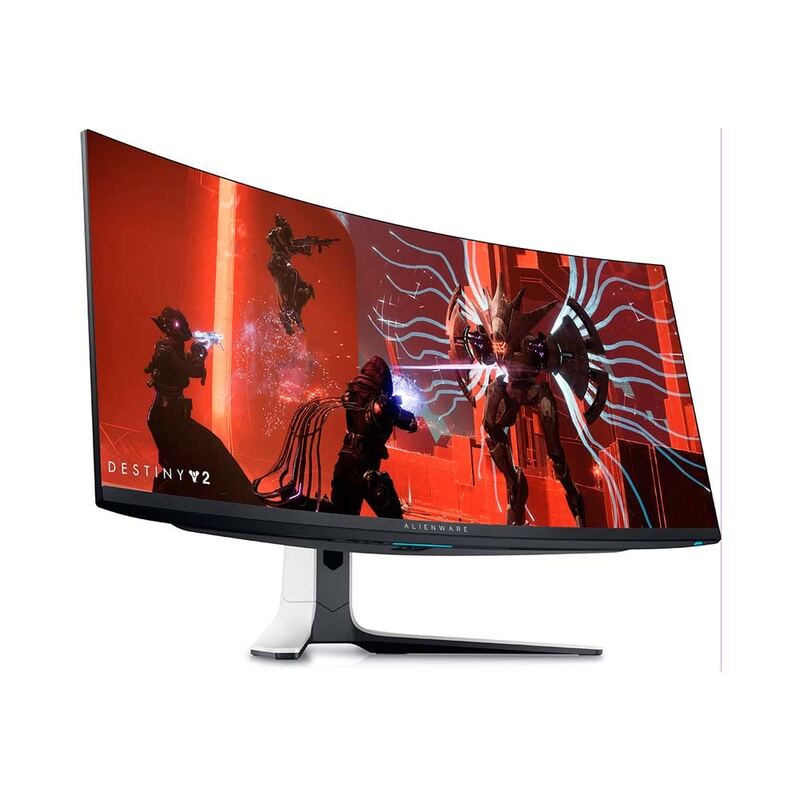
Dell Alienware AW3423DW
Ranked #3 in Best Ultrawide Monitors
Dell Alienware AW3423DW
6 sources$1,059.95as of Aug 1

The QD-OLED panel in the Dell Alienware AW3423DW is why it reset expectations for gaming monitors: perfect blacks, vibrant colors, and response times that are genuinely fast. Motion clarity and immersion are its strengths. Buyers do need to weigh burn-in risk and the absence of USB-C connectivity. For enthusiasts who rank visual fidelity above connectivity convenience, it remains top-tier.

Strengths
  • Delivers perfect black levels and infinite contrast due to QD-OLED panel technology
  • Features a 175Hz refresh rate with 0.1ms GtG response time for ultra-smooth gaming
  • Offers a 3440x1440 resolution with a 21:9 aspect ratio and 1800R curvature
Watch-outs
  • Lacks built-in USB-C connectivity with power delivery
  • Susceptible to permanent image retention (burn-in) with static content over time

Derived means the reviewer published no score, so one was inferred from their written verdict. Everything else is a number the publisher printed. How we rank.

How they stack up

ASUS ROG Swift PG349Q

The ASUS ROG Swift PG349Q distinguishes itself with native G-Sync support and a unique ergonomic stand, offering a reliable experience that avoids the burn-in concerns of the Dell Alienware AW3423DW. However, it lags behind the LG 34GN850-B in modern connectivity and brightness, and it cannot compete with the deep contrast ratios found in the MSI Optix MAG342CQR or the Samsung Odyssey G9.

Dell Alienware AW3423DW

The Dell Alienware AW3423DW sets a new visual standard with its QD-OLED panel, delivering perfect blacks and infinite contrast that completely overshadow the washed-out IPS blacks of the LG 34GN850-B and the VA panel limitations of the MSI Optix MAG342CQR. Although it shares the 34-inch ultrawide form factor with the ASUS ROG Swift PG349Q, it offers superior motion clarity and HDR performance, provided the user can accept the burn-in risk that the LCD-based alternatives avoid.

Specs side-by-side

SpecASUS ROG Swift PG349QDell Alienware AW3423DW
Screen Size34 Inches34 inches
Resolution3440 x 1440 UW-QHD3440 x 1440
Panel TypeIn-Plane Switching (IPS)QD-OLED
Refresh Rate120Hz175Hz
Response Time5ms0.1ms GtG
Curvature1900R1800R
Color Gamut99% sRGB95% DCI-P3
Adaptive SyncAMD FreeSyncAMD FreeSync Premium Pro
← See the full ranking of best ultrawide monitors