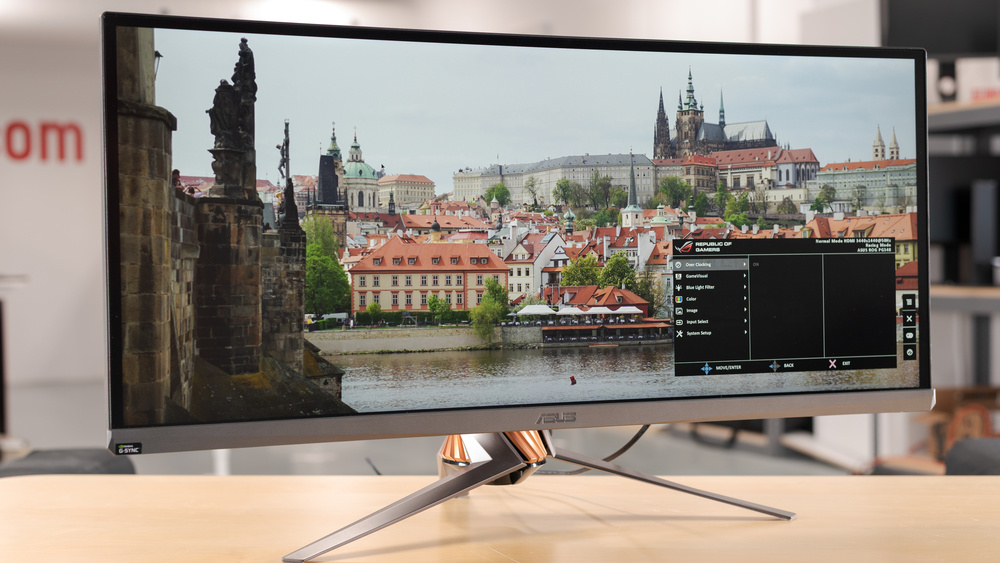
Color accuracy and native G-Sync are what the ASUS ROG Swift PG349Q gets right, and they make it a solid mid-range ultrawide for gaming. The 1800R curvature and ergonomic stand help the sense of immersion. Holding it back: poor black uniformity and no HDR. It serves gaming and professional editing well enough, though older connectivity options and modest brightness keep it out of the premium tier.
Full review
Panel and Image Quality
The PG349Q is built around a 34-inch IPS panel running the now-standard 3440x1440 ultrawide resolution. Reviewers consistently single out its color performance: ASUS quotes 99% sRGB coverage, and the wide viewing angles IPS is known for keep color holding up even when the panel is viewed off-axis. For desktop work, photo editing, and SDR gaming the image reads clean and neutral.
Where the panel shows its age is contrast and brightness. With a roughly 1000:1 static contrast ratio and a 300 cd/m2 brightness ceiling, blacks lift toward gray in a dark room and the monitor falls short of any meaningful HDR experience. Black uniformity also draws criticism in several reviews, with backlight glow visible in dark scenes. It is a bright, accurate SDR display rather than a high-contrast one.
Gaming Performance
Gaming is the PG349Q's reason for being. The panel ships at 100Hz and overclocks to 120Hz over DisplayPort, and crucially it carries a hardware NVIDIA G-Sync module rather than the cheaper Compatible certification. That means a wide, judder-free variable-refresh window for GeForce owners and the tear-free behavior the G-Sync module is designed to guarantee.
Response time is rated at 4ms gray-to-gray, which is competent for an IPS of this generation but not class-leading; faster 144Hz-plus panels released later post lower numbers. In practice the combination of 120Hz, G-Sync, and the 1800R curve makes for smooth, immersive single-player and cinematic gaming. Twitch competitive players chasing the highest frame rates will find newer 144Hz and 175Hz ultrawides a step quicker.
Design, Connectivity, and Who It's For
ASUS wraps the PG349Q in the familiar ROG aesthetic, including a projected Aura logo and a stand that adjusts for height, tilt, and swivel. Build quality is solid and the 1800R curve wraps the 21:9 panel comfortably around a single seated viewer.
Connectivity is the clearest sign of its release era: a single DisplayPort 1.2 input and HDMI 1.4, plus a USB hub, with no USB-C and no modern HDMI 2.1. That is enough to drive 3440x1440 at 120Hz but leaves little headroom. This monitor suits a GeForce gamer who values color accuracy, a genuine G-Sync module, and a premium stand, and who is comfortable trading HDR and the latest ports for a proven, well-rounded IPS ultrawide.
Strengths
- +Image color accuracy remains consistent even when viewed at extreme angles
- +Includes native Nvidia G-Sync support for smooth, tear-free gaming, per VARGE
- +Ergonomic stand offers height, tilt, and swivel adjustments, according to VARGE
- +1800R curvature provides an immersive ultrawide experience
Watch-outs
- −Suffers from poor black uniformity typical of IPS panels
- −Lacks HDR support due to limited 300 nits brightness and 1000:1 contrast ratio
- −Video connectivity is restricted to older DisplayPort 1.2 and HDMI 1.4 standards, as VARGE notes
How it compares
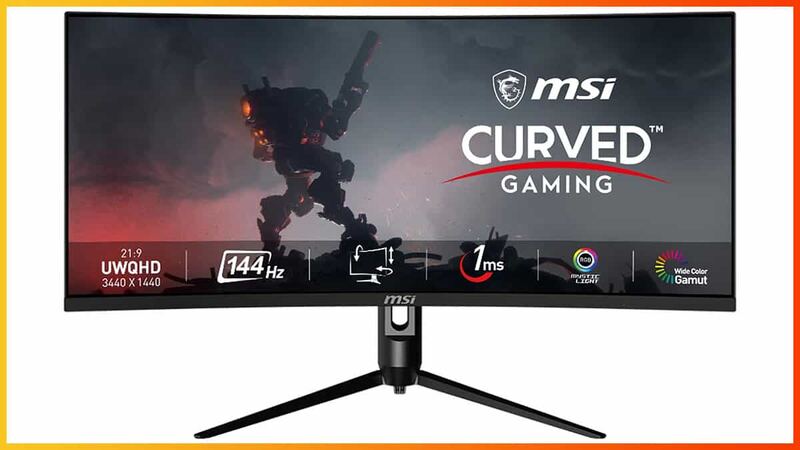
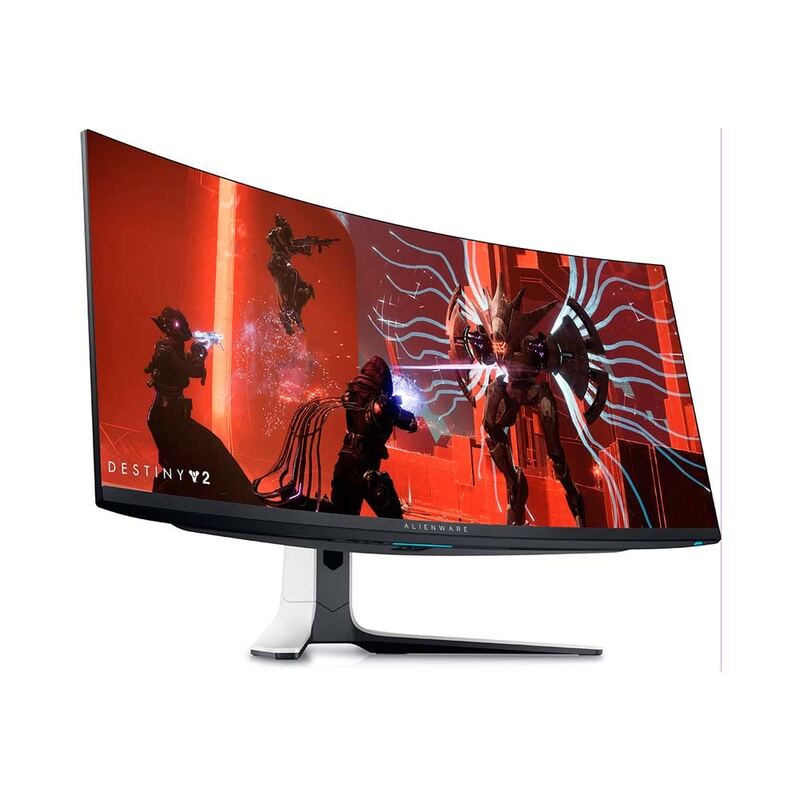
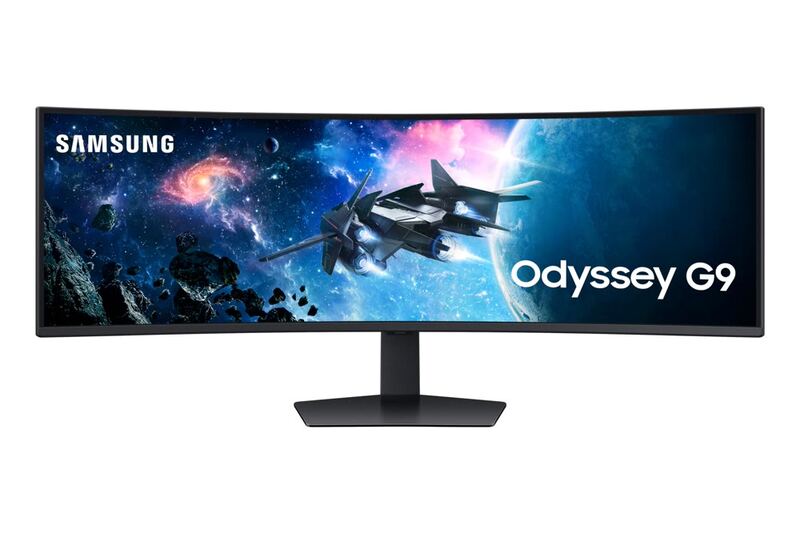
The ASUS ROG Swift PG349Q distinguishes itself with native G-Sync support and a unique ergonomic stand, offering a reliable experience that avoids the burn-in concerns of the Dell Alienware AW3423DW. However, it lags behind the LG 34GN850-B in modern connectivity and brightness, and it cannot compete with the deep contrast ratios found in the MSI Optix MAG342CQR or the Samsung Odyssey G9.
Rating sources
Our 4.4 score is the average of these published ratings. Ratings marked * were derived from the reviewer’s written analysis or video transcript — the publisher didn’t print an explicit numeric score, so we inferred one from their own words. Click through to verify. More about methodology.