The QD-OLED panel in the Dell Alienware AW3423DW is why it reset expectations for gaming monitors: perfect blacks, vibrant colors, and response times that are genuinely fast. Motion clarity and immersion are its strengths. Buyers do need to weigh burn-in risk and the absence of USB-C connectivity. For enthusiasts who rank visual fidelity above connectivity convenience, it remains top-tier.
Full review
QD-OLED Panel and Image Quality
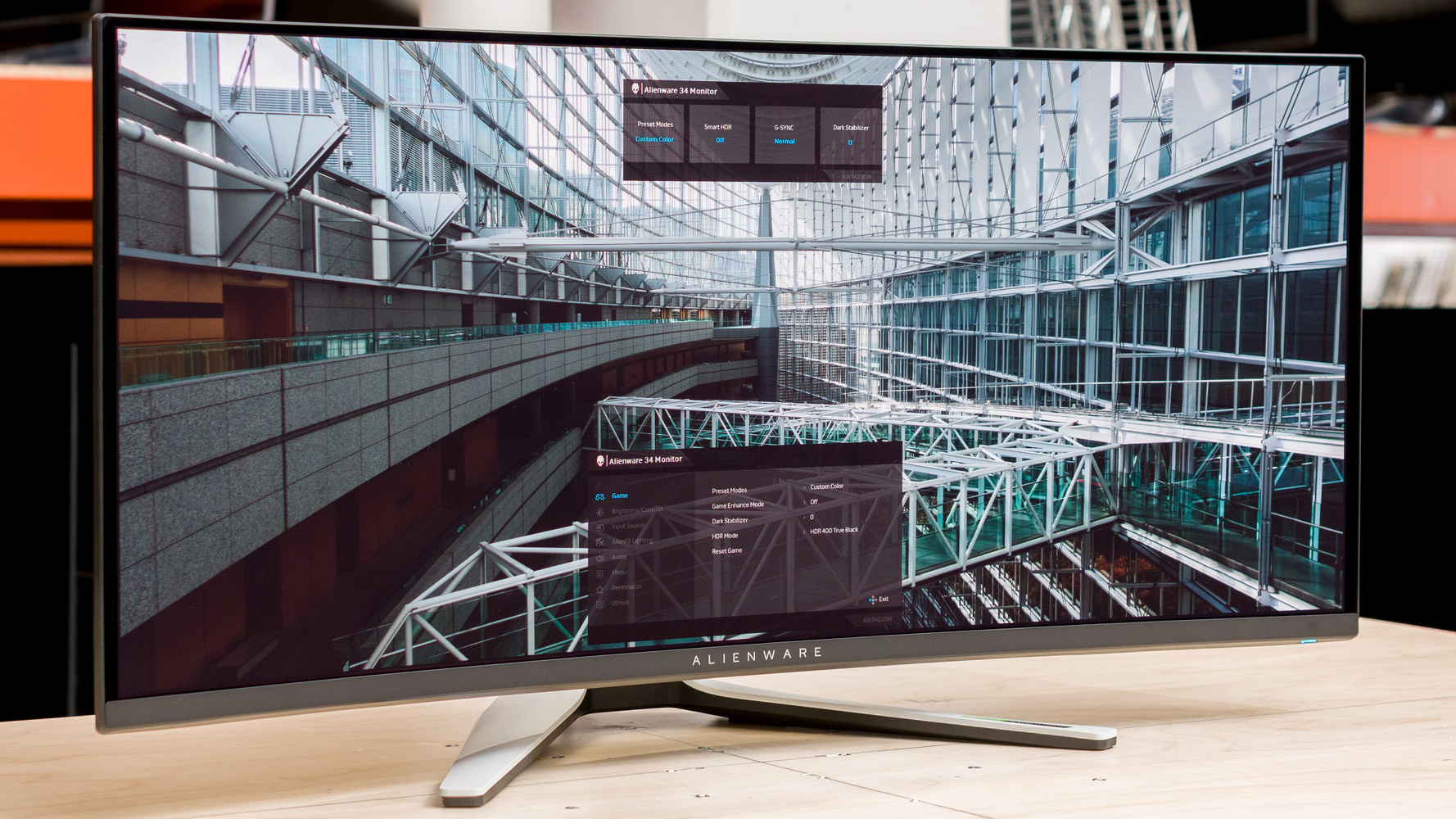
The Alienware AW3423DW is the visual standout of this lineup, built on a 34-inch Samsung QD-OLED panel at 3440x1440. Because each pixel emits its own light, the monitor delivers true per-pixel black levels and effectively infinite contrast: pixels switch fully off rather than relying on a backlight, so there is no blooming and no IPS-style glow. Reviewers from TFTCentral to TechSpot describe it as a step-change over LCD ultrawides.
Quantum-dot color is the other half of the story. Dell cites roughly 99.3% DCI-P3 coverage with factory calibration to a Delta E under 2, and the panel carries VESA DisplayHDR True Black 400 certification with peak brightness reported near 1000 nits in small highlight windows. The result is a vivid, accurate image with HDR that genuinely delivers, the clearest separation between this monitor and the LCD competition here.
Gaming Performance
OLED's signature advantage is response time, and the AW3423DW exploits it fully with a rated 0.1ms gray-to-gray figure. Pixel transitions are essentially instantaneous, so fast motion stays sharp with none of the dark-scene smearing that affects VA panels. Motion clarity is among the best you can get on an ultrawide.
The panel runs at 175Hz and carries NVIDIA G-Sync Ultimate certification with a hardware module, giving GeForce owners a tear-free, low-latency variable-refresh experience across the full range. The combination of 175Hz, near-zero response time, and OLED contrast makes for an exceptionally responsive and immersive gaming display, with the gentle 1800R curve drawing the 21:9 image around the player.
Design, Connectivity, and Who It's For
Alienware's industrial design is distinctive, with a substantial, well-built stand offering height, tilt, and swivel adjustment. Worth noting are two OLED realities: the panel is susceptible to permanent image retention from prolonged static content, which Dell mitigates with pixel-shift and refresh routines, and connectivity omits USB-C with power delivery, relying instead on DisplayPort, HDMI, and a USB hub.
This is the enthusiast's choice. For a gamer or content viewer who prioritizes outright image quality, perfect blacks, real HDR, and best-in-class motion clarity over connectivity convenience, the AW3423DW is the most compelling ultrawide in this group. Buyers who display static productivity layouts for long stretches, or who need single-cable USB-C docking, should weigh those caveats carefully.
Strengths
- +Delivers perfect black levels and infinite contrast due to QD-OLED panel technology, per Display Ninja
- +Features a 175Hz refresh rate with 0.1ms GtG response time for ultra-smooth gaming, as IGN notes
- +Offers a 3440x1440 resolution with a 21:9 aspect ratio and 1800R curvature
- +Produces vibrant colors with 99% DCI-P3 coverage and high peak brightness, according to Display Ninja
- +Includes a robust stand with height, tilt, and swivel adjustments, per Tom's Hardware
Watch-outs
- −Lacks built-in USB-C connectivity with power delivery
- −Susceptible to permanent image retention (burn-in) with static content over time
How it compares
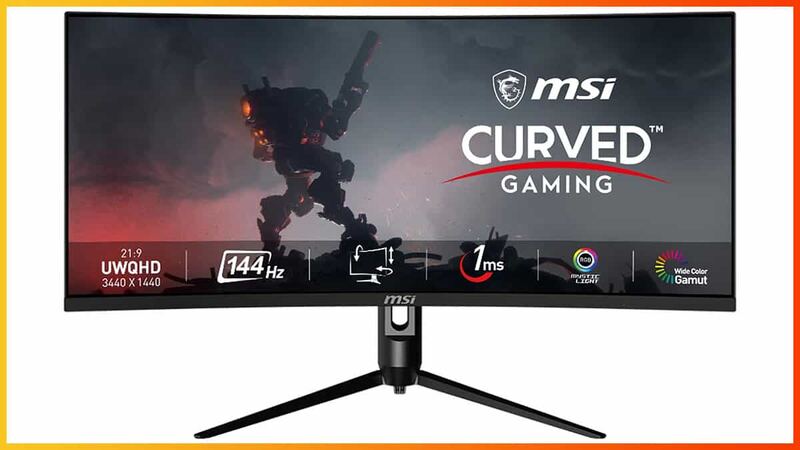
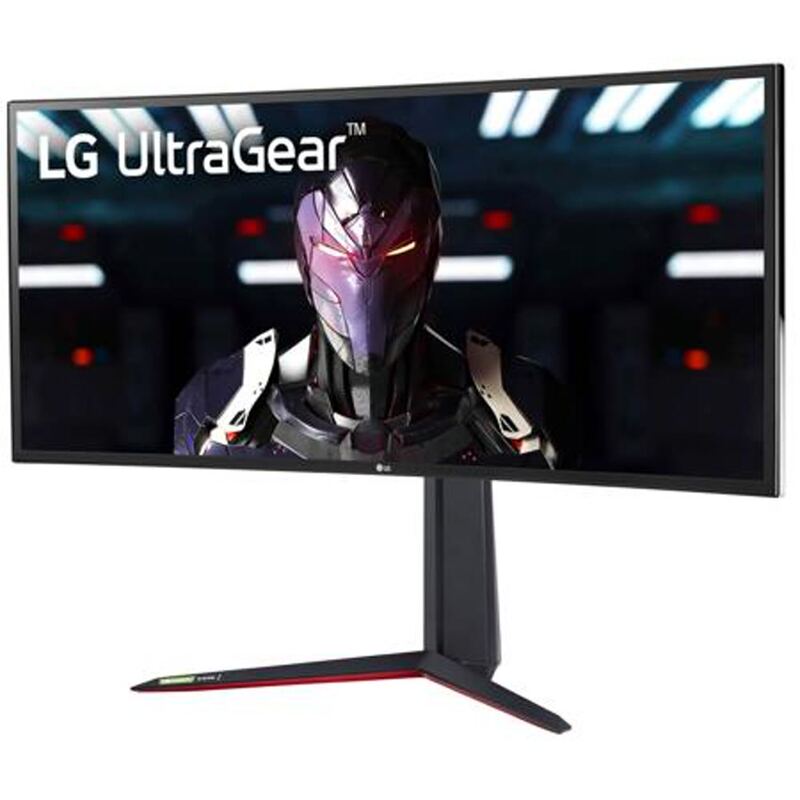
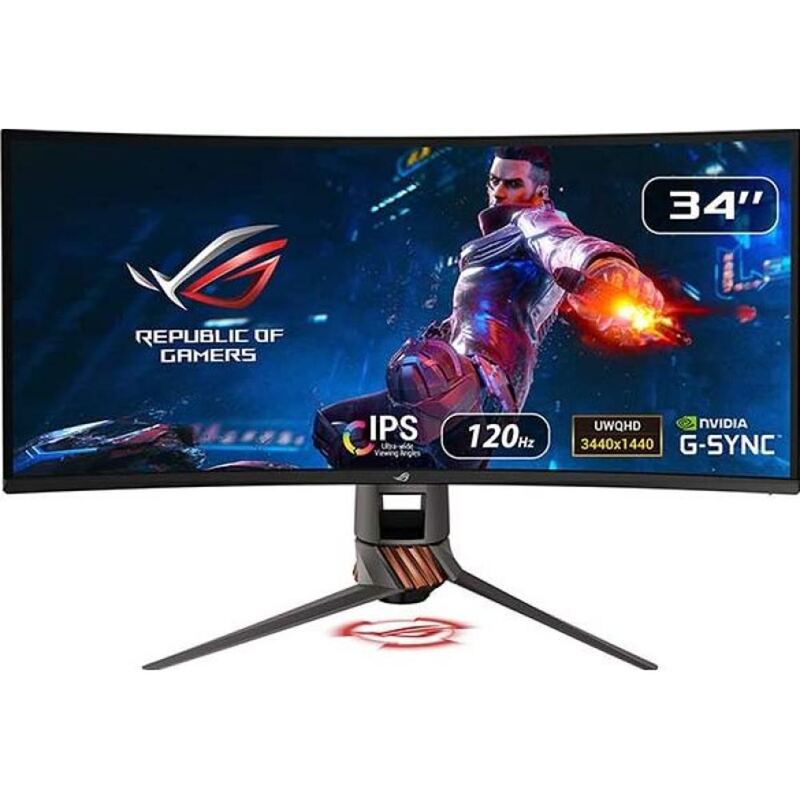
The Dell Alienware AW3423DW sets a new visual standard with its QD-OLED panel, delivering perfect blacks and infinite contrast that completely overshadow the washed-out IPS blacks of the LG 34GN850-B and the VA panel limitations of the MSI Optix MAG342CQR. Although it shares the 34-inch ultrawide form factor with the ASUS ROG Swift PG349Q, it offers superior motion clarity and HDR performance, provided the user can accept the burn-in risk that the LCD-based alternatives avoid.
Rating sources
Our 4.4 score is the average of these published ratings. More about methodology.