The LG 34GN850-B is a high-performance ultrawide gaming monitor praised for its fast 144Hz refresh rate, 1ms response time, and excellent color accuracy. However, potential buyers should be aware of its inherent IPS limitations, including low contrast ratios and occasional backlight bleeding issues. It remains a strong choice for gamers prioritizing speed and color over deep blacks.
Full review
Nano-IPS colour at 3440x1440
The 34GN850-B is a 34-inch Nano-IPS ultrawide at 3440x1440, and colour is what it does best. The Nano-IPS layer pushes gamut coverage well past the 99% sRGB of older ultrawides, reaching roughly 98% of DCI-P3, and IPS viewing angles keep that colour consistent off-axis. TechSpot and Digital Trends both rate it highly on this basis, with Digital Trends scoring it nine out of ten.
Contrast is the standing IPS compromise. A static ratio near 1000:1 means black looks dark grey in a dim room, and panel uniformity varies enough that edge bleed is a common owner complaint. The DisplayHDR 400 badge raises peak brightness but there is no local dimming behind it, so HDR content simply gets brighter rather than more contrasty.
144Hz native, 160Hz overclocked, 1ms grey-to-grey
Speed is the reason to buy it. The panel runs at 144Hz out of the box and overclocks to 160Hz, and the 1ms grey-to-grey figure holds up in practice rather than only on the box — motion stays crisp without the dark-scene smearing that VA ultrawides produce. TechRadar's review makes the same point about responsiveness.
Adaptive sync covers both camps: certified G-Sync Compatible and FreeSync Premium Pro, so tearing is handled on either GPU brand. LG's Black Stabilizer and Dynamic Action Sync round out the gaming feature set.
A 1900R curve on a stand that tilts and lifts only
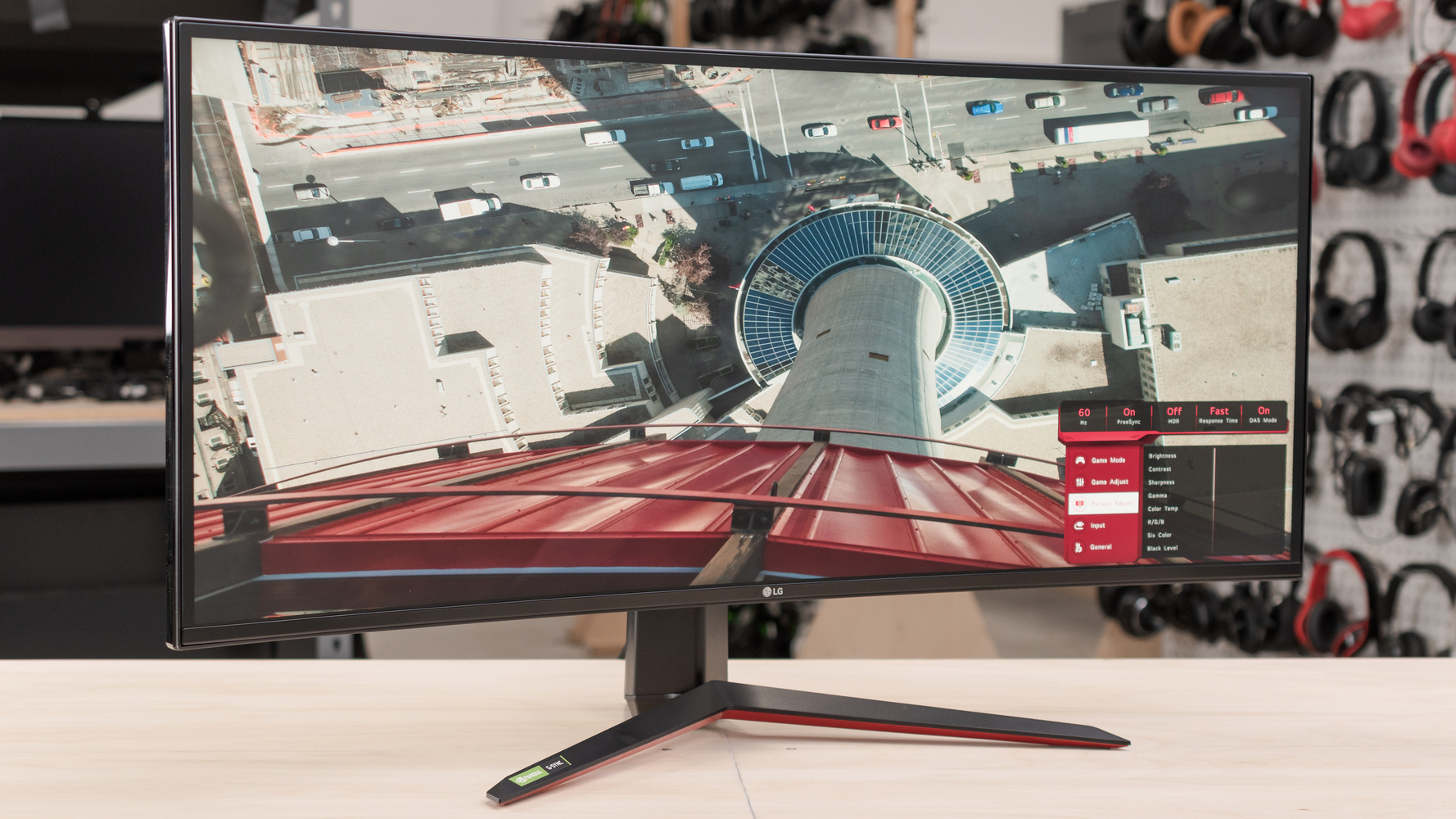
The chassis is standard UltraGear: matte black with a red accent ring on the back, wrapped around a 1900R curve, on a stand that adjusts for height and tilt but not swivel or rotation. It is restrained by gaming-monitor standards. The buying calculus is straightforward — take it for speed, colour accuracy and the ultrawide shape, and look at the VA or OLED alternatives instead if you watch films in the dark and care about how black the blacks are.
Strengths
- +Delivers a fast 144Hz refresh rate with 1ms GtG response time for smooth gaming
- +Features an IPS panel with excellent color accuracy and wide viewing angles
- +Includes a 3440x1440 resolution that provides sharp image quality for productivity
- +Supports both NVIDIA G-Sync Compatible and AMD FreeSync Premium Pro technologies
Watch-outs
- −Suffers from low contrast ratio typical of IPS panels, resulting in washed-out blacks
- −Backlight bleeding and uniformity issues are frequently reported by users
How it compares
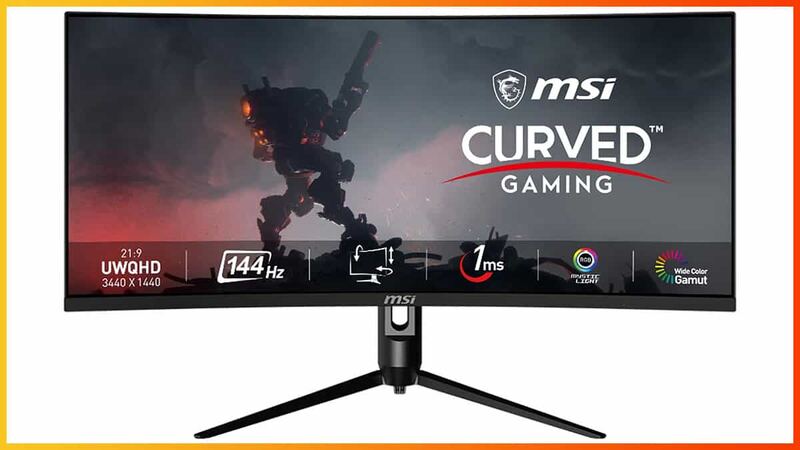
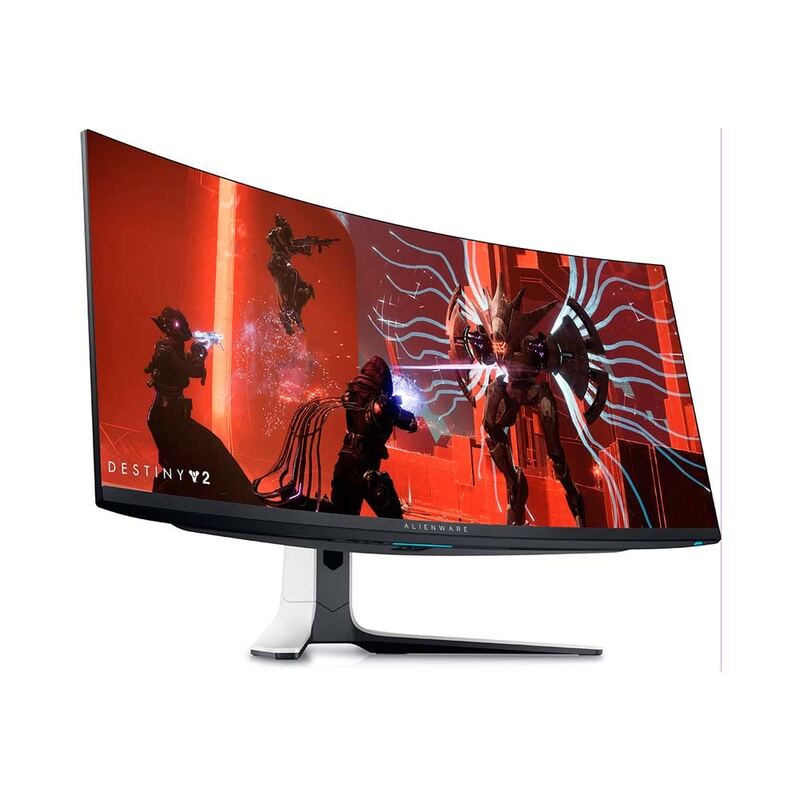
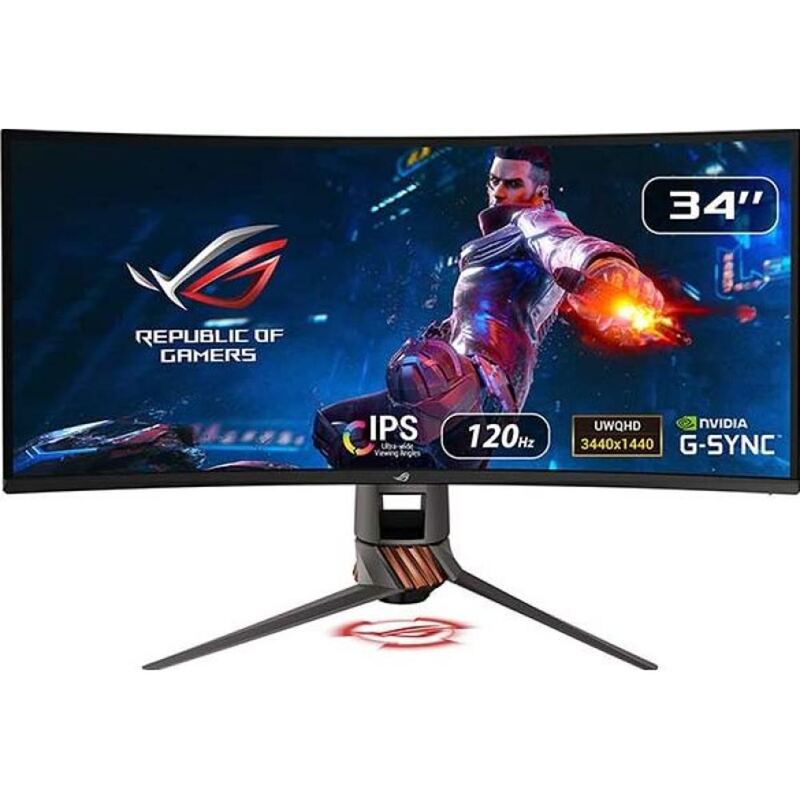
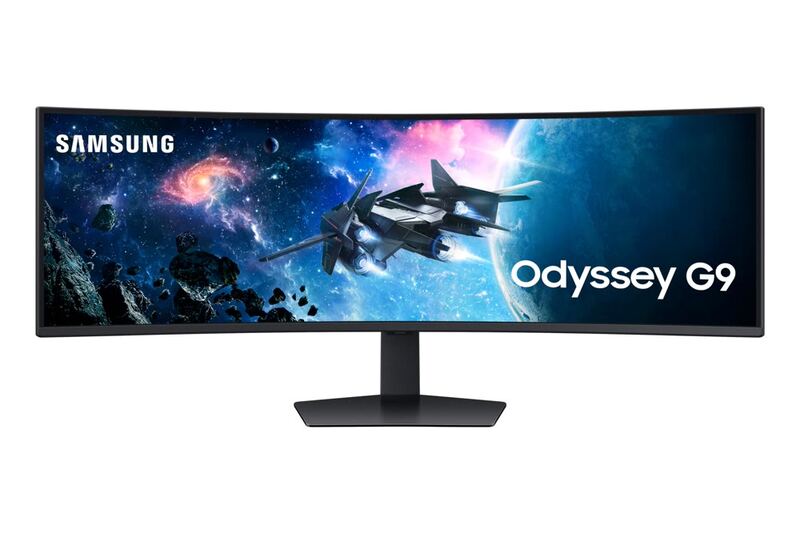
The LG 34GN850-B offers a balanced mix of speed and color accuracy that outpaces the older connectivity and lack of HDR found in the ASUS ROG Swift PG349Q, yet it cannot match the perfect black levels of the Dell Alienware AW3423DW or the deep contrast of the MSI Optix MAG342CQR. While it shares the IPS panel limitations of the ASUS model regarding washed-out blacks, it avoids the massive desk footprint and extreme price tag of the Samsung Odyssey G9.
Rating sources
Our 4.4 score is the average of these published ratings. Ratings marked * were derived from the reviewer’s written analysis or video transcript — the publisher didn’t print an explicit numeric score, so we inferred one from their own words. Click through to verify. More about methodology.