Verdict
Head-to-head · Best 3D Printers Under $500

Bambu Lab A1 vs Creality Ender 3 V3 SE

Which is the better buy? Side-by-side on rating, price, strengths, and watch-outs — with the published ratings we averaged to get there.

The short answer

Bambu Lab A1 comes out ahead by a narrow margin (4.8 vs 4.6). The gap is mostly about Beginners and makers who want the most reliable, fastest, easiest sub-$500 printer with optional seamless multicolor. — read the strengths below before deciding.

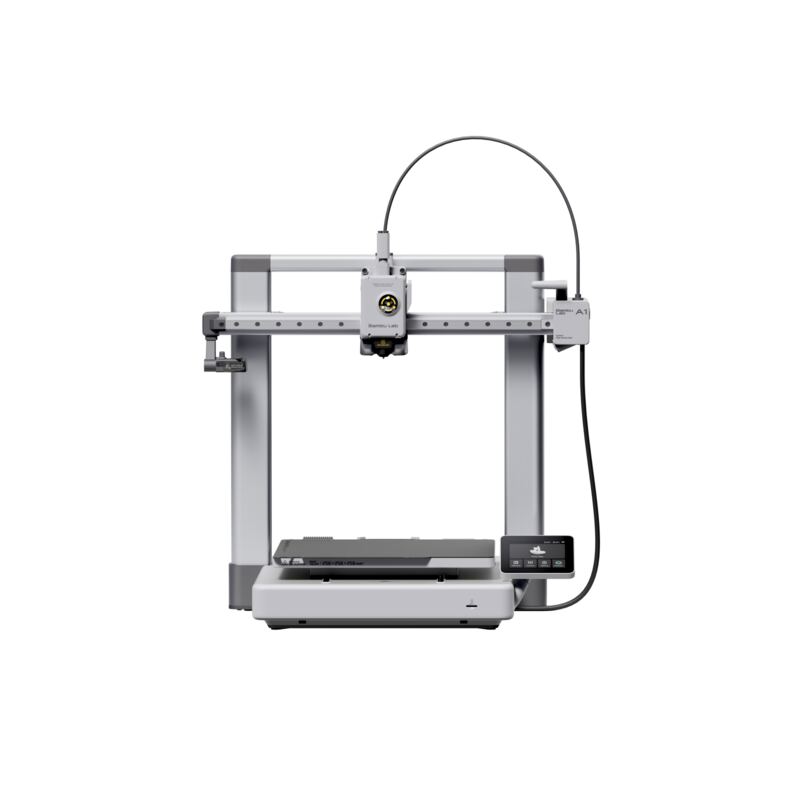
Bambu Lab A1
Higher ratedRanked #1 in Best 3D Printers Under $500
Bambu Lab A1
$299.99as of Jun 7

The Bambu Lab A1 is the standout sub-$500 3D printer, combining full-auto calibration, 500mm/s speeds and a 256mm build volume in a beginner-friendly package. Reviewers call it the printer to recommend to anyone starting out, and the fastest Cartesian machine they have tested. With optional AMS lite for 4-color printing, it sets the benchmark for ease and value.

Strengths
  • Full-auto calibration including flow rate, bed leveling and Z-offset out of the box
  • 500mm/s top speed with 10,000mm/s² acceleration, the fastest Cartesian printer reviewers tested
  • 256x256x256mm build volume, larger than most entry-level printers
Watch-outs
  • AMS lite for multicolor costs extra (buy the Combo for 4-color)
  • Bambu's cloud-leaning ecosystem and software have a learning curve beneath the surface
  • Open-frame bed slinger, not enclosed for high-temp materials
Creality Ender 3 V3 SE
Ranked #2 in Best 3D Printers Under $500
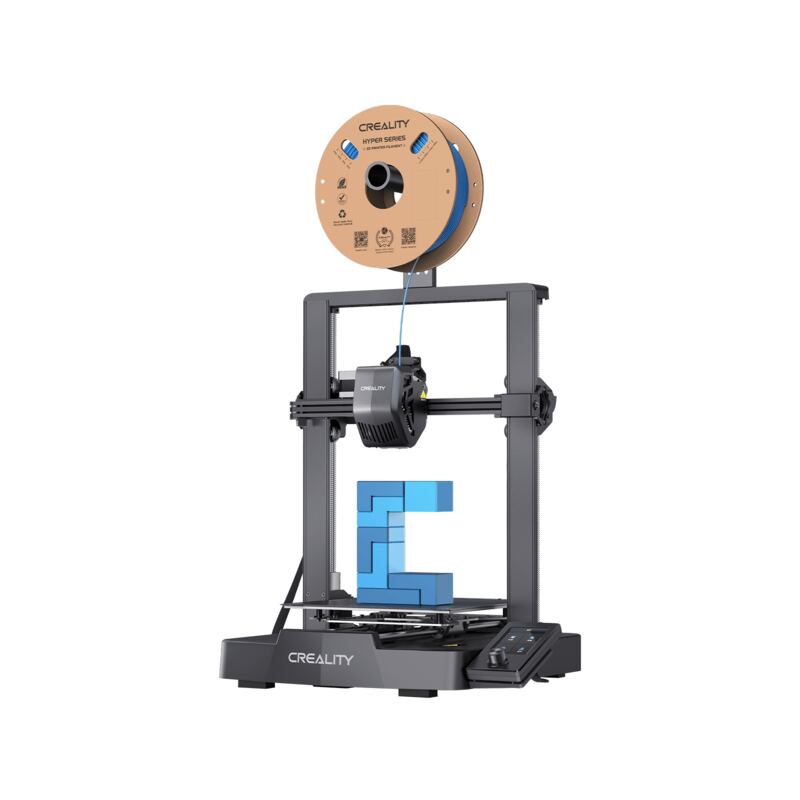
Creality Ender 3 V3 SE
$259as of Jun 7

The Creality Ender 3 V3 SE is the best sub-$200 beginner 3D printer, bringing CR Touch auto-leveling, a Sprite direct-drive extruder and dual Z-axis to an entry-level price. Reviewers call it a beginner's dream that prints great out of the box. It is slower and simpler than pricier machines, but for first-time buyers on a budget, it is the value benchmark.

Strengths
  • Excellent value at under $200 with premium beginner features
  • CR Touch automatic bed leveling and dual Z-axis for reliability
  • Sprite direct-drive extruder handles a range of filaments
Watch-outs
  • Top speed of 250mm/s is slower than Klipper-based rivals
  • No multicolor support
  • Smaller 220x220x250mm build volume

How they stack up

Bambu Lab A1

The Bambu Lab A1 is easier to set up and faster out of the box than the Creality Ender 3 V3 SE and Ender 3 V3 KE, and its AMS lite multicolor is more polished than the Anycubic Kobra X's built-in system, though it costs more than the Elegoo Neptune 4 Pro and is less open than the Klipper-based machines.

Creality Ender 3 V3 SE

The Ender 3 V3 SE is cheaper and simpler than the Bambu Lab A1 and its own sibling the Ender 3 V3 KE, lacking their speed and the KE's Klipper firmware, and it has no multicolor like the Anycubic Kobra X or the speed of the Elegoo Neptune 4 Pro, but it is the best value for pure beginners.

Specs side-by-side

SpecBambu Lab A1Creality Ender 3 V3 SE
Build Volume256x256x256mm220x220x250mm
Max Speed500mm/s250mm/s
Max Acceleration10,000mm/s²
Heated BedUp to 80°C
MulticolorAMS lite, 4 colors (optional)
CalibrationFull-auto
Noise≤48dB
NozzleQuick-swap
Bed LevelingCR Touch automatic
ExtruderSprite direct drive
Z-AxisDual
FilamentAuto-load
Display3-inch color screen
AssemblyGuided, easy
← See the full ranking of best 3d printers under $500