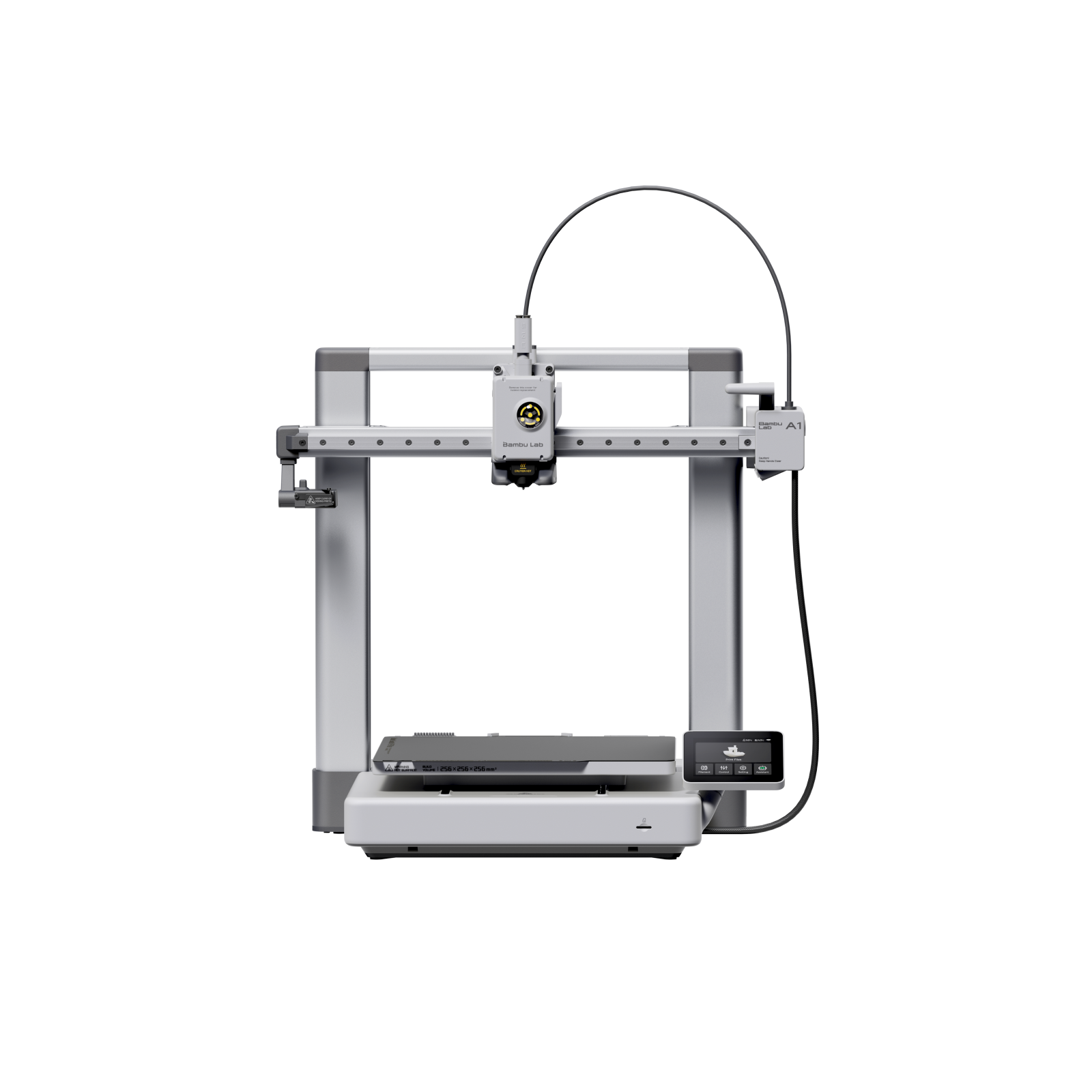
The Bambu Lab A1 is the standout sub-$500 3D printer, combining full-auto calibration, 500mm/s speeds and a 256mm build volume in a beginner-friendly package. Reviewers call it the printer to recommend to anyone starting out, and the fastest Cartesian machine they have tested. With optional AMS lite for 4-color printing, it sets the benchmark for ease and value.
Full review
Full-auto calibration with zero manual leveling
The Bambu Lab A1 has become the default sub-$500 recommendation because it removes the friction that has historically defined budget 3D printing. TechRadar said flatly that if anyone wants to start 3D printing, this is the printer it would undoubtedly recommend, praising its blend of high speed, versatile multi-filament options and affordability. Tom's Hardware called it a reliable and quiet high-speed printer at a competitive price, and the fastest Cartesian printer they had reviewed, with a 500mm/s top speed.
Out of the box, the A1 handles full-auto calibration, including flow rate, bed leveling and Z-offset, which reviewers repeatedly highlight as the key differentiator. TechRadar's testing reported exceptional dimensional accuracy. For a first-time user, the A1 turns the often-fiddly process of getting good prints into a near-instant experience.
Motor noise canceling keeps it under 48dB
The A1 is an open-frame bed slinger with a 256x256x256mm build volume, larger than most entry-level printers. Despite the moving-bed design, Bambu's engineering keeps it fast and quiet, with active motor noise canceling holding operation under 48dB. The quick-swap nozzle simplifies maintenance, and the touchscreen interface is clean and approachable.
Build quality earns consistent praise as feeling more premium than the price. The optional AMS lite unit clips on to enable seamless four-color printing, and reviewers consider the A1 Combo the way to buy if multicolor matters. The main design caveat is that the open frame is not suited to high-temperature materials that need an enclosure, and the ecosystem leans on Bambu's cloud and software rather than the open Klipper approach of rivals.
Printing within 30 minutes of unboxing
Setup is the A1's signature strength. It arrives almost fully assembled and reviewers report being up and printing in well under half an hour, with the full-auto calibration removing the manual leveling that trips up beginners. Bambu Studio is a powerful slicer, and the Bambu Handy mobile app allows remote monitoring and control.
The software depth is a double-edged sword. Tom's Hardware and others note that beneath the user-friendly surface there is real complexity, and the cloud-connected ecosystem is more closed than the Creality and Elegoo machines. For most users this is a fair trade for the seamless experience, but tinkerers who want full open control may prefer a Klipper-based alternative.
Multicolor needs the extra-cost AMS lite
The A1's limitations are mostly about ecosystem and scope. Multicolor printing requires the extra-cost AMS lite, so the base A1 is single-color unless you buy the Combo. The open-frame design means no enclosure for high-temp materials like ABS, limiting it for some advanced uses.
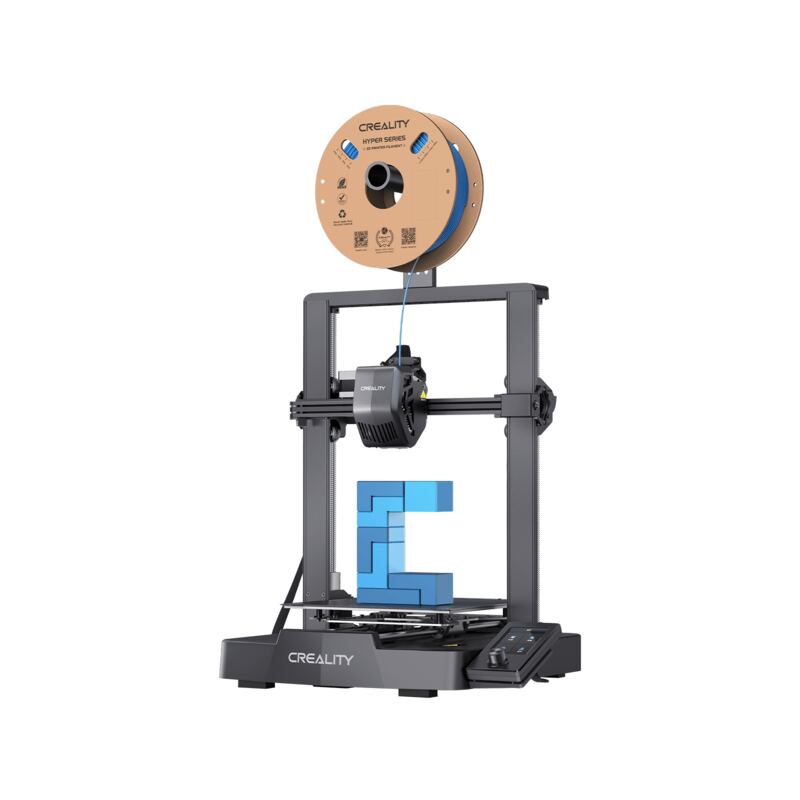
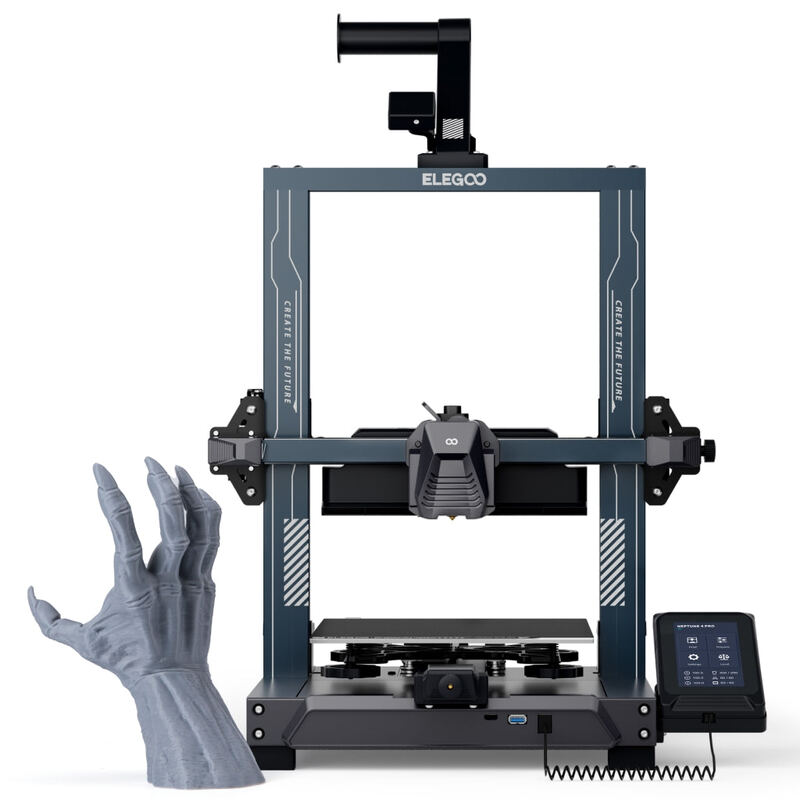
The proprietary, cloud-leaning ecosystem is less open than the Klipper firmware on the Creality Ender 3 V3 KE or Elegoo Neptune 4 Pro, which matters to users who want to deeply customize their machine. And while the software is approachable, its underlying complexity can surprise users who dig past the basics. None of these undercut its top-pick status for most buyers, but they are real considerations.
More polished multicolor than the Kobra X
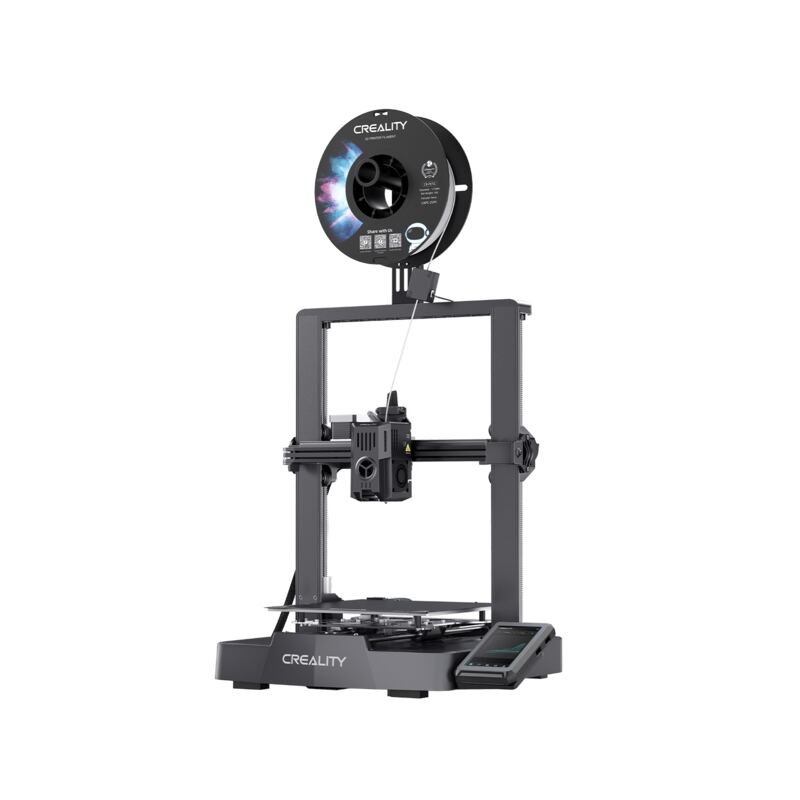
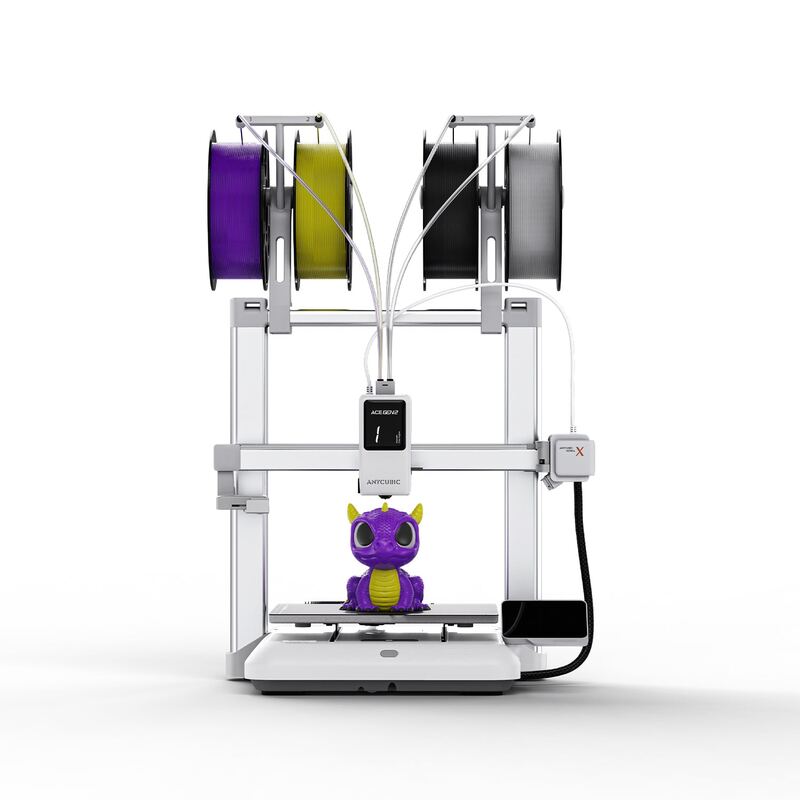
Against the Creality Ender 3 V3 SE, the A1 is faster, larger and far more hands-off, though the SE is cheaper. Against the Klipper-based Ender 3 V3 KE and Elegoo Neptune 4 Pro, the A1 matches or beats them on speed and trounces them on ease of setup, but those machines are more open for tinkering. The Anycubic Kobra X offers built-in 4-color printing at a lower price, but reviewers find Bambu's AMS lite multicolor more polished and reliable.
The A1's advantage is the complete package: speed, build volume, auto-calibration and optional clean multicolor, all in a beginner-friendly machine. It does not have the single lowest price, but it has the fewest frustrations, which is why it tops most under-$500 lists.
$399 or $349 for the Combo bundle
At $399 (often discounted to $349 for the Combo), the A1 is mid-priced in this group but delivers the most complete experience. Reviewers consistently frame it as exceptional value because it eliminates the time, frustration and failed prints that budget printers historically demanded, which for most buyers is worth more than saving $100.
The value is clearest for beginners and anyone who values their time. Hardcore tinkerers on a tight budget may prefer the cheaper, more open Creality or Elegoo machines, and the cheapest entry remains the Ender 3 V3 SE. But for the best blend of capability, reliability and ease per dollar, the A1 is the benchmark.
Built for beginners not open-source tinkerers
The A1 is for beginners and makers who want the most reliable, fastest and easiest sub-$500 printer, and who value getting good prints immediately over saving money or tinkering. Its full-auto calibration, 256mm build volume and optional AMS lite multicolor make it a near-foolproof entry into the hobby.
It is less ideal for budget-first buyers (the Ender 3 V3 SE), open-source tinkerers (the Klipper-based KE or Neptune 4 Pro), or those who want the cheapest built-in multicolor (the Anycubic Kobra X). But for most people, the Bambu Lab A1 is the printer to buy.
Strengths
- +Full-auto calibration including flow rate, bed leveling and Z-offset out of the box
- +500mm/s top speed with 10,000mm/s² acceleration, the fastest Cartesian printer reviewers tested
- +256x256x256mm build volume, larger than most entry-level printers
- +Optional AMS lite adds seamless 4-color printing
- +Quiet operation under 48dB with active motor noise canceling
Watch-outs
- −AMS lite for multicolor costs extra (buy the Combo for 4-color)
- −Bambu's cloud-leaning ecosystem and software have a learning curve beneath the surface
- −Open-frame bed slinger, not enclosed for high-temp materials
- −Proprietary ecosystem is less open than Creality or Elegoo Klipper machines
How it compares
The Bambu Lab A1 is easier to set up and faster out of the box than the Creality Ender 3 V3 SE and Ender 3 V3 KE, and its AMS lite multicolor is more polished than the Anycubic Kobra X's built-in system, though it costs more than the Elegoo Neptune 4 Pro and is less open than the Klipper-based machines.
Rating sources
“If anyone wants to start 3D printing, this is the printer I'd undoubtedly recommend.”
“A reliable and quiet high speed printer at a competitive price; the fastest Cartesian printer we've reviewed.”
Our 4.7 score is the average of these published ratings. Ratings marked * were derived from the reviewer’s written analysis or video transcript — the publisher didn’t print an explicit numeric score, so we inferred one from their own words. Click through to verify. More about methodology.