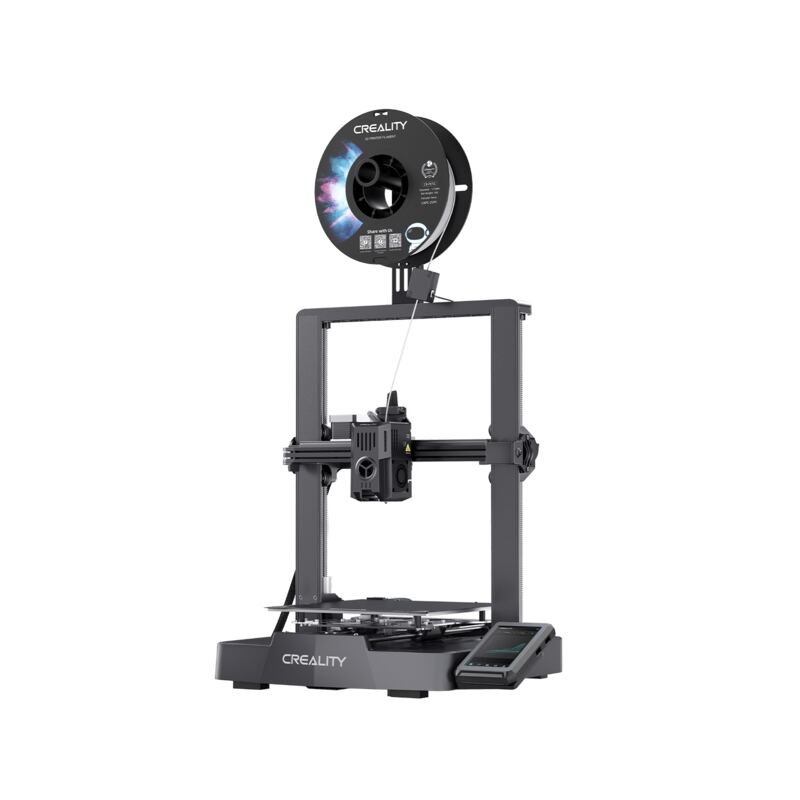
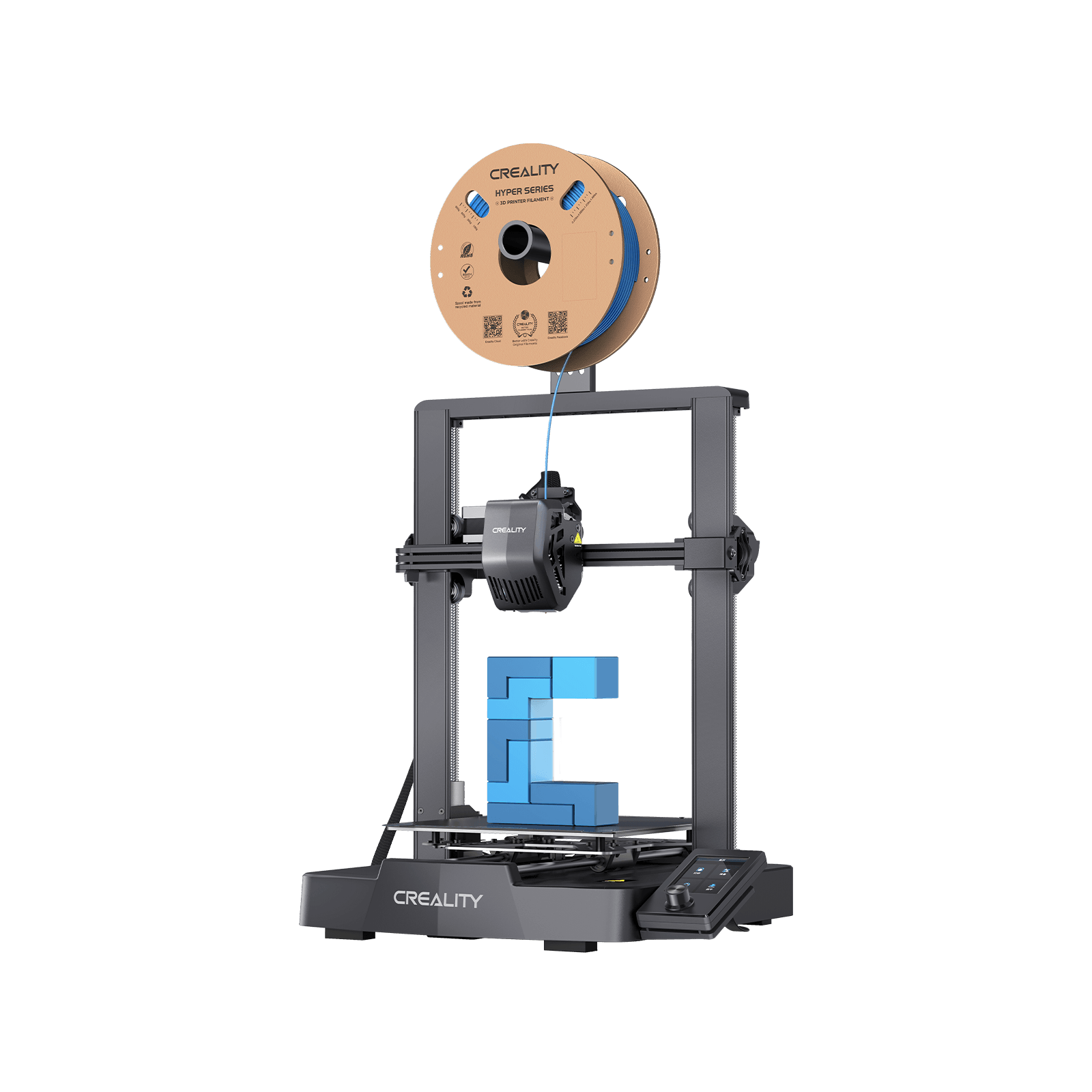
The Creality Ender 3 V3 SE is the best sub-$200 beginner 3D printer, bringing CR Touch auto-leveling, a Sprite direct-drive extruder and dual Z-axis to an entry-level price. Reviewers call it a beginner's dream that prints great out of the box. It is slower and simpler than pricier machines, but for first-time buyers on a budget, it is the value benchmark.
Full review
Clean first print with no binding issues
The Creality Ender 3 V3 SE redefined what beginners can expect at under $200. Tom's Hardware called it a beginner's dream with improvements previously thought of as luxuries while keeping the price extremely low, and reported that it printed great right out of the box, with the first sample print coming out clean.
The 3DWithUs comparison, scoring it 4.6 out of 5, found its print quality strong despite fewer features, noting all the joints on test prints moved effortlessly with no binding or issues. Its top speed of 250mm/s is modest next to Klipper-based machines, limited in part by its single part-cooling fan, but for the careful, learning-focused printing beginners do, reviewers find the SE delivers consistent, clean results.
CR Touch leveling and a dual Z-axis
The SE keeps the proven Ender 3 frame but adds beginner-friendly upgrades that drastically reduce the learning curve. CR Touch automatic bed leveling and a dual Z-axis improve reliability and consistency, while the Sprite direct-drive extruder handles a wider range of filaments than the old Bowden setups. A 3-inch color screen guides setup and operation.
Assembly is quick and well-documented, and reviewers consistently praise how approachable the machine is to put together and use. The build volume is a modest 220x220x250mm, smaller than the Bambu A1's, and there is no multicolor support. But for an entry-level price, the build and feature set are remarkably complete, which is the core of its appeal.
Auto-load filament removes manual fiddling
Setup is a key strength. Unlike older Ender 3 models, the V3 SE is simple to build with step-by-step on-screen instructions, and the auto-load filament feature and CR Touch leveling remove much of the manual fiddling. Reviewers report being able to print successfully on the first try with the included sample PLA.
On software, the SE works with any major slicer including Creality Print, Cura and PrusaSlicer, giving it flexibility. It does not have the cloud-connected polish of the Bambu A1 or the Klipper speed tuning of the KE, but for a beginner learning the fundamentals, its straightforward, broadly compatible workflow is an advantage rather than a limitation.
Single blower fan caps its print speed
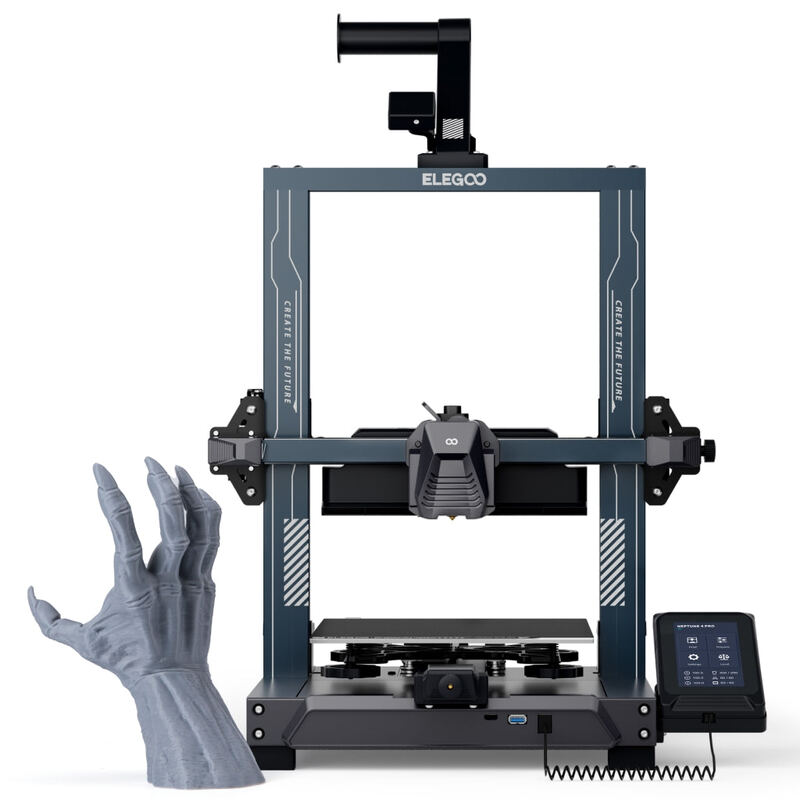
The SE's trade-offs are speed, size and features. At 250mm/s it is slower than the Klipper-based Ender 3 V3 KE and Elegoo Neptune 4 Pro, and 3DWithUs notes its single blower fan is the main factor limiting print speed compared to the KE's dual-fan setup. The 220x220x250mm build volume is on the smaller side.
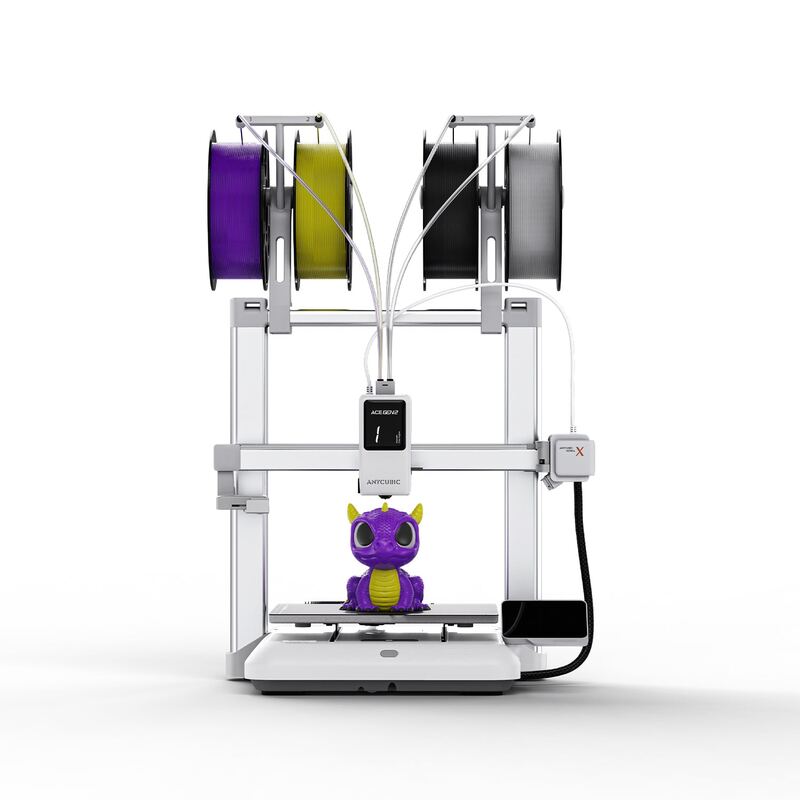
It also has no multicolor capability, so buyers wanting color printing need the Anycubic Kobra X or the Bambu A1 with AMS lite. These are reasonable omissions at the price, but they mean the SE is a focused beginner machine rather than a do-everything printer.
Budget anchor of the lineup
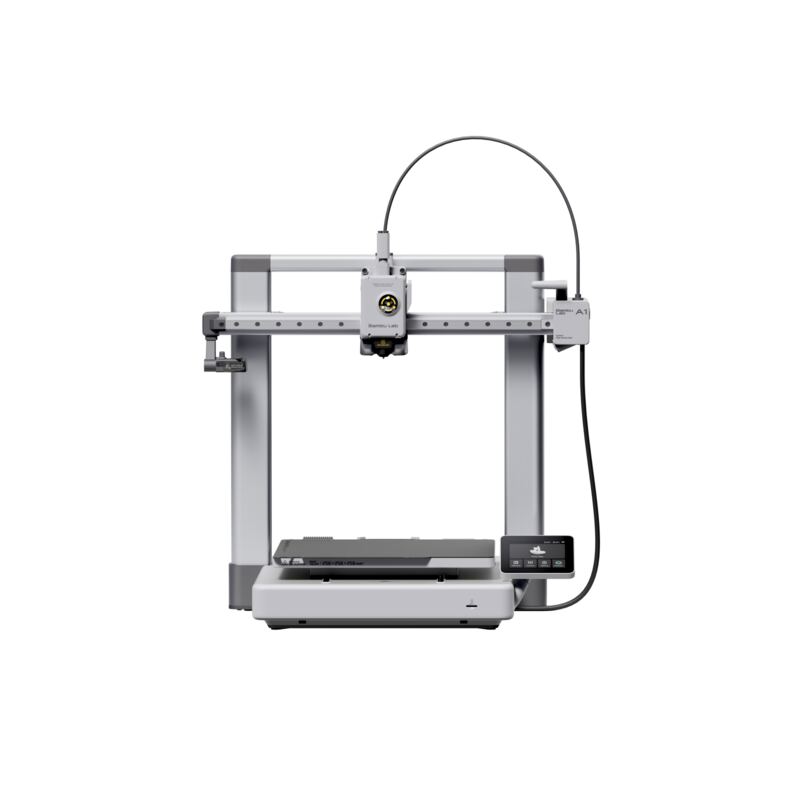
The SE is the budget anchor of this lineup. Against the Bambu A1, it is cheaper but slower and far less hands-off. Against its sibling the Ender 3 V3 KE, it trades Klipper speed and a dual cooling fan for a lower price. The Elegoo Neptune 4 Pro is much faster, and the Anycubic Kobra X adds multicolor, both for more money.
Its niche is clear: the SE is the best pure-beginner value, the machine to buy when the priorities are low cost, reliability and ease of learning. Buyers who outgrow it can step up to faster or multicolor machines, but few printers teach the fundamentals as affordably and reliably.
Under $200 with features once reserved for pricier printers
At under $200 (and often discounted toward $186), the Ender 3 V3 SE is the value champion of this group. Tom's Hardware named it a best budget pick precisely because it packs auto-leveling, a direct-drive extruder and dual Z-axis, features once reserved for pricier machines, into an entry-level price.
The value is highest for first-time buyers who want to learn 3D printing without a big investment. Those who need speed, multicolor or a larger build volume will get more from the pricier picks, but for the lowest-risk, lowest-cost entry into reliable printing, the SE is hard to beat.
Learning machine for a first-time budget
The Ender 3 V3 SE is for first-time buyers on a tight budget who want a reliable, easy beginner printer for under $200. Its auto-leveling, guided setup and clean out-of-box prints make it an ideal learning machine, and the broad slicer compatibility keeps it flexible.
It is not the pick for buyers who want speed (the Ender 3 V3 KE or Neptune 4 Pro), multicolor (the Anycubic Kobra X), or the most hands-off experience (the Bambu A1). But as the affordable gateway into 3D printing, the SE remains the value benchmark.
Strengths
- +Excellent value at under $200 with premium beginner features
- +CR Touch automatic bed leveling and dual Z-axis for reliability
- +Sprite direct-drive extruder handles a range of filaments
- +Auto-load filament and step-by-step on-screen setup
- +Prints cleanly right out of the box with minimal calibration
Watch-outs
- −Top speed of 250mm/s is slower than Klipper-based rivals
- −No multicolor support
- −Smaller 220x220x250mm build volume
- −Single part-cooling fan limits high-speed cooling versus the KE
How it compares
The Ender 3 V3 SE is cheaper and simpler than the Bambu Lab A1 and its own sibling the Ender 3 V3 KE, lacking their speed and the KE's Klipper firmware, and it has no multicolor like the Anycubic Kobra X or the speed of the Elegoo Neptune 4 Pro, but it is the best value for pure beginners.
Rating sources
“Creality's latest Ender 3 is a beginner's dream with improvements previously thought of as luxuries while keeping the price extremely low.”
“All of the joints moved effortlessly, displaying no signs of binding or issues.”
Our 4.5 score is the average of these published ratings. More about methodology.