Verdict
Head-to-head · Best Graphics Drawing Tablets

Wacom Cintiq Pro 27 vs Wacom One 13 Touch

Which is the better buy? Side-by-side on rating, price, strengths, and watch-outs — with the published ratings we averaged to get there.

The short answer

Wacom Cintiq Pro 27 comes out ahead by a narrow margin (4.7 vs 4.5). The gap is mostly about Professional illustrators, animators and colorists who need a reference-grade 4K pen display and will use it as both a drawing surface and a calibrated monitor. — read the strengths below before deciding.

Wacom Cintiq Pro 27
Higher ratedRanked #1 in Best Graphics Drawing Tablets
Wacom Cintiq Pro 27
$3,499.95as of Jun 7

The Wacom Cintiq Pro 27 is the flagship pen display for professionals, pairing a 4K 120Hz screen with reference-grade color and the superb Pro Pen 3. TechRadar called it a real workflow accelerator for creatives and PetaPixel deemed it a worthwhile double-duty investment. The towering $3,499 price, fan noise and size are the trade-offs.

Strengths
  • Stunning 26.9-inch 4K UHD display with 120Hz refresh, a first for Wacom
  • Reference-grade color: 99% Adobe RGB, 98% DCI-P3, Pantone Validated
  • Customizable Pro Pen 3 with 8,192 pressure levels is the most accurate Wacom pen yet
Watch-outs
  • Extremely expensive at around $3,500
  • Audible fan noise when powered on
  • Multi-touch can be overly sensitive and interfere with pen strokes
Wacom One 13 Touch
Ranked #3 in Best Graphics Drawing Tablets
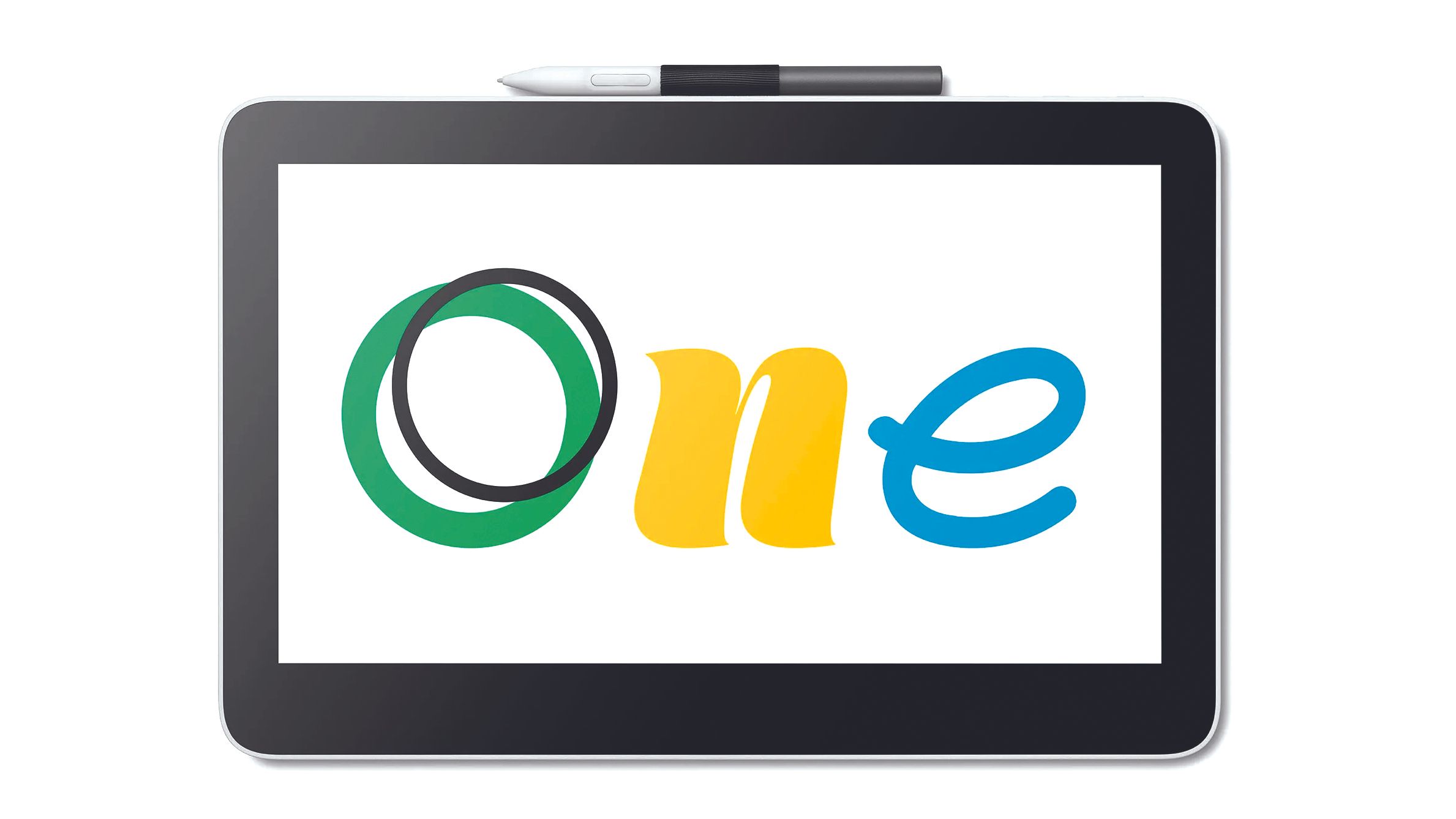
Wacom One 13 Touch
$549.95as of Jun 7

The Wacom One 13 Touch is the standout entry-level pen display, adding 10-finger multi-touch and a quality 13.3-inch screen at an accessible price. Creative Bloq scored it 8/10 and PetaPixel called it a hidden gem even for pros. The lower pressure-level pen and plastic build are the compromises that keep it below the flagships.

Strengths
  • Touch support is rare at this size and price, enabling pinch-zoom and rotate gestures
  • Full-laminated 13.3-inch Full HD display with 99% sRGB color
  • Simple USB-C plug-and-play connectivity
Watch-outs
  • Pen has only ~4,000 pressure levels, well below pricier rivals
  • Frame and pen are lightweight plastic that feels less premium
  • No built-in stand; one must be bought separately

How they stack up

Wacom Cintiq Pro 27

The professional flagship: its 4K 120Hz reference display and Pro Pen 3 outclass the Huion Kamvas Pro 24 on color validation and the smaller Wacom One 13 Touch and Huion Kamvas 16 (Gen 3) on size, but it costs more than double the Kamvas Pro 24 and is far beyond the screenless XP-Pen Deco Pro MW.

Wacom One 13 Touch

The entry-level pick: it adds touch the larger Wacom Cintiq Pro 27 has and the Huion Kamvas 16 (Gen 3) lacks, but its ~4,000-level pen trails the 8,192-level Huion Kamvas Pro 24 and the 16K XP-Pen Deco Pro MW; it's a screen-based alternative to the screenless Deco Pro MW for beginners.

Specs side-by-side

SpecWacom Cintiq Pro 27Wacom One 13 Touch
Screen Size26.9-inch13.3-inch
Resolution4K UHD (3840x2160)Full HD (1920x1080)
Refresh Rate120Hz
Color Gamut99% Adobe RGB, 98% DCI-P399% sRGB
PenPro Pen 3, 8,192 levelsWacom One Pen, 4,096 levels
TouchMulti-touch10-finger multi-touch
ConnectivityUSB-C, HDMI, DisplayPortUSB-C
ValidationPantone Validated
LaminationFull lamination
CompatibilityWindows, macOS, Chromebook, Android
← See the full ranking of best graphics drawing tablets