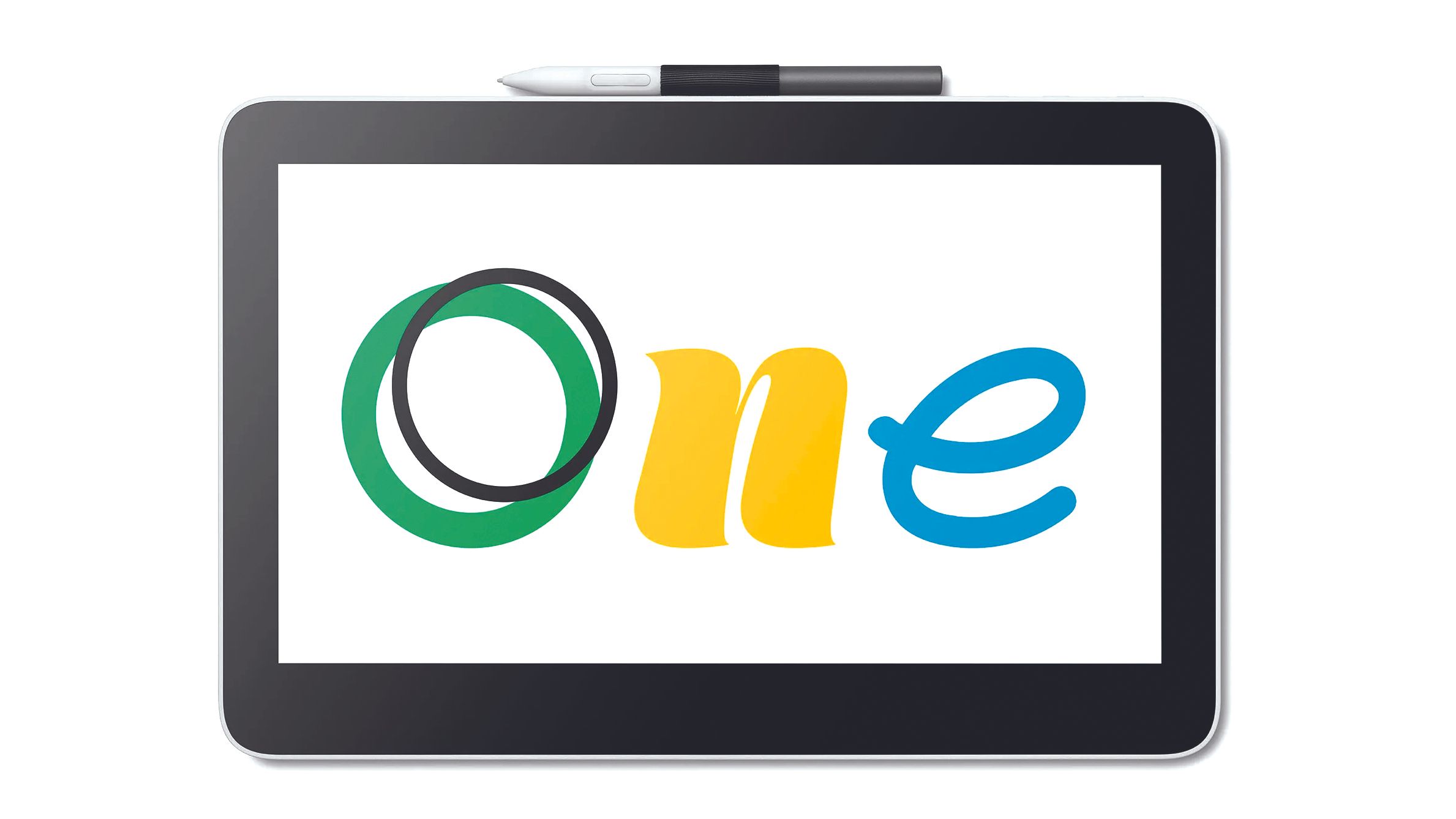
The Wacom One 13 Touch is the standout entry-level pen display, adding 10-finger multi-touch and a quality 13.3-inch screen at an accessible price. Creative Bloq scored it 8/10 and PetaPixel called it a hidden gem even for pros. The lower pressure-level pen and plastic build are the compromises that keep it below the flagships.
Full review
The Beginner's Pen Display
The Wacom One 13 Touch is the tablet most reviewers point beginners toward, and its standout feature is right in the name. Creative Bloq, which scored it 8 out of 10, called it "a fantastic entry-level tablet that doesn't compromise on screen quality or technical performance," while PetaPixel's review title, "Designed For Beginners but a Hidden Gem For Pros," captures why it punches above its class.
The headline differentiator is touch. As Creative Bloq noted, at this size and price bracket there are no other pen displays that offer 10-finger multi-touch gestures, letting you pinch-zoom, pan and rotate your canvas with your hand the way you would on a tablet. That's a feature the much pricier Wacom Cintiq Pro 27 has but the similarly-sized Huion Kamvas 16 (Gen 3) does not.
Display and Touch
The 13.3-inch screen runs at Full HD (1920x1080) with full lamination and 99% sRGB color coverage. For an entry-level device that's a genuinely good panel, with accurate color and minimal parallax thanks to the laminated glass. It won't match the 4K resolution of the Cintiq Pro 27 or Kamvas Pro 24, but at 13 inches Full HD is perfectly sharp.
The multi-touch implementation is what reviewers keep returning to. It streamlines the workflow in a way that feels natural to anyone coming from an iPad or phone, and combined with the compact, lightweight body, it makes the One 13 Touch the most approachable device in this roundup for someone taking their first steps into digital art.
Pen Performance
The included Wacom One Standard Pen uses EMR technology, so it's battery-free and never needs charging, and it features tilt recognition plus two programmable buttons. Creative Bloq found it offered "reasonable stroke control," with over 4,000 levels of pressure sensitivity.
That 4,096-level figure is the One 13 Touch's clearest spec compromise. It's well below the 8,192 levels of the Huion Kamvas Pro 24 and the 16,384 of the XP-Pen Deco Pro MW. Creative Bloq acknowledged the pen "might not be as satisfying to use as Wacom's Pro Pens or Huion's BatteryFree Pen," but concluded it's "more than adequate, especially if you're just starting out." For beginners the difference is negligible; for demanding professionals it's a reason to look higher up the range.
Build and Connectivity
Connectivity is refreshingly simple: a single USB-C connection handles power and signal, and the tablet works with Windows, macOS, Chromebooks and some Android devices. The white matte plastic chassis is lightweight, which makes it easy to hold while drawing, and reviewers found it well made even if the finish is clearly cheaper than Wacom's premium Cintiq line.
The plastic build is a fair trade at the price, but it does feel less substantial than the metal-and-glass flagships. It's a device built to a cost, and Wacom made sensible choices about where to save.
Where It Falls Short
Beyond the modest pressure sensitivity and plastic build, reviewers flagged a few practical gripes. Creative Bloq noted there's no built-in stand, so you'll likely need to buy one separately, and the pen-storage ribbon is non-removable. PetaPixel and Creative Bloq also pointed out that despite being aimed at beginners, the One 13 Touch still represents a meaningful investment for someone just testing the waters, and Wacom's confusing website pricing doesn't help.
These are minor complaints for what is fundamentally a well-judged entry-level product, but they explain why it sits below the flagships rather than challenging them outright.
Who It's Best For
The Wacom One 13 Touch is the right pick for beginners and hobbyist artists who want an affordable, touch-enabled pen display and don't need professional-grade pressure sensitivity or 4K color. Its touch gestures and simple setup make it the friendliest on-ramp into digital drawing here. If you want a similarly priced screen without touch but with a higher-spec pen, the Huion Kamvas 16 (Gen 3) is the alternative; if you're a professional, the Huion Kamvas Pro 24 or Wacom Cintiq Pro 27 are the step up; and if you'd rather draw looking at your monitor, the screenless XP-Pen Deco Pro MW costs even less.
Strengths
- +Touch support is rare at this size and price, enabling pinch-zoom and rotate gestures
- +Full-laminated 13.3-inch Full HD display with 99% sRGB color
- +Simple USB-C plug-and-play connectivity
- +Battery-free EMR pen with tilt recognition and over 4,000 pressure levels
- +Lightweight, beginner-friendly build that reviewers say punches above its class
Watch-outs
- −Pen has only ~4,000 pressure levels, well below pricier rivals
- −Frame and pen are lightweight plastic that feels less premium
- −No built-in stand; one must be bought separately
- −Still a notable investment for a true beginner
How it compares
The entry-level pick: it adds touch the larger Wacom Cintiq Pro 27 has and the Huion Kamvas 16 (Gen 3) lacks, but its ~4,000-level pen trails the 8,192-level Huion Kamvas Pro 24 and the 16K XP-Pen Deco Pro MW; it's a screen-based alternative to the screenless Deco Pro MW for beginners.
Who this is for
At a glance: Beginners and hobbyist artists who want an affordable pen display with touch gestures and don't need professional-grade pressure sensitivity or color.
Why you’d buy the Wacom One 13 Touch
- Touch support is rare at this size and price, enabling pinch-zoom and rotate gestures.
- Full-laminated 13.3-inch Full HD display with 99% sRGB color.
- Simple USB-C plug-and-play connectivity.
Why you’d skip it
- Pen has only ~4,000 pressure levels, well below pricier rivals.
- Frame and pen are lightweight plastic that feels less premium.
- No built-in stand; one must be bought separately.
Rating sources
“This touchscreen pen display is a fantastic entry-level tablet that doesn't compromise on screen quality or technical performance.”
“Designed for beginners but a hidden gem for pros, the Wacom One 13 Touch adds touch at a size and price no rival matches.”
“The Wacom One 13 Touch is an impressive tablet with an intuitive touch feature at an accessible price for those just starting out.”
Our 4.5 score is the average of these published ratings. Ratings marked * were derived from the reviewer’s written analysis or video transcript — the publisher didn’t print an explicit numeric score, so we inferred one from their own words. Click through to verify. More about methodology.