Verdict
The Best 5Reviewed by Mike Hunter·May 24, 2026

Best Graphics Drawing Tablets

Top 5 graphics drawing tablets reviewed and ranked.

Quick answer

Wacom Cintiq Pro 27 is our top pick for graphics drawing tablets — an averaged 4.7/5 across 3 published reviews at about $3,499.95. Runner-up: Huion Kamvas Pro 24 (4K) (~$939).

At a glance

Tap any product for the full review
(3 sources)
$3,499.95Best for: Professional illustrators, animators and colorists who need a reference-grade 4K pen display and will use it as both a drawing surface and a calibrated monitor.
$3,499.95 · Check Price on Amazon
(3 sources)
$939Best for: Serious artists and studios who want a large 4K professional pen display with excellent color but can't justify the Wacom Cintiq Pro 27's price.
$939 · Check Price on Amazon
(3 sources)
$549.95Best for: Beginners and hobbyist artists who want an affordable pen display with touch gestures and don't need professional-grade pressure sensitivity or color.
$549.95 · Check Price on Amazon
(3 sources)
$459Best for: Intermediate artists who want a sharp mid-size pen display with a top-tier pen and lots of on-device shortcut controls at a reasonable price.
$459 · Check Price on Amazon
(3 sources)
$99.99Best for: Budget-conscious artists and beginners comfortable drawing while looking at their monitor, who want a quality pen and controls without paying for a screen.
$99.99 · Check Price on Amazon
Verdict is reader-supported. As an Amazon Associate we earn from qualifying purchases. Some links on this page are affiliate links — if you click through and buy, we may earn a small commission at no extra cost to you. Our ratings are sourced from independent publications, not sponsors.
Reviews aggregated from
CreativebloqTechRadarPetapixelPablanderWindowscentralAppleinsiderDigital Camera WorldThegadgeteer

The full ranking

How we rank →
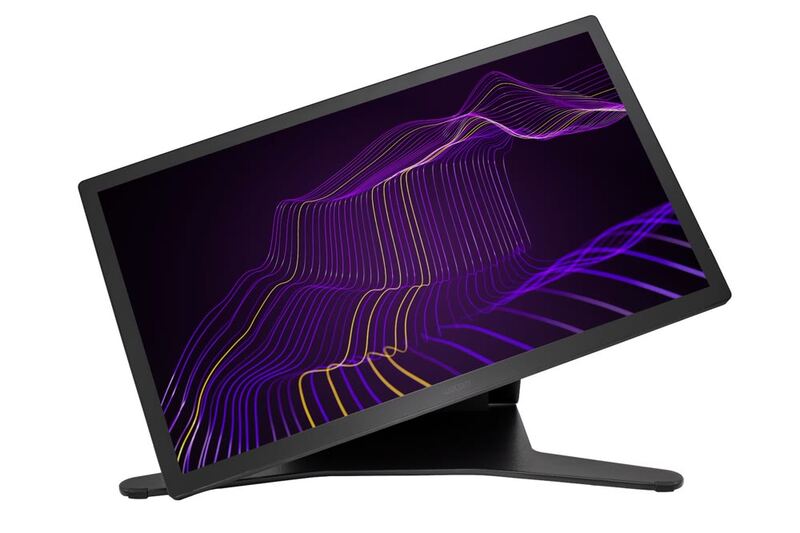
Wacom Cintiq Pro 27
#1 · Top Score
★ Premium Pick
Best for: Professional illustrators, animators and colorists who need a reference-grade 4K pen display and will use it as both a drawing surface and a calibrated monitor.
Wacom Cintiq Pro 27
from 3 sources$3,499.95as of Jun 7

The Wacom Cintiq Pro 27 is the flagship pen display for professionals, pairing a 4K 120Hz screen with reference-grade color and the superb Pro Pen 3. TechRadar called it a real workflow accelerator for creatives and PetaPixel deemed it a worthwhile double-duty investment. The towering $3,499 price, fan noise and size are the trade-offs.

Strengths
  • Stunning 26.9-inch 4K UHD display with 120Hz refresh, a first for Wacom
  • Reference-grade color: 99% Adobe RGB, 98% DCI-P3, Pantone Validated
Watch-outs
  • Extremely expensive at around $3,500
  • Audible fan noise when powered on
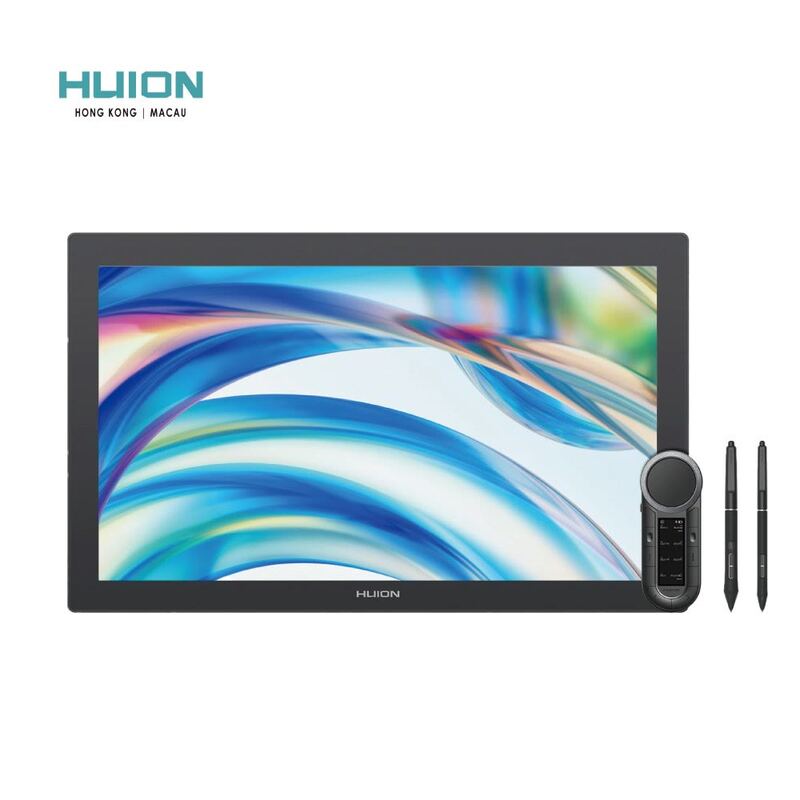
Huion Kamvas Pro 24 (4K)
#2
Best for: Serious artists and studios who want a large 4K professional pen display with excellent color but can't justify the Wacom Cintiq Pro 27's price.
Huion Kamvas Pro 24 (4K)
from 3 sources$939as of Jun 7

The Huion Kamvas Pro 24 (4K) is the value flagship pen display, delivering a 24-inch 4K screen, rich color and a battery-free pen for under half the Wacom Cintiq Pro 27's price. Creative Bloq scored it 9/10 and AppleInsider called it an artist's tablet that rivals Wacom. The lower pixel density and sheer size are the main trade-offs.

Strengths
  • Massive 23.8-inch 4K UHD display with full lamination and anti-glare etched glass
  • Excellent color: 140% sRGB / 98% NTSC gamut with Quantum Dot technology
Watch-outs
  • Lower pixel density than smaller, denser tablets at this resolution
  • Not portable at this size
Wacom One 13 Touch
#3
Best for: Beginners and hobbyist artists who want an affordable pen display with touch gestures and don't need professional-grade pressure sensitivity or color.
Wacom One 13 Touch
from 3 sources$549.95as of Jun 7

The Wacom One 13 Touch is the standout entry-level pen display, adding 10-finger multi-touch and a quality 13.3-inch screen at an accessible price. Creative Bloq scored it 8/10 and PetaPixel called it a hidden gem even for pros. The lower pressure-level pen and plastic build are the compromises that keep it below the flagships.

Strengths
  • Touch support is rare at this size and price, enabling pinch-zoom and rotate gestures
  • Full-laminated 13.3-inch Full HD display with 99% sRGB color
Watch-outs
  • Pen has only ~4,000 pressure levels, well below pricier rivals
  • Frame and pen are lightweight plastic that feels less premium
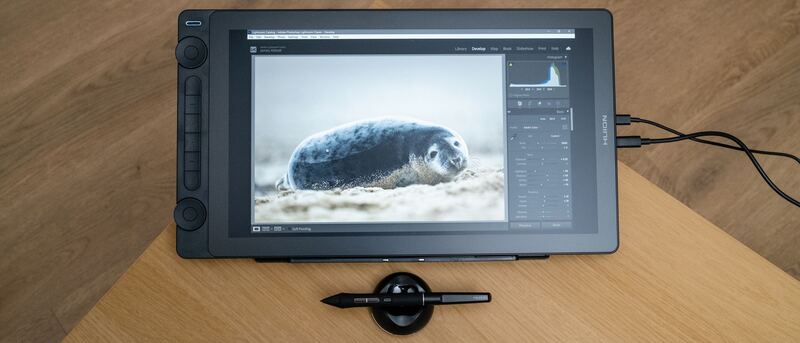
Huion Kamvas 16 (Gen 3)
#4
Best for: Intermediate artists who want a sharp mid-size pen display with a top-tier pen and lots of on-device shortcut controls at a reasonable price.
Huion Kamvas 16 (Gen 3)
from 3 sources$459as of Jun 7

The Huion Kamvas 16 (Gen 3) is the standout mid-range pen display, pairing a sharp 2.5K QHD screen with a high-end 16,384-level PenTech 4.0 pen and on-device dials. Creative Bloq praised its unique control-heavy design and Digital Camera World called it good enough for professional use. Modest brightness and added bulk are the trade-offs.

Strengths
  • Crisp 15.8-inch 2.5K QHD (2560x1440) display with full lamination
  • High-spec PenTech 4.0 pen with 16,384 pressure levels
Watch-outs
  • Not a standalone device; must connect to a computer or Android phone
  • 200-nit brightness is modest for bright rooms
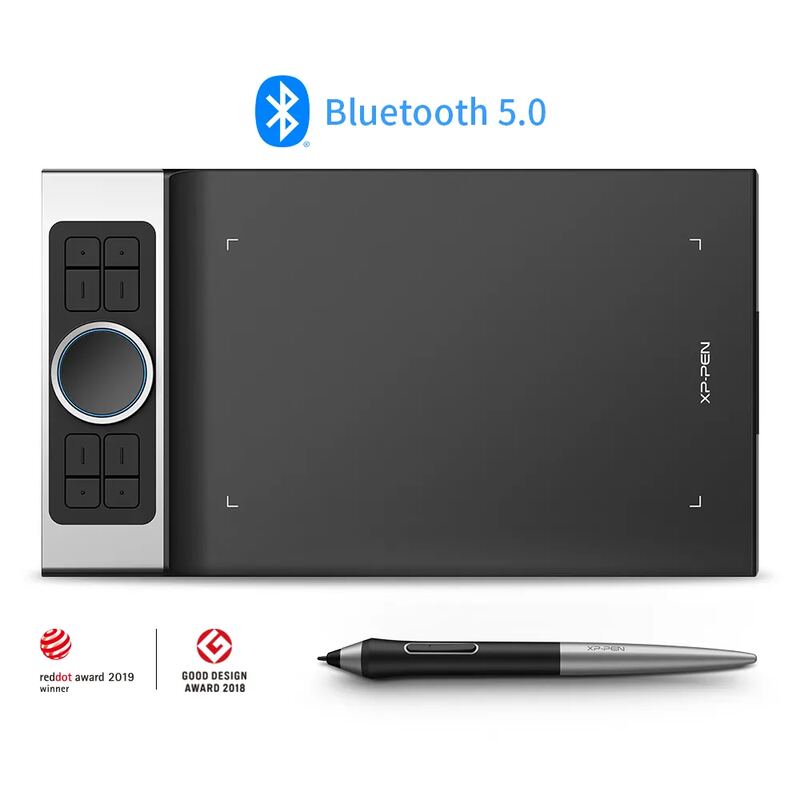
XP-Pen Deco Pro MW
#5
Best for: Budget-conscious artists and beginners comfortable drawing while looking at their monitor, who want a quality pen and controls without paying for a screen.
XP-Pen Deco Pro MW
from 3 sources$99.99as of Jun 7

The XP-Pen Deco Pro MW is the budget screenless pick, offering a large active area, a high-pressure battery-free pen and a premium control layout for well under $200. Reviewers including Parka Blogs recommend it easily and Big Red Illustration rated it 4/5 as an accessible entry into digital art. The screenless learning curve and shaky phone support are the trade-offs.

Strengths
  • Affordable screenless tablet with a large 11x6-inch active area
  • Battery-free stylus with high pressure sensitivity and 60-degree tilt
Watch-outs
  • Screenless, so it has a learning curve for those used to drawing on a display
  • Smartphone connectivity and use are unreliable

Spec comparison

5 products
SpecWacom Cintiq Pro 27Huion Kamvas Pro 24 (4K)Wacom One 13 TouchHuion Kamvas 16 (Gen 3)XP-Pen Deco Pro MW
Screen Size26.9-inch23.8-inch13.3-inch15.8-inch
Resolution4K UHD (3840x2160)4K UHD (3840x2160)Full HD (1920x1080)2.5K QHD (2560x1440)
Color Gamut99% Adobe RGB, 98% DCI-P3140% sRGB / 98% NTSC99% sRGB99% sRGB, ~90% Adobe RGB
PenPro Pen 3, 8,192 levelsPW517 battery-free, 8,192 levelsWacom One Pen, 4,096 levelsPenTech 4.0, 16,384 levelsBattery-free, high pressure sensitivity
TouchMulti-touch10-finger multi-touch
ConnectivityUSB-C, HDMI, DisplayPortUSB-C, HDMI, DisplayPortUSB-CUSB-C, Android-compatible
LaminationFull lamination, anti-glare glassFull laminationFull lamination, anti-sparkle glass
Tilt60 degrees60 degrees
CompatibilityWindows, macOS, Chromebook, AndroidWindows, macOS, Android, Chrome OS, Linux
Controls2 dials + 6 Quick Keys8 ExpressKeys + dual dial wheel

Frequently asked questions

What is the best graphics drawing tablet?
Wacom Cintiq Pro 27 is our top pick for graphics drawing tablets, with an averaged rating of 4.7/5 from 3 published reviews. The Wacom Cintiq Pro 27 is the flagship pen display for professionals, pairing a 4K 120Hz screen with reference-grade color and the superb Pro Pen 3. TechRadar called it a real workflow accelerator for creatives and PetaPixel deemed it a worthwhile double-duty investment. The towering $3,499 price, fan noise and size are the trade-offs.
Is there a cheaper alternative worth considering?
XP-Pen Deco Pro MW (around $99.99) rates 4.2/5 in our analysis. The XP-Pen Deco Pro MW is the budget screenless pick, offering a large active area, a high-pressure battery-free pen and a premium control layout for well under $200. Reviewers including Parka Blogs recommend it easily and Big Red Illustration rated it 4/5 as an accessible entry into digital art. The screenless learning curve and shaky phone support are the trade-offs.
How does Verdict rank these products?
Every rating on Verdict is the numerical average of scores published by independent review sites, YouTube reviewers, and Reddit buyer reports. No editor adjusts the order — the ranking is whatever the source data produces. See our methodology page for the full process.
When was this guide last updated?
This guide was last re-checked in May 2026. We re-run our research pipeline for each category on a rolling basis so prices and rankings reflect current market reality.

Related guides

Browse all →