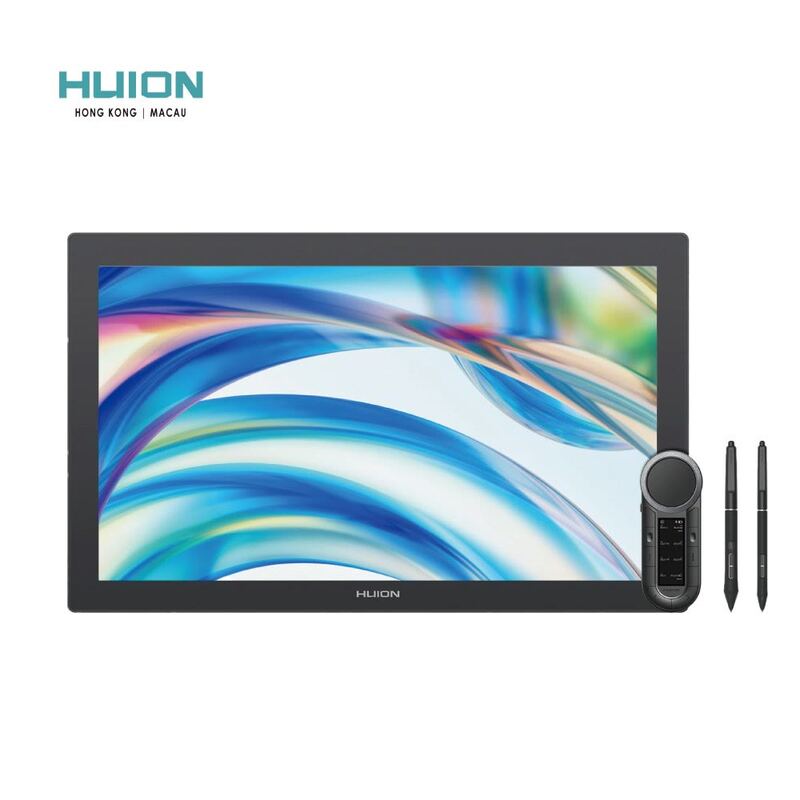
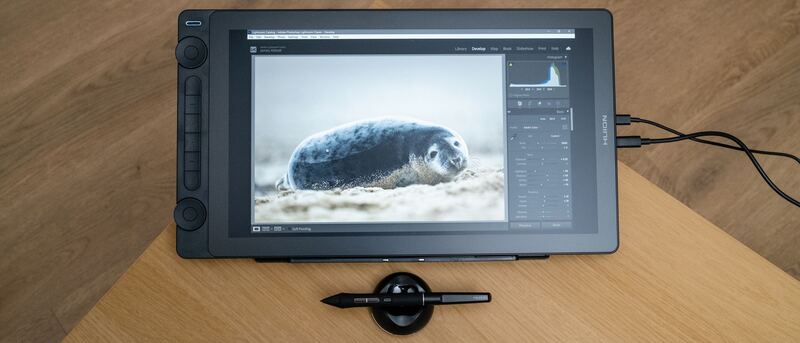
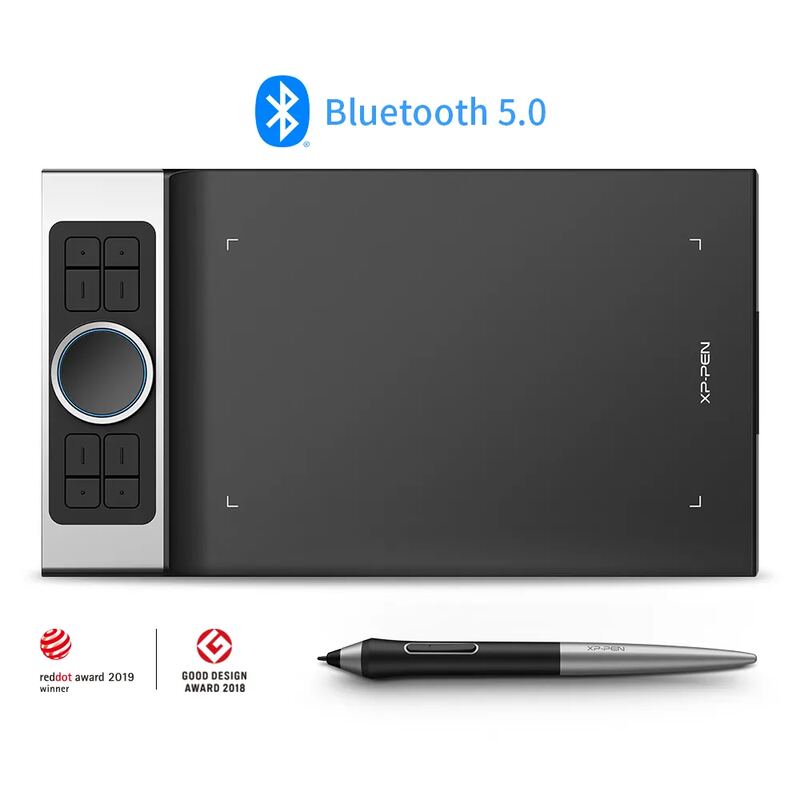
The Wacom Cintiq Pro 27 is the flagship pen display for professionals, pairing a 4K 120Hz screen with reference-grade color and the superb Pro Pen 3. TechRadar called it a real workflow accelerator for creatives and PetaPixel deemed it a worthwhile double-duty investment. The towering $3,499 price, fan noise and size are the trade-offs.
Full review
The Professional Reference Display
The Wacom Cintiq Pro 27 sits at the top of the drawing-tablet market, and reviewers treat it as the benchmark against which everything else is measured. TechRadar described it as "a massive pen display with the versatility and size to also double as a computer monitor," while PetaPixel titled its review "One Display Tablet To Rule Them All." The pitch is straightforward: this is a no-compromise tool for working professionals who need both a world-class drawing surface and a calibrated reference monitor in one device.
That ambition is reflected in the price, around $3,499, which is more than double the Huion Kamvas Pro 24 and an order of magnitude beyond the entry-level Wacom One 13 Touch. Wacom positions it squarely at studios and full-time professionals, not hobbyists.
Display and Color
The headline upgrade over the previous Cintiq Pro generation is the display. It's a 26.9-inch 4K UHD (3840x2160) panel running at up to 120Hz, double the refresh rate of any prior Wacom display, with a 10ms response time. PetaPixel and TechRadar both noted how much smoother the higher refresh rate makes the drawing experience feel.
Color is where it earns its professional billing. The panel covers 99% Adobe RGB and 98% DCI-P3, is Pantone Validated and Pantone SkinTone Validated, and supports HDR with 10-bit color. That level of color validation is something the Huion Kamvas Pro 24 approaches but doesn't fully match, and it's the single biggest reason colorists and print professionals choose the Cintiq. PetaPixel's one nitpick was that screen brightness felt slightly dim, leaving colors a touch muted next to some standalone 4K displays.
Pen and Drawing Experience
The Cintiq Pro 27 ships with the customizable Pro Pen 3, which offers 8,192 levels of pressure sensitivity and is widely regarded as the most accurate and responsive pen Wacom has produced. The Pablander review called the pen experience "the best to date," praising the display tablet as a whole. For artists who prize the feel of pen-on-screen above all else, this is the reference standard.
Multi-touch is improved over previous models, but it's a double-edged sword. TechRadar found the touch sensitivity could occasionally interfere with pen strokes, registering a palm or finger when you didn't intend it. It's manageable through settings, but worth noting for anyone who draws with their hand resting on the screen.
Build and Versatility
The Cintiq Pro 27 doubles as a standalone computer monitor, connecting via USB-C, HDMI or DisplayPort, which is part of what justifies its price for a working professional who would otherwise buy a separate reference display. The build is premium and stable, and the screen is large enough to work on full-size canvases without constant zooming.
That size is also a practical consideration. Reviewers noted the 27-inch panel demands a lot of desk space and forces you to sit close, and the optional stand's locking mechanism can be awkward in cramped setups. This is a studio fixture, not a portable tool like the Wacom One 13 Touch or the screenless XP-Pen Deco Pro MW.
Fan noise and touch lag behind iPad Pro
Price is the obvious barrier. At roughly $3,499 the Cintiq Pro 27 costs as much as a high-end laptop, and TechRadar was candid that it "still might not do enough to justify its high price tag" for many buyers. The Huion Kamvas Pro 24 delivers a 4K 24-inch experience for less than half the money, which makes the Wacom a hard sell for anyone who doesn't specifically need Pantone validation or the Pro Pen 3.
There are smaller annoyances too. PetaPixel and other reviewers flagged audible fan noise when the unit is powered on, a pen cradle that feels cheap relative to the overall build, and touch functionality that lags behind an iPad Pro. None are dealbreakers for the target professional, but they keep the score short of perfect.
Reference-grade color for professional illustrators
The Wacom Cintiq Pro 27 is the right choice for professional illustrators, animators and colorists who need a reference-grade 4K pen display and will genuinely use it as both a drawing surface and a calibrated monitor. If you want most of that experience for less than half the price, the Huion Kamvas Pro 24 is the value flagship; if you're a beginner or working on a budget, the Wacom One 13 Touch or Huion Kamvas 16 (Gen 3) make far more sense; and if you prefer a screenless tablet, the XP-Pen Deco Pro MW is the affordable alternative.
Strengths
- +Stunning 26.9-inch 4K UHD display with 120Hz refresh, a first for Wacom
- +Reference-grade color: 99% Adobe RGB, 98% DCI-P3, Pantone Validated
- +Customizable Pro Pen 3 with 8,192 pressure levels is the most accurate Wacom pen yet
- +Doubles as a high-quality computer monitor
- +Improved multi-touch and a premium, stable build
Watch-outs
- −Extremely expensive at around $3,500
- −Audible fan noise when powered on
- −Multi-touch can be overly sensitive and interfere with pen strokes
- −Large size requires close proximity and a lot of desk space
Rating sources
“Responsive and easy to use, this display will speed up workflow for professional and aspiring creatives, but still might not do enough to justify its high price tag.”
“If you already need a pen tablet and a reference display, the Wacom Cintiq Pro 27 is a worthwhile investment that perfectly plays double duty.”
Our 4.3 score is the average of these published ratings. Ratings marked * were derived from the reviewer’s written analysis or video transcript — the publisher didn’t print an explicit numeric score, so we inferred one from their own words. Click through to verify. More about methodology.