The Eero 7 is positioned as an affordable Wi-Fi 7 mesh system offering dual-band connectivity with speeds up to 2.5 Gbps. PCMag's John R. Delaney noted it comes with compromises, while YouTube reviewer Hannah from Broadband praised its sleek design and future-proof smart home connectivity. However, reviewers repeatedly flagged setup difficulties, particularly with node range detection. This system is best suited for users seeking budget-friendly Wi-Fi 7 coverage and smart home integration, but those requiring flawless setup may want to consider alternatives.
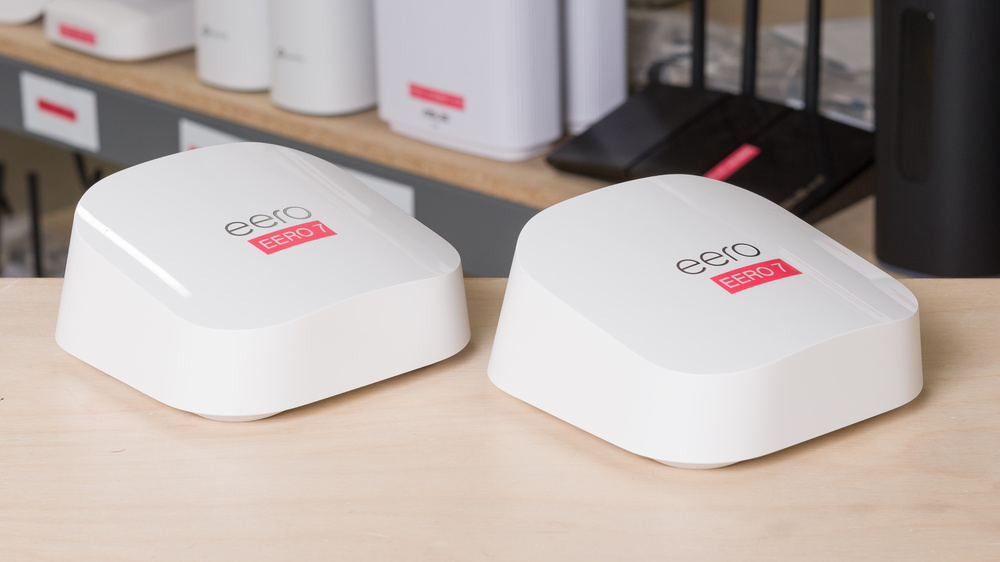
Full review
Wi-Fi 7 branding on a dual-band radio
The eero 7 carries the Wi-Fi 7 badge on a dual-band radio. There is 2.4 GHz and 5 GHz and nothing else: the 6 GHz band that supplies most of the standard's headline throughput is simply absent, and BroadbandNow said so plainly, noting that leaving it out puts a ceiling on performance. What Wi-Fi 7 still contributes is the wider 240 MHz channel on 5 GHz, along with WPA3 and a rated system ceiling of 2.5 Gbps across a claimed 200-plus devices. That is enough for a household of streams, calls and laptops. It is not enough to justify buying the eero 7 as a speed upgrade over a competent Wi-Fi 6 mesh, which is the pitch the name invites.
Two 2.5 gigabit ports on every node
The hardware compensates in one place the price does not usually reach: every unit gets two auto-sensing 2.5 gigabit Ethernet ports. Most mesh kits at this level give one gigabit WAN port and one LAN port per node, so anyone running a NAS, a games console or a wired backhaul between units has real room here. Tom's Hardware, which scored the system 3 out of 5, treated the wired side as the stronger part of the package rather than the radio. Power arrives over USB-C instead of a barrel jack, which is tidy if you already keep spare cables and annoying if you do not, since a node without its adapter is a paperweight.
Matter, Thread and Zigbee without extra bridges
Each node doubles as a smart-home hub. Matter, Thread and Zigbee radios are built in, so a house full of bulbs, locks and sensors can talk to the mesh directly instead of through a shelf of vendor bridges — the kind of consolidation that quietly removes two or three power adapters and a set of firmware updates from your life. PCMag's John R. Delaney singled out the smart-home integration and the simplicity of managing it, and BroadbandNow described the app as one of the cleanest and most approachable router apps available. If the eero 7 has a genuine reason to exist at its price, this is it rather than throughput.
Node placement is the recurring setup complaint
Setup is where owners lose patience. The repeated complaint is range detection during node placement: the second unit gets flagged as out of range while sitting in clear line of sight of the first, and the app's guidance does not explain what to change. BroadbandNow found the installation more involved than the packaging suggests despite the clean interface, and Tom's Hardware pointed to the physical placement requirements as a practical limit on where the units can actually go. None of this is fatal and most people get there on the second attempt, but a system sold on being effortless should not need a second attempt.
Where the three scores disagree
The scores split in a way worth reading. PCMag and Tom's Hardware both landed on 3 out of 5, judging the eero 7 against what Wi-Fi 7 hardware is supposed to deliver and finding a dual-band radio wearing the wrong badge. BroadbandNow gave it 4.5 out of 5, judging the experience — industrial design, app, smart-home support, price — and finding it good at all four. Both readings are defensible and they point at the same buyer: someone who wants a tidy, well-supported mesh with modern smart-home plumbing and does not need the fastest band. Anyone shopping specifically for Wi-Fi 7 speed should spend more and get the third radio.
Strengths
- +Affordable Wi-Fi 7 mesh system
- +Supports wireless speeds up to 2.5 Gbps
- +Features dual-band (2.4 GHz and 5 GHz) with 240 MHz channel width
- +Includes WPA3 encryption and Thread support for smart home devices
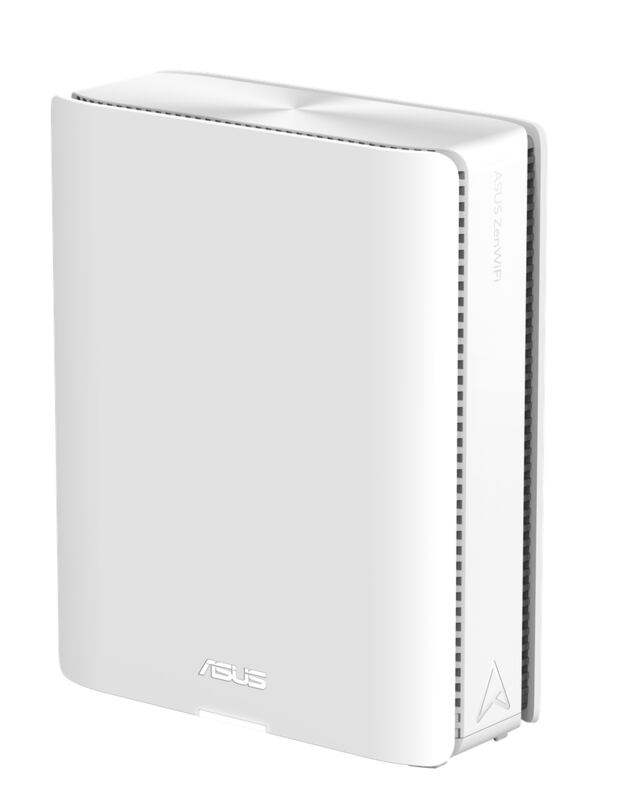
- +Compact design with sleek white finish and no flashy LEDs
Watch-outs
- −Setup challenges with node placement and range detection
- −Second node flagged as out of range even in clear view of first node
- −No 6 GHz band, so throughput is capped below tri-band Wi-Fi 7 rivals
- −Nodes are powered over USB-C, and a lost adapter takes a unit offline
- −PCMag and Tom's Hardware both rated it 3 out of 5 against Wi-Fi 7 expectations
How it compares
The Eero 7 offers affordable Wi-Fi 7 mesh networking with dual-band connectivity and smart home features, but unlike the TP-Link Archer BE550, it lacks the tri-band support and 2.5Gbps ports. Compared to the eero Max 7, it's more budget-friendly but offers less speed and performance, making it ideal for users seeking basic Wi-Fi 7 coverage without the premium price tag.
Rating sources
Our 3.5 score is the average of these published ratings. More about methodology.