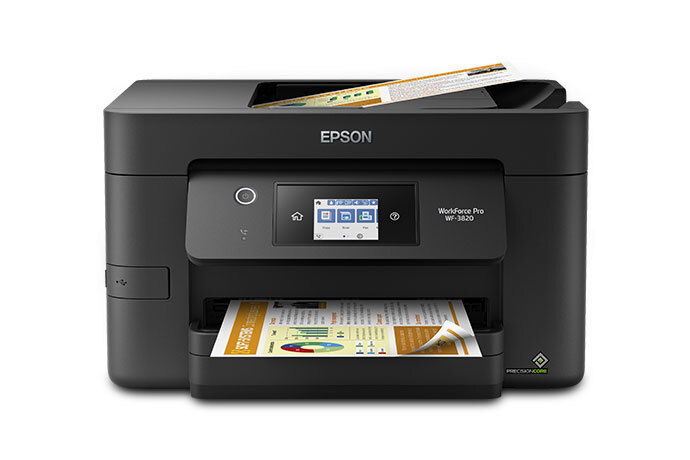
The WF-3820 is the high-capacity workhorse pick, with a 250-sheet tray, the largest here. It is a full four-function AIO with a big 6.8-inch touchscreen. The compromises are weak photo quality and cartridge running costs that trail the Brother MFC-J4335DW's INKvestment Tank.
Full review
Paper Capacity and Speed
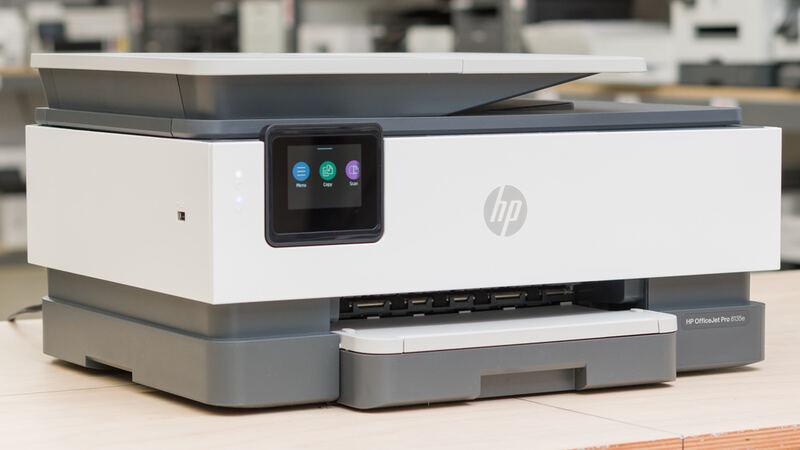
The WF-3820's headline strengths are capacity and document speed. Its 250-sheet main tray is the largest in this group, beating the Brother MFC-J4335DW's 150 sheets and the HP OfficeJet Pro 8135e's 225, which means fewer refills for a busy home office. Epson rates it at 21 ppm black and 11 ppm color in ISO testing, the highest spec figures here.
Real-world testing backs that up: Consumer Reports clocked 5 text pages in just 19 seconds, the fastest measured time in this group, at a low 6.6 cents per page. Combined with the 35-sheet automatic document feeder and auto duplex, the WF-3820 is built to move paper quickly and in volume, which is exactly what a document-heavy office needs.
Print Quality
For text, the WF-3820 delivers. Consumer Reports rated its text quality very good, though not quite as good as the best printers, on par with the strong document output you expect from Epson's WorkForce business line. For reports, contracts, and spreadsheets, the output is crisp and professional.
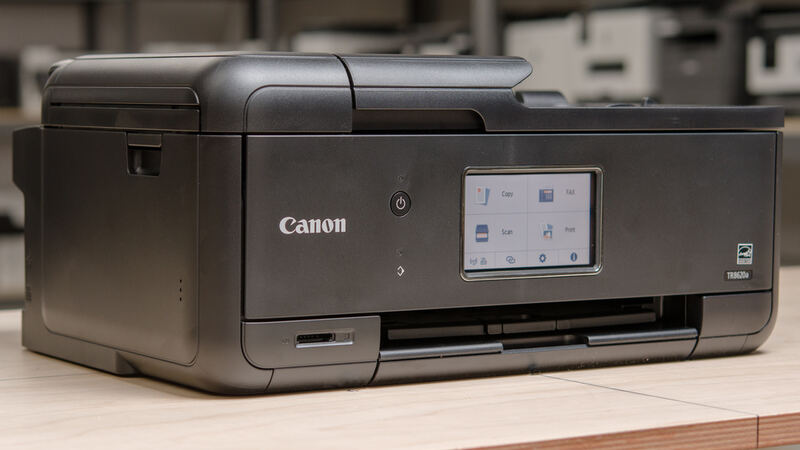
Photos are the clear weakness. Consumer Reports found it prints photos on glossy paper with below-par quality, placing it near the bottom rung among inkjets for photo work. This is a document printer first and foremost; anyone who wants to print family photos or glossy marketing material should choose the five-ink Canon PIXMA TR8620a instead, which is purpose-built for photo output.
Features and Interface
The WF-3820 is a full four-function AIO with print, copy, scan, and fax, and its 6.8-inch color touchscreen is the largest and most capable interface in this group, making navigation and on-device tasks easy. It supports Alexa for voice-driven printing and covers Wi-Fi, Ethernet, and USB connectivity for flexible networking.
The PrecisionCore printhead is Epson's proven business technology, designed for reliable high-volume printing. Auto duplex and the generous ADF round out a feature set squarely aimed at productivity. The interface and capacity make it feel more like a small-office machine than a casual home printer, which is its intended niche.
Running Cost and Reliability
Running cost is where the WF-3820 sits behind the value leader. It uses PrecisionCore cartridges rather than a tank system, so while its 6.6-cents-per-page text cost is reasonable, it does not match the Brother MFC-J4335DW's INKvestment Tank economics over the long haul. For the highest-volume users, that ongoing cost is the main drawback to weigh.
Reliability feedback is mostly positive, with owners praising print quality, ease of use, and quiet operation, though some report connectivity hiccups and paper-tray issues, complaints that also surface for the HP models here. None are dealbreakers, but they are worth factoring in, and a firmware-update routine helps keep the wireless connection stable.
Cartridge costs run higher than Brother's tank system
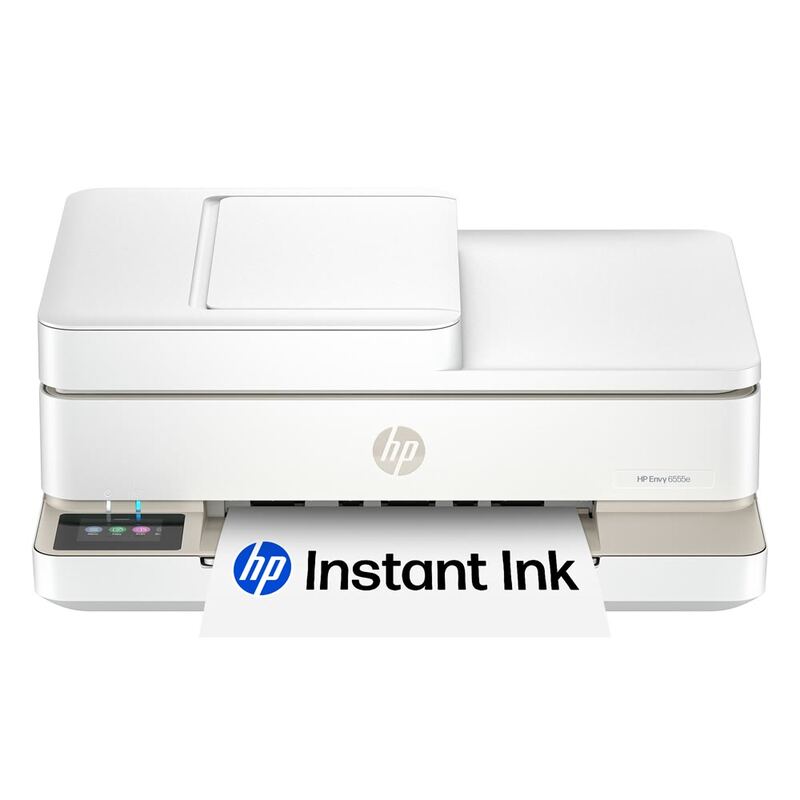
The WF-3820's weaknesses are below-par photo quality, cartridge running costs higher than the Brother MFC-J4335DW's tank system, a bulkier footprint than the compact HP Envy 6555e, and the occasional connectivity or paper-tray complaint. It is a document workhorse, not a photo printer or a small-space machine.
Buyers who want photo output should pick the Canon PIXMA TR8620a, those who want the lowest lifetime cost should pick the Brother MFC-J4335DW, and those who want a compact light-use printer should consider the HP Envy 6555e. The WF-3820's appeal is specific: maximum paper capacity and the fastest document throughput in the group.
250-sheet tray, the largest of the group
Choose the WF-3820 if you run a home office with high document volume and want the largest paper tray, the fastest measured text speed, and a big, capable touchscreen. Consumer Reports' fast-and-very-good-text findings and the 250-sheet capacity make it the productivity-focused workhorse of this group.
Look elsewhere if photo quality matters, where the Canon PIXMA TR8620a leads, if you want the lowest running cost, where the Brother MFC-J4335DW wins, or if desk space is tight, where the HP Envy 6555e is far more compact. The WF-3820 is the high-capacity document specialist.
Strengths
- +Large 250-sheet main tray, the highest input capacity in this group
- +Very good text quality at a low 6.6 cents per page
- +Full four-function AIO with 35-sheet ADF and auto duplex
- +6.8-inch color touchscreen and Alexa support
Watch-outs
- −Below-par photo quality, near the bottom among inkjets tested
- −PrecisionCore cartridges cost more long-term than the Brother's INKvestment
- −Bulkier footprint than the compact HP Envy 6555e
- −Some owners report connectivity and paper-tray issues
How it compares
The high-capacity workhorse. It is bulkier than the compact HP Envy 6555e.
Rating sources
“very good text quality, though not quite as good as the best printers.”
“It combines ease and dependability with professional output quality without breaking the bank.”
Our 3.9 score is the average of these published ratings. Ratings marked * were derived from the reviewer’s written analysis or video transcript — the publisher didn’t print an explicit numeric score, so we inferred one from their own words. Click through to verify. More about methodology.