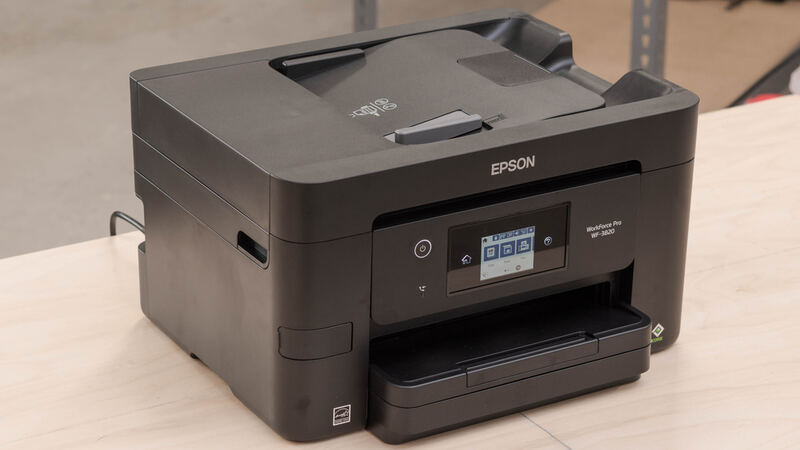
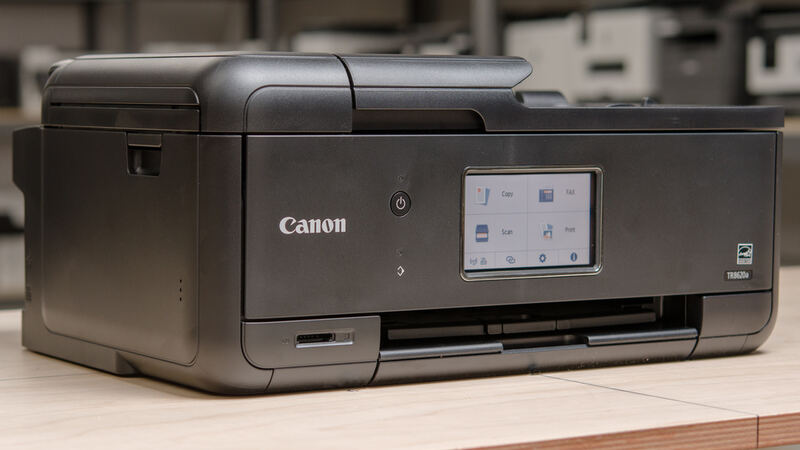
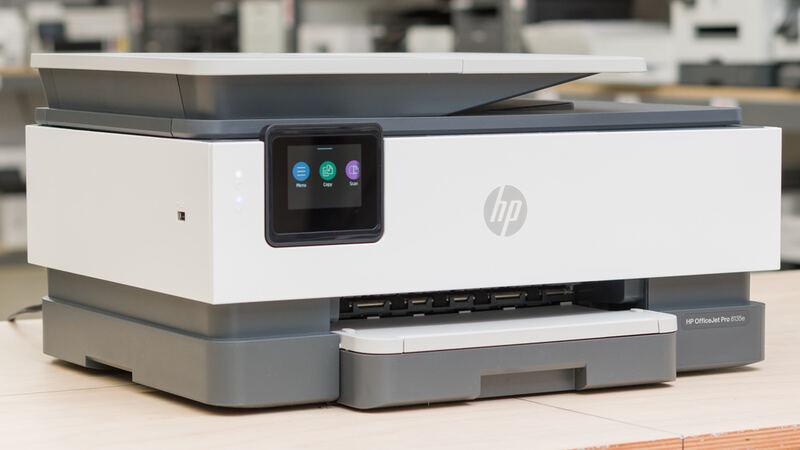
The Envy 6555e is the compact, budget pick for light home use, the smallest and cheapest printer here. TechRadar and RTINGS note crisp black text and quiet, easy operation, though it is frustratingly slow on large documents. It adds auto duplex and a 35-sheet ADF in a small body. The compromises are slow speed, a two-cartridge system that raises color costs, no fax, and HP's Instant Ink push.
Full review
Size and Design
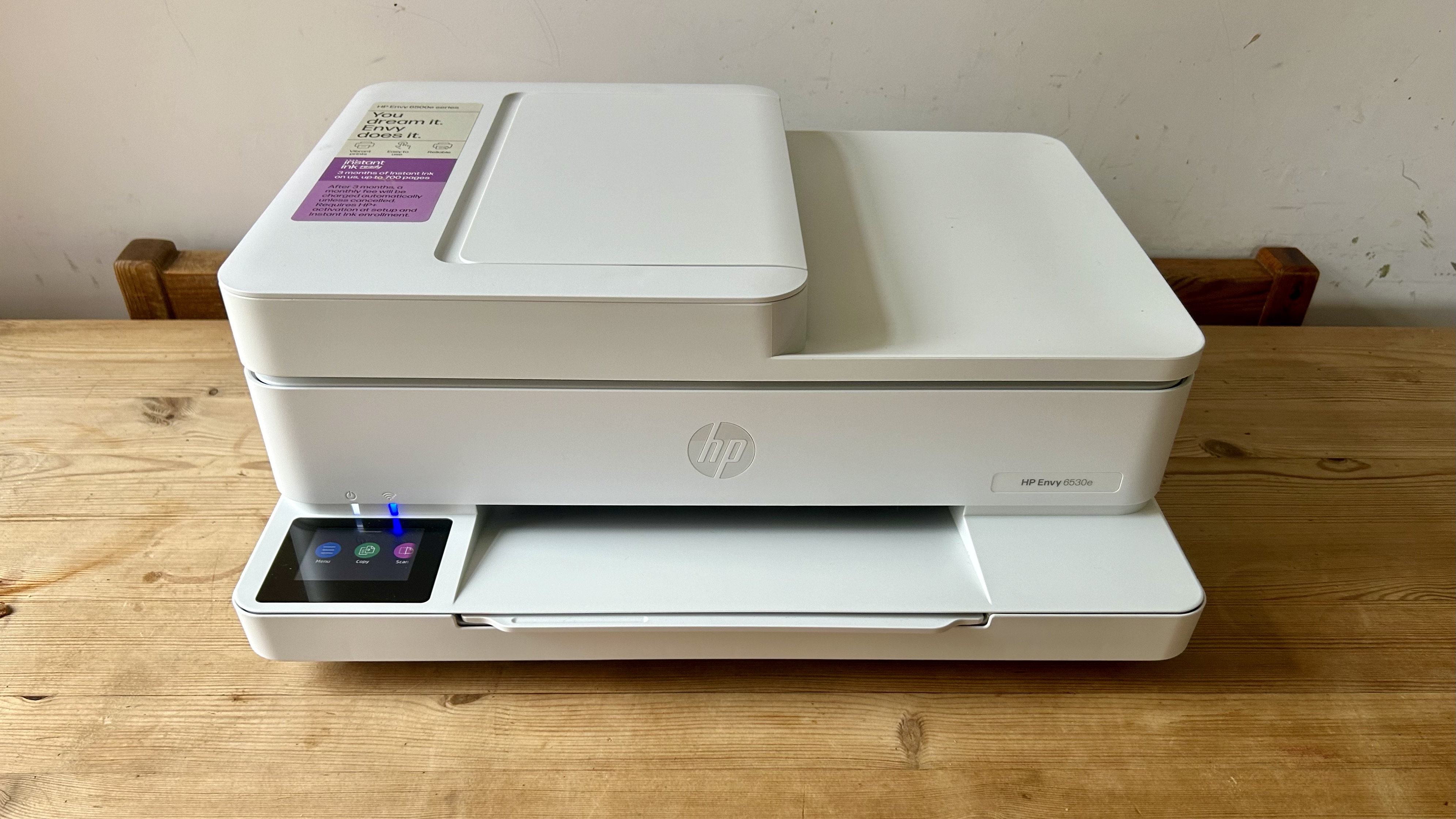
The Envy 6555e's main appeal is its compactness. At 13.5 pounds and 6.7 by 17.1 by 14.2 inches, it is the smallest and lightest printer in this group, designed to tuck onto a shelf or small desk where the bulkier Epson WorkForce Pro WF-3820 or Brother MFC-J4335DW would not fit. RTINGS describes it as an inkjet all-in-one designed for home use, and the whole package is built around fitting comfortably into a living space rather than an office.
It is also the most affordable pick here, typically the cheapest buy-in of the five. Reviewers consistently praise its quiet operation, well-received design, and breezy setup via the HP Smart app. For a household that wants a printer that is easy to live with and does not dominate a room, the Envy 6555e's small, friendly form factor is its strongest selling point.
Print Quality and Speed
Print quality is a genuine strength for the price. TechRadar found the crisp, dark black text looks precise and professional, so for documents the Envy 6555e produces clean, readable output that belies its budget positioning. It can also print the occasional photo acceptably, though it does not approach the Canon PIXMA TR8620a's five-ink photo quality.
Speed is the clear weakness. TechRadar called it frustratingly slow at printing large text documents, the slowest document printer in this group. The caveat in its own verdict, if you're in no hurry, defines the use case: this is a light-use printer for a household that prints a few pages at a time, not a workhorse for high volume. Anyone printing in bulk should choose the faster Brother MFC-J4335DW or Epson WorkForce Pro WF-3820.
Features and Connectivity
For a compact printer the Envy 6555e is reasonably equipped: it prints, copies, and scans, includes a 35-sheet automatic document feeder, and supports automatic duplex printing. It has a small 2.4-inch color touchscreen and Wi-Fi connectivity. Notably, it omits fax, which the Brother MFC-J4335DW, HP OfficeJet Pro 8135e, Epson WorkForce Pro WF-3820, and Canon PIXMA TR8620a all include, so it is not the pick if you still need to send faxes.
The HP Smart app handles setup and mobile printing smoothly, and the AI-enabled firmware keeps the printer updated. The feature set is right-sized for light home use: enough capability for the common tasks, without the bulk or cost of the office-oriented features the larger printers carry.
Running Cost and Ink Model
Running cost is the Envy 6555e's other compromise. It uses a simple two-cartridge system, one black and one tri-color, which is cheap to buy into but expensive per color page since you replace the whole tri-color cartridge when any one color runs low. That is less efficient than the Canon PIXMA TR8620a's individual inks or the Brother MFC-J4335DW's INKvestment Tank.
HP also pushes HP+ activation and the Instant Ink subscription, which can lower per-page costs for steady printers but ties you to a recurring plan. For the light, occasional printing this machine is designed for, the subscription rarely pays off, so buyers should weigh whether the low buy-in justifies the higher per-page color cost over time.
Two-cartridge system makes color printing pricier
The Envy 6555e's weaknesses are slow document speed, a two-cartridge system that makes color printing relatively expensive, the absence of fax, and a small touchscreen. It is the lightest-duty printer here, and that shows the moment you ask it to print in volume or handle office-style workflows.
Buyers who print a lot should choose the Brother MFC-J4335DW or Epson WorkForce Pro WF-3820, those who want photos should choose the Canon PIXMA TR8620a, and those who want strong text with office features should choose the HP OfficeJet Pro 8135e. The Envy 6555e's niche is narrow but real: small, cheap, and quiet for light home use.
The smallest, cheapest printer in the group
Choose the Envy 6555e if you want a small, affordable, quiet printer for occasional home printing, value crisp black text and an easy setup, and do not print in high volume. It is the most compact and budget-friendly pick in this group, ideal for a household that needs a capable printer that stays out of the way.
Look elsewhere if you print frequently or in volume, where the Brother MFC-J4335DW and Epson WorkForce Pro WF-3820 are far faster and cheaper to run, if you print photos, where the Canon PIXMA TR8620a leads, or if you need fax and office features, where the HP OfficeJet Pro 8135e fits. The Envy 6555e is the light-use, small-space, low-cost entry point.
Strengths
- +Compact, lightweight design at 13.5 lb, the smallest footprint in this group
- +Crisp, dark black text that looks precise and professional
- +Affordable buy-in price
- +Quiet operation and an easy, app-driven setup
- +Auto duplex print plus a 35-sheet ADF for its size
Watch-outs
- −Frustratingly slow at large text documents
- −Two-cartridge (black + tri-color) system raises color running costs
- −No fax and a small 2.4-inch touchscreen
- −HP+ activation and Instant Ink push recurring costs
How it compares
The compact budget pick. It lacks the fax the others include and has a smaller touchscreen.
Rating sources
“an inkjet all-in-one printer designed for home use.”
“frustratingly slow at printing large text documents, but if you're in no hurry, the crisp, dark black text looks precise and professional”
“a color inkjet all-in-one printer with scan and copy functions and an automatic document feeder”
Our 3.8 score is the average of these published ratings. Ratings marked * were derived from the reviewer’s written analysis or video transcript — the publisher didn’t print an explicit numeric score, so we inferred one from their own words. Click through to verify. More about methodology.