The Geekom A5 2025 Edition delivers strong performance-to-cost balance and extensive expandability, featuring dual-channel DDR4 support up to 64GB and versatile quad-display connectivity. IT Pro found the chassis design thoughtful with captive screws for easy maintenance, while Virtualization Howto confirmed seamless Linux compatibility ideal for home lab deployments. However, the unit suffers from a restrictive secondary M.2 slot limited to the smaller 2242 form factor and an annoyingly short SATA ribbon cable prone to coming adrift. This mini PC fits users seeking efficient virtualization or productivity setups but should be avoided by those requiring high-end gaming performance or robust wireless stability.
Full review
Ryzen 7430U performance compared to previous models
Gbatemp recorded single-core scores of 1899 and multi-core scores of 6505 on Geekbench 6.2.2, representing a four percent decline in single-core performance and a thirty percent drop in multi-core output compared to its predecessor. The older model featured eight cores and sixteen threads with higher boost frequencies, whereas the new unit utilizes six cores and twelve threads optimized for power efficiency rather than peak throughput.
Hostbor noted that Cinebench R23 results reached 1401 points in single-core testing and 6870 points in multi-core testing under default settings. When enabling performance mode within the BIOS, Hostbor found the multicore score jumped to 7770 points without experiencing thermal throttling during extended stress tests. This indicates that while the baseline Zen 3 refresh is modest, unlocking higher power limits allows the processor to compete more effectively against Intel's N-series chips in sustained workloads.
Vega 7 graphics and gaming capabilities
The integrated Radeon Vega 7 iGPU handles casual gaming at low to medium settings, though it lacks the raw horsepower for high-end titles. A YouTube reviewer tested Spider-Man: Miles Morales on a curved 1080p monitor using FSR 2.0 and achieved thirty-five to forty-five frames per second. Path of Exile 2 ran between forty and fifty-five frames per second at medium settings, though performance dipped in dense particle scenes. Cyberpunk 2077 required low settings with FSR 2.1 balanced mode, yielding twenty-nine to thirty-five frames per second.
The Vega architecture is considered outdated for modern gaming demands, but it remains functional for light entertainment. Control struggled significantly when attempting to bump up resolution or graphical fidelity, confirming that this system targets users who need occasional 1080p gaming rather than dedicated high-performance rigs.
Power efficiency for home lab deployments
One of the strongest attributes of the Geekom A5 is its exceptionally low power consumption, making it an ideal candidate for always-on home servers. Virtualization Howto measured idle power draw hovering around four watts and maximum load during an S-TUI stress test reaching only twenty-four point five to twenty-five watts. This efficiency allows the unit to run server workloads continuously without generating excessive heat or electricity costs compared to traditional desktop towers.
KitGuru utilized a similar A5 Pro model running OPNsense, Home Assistant, and multiple Docker containers on Proxmox VE 8.4. They recorded idle power consumption at fourteen watts and peak usage around forty watts while routing traffic for an entire home network. The Ryzen processor maintained temperatures in the high fifties Celsius during these tasks, demonstrating that the cooling solution effectively manages thermal output even under virtualization workloads.
Expandability and internal storage layout
The chassis provides extensive upgrade options for memory and storage, accommodating users who need more than the base configuration. IT Pro highlighted that opening the unit requires only four Phillips screws on the bottom plate, granting easy access to two SODIMM mounts capable of supporting up to sixty-four gigabytes of DDR4-3200 RAM in dual-channel mode.
Storage expansion is further aided by a secondary M.2 2242 slot, though this smaller form factor limits the types of solid-state drives that can be installed. TechRadar criticized Geekom for including the SATA ribbon cable connecting to the base plate rather than integrating it directly onto the motherboard. IT Pro noted that while the cable is longer than in previous iterations like the Mini IT13, reviewers still find it annoyingly short and prone to coming adrift every time the unit is opened.
Connectivity options and wireless limitations
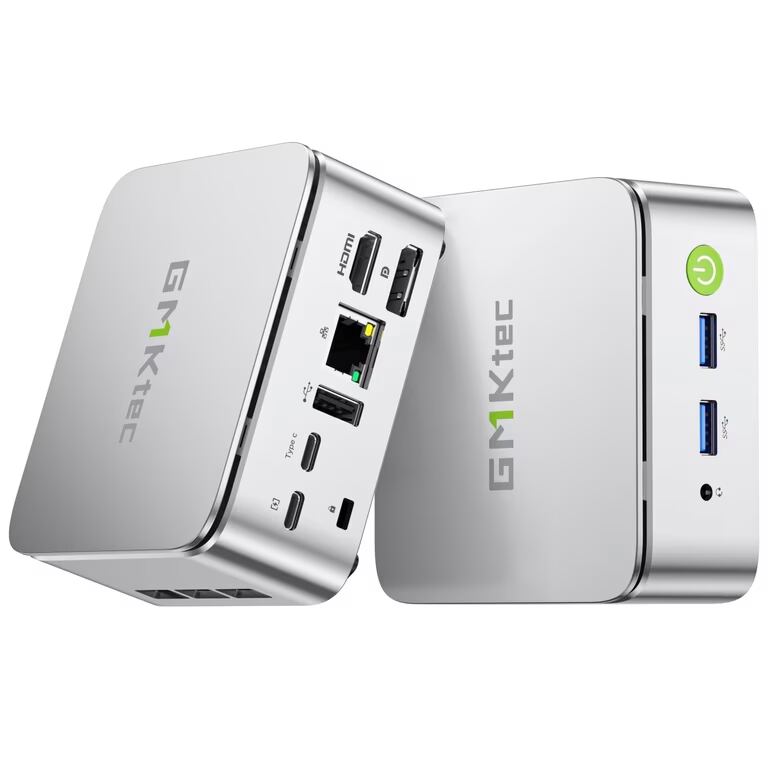
The rear panel offers a robust selection of ports designed for productivity and multi-monitor setups. IT Pro detailed two HDMI 2.0b outputs alongside two USB-C ports that support DisplayPort video, enabling users to drive up to four displays simultaneously at four thousand by six hundred resolution. The front panel includes two USB-A ports with always-on power capability, while the rear adds a third USB-A port and a legacy USB 2.0 connection for peripherals.
However, wireless connectivity relies on a Realtek RTL8852BE card that supports only Wi-Fi 6 without access to the less congested six gigahertz band. IT Pro and Virtualization Howto both noted that while the adapter generally performed well with strong reception in their environments, it lacks the reputation for stability found in Intel-based alternatives.
Linux compatibility and virtualization support
The Geekom A5 runs smoothly on Linux distributions without requiring complex driver installations. IT Pro confirmed that Ubuntu 24.10 and Fedora 42 operated perfectly out of the box, endorsing the manufacturer's claim regarding Linux friendliness. Virtualization Howto successfully installed Proxmox VE 8.4 using a Ventoy USB drive, noting that internal storage and network interfaces were detected immediately without needing additional drivers.
This compatibility makes the mini PC highly attractive for developers and homelab enthusiasts who prefer open-source environments over Windows. The Ryzen processor's architecture allows for comfortable virtual machine allocation with no CPU spikes or thermal throttling during container workloads. Users running Proxmox found that light-to-moderate tasks were handled effortlessly, solidifying its position as a capable low-power server solution.
Build quality and chassis design
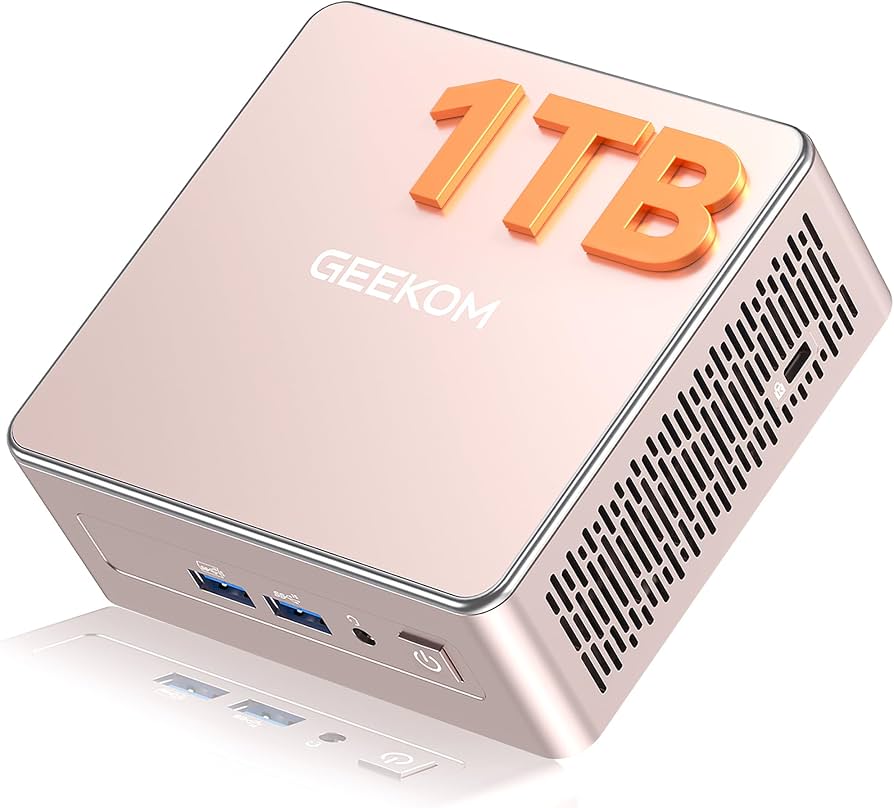
The physical construction of the A5 utilizes a hybrid approach with a PC+ABS composite top paired with a robust metal middle frame and bottom cover. Hostbor described the champagne-gold finish as premium for its price point, noting that it shares the same chassis engineering as the more expensive Mini IT13 to maintain high build standards at a lower cost. The compact dimensions of one hundred seventeen by one hundred twelve by forty-nine millimeters allow it to fit easily on desks or behind monitors using the included VESA mounting bracket.
IT Pro emphasized that the captive screws attached to the rubber feet prevent users from losing fasteners during maintenance, a thoughtful design choice for such a small device. Cryovex observed that despite some plastic components in the housing, the overall feel is solid and metal-like. The ventilation grilles on both sides ensure adequate airflow, keeping fan noise minimal even when the system is under moderate load.
Strengths
- +Affordable pricing starting around $399, offering a strong performance-to-cost balance compared to premium competitors.
- +Highly expandable with dual-channel DDR4 SODIMM slots (up to 64GB), an M.2 NVMe slot, and a dedicated 2.5-inch SATA bay for triple storage configurations.
- +Versatile connectivity featuring two HDMI 2.0b ports and two USB-C ports supporting DisplayPort Alt Mode for quad-display setups.
- +Includes a fast 2.5GbE LAN port alongside Wi-Fi 6 and Bluetooth 5.2, providing robust wired networking capabilities.
Watch-outs
- −The secondary M.2 slot is restricted to the smaller 2242 form factor, limiting SSD upgrade options.
- −Wireless connectivity relies on a Realtek RTL8852BE card that supports only Wi-Fi 6 (no Wi-Fi 6E) and lacks Thunderbolt or USB4 ports.
- −Includes an internal SATA ribbon cable for the 2.5-inch drive bay that reviewers describe as annoyingly short and prone to coming adrift.
How it compares
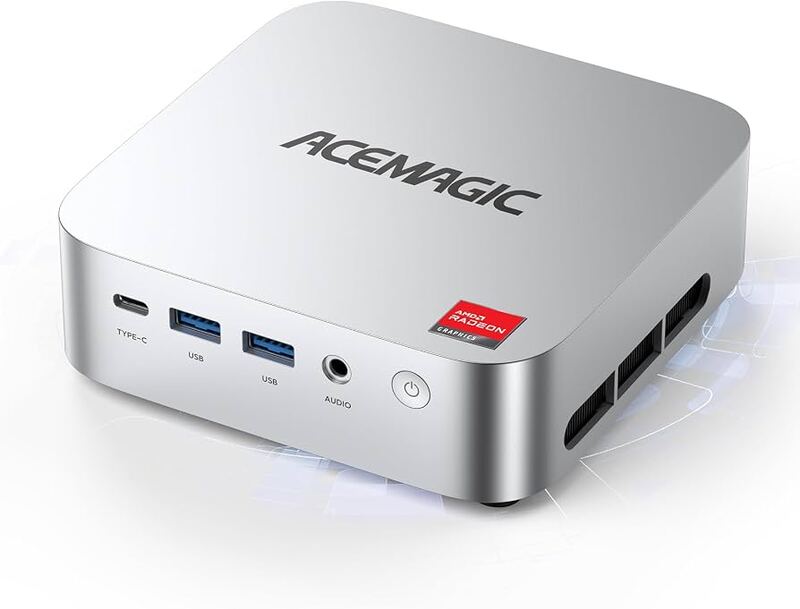
The Geekom A5 2025 Edition provides extensive expandability with dual-channel DDR4 support up to 64GB and a dedicated 2.5-inch SATA bay, offering more storage flexibility than the single M.2 slot configuration of the AceMagic K1.
Rating sources
Our 4.2 score is the average of the 7 scored reviews above; 1 more reviewed it without printing a score and is not in the average. More about methodology.