Verdict
The Best 6Aggregated review·36 sources·updated October 3, 2026

Best Mini PCs For Video Editing

Top 6 mini PCs for video editing reviewed and ranked.

This guide aggregates 36 published reviews across 6 products; the thinnest-sourced pick rests on 4. How we rank.

Verdict is reader-supported. As an Amazon Associate we earn from qualifying purchases. Some links on this page are affiliate links — if you click through and buy, we may earn a small commission at no extra cost to you. Our ratings are sourced from independent publications, not sponsors.
Quick answer

Asus ROG NUC 2025 is our top pick for mini pcs for video editing — an averaged 4.3/5 across 6 published reviews at about $3,899.99. Runner-up: GMKtec NucBox M6 Ultra (~$459.99).

At a glance6 products ▾
6 sources
$3,899.99Best for: users who prioritize high performance in a portable form factor
$3,899.99 · Check Price on Amazon
6 sourcesall derived
$459.99Best for: users seeking an upgradeable system for light creative work or networking tasks
$459.99 · Check Price on Amazon
8 sources
$549Best for: users seeking efficient virtualization or productivity setups
$549 · Check Price on Amazon
4 sources1 derived
$389.98Best for: users comfortable with tinkering who need massive storage expansion
$389.98 · Check Price on Amazon
6 sources1 derived
$359Best for: remote workers who need extensive screen real estate in a small footprint
$359 · Buy at acemagic.com
6 sources
$1,599Best for: users who require extreme space-saving VESA mounting options
$1,599 · Check Price on Amazon

Derived means the reviewer published no score, so one was inferred from their written verdict. Everything else is a number the publisher printed. How we rank.

The full ranking

How we rank →
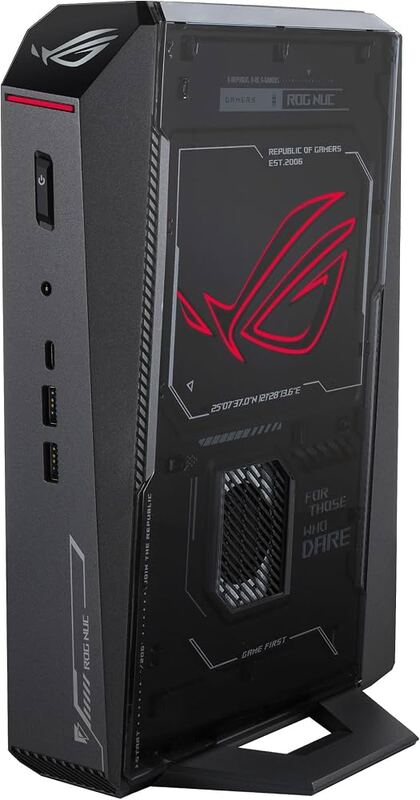
Asus ROG NUC 2025
#1 · Top Score
★ Premium Pick
Best for: users who prioritize high performance in a portable form factor
Asus ROG NUC 2025
6 sources$3,899.99as of Oct 3
▾Why it's ranked here

The Asus ROG NUC (2025) packs an Intel Core Ultra 9 275HX CPU and Nvidia GeForce RTX 5080 Laptop GPU into a compact 3-liter chassis, delivering desktop-rivaling gaming performance in a small footprint. GeekaWhat found the unit’s engineering impressive for housing such high-end silicon within its tiny dimensions, while PCMag noted it can sustain stable frame rates in demanding titles like Cyberpunk 2077 at maximum settings. The system offers extensive connectivity with five display outputs and user-upgradeable storage and memory up to 96 GB of DDR5 RAM. This model fits users who prioritize high performance in a portable form factor but should be avoided by those seeking absolute silence or budget-friendly pricing.

Strengths
  • — Delivers high-end gaming performance in a compact chassis using an Intel Core Ultra 9 275HX CPU and Nvidia GeForce RTX 5080 Laptop GPU.
  • — Features extensive connectivity with five display outputs, including two HDMI 2.1 ports, two DisplayPort 2.1 ports, and one Thunderbolt 4 port.
Watch-outs
  • — Comes with a steep price tag, starting around $1,899 for base models and reaching over $3,000 for the flagship RTX 5080 configuration.
  • — Fans become audible under load, particularly the CPU cooler which kicks in at moderate usage levels.
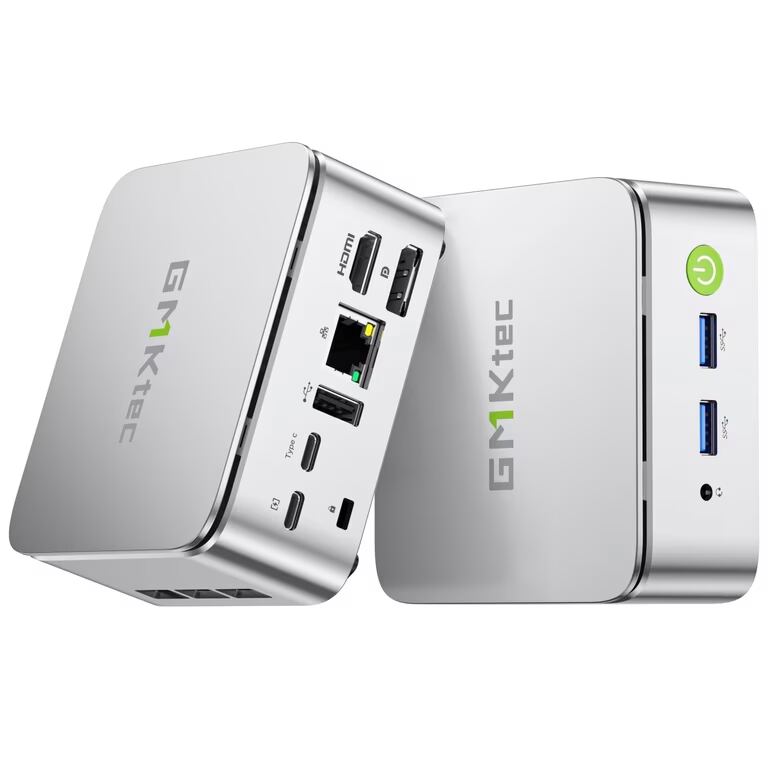
GMKtec NucBox M6 Ultra
#2
Best for: users seeking an upgradeable system for light creative work or networking tasks
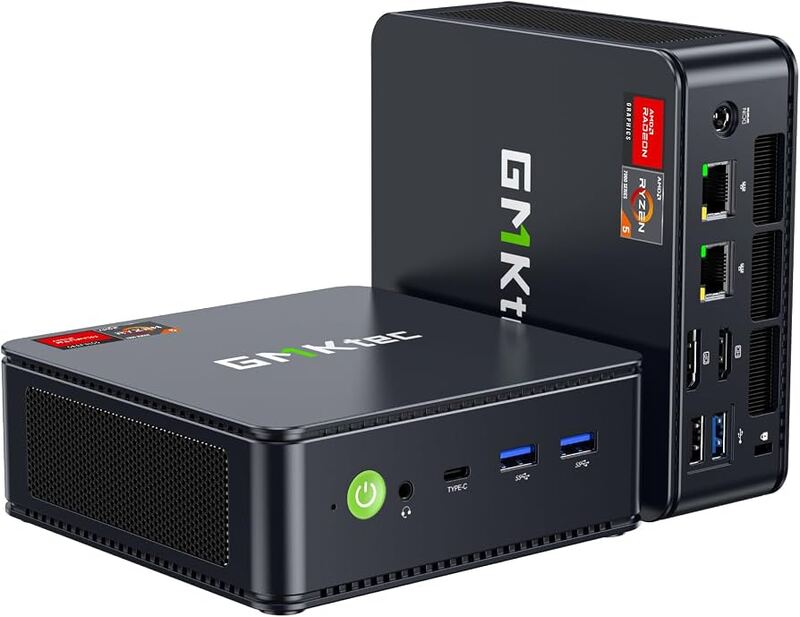
GMKtec NucBox M6 Ultra
6 sourcesall derived$459.99as of Oct 3
▾Why it's ranked here

The GMKtec NucBox M6 Ultra delivers strong price-to-performance value through its AMD Ryzen 5 7640HS processor and dual-channel DDR5 RAM, which Notebookcheck found enables smooth multitasking for office environments. Its dual 2.5GbE LAN ports make it a viable network appliance or home server, while teampandory reported that the integrated Radeon graphics handle casual gaming and emulation with ease. However, the plastic chassis feels less premium than aluminum competitors, and blog.lon.tv noted that the built-in Wi-Fi radio is inconsistent compared to wired Ethernet reliability. This mini PC fits users seeking an upgradeable system for light creative work or networking tasks, but those prioritizing wireless stability or a high-end build quality should look elsewhere.

Strengths
  • — Strong price-to-performance ratio with an AMD Ryzen 5 7640HS processor and DDR5 RAM.
  • — Dual-channel memory configuration ensures the integrated Radeon 760M graphics reach their full potential.
Watch-outs
  • — Plastic chassis construction feels less premium compared to aluminum competitors.
  • — Built-in Wi-Fi radio performance is inconsistent and lags behind wired Ethernet connectivity.
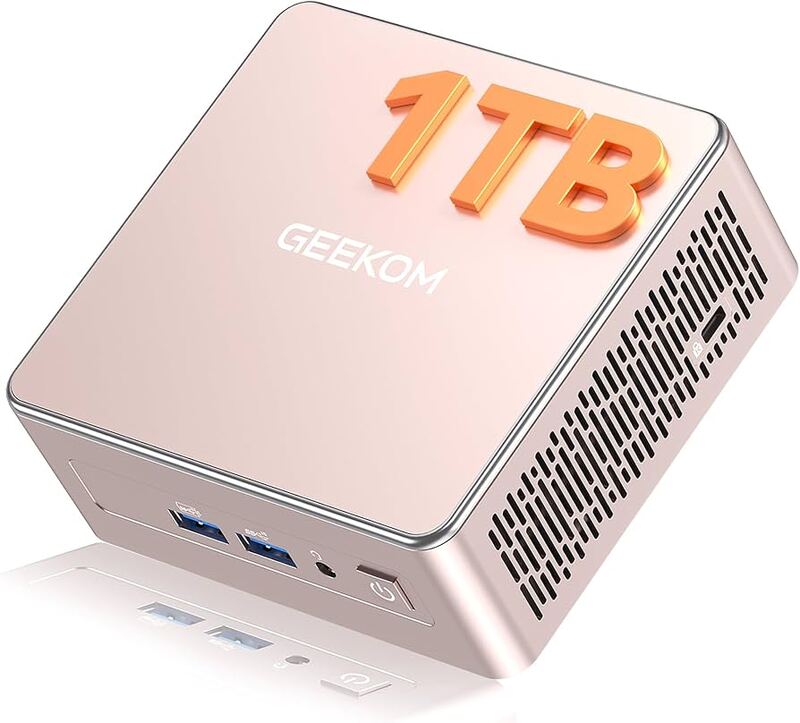
Geekom A5 2025 Edition
#3
Best for: users seeking efficient virtualization or productivity setups
Geekom A5 2025 Edition
8 sources$549as of Oct 3
▾Why it's ranked here

The Geekom A5 2025 Edition delivers strong performance-to-cost balance and extensive expandability, featuring dual-channel DDR4 support up to 64GB and versatile quad-display connectivity. IT Pro found the chassis design thoughtful with captive screws for easy maintenance, while Virtualization Howto confirmed seamless Linux compatibility ideal for home lab deployments. However, the unit suffers from a restrictive secondary M.2 slot limited to the smaller 2242 form factor and an annoyingly short SATA ribbon cable prone to coming adrift. This mini PC fits users seeking efficient virtualization or productivity setups but should be avoided by those requiring high-end gaming performance or robust wireless stability.

Strengths
  • — Affordable pricing starting around $399, offering a strong performance-to-cost balance compared to premium competitors.
  • — Highly expandable with dual-channel DDR4 SODIMM slots (up to 64GB), an M.2 NVMe slot, and a dedicated 2.5-inch SATA bay for triple storage configurations.
Watch-outs
  • — The secondary M.2 slot is restricted to the smaller 2242 form factor, limiting SSD upgrade options.
  • — Wireless connectivity relies on a Realtek RTL8852BE card that supports only Wi-Fi 6 (no Wi-Fi 6E) and lacks Thunderbolt or USB4 ports.
GMKtec G10
#4
Best for: users comfortable with tinkering who need massive storage expansion
GMKtec G10
4 sources1 derived$389.98as of Oct 3
▾Why it's ranked here

The GMKtec G10 utilizes an older AMD Ryzen 5 3500U processor that struggles with 4K video playback in default settings and requires manual BIOS configuration to unlock higher performance tiers. Layer3labs.io identified the chip's Zen+ architecture as a significant limitation for modern workloads, while techradar confirmed it still outperforms Intel N-series alternatives when properly tuned. The system offers dual M.2 slots supporting up to 16TB of storage and triple display output, though blog.lon.tv noted that high-performance modes introduce disruptive fan noise during stress tests. Users comfortable with tinkering will appreciate the upgradeable RAM and robust connectivity, but those seeking a plug-and-play experience without adjusting power limits should look elsewhere.

Strengths
  • — Includes dual M.2 PCIe 3.0 slots supporting up to 16TB of total storage expansion
  • — Features triple display output via HDMI 2.1, DisplayPort 1.4, and USB-C
Watch-outs
  • — Uses an older 2019 Zen+ architecture Ryzen 5 3500U processor that struggles with 4K video playback in default settings
  • — Limited to Wi-Fi 5 connectivity and lacks USB 4.0 or Thunderbolt ports
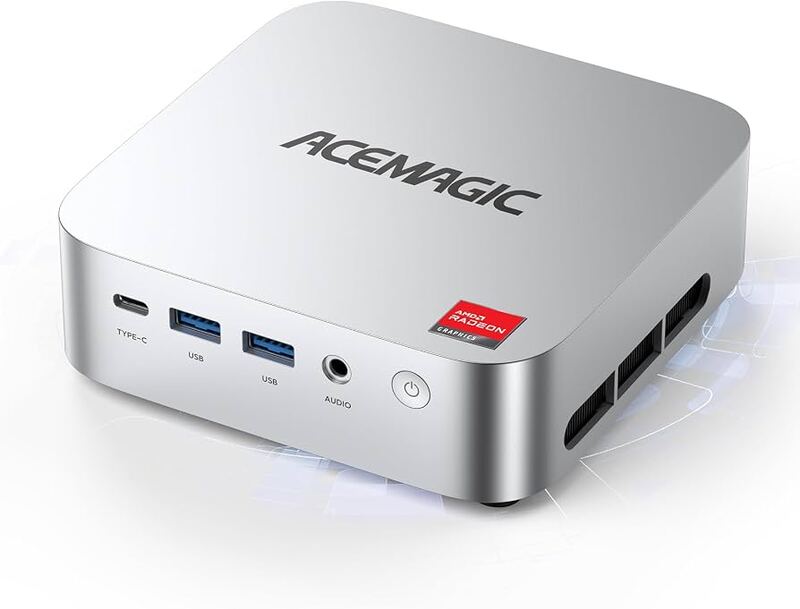
AceMagic K1
#5
Best for: remote workers who need extensive screen real estate in a small footprint
AceMagic K1
6 sources1 derived$359as of Oct 3
▾Why it's ranked here

The AceMagic K1 offers a compact form factor and triple 4K display support via HDMI, DisplayPort, and USB-C, making it ideal for users needing extensive screen real estate in a small footprint. TechRadar noted its solid build quality despite the all-plastic chassis, while IT Pro highlighted the aesthetic appeal of its clean design. However, minipc-review found that single-channel RAM limits integrated GPU performance by up to 68 percent, and michaelstinkerings.org identified the base SATA SSD as a significant bottleneck with speeds around 81 MB/s. Internal upgrades are also difficult due to delicate antenna cables and hidden screws. This unit fits remote workers and digital signage operators who prioritize connectivity over graphics or storage speed, but gamers and upgraders should look elsewhere.

Strengths
  • — Compact square form factor (128.2 x 128.2 x 41 mm) with VESA mount support to free up desk space
  • — Triple display output capability via HDMI, DisplayPort, and USB-C supporting simultaneous 4K resolution
Watch-outs
  • — Pre-installed single-channel RAM configuration significantly limits integrated graphics performance
  • — Base storage uses slow SATA-based M.2 SSDs with read/write speeds around 81 MB/s
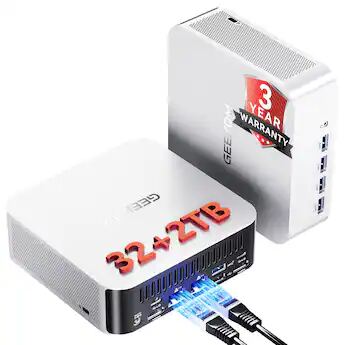
Geekom A9 Max 2026 Edition
#6
Best for: users who require extreme space-saving VESA mounting options
Geekom A9 Max 2026 Edition
6 sources$1,599as of Oct 3
▾Why it's ranked here

KitGuru found that the Geekom A9 Max 2026 Edition’s single-channel memory configuration severely bottlenecks its integrated Radeon 890M graphics, creating a significant performance handicap for gaming. PCMag noted that pricing has risen tremendously compared to the previous model, while KitGuru identified a downgrade to QLC-based SSD storage that reduces sustained write speeds and overall value. The system does offer extensive connectivity with dual USB4 ports and Wi-Fi 7, along with a dedicated NPU capable of local AI workloads for privacy-conscious professionals. This compact aluminum unit fits users who require extreme space-saving VESA mounting options or specialized on-device processing, but those seeking strong out-of-the-box graphical performance should look elsewhere.

Strengths
  • — Powered by AMD Ryzen AI 9 HX 470 processor with up to 5.2 GHz boost clock and dedicated NPU for local AI workloads.
  • — Includes extensive connectivity with dual USB4 ports, HDMI 2.1 outputs, Wi-Fi 7, and dual 2.5Gb Ethernet ports.
Watch-outs
  • — Ships with single-channel memory (one 32GB stick), which reviewers found significantly bottlenecks integrated graphics performance.
  • — Equipped with a QLC-based SSD rather than the higher-performance SLC drive found in previous models.
Reviews aggregated from
TechRadarTechpowerupPCMagNotebookCheckItproKitguru

Spec comparison

6 products
vs
SpecAsus ROG NUC 2025GMKtec NucBox M6 Ultra
ProcessorIntel Core Ultra 9 275HXAMD Ryzen 5 7640HS
GraphicsNvidia GeForce RTX 5080 Laptop GPUAMD Radeon 760M
Memory32 GB DDR5 6400 MT/s32GB DDR5 (Dual-Channel)
Storage2 TB NVMe SSD1TB PCIe NVMe SSD
Dimensions187.7 x 282.4 x 56.5 mm128.8 × 127 × 47.8 mm
NetworkingWi-Fi 7, Bluetooth 5.4Dual 2.5GbE LAN, Wi-Fi 6E
Weight—528 g

Frequently asked questions

What's the strongest pick among mini pcs for video editing?
Asus ROG NUC 2025 holds the top score for mini pcs for video editing — 4.3/5 averaged from 4 published reviews. The Asus ROG NUC (2025) packs an Intel Core Ultra 9 275HX CPU and Nvidia GeForce RTX 5080 Laptop GPU into a compact 3-liter chassis, delivering desktop-rivaling gaming performance in a small footprint. GeekaWhat found the unit’s engineering impressive for housing such high-end silicon within its tiny dimensions, while PCMag noted it can sustain stable frame rates in demanding titles like Cyberpunk 2077 at maximum settings. The system offers extensive connectivity with five display outputs and user-upgradeable storage and memory up to 96 GB of DDR5 RAM. This model fits users who prioritize high performance in a portable form factor but should be avoided by those seeking absolute silence or budget-friendly pricing.
Is this mini pcs for video editing guide up to date?
This guide was last re-checked in October 2026. Prices, links, and source ratings are re-verified on a rolling basis, and the ranking updates when the underlying scores change.

Related guides

Browse all →