Verdict
The Best 4Aggregated review·10 sources·updated September 27, 2026·checked September 17, 2026

Best 4K Monitors

Top 4 4K monitors ranked by aggregate score from 10 published reviews.

This guide aggregates 10 published reviews across 4 products; the thinnest-sourced pick rests on 1. How we rank.

Verdict is reader-supported. As an Amazon Associate we earn from qualifying purchases. Some links on this page are affiliate links — if you click through and buy, we may earn a small commission at no extra cost to you. Our ratings are sourced from independent publications, not sponsors.
Quick answer

BenQ PD3220U is our top pick for 4k monitors — an averaged 4.7/5 across 3 published reviews at about $400. Runner-up: Dell U2723QE (~$639).

Mike Hunter’s take
Mike HunterAerospace Engineer

My read of the sources cited on this page, and where I’d go against the average. I have not tested these units.

Start with a correction the ranking can't make for itself: two of these five are 5K monitors, not 4K. The Samsung ViewFinity S9 and the Apple Studio Display are 5120 x 2880 panels. They're here because the sources compare them against 4K monitors, not because they are one. If you searched for a 4K monitor, your real shortlist is three: the BenQ PD3220U, the Dell U2723QE and the Dell UltraSharp U3225QE.

From those three I'd take the 32-inch Dell, and this is where I disagree with the table. At 27 inches, 4K works out to about 163 pixels per inch. It looks beautiful, but Windows wants 150% scaling to keep text readable, and at that point you've bought a 4K panel and are working in the space of a 1440p one. At 32 inches it's about 140 PPI, which sits at 125% scaling and gives you the resolution back as usable desk space. For CAD, spreadsheets and code, that's the whole reason to buy 4K. The U3225QE's 4.1 doesn't worry me: its low score comes from one outlet flagging stand wobble and a 340-nit peak, and the 140 W Thunderbolt 4 port is the one that will actually keep a workstation laptop charged under load. The BenQ's 85 W won't.

The BenQ PD3220U earns its #1 for a different buyer. If you run a work laptop and a personal desktop off one screen, its built-in KVM is the feature that matters, and 95% DCI-P3 with 100% sRGB is enough for any color work short of a print house. The Dell U2723QE is the hub monitor, and its one real catch is in the cons list: on USB-C you choose between full-resolution video and full-speed USB. If you're docking a laptop with a webcam and external drives through it, you'll hit that limit.

None of these three is an HDR monitor, whatever the box says. 350 to 400 nits is an SDR panel with an HDR checkbox. Buy them for color and connectivity.

On the 5K pair: the Studio Display's 3.4 comes from MacRumors and MKBHD marking it down for price, not for the panel. If you're on a Mac and you want a plug-in-and-forget display, it's still the one people recommend. On a PC it is a bad buy, with no HDMI, no DisplayPort and no on-screen menu. The ViewFinity S9 is the same class of panel with real inputs, and its own reviewers note it discounts deeply and often. Don't pay list.

At a glance4 products ▾
1BenQ PD3220UTop Score
3 sources
$400Best for: Multi-computer users needing a KVM switch and Thunderbolt 3
$400 · Buy at benq.com
2 sources
$639Best for: Professionals needing extensive USB connectivity and a versatile hub
$639 · Check Price on Amazon
4 sources1 derived
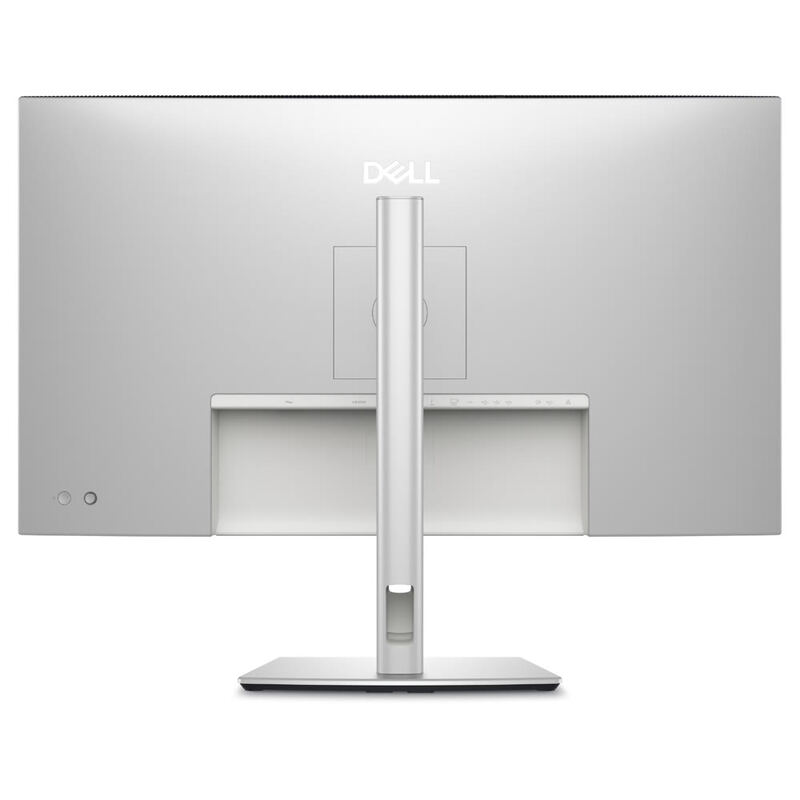
$814.99Best for: Best 32-inch 4K — IPS Black hub monitor for home-office pros
$814.99 · Check Price on Amazon
Unrated1 source
$1,549.99Best for: Best for Mac users — polished 5K plug-and-play with built-in studio audio
$1,549.99 · Check Price on Amazon

Derived means the reviewer published no score, so one was inferred from their written verdict. Everything else is a number the publisher printed. How we rank.

The full ranking

How we rank →
BenQ PD3220U
#1 · Top Score
Best for: Multi-computer users needing a KVM switch and Thunderbolt 3
BenQ PD3220U
3 sources$400as of May 8
▾Why it's ranked here

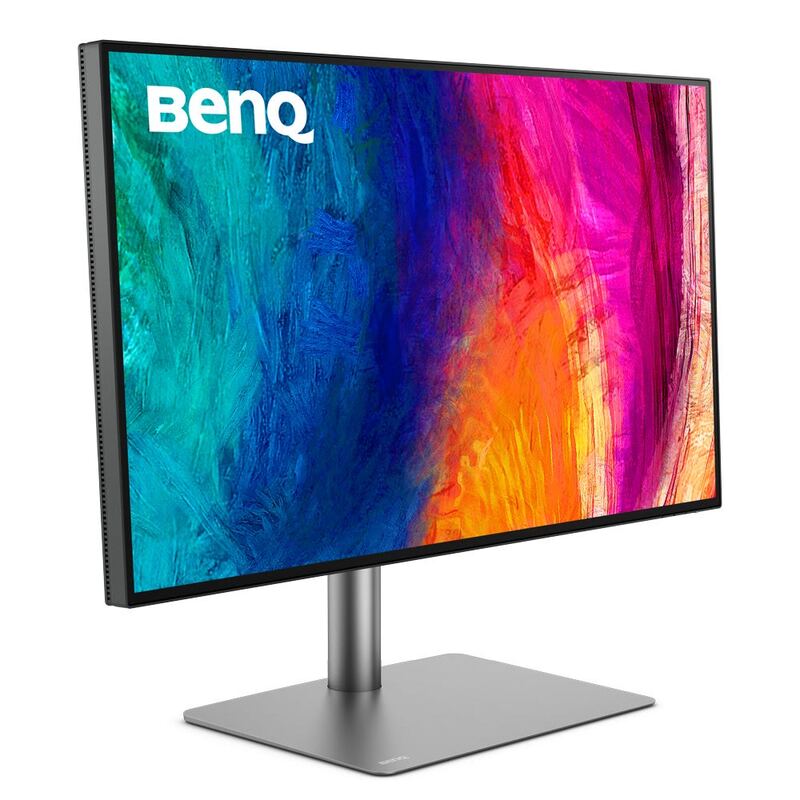
Aimed at creative professionals, the BenQ PD3220U is a 32-inch 4K display with excellent picture performance, a deep set of inputs including Thunderbolt 3, and a KVM switch built in. The design and build quality are a step above. Weak points: the built-in speakers, and brightness that is only adequate for HDR.

Strengths
  • — Excellent display performance with 4K resolution, high pixel density, and HDR capability
  • — Wide range of connectivity options including Thunderbolt 3, HDMI, DisplayPort, and USB-C
Watch-outs
  • — Built-in speakers are not great
  • — Brightness is only 350 cd/m2, which is not ideal for HDR content
Dell U2723QE
#2
Best for: Professionals needing extensive USB connectivity and a versatile hub
Dell U2723QE
2 sources$639as of Sep 25
▾Why it's ranked here

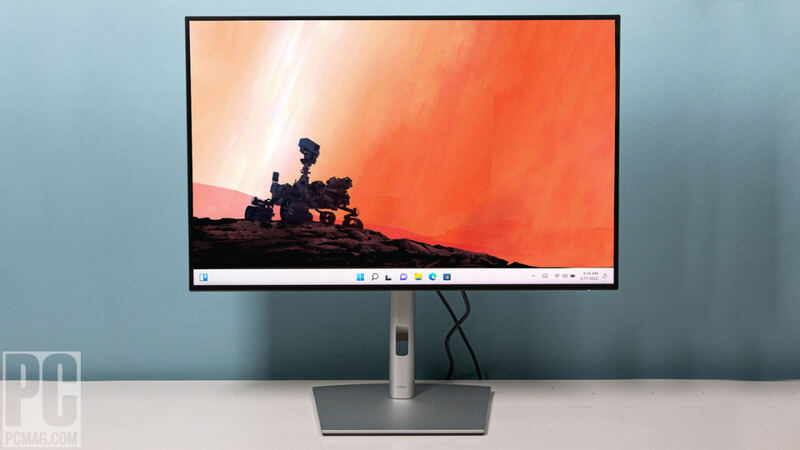
The Dell U2723QE is a 4K USB-C hub monitor with excellent image quality, extensive connectivity, and great ergonomics, which covers both professional and home office duty. It works as a one-cable workspace, with two things to know going in: over USB-C you trade resolution against data speed, and the included cable is short.

Strengths
  • — Built-in connectivity hub with a generous number of USB ports
  • — Wide range of color setting options including sRGB, Rec. 709, DCI-P3, and HDR
Watch-outs
  • — Users must choose between High Resolution or High Data Speed when connecting via USB-C
  • — The included USB-C cable is too short for convenient laptop connectivity or can interfere with viewing space when using a riser
Dell UltraSharp U3225QE
#3
Best for: Best 32-inch 4K — IPS Black hub monitor for home-office pros
Dell UltraSharp U3225QE
4 sources1 derived$814.99as of Sep 25
▾Why it's ranked here

Dell's second-generation IPS Black panel is the foundation of the UltraSharp U3225QE, a 32-inch 4K productivity monitor with a 3,000:1 contrast ratio, 134% DCI-P3 coverage, and a Thunderbolt 4 hub rated for 140W power delivery. PCWorld calls it a new high bar for office monitors and TechRadar gives it 4.5/5 stars, while LaptopMag praises the color but flags 339-nit brightness and panel wobble. Get it if you want the U2723QE's hub layout on a larger 32-inch IPS Black canvas.

Strengths
  • — IPS Black panel hits a measured 3,000:1 contrast ratio — best in class for office IPS
  • — Thunderbolt 4 hub with 140W PD, RJ45 Ethernet, and full USB-A/C complement
Watch-outs
  • — Peak brightness of ~340 nits is underwhelming for a flagship at this price
  • — Panel exhibits noticeable wobble on minor desk movement (per LaptopMag)
Apple Studio Display
#4
Best for: Best for Mac users — polished 5K plug-and-play with built-in studio audio
Apple Studio Display
Unrated1 source$1,549.99as of Sep 25
▾Why it's ranked here

Apple built the Studio Display for Mac users: a 27-inch 5K panel at 218 PPI, 600 nits, P3 wide gamut, a six-speaker spatial-audio system, and a 12MP Center Stage webcam. It still lacks HDR, tops out at 60Hz, and charges $400 extra for a height-adjustable stand, which Six Colors says makes it a hard sell against cheaper 5K rivals like the Asus ProArt PA27JCV. Worth it mainly if you are already deep in Apple's ecosystem.

Strengths
  • — Stunning 5120x2880 5K Retina panel with 218 PPI density and accurate P3 color out of the box
  • — Best-in-class six-speaker system with spatial audio and three-mic studio-quality array
Watch-outs
  • — No HDR support and only 60Hz refresh, despite the premium $1,599 price
  • — Tilt-only stand by default; height adjustment is a $400 upgrade
Reviews aggregated from
TechRadarPCMagiMorePCWorldLaptop MagRTINGSSixcolors

Spec comparison

4 products
vs
SpecBenQ PD3220UDell U2723QE
Panel Type31.5" IPS27" IPS Black
Resolution3840x21603840x2160
Refresh Rate60Hz60Hz
HDR SupportHDR10VESA DisplayHDR 400
Color Gamut95% DCI-P3, 100% sRGB98% DCI-P3
ConnectivityThunderbolt 3 (85W), HDMI 2.0, DP 1.4USB-C 90W, HDMI 2.0, DP 1.4
Brightness350 cd/m2400 nits

Frequently asked questions

What's the strongest pick among 4k monitors?
BenQ PD3220U holds the top score for 4k monitors — 4.7/5 averaged from 3 published reviews. Aimed at creative professionals, the BenQ PD3220U is a 32-inch 4K display with excellent picture performance, a deep set of inputs including Thunderbolt 3, and a KVM switch built in. The design and build quality are a step above. Weak points: the built-in speakers, and brightness that is only adequate for HDR.
When was this guide last updated?
This guide was last re-checked in September 2026. Prices, links, and source ratings are re-verified on a rolling basis, and the ranking updates when the underlying scores change.

Related guides

Browse all →