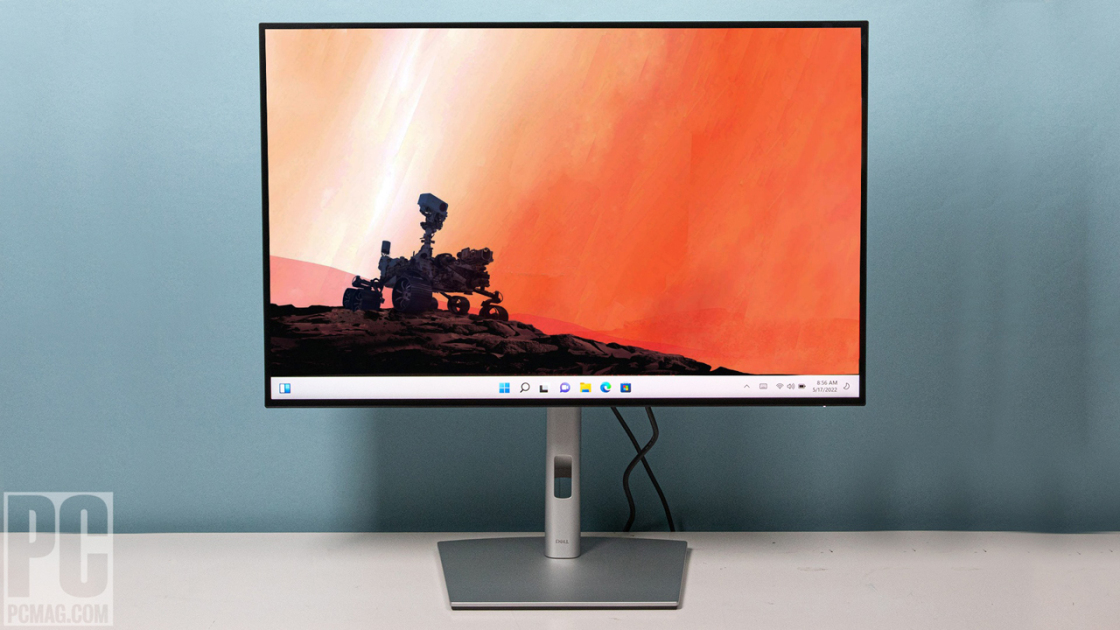
The Dell U2723QE is a 4K USB-C hub monitor with excellent image quality, extensive connectivity, and great ergonomics, which covers both professional and home office duty. It works as a one-cable workspace, with two things to know going in: over USB-C you trade resolution against data speed, and the included cable is short.
Full review
IPS Black at 2,000:1, with 98% DCI-P3
The 27-inch panel uses Dell's IPS Black technology for a 2,000:1 contrast ratio, roughly double a conventional IPS, and covers 98% DCI-P3 with VESA DisplayHDR 400 and 400 nits of brightness. PCMag's Tony Hoffman described the result as stunning visuals, and factory calibration includes sRGB, Rec. 709 and DCI-P3 presets. Black levels are the visible gain over an ordinary IPS panel.
A 90W USB-C hub with Ethernet on the back
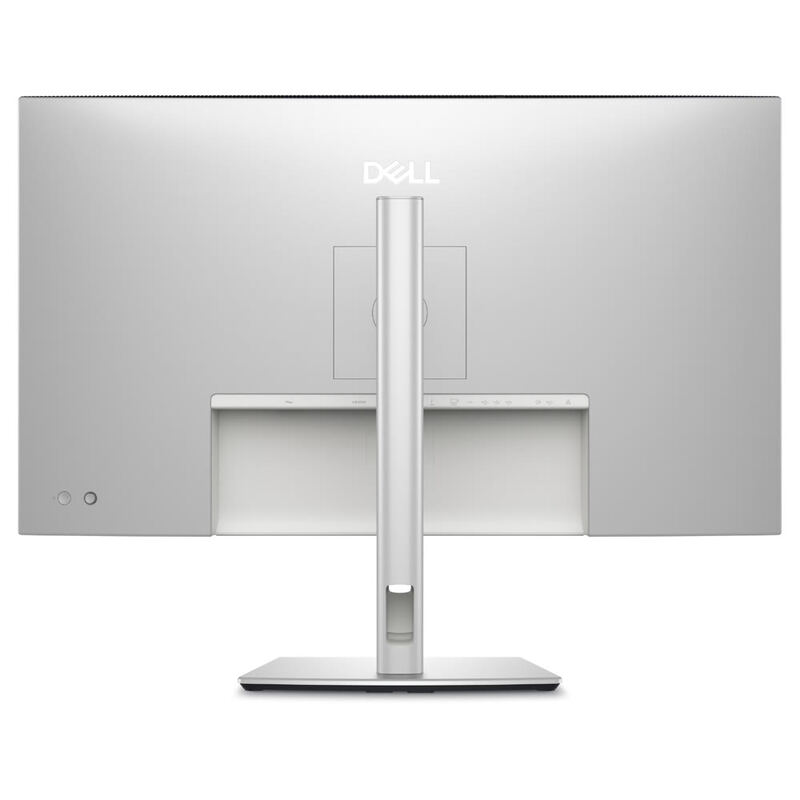
This is a hub first and a monitor second. USB-C carries 90W of charging, USB 3.2 Gen2 data and an RJ45 Ethernet port, so a laptop docks on one cable and picks up wired networking with it. HDMI 2.0 and DisplayPort 1.4 cover the other inputs, and two 4K monitors can be daisy-chained from one machine.
High resolution or high data speed, pick one
The compromise sits in the USB-C menu. TechRadar reported that you must choose between high resolution and high data speed on the same cable, so a workflow that needs full 4K and fast external storage at once will not get both. It is a bandwidth constraint rather than a defect, and it is easy to miss until it bites.
The bundled USB-C cable is one meter
One meter is not enough to reach the far edge of many laptops, and it is worse once the laptop sits on a riser. TechRadar flagged it directly, so budget for a longer cable at purchase. There is no HDMI cable in the box either, despite HDMI being the input most desktops will reach for first.
KVM across two machines, with auto switching
The KVM lets one keyboard and mouse drive two connected computers and switches between them automatically, while picture-by-picture puts both on screen at once. For anyone running a work laptop beside a personal desktop, this is the feature that removes an entire second set of peripherals from the desk.
A faint shadow along the top and bottom edges
TechRadar's Bryce Hyland reported a faint shadow along the top and bottom edges of the panel, which reads as uniformity variation between units rather than a design fault. It is worth checking on arrival, while the return window is still open, because it is the kind of flaw that becomes unignorable once seen.
Tilt, pan and a 90° pivot on a tool-free stand
Ergonomics are the quiet strength: -5° to +21° tilt, 60° pan, height adjustment and a full 90° pivot into portrait, on a stand that assembles without tools and routes cables through the column. A 100x100 VESA pattern is there for an arm instead. Response is 5ms, fine for work and short of what competitive gaming wants.
Strengths
- +Built-in connectivity hub with a generous number of USB ports
- +Wide range of color setting options including sRGB, Rec. 709, DCI-P3, and HDR
- +High image quality with Low Blue Light setting and anti-glare finish for comfortable long viewing sessions
- +Excellent ergonomics and a design that optimizes desk space
- +Toolless setup and a 100x100 VESA interface for mounting flexibility
Watch-outs
- −Users must choose between High Resolution or High Data Speed when connecting via USB-C
- −The included USB-C cable is too short for convenient laptop connectivity or can interfere with viewing space when using a riser
- −A faint shadow was observed along the top and bottom edges of the display panel
How it compares
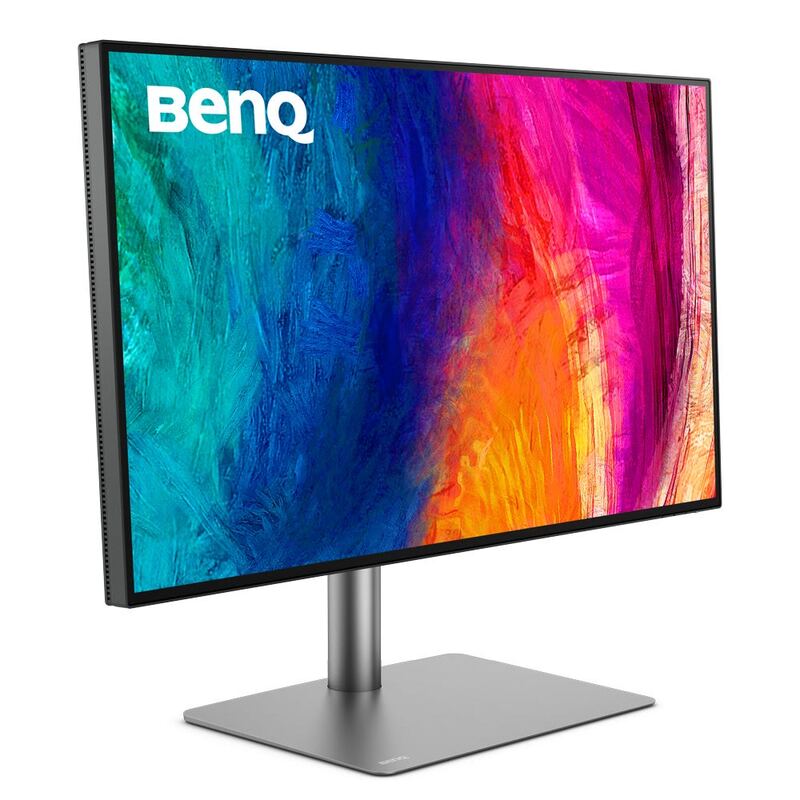
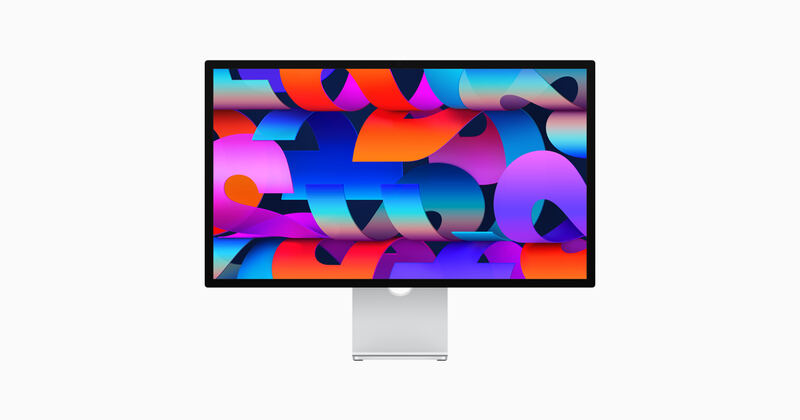
The Dell U2723QE stands out with its extensive built-in connectivity hub, offering more USB ports than the LG UltraFine 32UN880-B or BenQ PD3220U, though it requires a compromise between resolution and data speed over USB-C.
Rating sources
Our 4.5 score is the average of these published ratings. More about methodology.