The TS4 is the no-compromise flagship: 18 ports, 98W charging, 2.5GbE and a UHS-II card reader in one driver-free package that reviewers say nothing else matches. TechRadar awarded it a full five stars, Macworld gave it an Editors' Choice and XDA its top 'Best' badge. The only real downsides are the price and the lack of HDMI, but for a maxed-out desk it is the dock to beat.
Full review
18 ports and dual displays from one cable
The TS4's reputation rests on doing everything at once without drama. As reviewers across the board confirm, no other dock matches its combination of 18 ports, native dual-display support, 2.5GbE networking and UHS-II card readers in a single package, and it works reliably with both Mac and Windows requiring zero drivers. TechRadar's five-star verdict — "the CalDigit TS4 has met my impressively high expectations for docking stations" — reflects a unit that simply works, every time, from a single Thunderbolt cable.
Macworld summed up the experience: "with a profusion of useful ports and high-wattage charging, the CalDigit Thunderbolt Station 4 turns a laptop into a desktop powerhouse." In practice that means plugging in one cable and instantly gaining two displays, gigabit-plus networking, card readers, audio and a wall of USB — the genuine single-cable desktop that docks promise but few deliver this completely.
Ports and Connectivity
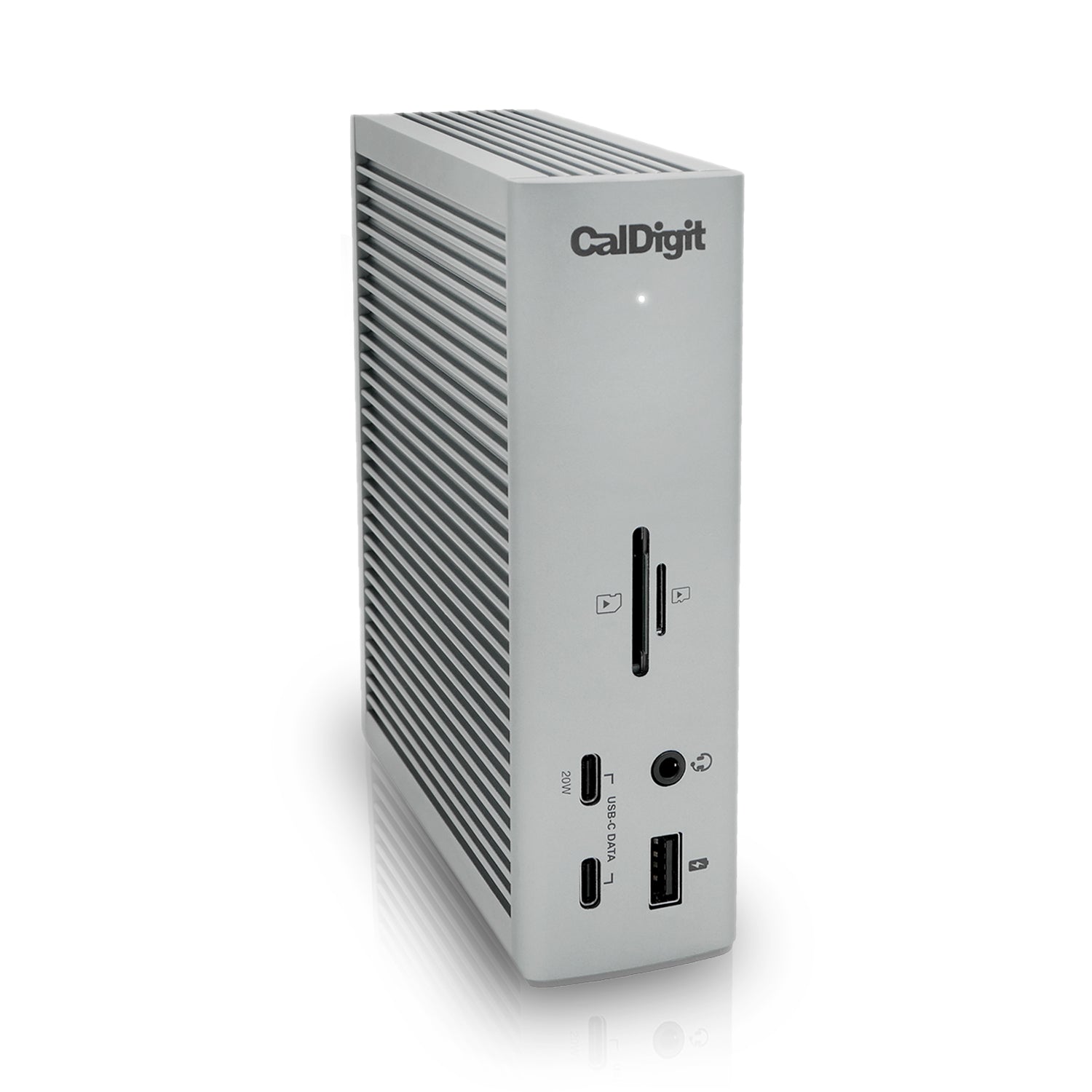
Eighteen ports is the headline, and they are well chosen: three downstream Thunderbolt 4 ports at 40Gb/s, three USB-C and five USB-A at 10Gb/s, 2.5GbE Ethernet, separate SD and microSD UHS-II card readers, and front and rear audio. That spread lets you run two 4K monitors, a Thunderbolt SSD, a USB microphone, camera card transfers and Ethernet simultaneously without ever running short.
CalDigit also nailed the ergonomics. As TechRadar noted, the company "put all of the 'plug it and forget about it' ports on the back of the TS4, allowing the front to stay clean, except for when needed." The result is a tidy desk where permanent connections hide at the rear and quick-access ports sit up front.
98W charging from an all-metal chassis
The TS4 is built like premium gear, with a heavy aluminum chassis that XDA noted is "ribbed to better dissipate heat (though that wasn't a problem for me), and it also gives it a bit of flair." It can sit horizontally or stand vertically to save desk space, and the all-metal construction feels appropriate for a $400 product.
Charging is a strength too: up to 98W of Power Delivery to the host through the single Thunderbolt cable, enough to keep most 14- and 16-inch laptops topped up under load. It is the kind of robust, set-and-forget hardware that justifies its place at the top of the category.
Setup and Compatibility
Setup is refreshingly simple: the TS4 requires no drivers and works across Mac, Windows and Chrome, so you plug it in and it works. That driver-free reliability is a major reason reviewers and power users keep recommending it over fussier alternatives.
One compatibility note applies to all docks, not just this one: standard M1, M2 and M3 MacBook Air and base MacBook Pro models are capped by Apple at a single external display regardless of dock. And if your laptop has USB-C without full Thunderbolt 4, the TS4 still works but in a more limited capacity. Neither is a fault of the dock, but both are worth knowing before buying.
No HDMI ports despite the price
Two genuine drawbacks keep the TS4 from being perfect. First, price: at around $400 it is the most expensive dock in this ranking, and overkill for anyone who only needs a few connections. Second, there are no HDMI ports — you drive displays via DisplayPort or the Thunderbolt ports, so HDMI-monitor owners need cables or adapters.
XDA and Macworld also note the dock only adds a net of one additional Thunderbolt port over the host connection. None of these undercut its standing as the most capable dock here, but they explain why it is a power-user pick rather than a universal one.
Outguns every rival on ports and charging
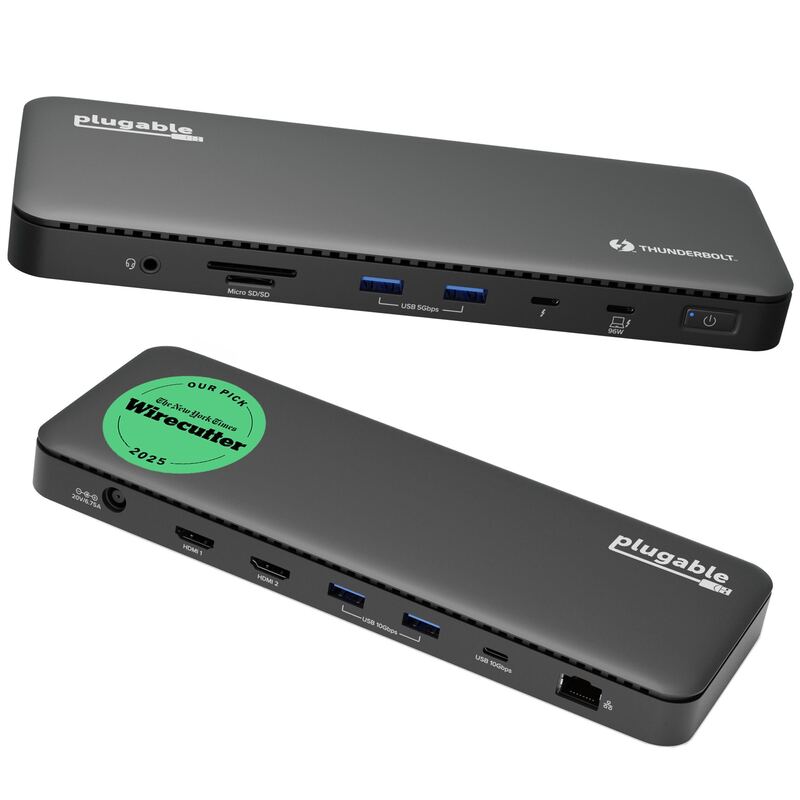
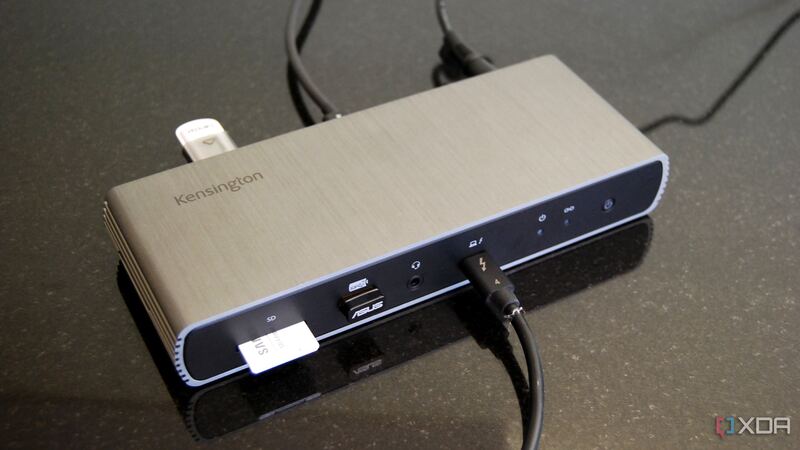
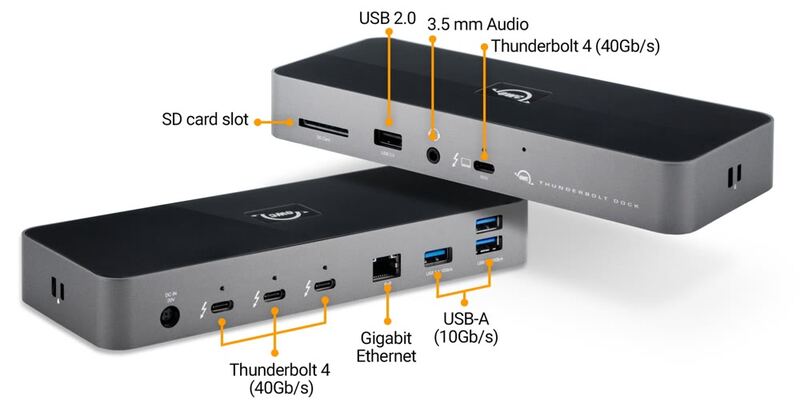
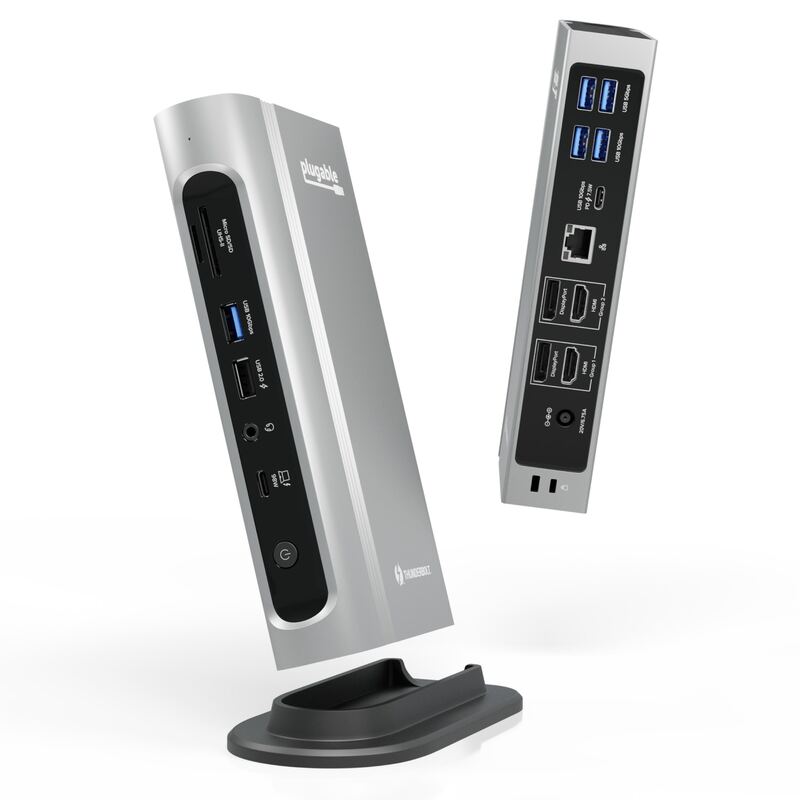
The TS4 out-ports and out-charges every rival here. The Plugable TBT4-UD5 delivers roughly 90% of the functionality for half the price and adds HDMI, making it the value champion. The OWC Thunderbolt 4 Dock and Kensington SD5780T sit in between on ports and price. The Plugable TBT4-UDZ is the closest in port count and adds HDMI plus DisplayPort. If you want the absolute maximum connectivity and charging from one cable and price is secondary, the TS4 remains the benchmark the others are measured against.
Worth it only if you use all 18 ports
At around $400 the TS4 is unapologetically a premium product, and reviewers frame its value in terms of capability rather than cost. Macworld's Editors' Choice verdict and TechRadar's five stars both reflect a dock that earns its price by being the most complete option available — no other single unit matches its 18 ports, dual-display support, 2.5GbE and UHS-II readers together. For a buyer whose time and desk are valuable, paying once for the dock that does everything is the rational choice.
Where the value case weakens is for lighter users. If you only need a couple of monitors and some USB, the cheaper Plugable TBT4-UD5 covers that for half the money and even adds HDMI. The TS4's premium is justified specifically when you will actually use its breadth — for everyone else, it is more dock than the budget warrants.
For creative pros running two monitors and a camera
Buy the TS4 if you are building a maxed-out, single-cable workstation and want the most ports, the most charging power and bulletproof reliability — and you can absorb the premium price. It is ideal for creative pros, developers and anyone whose desk has a camera, multiple drives, two monitors and a pile of USB peripherals. Look at the Plugable TBT4-UD5 instead if you want most of this capability with built-in HDMI for far less money.
Strengths
- +Class-leading 18 ports, the most of any Thunderbolt 4 dock
- +98W charging to the host through a single Thunderbolt cable
- +Native dual-display support plus 2.5GbE networking and UHS-II card reader
- +Driver-free, rock-solid reliability on both Mac and Windows
- +Clean cable management with the always-on ports on the rear
Watch-outs
- −The most expensive dock here at around $400
- −No HDMI ports, so you need DisplayPort cables or adapters
- −Only adds a net of one extra Thunderbolt port versus the host
- −Overkill for users who only need a handful of connections
How it compares
The most port-dense dock here, beating the Plugable TBT4-UD5, OWC Thunderbolt 4 Dock, Kensington SD5780T and Plugable TBT4-UDZ on sheer connectivity and charging power. The trade-off is price and the absence of HDMI — where the Plugable TBT4-UD5 and Kensington SD5780T include HDMI outputs, the TS4 relies on DisplayPort or its Thunderbolt ports.
Rating sources
“The CalDigit TS4 has met my impressively high expectations for docking stations, especially for the updated and upgraded impressive CalDigit TS3.”
“CalDigit's TS4 docking station is a top pick for power users who don't want to bother with inferior performance or port selection.”
“With a profusion of useful ports and high-wattage charging, the CalDigit Thunderbolt Station 4 turns a laptop into a desktop powerhouse.”
Our 4.7 score is the average of these published ratings. Ratings marked * were derived from the reviewer’s written analysis or video transcript — the publisher didn’t print an explicit numeric score, so we inferred one from their own words. Click through to verify. More about methodology.