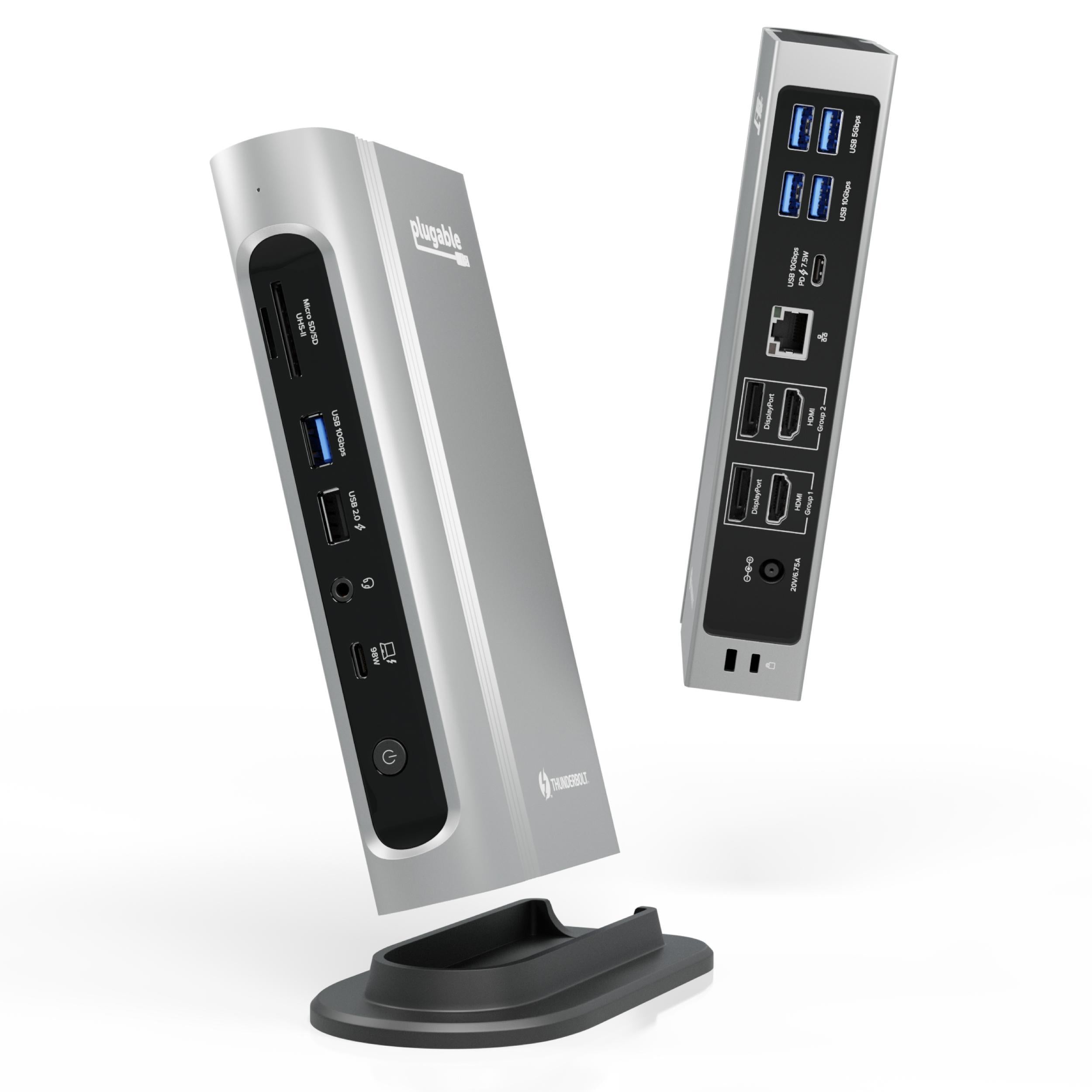
The TBT4-UDZ is the do-everything alternative: a 16-in-1 dock with HDMI, DisplayPort and a generous USB charging spread that earned Laptop Mag's 2025 Dock of the Year. Laptop Mag said it lands just shy of a 5-star score and is one of the best docks it has tested. It is pricier and bulkier than the UD5 sibling, but for a decked-out workstation it rivals the flagships.
Full review
Laptop Mag's 2025 Dock of the Year
The TBT4-UDZ is Plugable's everything-and-the-kitchen-sink dock, and it earned Laptop Mag's 2025 Dock of the Year for the effort. The reviewer's verdict was glowing: "if you can stay awake, the TBT4-UDZ is easily one of the best docking stations I've ever tested," landing just "a fraction of a way off of an equally incredible 5-star score." In practice it turns a single Thunderbolt cable into a fully equipped workstation hub.
PCWorld was a touch more measured, noting the dock sits "a bit off the pace of the very best on a couple of measures." The consensus is that it is a near-flagship dock that delivers almost everything the CalDigit TS4 does for less money.
Ports and Connectivity
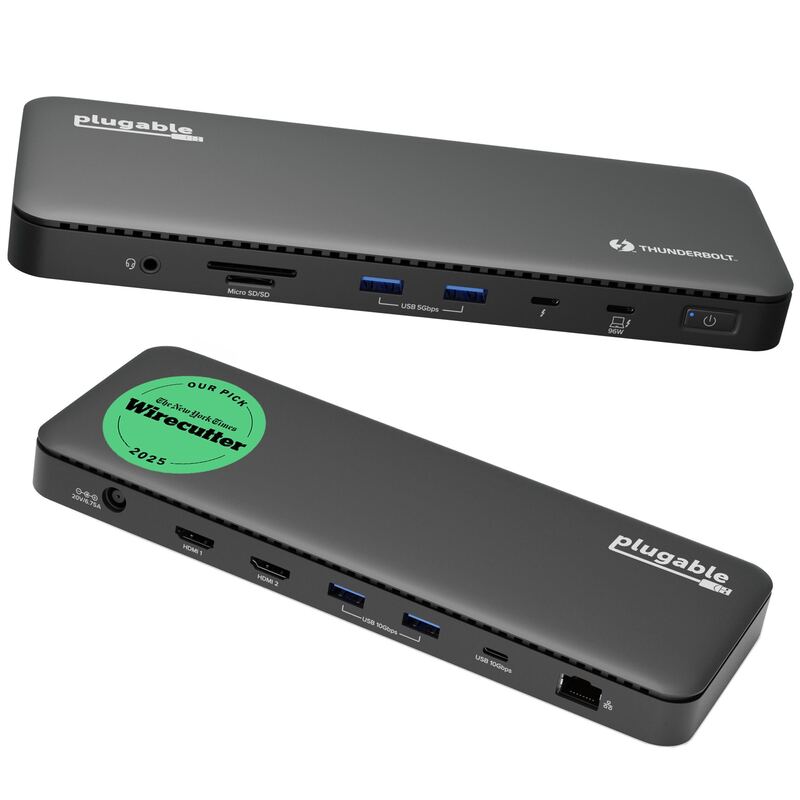
Sixteen ports is the headline, and the mix is unusually complete: two HDMI and two DisplayPort outputs for dual 4K 60Hz displays, seven USB ports, 2.5GbE Ethernet, and both SD and microSD card readers. Laptop Mag called it "a staggering amount of ports to choose from" that "all but guarantees that 99% of people's needs will be met across even the most demanding of computing setups."
Critically, it includes HDMI outputs — a monitor connection the CalDigit TS4 omits. The generous spread of powered USB ports also means you can charge phones, earbuds and other accessories directly at the dock, which Laptop Mag highlighted as ideal for a decked-out workstation.
100W charging in a larger footprint than the UD5
Laptop Mag praised the UDZ's "premium build and sleek design," a step up from the plainer, slimmer UD5 sibling. It is a substantial unit befitting its port count, with a finish and feel that match its near-flagship ambitions.
Power handling is generous: 100W to the host plus charging headroom for connected accessories. The larger footprint is the cost of cramming in 16 ports, so it occupies more desk space than the compact UD5 — a fair trade for users who want maximum connectivity.
Setup and Compatibility
Plugable designed the UDZ to play nicely across ecosystems, with marketing emphasis on enabling dual 4K 60Hz displays on M4/M5 MacBooks as well as Windows and USB4 devices. Like other Thunderbolt 4 docks it is largely plug-and-play with no drivers needed for core functions.
The familiar caveats apply: base M-series MacBook Air and Pro models are limited to a single external display by Apple regardless of dock, and full functionality requires a true Thunderbolt 4 or compatible USB4 host. On a capable laptop, the UDZ lights up its full port array immediately.
Near-TS4 breadth for less money
The UDZ's value is in offering near-flagship breadth for meaningfully less than the CalDigit TS4. Laptop Mag's Dock of the Year award and its verdict that the UDZ is "easily one of the best docking stations I've ever tested" reflect a unit that comes within "a fraction" of a perfect score while undercutting the TS4 on price and adding HDMI outputs the TS4 omits.
The wrinkle is internal competition: Plugable's own cheaper TBT4-UD5 covers most users' needs for around $100 less. So the UDZ's value is real but conditional — it makes sense specifically when you will use the extra ports, displays and powered USB charging. For a genuinely decked-out workstation it is a smarter buy than the TS4; for a simpler desk, the UD5 wins on price.
More ports than most people will use
The UDZ's shortcomings are minor and mostly about positioning. Expert testing places it just short of a perfect score — PCWorld noted it sits "a bit off the pace of the very best on a couple of measures." Its larger footprint makes it bulkier than the slim Plugable TBT4-UD5, and it costs more than that value sibling.
For many buyers it also offers more ports than they will realistically use, which means the cheaper UD5 may make more sense unless you genuinely need the extra connectivity. These are the reasons it rounds out the list rather than challenging the top — it is excellent, just not the default recommendation for everyone.
Adds HDMI outputs the TS4 lacks
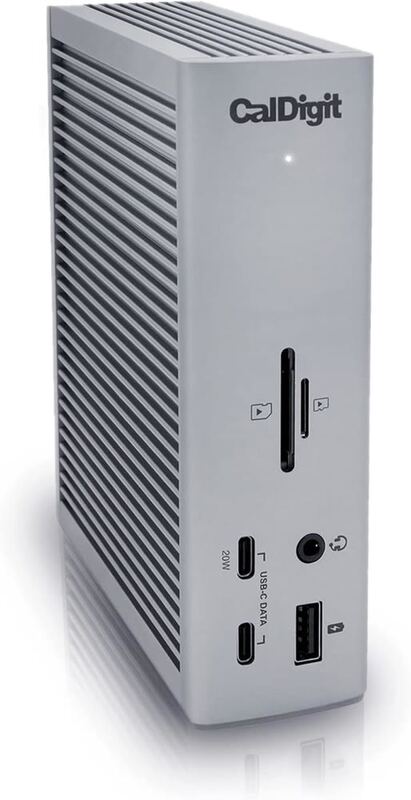
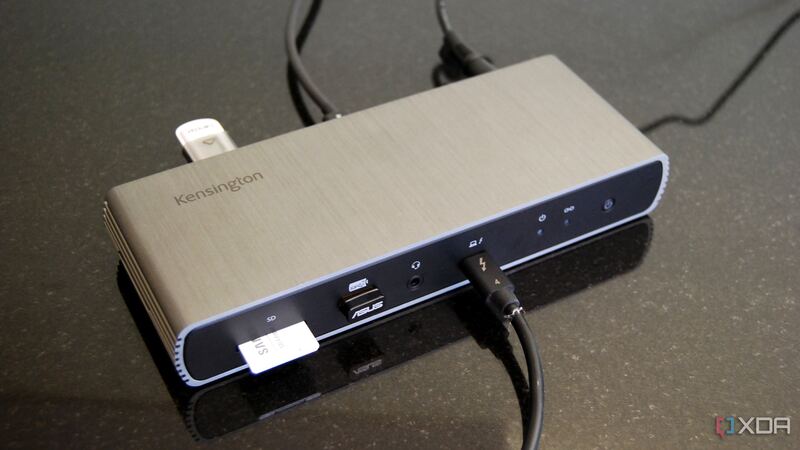
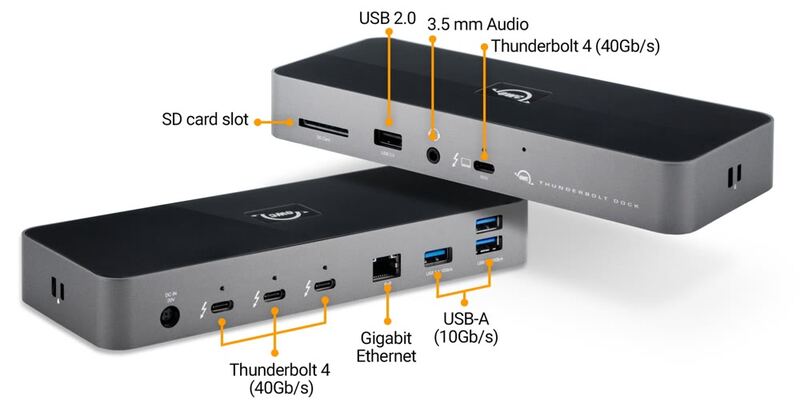
The TBT4-UDZ is the maximalist value alternative to the CalDigit TS4: it nearly matches the TS4's port count and adds HDMI outputs the TS4 lacks, for less money. It is far more loaded than its Plugable TBT4-UD5 sibling and the OWC Thunderbolt 4 Dock, and carries more total ports than the Kensington SD5780T. The trade-offs versus the cheaper UD5 are size and price, which is why it suits power users specifically rather than the mainstream.
For power users with many displays and drives
Buy the TBT4-UDZ if you want a near-flagship port count with both HDMI and DisplayPort for a decked-out, do-everything workstation, and you would rather not pay CalDigit TS4 prices. It is ideal for power users with many displays, drives and accessories who value the generous USB charging spread. Step down to the Plugable TBT4-UD5 if you want most of the capability in a slimmer, cheaper package, or up to the TS4 for the absolute maximum.
Strengths
- +Huge 16-in-1 port selection rivaling the most loaded docks
- +Both HDMI and DisplayPort outputs, two of each
- +Many powered USB ports for charging accessories at the dock
- +100W host charging and 2.5GbE networking
- +Named Laptop Mag's 2025 Dock of the Year
Watch-outs
- −Falls just short of a 5-star score in expert testing
- −Larger footprint than slim docks like the Plugable TBT4-UD5
- −Pricier than the value TBT4-UD5 sibling
- −More ports than many users will realistically use
How it compares
The maximalist value play: it nearly matches the CalDigit TS4 on port count while adding HDMI outputs the TS4 lacks, for less money. It is more loaded than its Plugable TBT4-UD5 sibling and the OWC Thunderbolt 4 Dock, and offers more total ports than the Kensington SD5780T, though it is bulkier and pricier than the UD5.
Rating sources
“If you can stay awake, the TBT4-UDZ is easily one of the best docking stations I've ever tested; it finds itself a fraction of a way off of an equally incredible 5-star score.”
Our 4.0 score is the average of these published ratings. More about methodology.