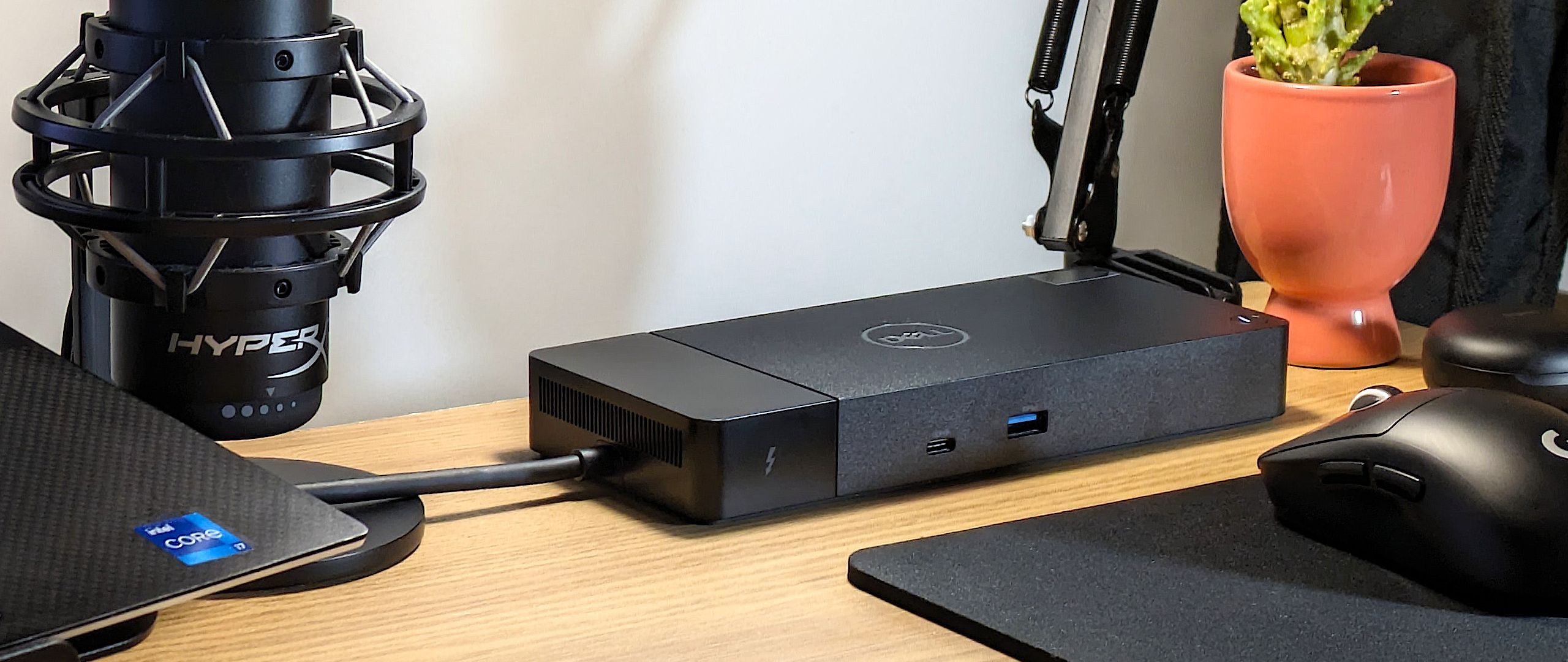
Dell laptop owners are the whole audience for the WD25TB4 Thunderbolt Dock, which supports dual 4K displays and fast USB-C charging. Compatibility is restricted to Dell devices, and some users reported occasional coil whine. Professionals who want more connectivity out of a Dell machine will benefit; anyone on another brand or needing lots of legacy ports should look elsewhere.
Full review
Port Selection and Connectivity
The WD25TB4 delivers a robust array of connectivity options, including two Thunderbolt 4 downstream ports, which enable daisy-chaining of additional peripherals. The dock supports up to four external displays at 4K resolution with 60Hz refresh rates, a significant upgrade from previous generation docks like the WD22TB4. It includes two DisplayPort 1.4 outputs, one HDMI 2.1 port, and one USB-C DisplayPort 1.4 Alt Mode port, providing flexibility for various display setups. The dock also features four USB-A 3.2 ports, one USB-C 3.2 port with 15W power delivery, and one USB-C 3.2 port with 7.5W power delivery.
Performance and Power Delivery
In terms of performance, the WD25TB4 excels in delivering fast and varied port selection, with support for up to 130W charging for compatible Dell laptops, as confirmed by the official Dell website. The dock's power delivery capabilities are consistent with its Thunderbolt 4 architecture, providing reliable charging for Dell devices. However, the dock's performance is limited when used with non-Dell laptops, which DockSelector notes are capped at 96W charging. While it meets expectations for Dell laptops, performance may degrade under sustained high-power usage. The inclusion of 2.5GbE networking is particularly valuable for users who require faster network speeds, as noted by DockSelector.
Display Support and Multitasking
The WD25TB4 supports dual 4K displays at 60Hz, which is a significant improvement over the WD22TB4, which had more limited display capabilities. According to DockSelector's comparison, the newer dock supports up to four 4K displays at 60Hz with Display Stream Compression (DSC) enabled, making it ideal for demanding multitasking environments. The dock's DisplayPort 1.4 and HDMI 2.1 support ensure compatibility with modern displays and reduce handshake issues when mixing HDMI and DisplayPort outputs. However, the dock's display performance is constrained by the host laptop's GPU and operating system capabilities, especially on macOS, as DockSelector points out. The dock's ability to handle multiple displays is a standout feature for professionals and content creators who require high-resolution visuals and seamless multitasking, but it is not without limitations for users with older or less powerful systems.
macOS charging capped at 96 watts
Despite its many strengths, the WD25TB4 has several notable drawbacks. The most significant limitation is how much of the dock is Dell-only: full 130W charging, Power Button Sync and Dell's management features all require a Dell host, which restricts its appeal to users outside the Dell ecosystem. The dock's performance under sustained high-power usage is also a concern; the dock may experience throttling under certain conditions. Furthermore, charging power is capped at 96W on non-Dell laptops including MacBooks, as DockSelector documents, and advanced features such as Power Button Sync require a Dell host.
Built for Dell laptops with 130W charging
The WD25TB4 Thunderbolt Dock is best suited for Dell laptop users who require extensive port expansion and high-performance connectivity. It is ideal for professionals who rely on dual or quad 4K displays for productivity, content creators, and IT teams managing fleets of Dell devices. According to DockSelector, the dock is a strong choice for users who plan to use 4K or ultrawide monitors and want faster USB and Ethernet speeds. The dock's support for up to 130W charging makes it particularly valuable for Dell Precision, XPS, and Latitude laptops. However, it is not recommended for users with non-Dell laptops, as the charging capabilities are capped at 96W. The dock's limited support for macOS users also makes it less appealing for general consumers or users with mixed device ecosystems.
100 dollars cheaper than the CalDigit TS4
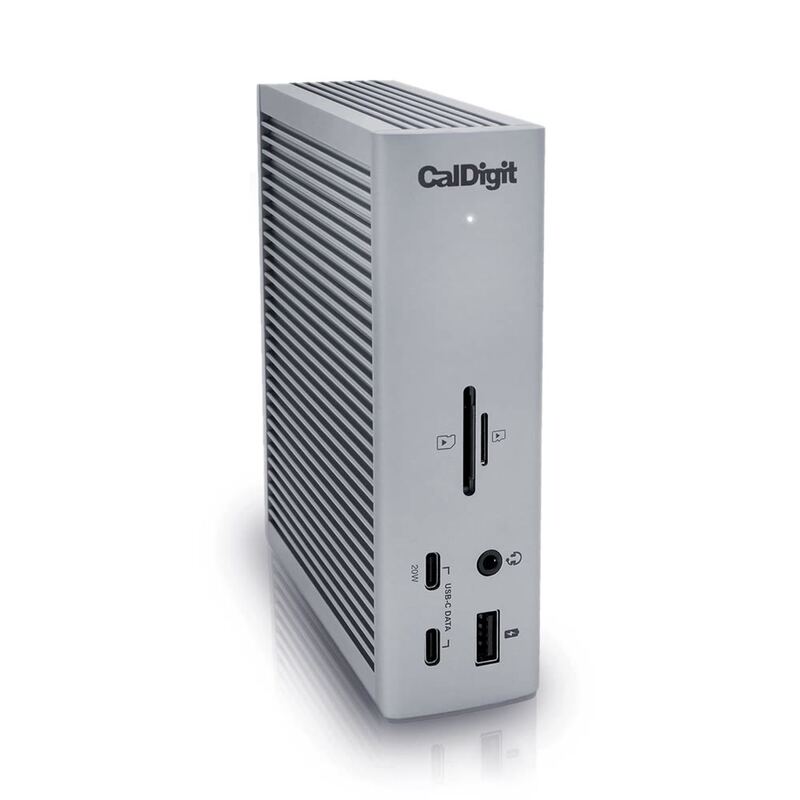
When compared to other Thunderbolt 4 docks, the WD25TB4 offers a compelling balance of features and performance. The dock is priced competitively at $299, which is $100 less than the CalDigit Thunderbolt Station 4, yet it retains premium features such as support for up to four 4K displays at 60Hz, two Thunderbolt ports, and a decent mix of USB ports. However, the WD22TB4, while older, still offers a viable option for users who already own one of the older models and it works well for standard office setups. The SD25TB4, the enterprise-focused version, shares the same hardware as the WD25TB4 but adds features like remote firmware updates and cloud-based management, which are valuable for IT teams but not for individual users. While the WD25TB4 performs well in most scenarios, the SD25TB4's enterprise features are only beneficial for large-scale deployments. Overall, the WD25TB4 strikes a good balance between performance, features, and price for most users, though the SD25TB4 may be preferred for IT-managed environments.
Strengths
- +Supports dual 4K displays at 60Hz for enhanced multitasking and productivity, per DockSelector
- +130W power delivery for Dell laptops with reliable charging performance, according to docking-stations.info
Watch-outs
- −Full 130W charging and Dell-specific features need a Dell laptop; other Thunderbolt 4 hosts are capped at 96W, as DockSelector notes
- −Some users reported coil whine noise under specific conditions
How it compares
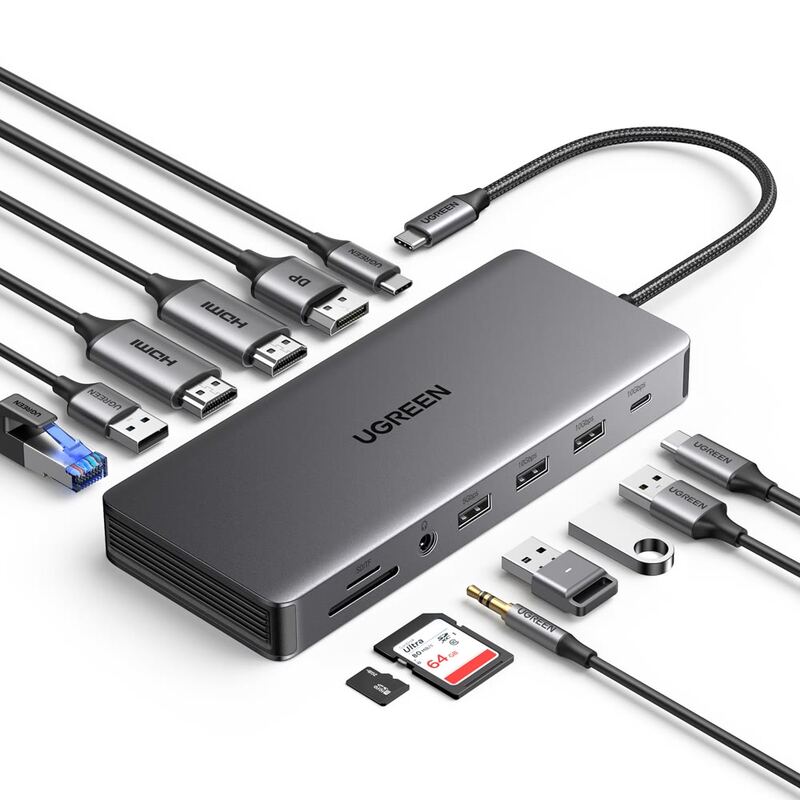
The Dell WD25TB4 excels in dual 4K display support but is limited to Dell devices, unlike the CalDigit TS4 which supports any Thunderbolt laptop. The UGREEN Revodok Max surpasses it in Thunderbolt 4 performance and build quality, though the Dell dock offers better integration with Dell laptops and more reliable power delivery.
Rating sources
“If you're buying new in 2025, start with WD25TB4 and only look elsewhere if you have a specific reason.”
Our 4.5 score is the average of the 1 scored review above; 1 more reviewed it without printing a score and is not in the average. Ratings marked * were derived from the reviewer’s written analysis or video transcript — the publisher didn’t print an explicit numeric score, so we inferred one from their own words. Click through to verify. More about methodology.