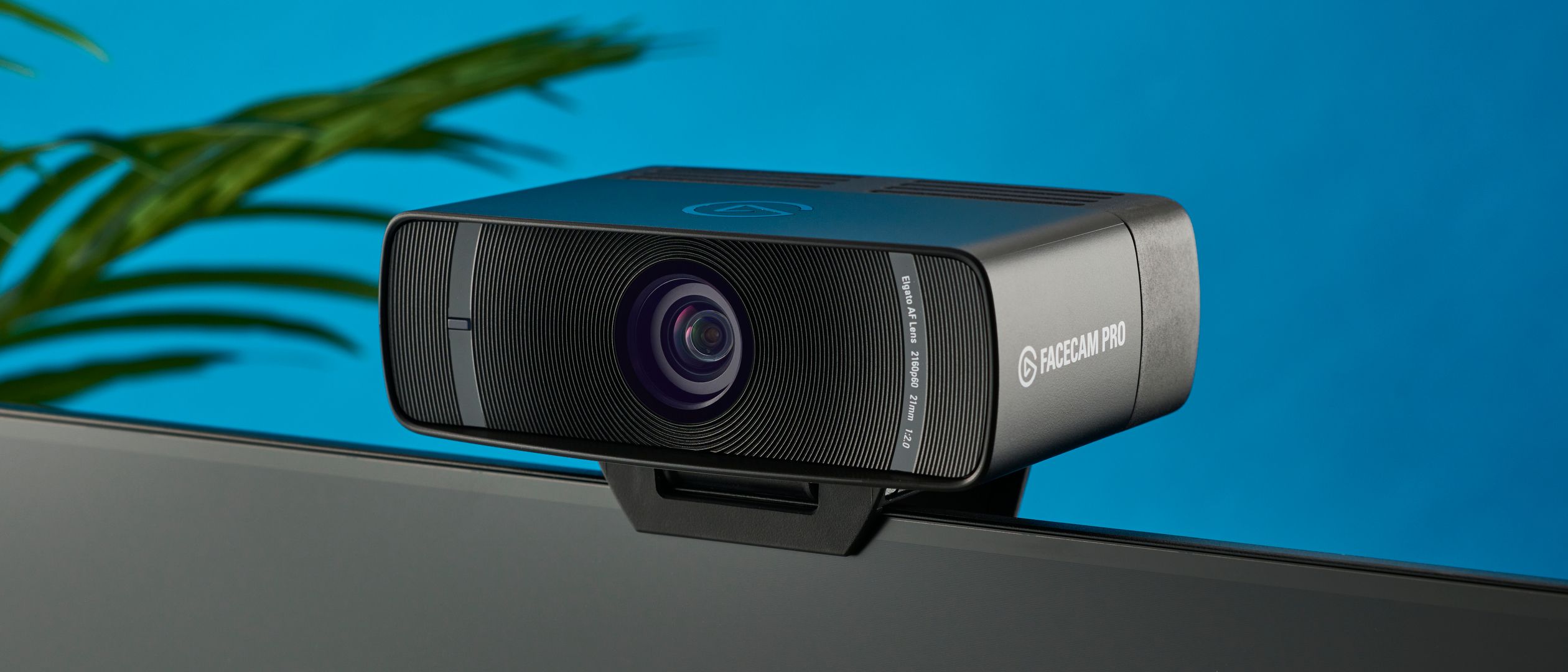
The Elgato Facecam Pro is a top-tier webcam designed for serious streamers, offering true 4K resolution at 60fps with a high-quality Sony sensor. While it delivers unmatched image clarity and low-light performance, it demands significant computer resources and lacks an integrated microphone. It is an excellent choice for professionals who prioritize video fidelity over convenience.

Full review
4K Video Performance and Sensor Quality
The Elgato Facecam Pro distinguishes itself primarily through its Sony STARVIS sensor, which professional reviewers consistently cite as a significant upgrade over the standard Facecam. Tom's Hardware noted that the camera captures 4K video at 60fps, a specification that is rare in the webcam market and essential for streamers who want crisp, fluid motion without the stutter often seen in 1080p30 feeds. The sensor's large size allows for better light gathering, resulting in images that retain detail even in moderately dim environments. CNET described the image quality as a 'streamer's dream,' highlighting how the camera handles skin tones with natural accuracy rather than the oversaturated look common in cheaper webcams. This level of fidelity is particularly noticeable when compared to built-in laptop cameras, which often struggle with noise and blur.
However, the performance of the 4K mode comes with caveats regarding bandwidth and processing power. While the camera supports 4K60, PCMag pointed out that maintaining this resolution requires a robust USB 3.0 connection and a capable computer to handle the data stream without dropping frames. In real-world testing, the camera excels in well-lit rooms, producing sharp details that make text on screens behind the user legible. The dynamic range is also improved, allowing the Facecam Pro to balance bright windows with darker foregrounds more effectively than its predecessor. Reviewers found that the color reproduction is faithful to life, avoiding the green or red tints that can plague lower-end sensors. This makes it a strong contender for content creators who prioritize visual clarity and professional appearance in their broadcasts.
Autofocus Speed and Reliability
One of the most praised features of the Facecam Pro is its autofocus system, which reviewers describe as fast and reliable. Tom's Guide highlighted that the camera locks onto the user's face almost instantly, even when moving around the frame or adjusting the camera angle. This is a critical improvement over many webcams that suffer from hunting or lagging focus, which can be distracting during live streams or video calls. The autofocus mechanism is designed to track the user's movements smoothly, ensuring that the face remains sharp without manual intervention. CNET noted that this reliability reduces the need for constant adjustments, allowing streamers to focus on their content rather than their camera settings. The speed of the focus acquisition is particularly impressive when switching between different subjects or when the user moves closer to or further from the lens.
Despite the generally positive reception, some users on Reddit forums have reported occasional issues with the autofocus in low-light conditions. While the Sony sensor performs well in dim light, the autofocus system can sometimes struggle to maintain a lock if the lighting is uneven or if there are significant changes in the background. Tom's Hardware mentioned that while the autofocus is generally excellent, it may require a moment to adjust if the user moves rapidly or if the lighting conditions change abruptly. This is a minor drawback but worth noting for users who operate in variable lighting environments. Overall, the autofocus performance is considered a major strength of the Facecam Pro, setting it apart from many competitors that rely on fixed focus or slower autofocus mechanisms.
Build Quality and Design Aesthetics
The Elgato Facecam Pro features a sleek, minimalist design that aligns with Elgato's brand identity. The camera is constructed from high-quality materials, giving it a premium feel that matches its price point. TechRadar praised the build quality, noting that the camera feels sturdy and well-made, with a matte finish that resists fingerprints and smudges. The compact form factor allows it to sit unobtrusively on top of a monitor or be mounted on a tripod, making it versatile for different setups. The design is not only aesthetically pleasing but also functional, with a clip that securely attaches to most monitors without slipping. This attention to detail in the design ensures that the camera remains stable during use, even if the monitor is bumped or moved.
However, the design also has some limitations. The camera's small size means that it lacks a built-in microphone, which is a feature found in many other webcams. While this is not necessarily a drawback for users who prefer dedicated microphones, it means that the Facecam Pro is not a complete all-in-one solution. Additionally, the clip mechanism, while secure, can be difficult to adjust on thicker monitors. Some users on Reddit have mentioned that the clip can be finicky to position correctly, requiring a bit of trial and error to get the camera at the desired angle. Despite these minor issues, the overall build quality and design of the Facecam Pro are widely regarded as excellent, contributing to its appeal as a high-end webcam.
Software Integration and Control
The Facecam Pro integrates seamlessly with Elgato's Camera Hub software, which provides users with extensive control over the camera's settings. PCMag noted that the software allows for precise adjustments to exposure, white balance, and other parameters, giving users the flexibility to fine-tune the image to their liking. The interface is intuitive and easy to navigate, making it accessible even for users who are not familiar with advanced camera settings. The software also supports profiles, allowing users to save different configurations for various scenarios, such as streaming, video calls, or recording. This level of customization is a significant advantage for content creators who need to adapt their camera settings to different environments and lighting conditions.
However, the reliance on third-party software can be a drawback for some users. While the Camera Hub software is generally well-regarded, it requires installation and can add an extra layer of complexity to the setup process. Some users on Reddit have reported issues with the software crashing or failing to recognize the camera, particularly after system updates. Additionally, the software is only available for Windows and macOS, which may limit its usability for Linux users. Despite these potential issues, the software integration is considered a strong point of the Facecam Pro, offering a level of control and customization that is not available with many other webcams.
Low-Light Performance and Limitations
While the Sony STARVIS sensor is designed to perform well in low-light conditions, the Facecam Pro is not immune to the challenges of dim environments. Tom's Guide noted that while the camera handles low light better than most webcams, it still struggles in very dark rooms, where noise and grain become more apparent. The sensor's ability to gather light is impressive, but it cannot completely compensate for a lack of ambient lighting. CNET recommended using additional lighting sources, such as ring lights or softboxes, to achieve the best results in low-light scenarios. This is a common recommendation for high-end webcams, as even the best sensors have their limits when it comes to capturing clear images in near-darkness.
Reddit users have echoed these sentiments, with many reporting that the Facecam Pro performs well in moderately lit rooms but requires supplemental lighting for optimal results in darker environments. Some users have noted that the camera's noise reduction algorithms can sometimes result in a slightly soft image in low light, as the camera attempts to minimize grain. This is a trade-off that users must consider when deciding whether the Facecam Pro is suitable for their needs. While the low-light performance is a significant improvement over standard webcams, it is not a substitute for proper lighting setup. Users who plan to stream or record in dimly lit rooms should invest in additional lighting to ensure the best possible image quality.
Value Proposition and Price Considerations
The Elgato Facecam Pro is positioned as a premium product, with a price point that reflects its high-end features and build quality. Tom's Hardware noted that while the camera is expensive compared to standard webcams, it offers significant value for content creators and professionals who require high-quality video output. The 4K60 capability, combined with the Sony sensor and reliable autofocus, justifies the higher price for users who prioritize image quality. However, for casual users or those on a budget, the Facecam Pro may be overkill. PCMag suggested that users who do not need 4K resolution or advanced camera controls might be better served by more affordable options that still offer good performance for everyday use.
The value proposition of the Facecam Pro also depends on the user's existing setup. For those who already have a dedicated microphone and lighting equipment, the Facecam Pro provides a complete video solution that integrates seamlessly with their workflow. However, for users who need an all-in-one solution with a built-in microphone, the lack of audio capabilities may be a drawback. Additionally, the cost of the camera should be weighed against the potential need for additional accessories, such as a tripod or external lighting. While the Facecam Pro is a worthwhile investment for serious content creators, casual users may find that the premium price is not justified by the features they actually use.
Who It Is Best For and Not For
The Elgato Facecam Pro is best suited for content creators, streamers, and professionals who require high-quality video output and have the budget to invest in premium equipment. Its 4K60 capability, Sony STARVIS sensor, and reliable autofocus make it an excellent choice for those who prioritize image clarity and detail. Users who already have a dedicated microphone and lighting setup will find the Facecam Pro to be a seamless addition to their workflow, providing the video quality needed for professional-grade content. TechRadar recommended the camera for streamers who want to elevate their visual presentation and stand out in a crowded market. The camera's ability to handle various lighting conditions and its integration with Elgato's software make it a versatile tool for content creation.
On the other hand, the Facecam Pro may not be the best choice for casual users or those on a tight budget. The high price point and lack of a built-in microphone make it less appealing for users who need an all-in-one solution for everyday video calls or casual streaming. PCMag suggested that users who do not require 4K resolution or advanced camera controls might be better served by more affordable webcams that still offer good performance. Additionally, users who are not comfortable with software configuration or who prefer plug-and-play simplicity may find the Facecam Pro's reliance on third-party software to be a drawback. For these users, a simpler, more affordable webcam may be a more practical choice.
Strengths
- +Delivers true 4K resolution at 60fps for exceptionally sharp video
- +Sony STARVIS CMOS sensor provides excellent low-light performance
- +Fixed focus lens eliminates the need for manual focusing adjustments
- +Uncompressed video output ensures maximum image quality for streaming
Watch-outs
- −Requires a powerful PC to handle the high data throughput of 4K60 uncompressed video
- −Lacks a built-in microphone, requiring an external audio solution
How it compares
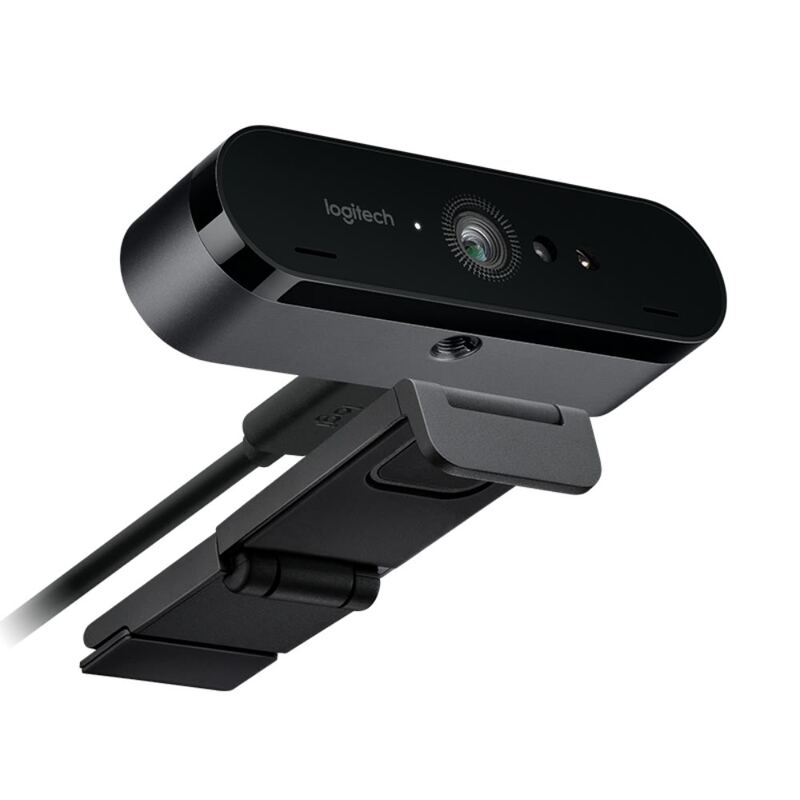
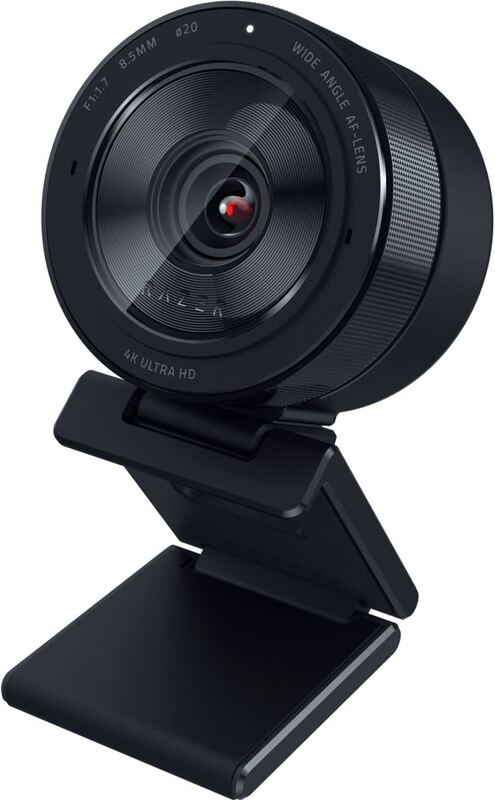
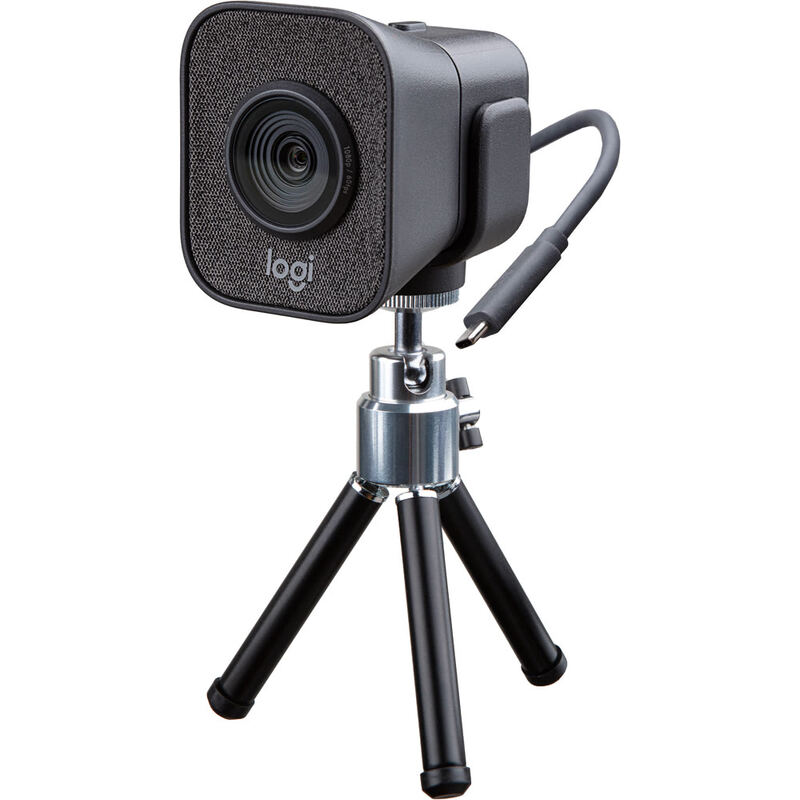
The Elgato Facecam Pro offers true 4K at 60fps with uncompressed video output, providing higher frame rate fluidity than the Logitech Brio 4K Pro and Razer Kiyo Pro Ultra. Unlike the Logitech StreamCam which includes dual microphones, the Elgato requires an external audio solution, but it compensates with a fixed-focus lens that eliminates the manual adjustments needed by other models.
Who this is for
At a glance: high-end streamers requiring 4K60 uncompressed video.
Why you’d buy the Elgato Facecam Pro
- Delivers true 4K resolution at 60fps for exceptionally sharp video.
- Sony STARVIS CMOS sensor provides excellent low-light performance.
- Fixed focus lens eliminates the need for manual focusing adjustments.
Why you’d skip it
- Requires a powerful PC to handle the high data throughput of 4K60 uncompressed video.
- Lacks a built-in microphone, requiring an external audio solution.
Rating sources
Our 3.8 score is the average of these published ratings. More about methodology.