The Logitech StreamCam shoots excellent 1080p 60fps video with vibrant colors and smooth motion, which is what content creators are after. Its USB-C connection may mean buying an adapter, and the native software is limited enough that most people end up reaching for third-party tools.
Full review
Video Quality and Frame Rate
The Logitech StreamCam distinguishes itself primarily through its ability to deliver 1080p resolution at a smooth 60 frames per second, a specification that sets it apart from many competitors locked at 30fps. CNN Underscored reviewer Michael Andronico noted that this fluidity makes the video appear lively and natural, particularly when sitting in front of natural light where skin tones look warm and accurate. The camera captures fine details, such as individual strands of facial hair, with clarity that surpasses the aging Logitech C922. While it lacks the 4K resolution of the more expensive Logitech Brio, the 1080p/60fps combination is often preferred by streamers and remote workers because it reduces motion blur and provides a more responsive visual experience during fast-paced interactions or gaming streams.
Design and Connectivity Constraints
The physical design of the StreamCam is sleek and modern, featuring a compact form factor that sits unobtrusively on top of monitors. However, the connectivity method remains a significant point of contention among reviewers. The device uses a fixed, hardwired USB-C cable, which Digital Camera World identified as a major annoyance for many users who prefer the flexibility of a detachable cable or a longer reach. This design choice means the camera must be positioned within the limited length of the integrated cable, potentially restricting placement options for users with larger monitors or unconventional desk setups. Despite the premium build quality, the lack of a privacy shutter is another notable omission, requiring users to rely on software controls or physical covers to ensure privacy when the camera is not in use.
Smart Features and Software Integration
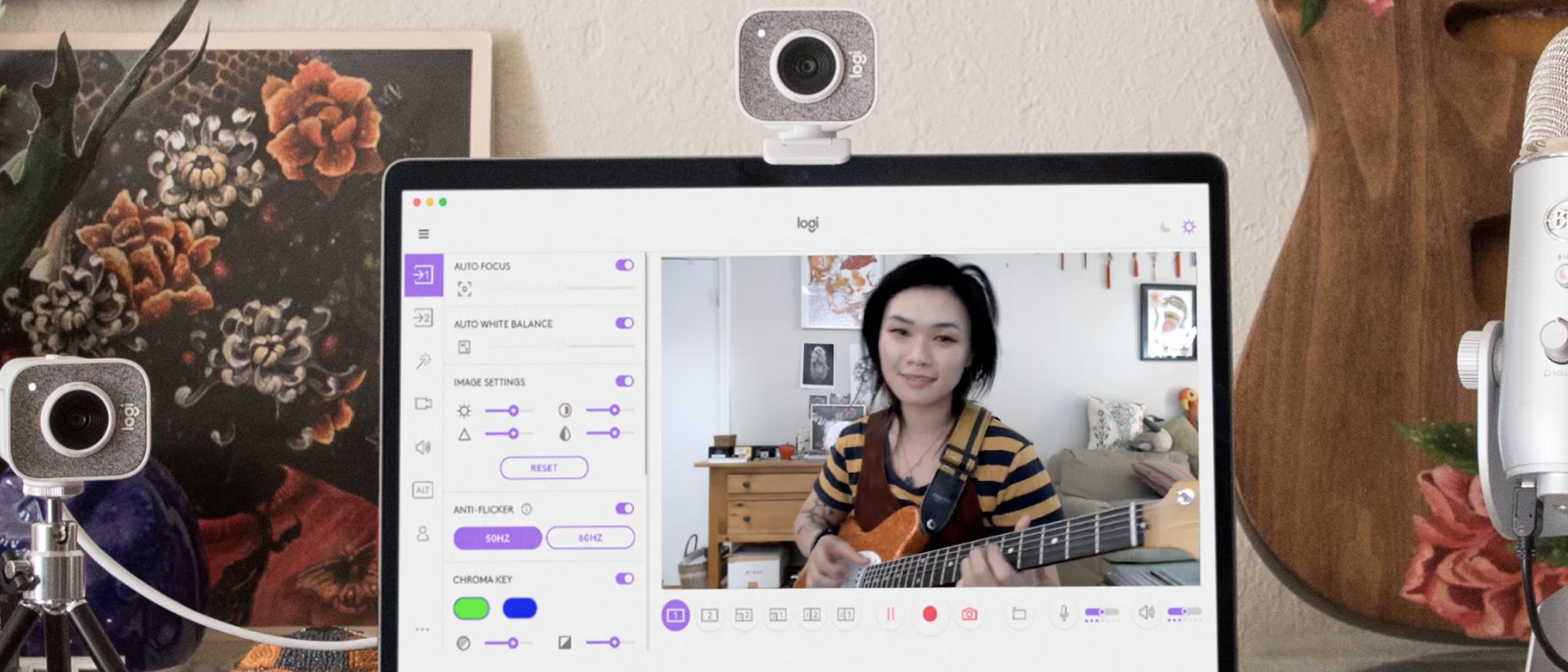
Logitech has equipped the StreamCam with AI-powered features designed to enhance the user experience, most notably the RightSight automatic framing technology. This feature uses facial recognition to crop in slightly and then pan and zoom to keep the user’s face centered in the shot, even if they move around their workspace. Digital Camera World found this automatic framing to be a useful tool for maintaining professional presentation during long meetings. Additionally, the camera integrates seamlessly with Logitech’s free software suite, which allows for extensive customization of video settings, including exposure, white balance, and digital zoom. The software also supports integration with popular streaming platforms and video conferencing tools, making it a versatile option for both professional and casual users.
Audio Performance and Microphones
While the video quality is the star of the show, the StreamCam also includes stereo microphones that provide decent audio capture for its class. The microphones are designed to pick up voice clearly while minimizing background noise, which is essential for remote work and streaming. However, reviewers have noted that while the audio is sufficient for casual use and standard video calls, it does not match the quality of dedicated external microphones. For users who prioritize audio fidelity, the StreamCam’s built-in mics may serve as a convenient backup but should not be relied upon for professional-grade audio production. The stereo recording adds a layer of depth to the audio, but the overall clarity and noise cancellation capabilities are average compared to specialized audio equipment.
Vertical Video Limitations
One of the marketed features of the StreamCam is its ability to rotate 90 degrees to capture vertical video, which is ideal for Instagram Stories and other social media formats. However, Digital Camera World pointed out a critical limitation: while the camera can record vertical video, it cannot live-stream in this orientation. This restriction significantly diminishes the utility of the feature for streamers who want to broadcast vertical content in real-time. The vertical mode is therefore more suited for content creators who record footage for later editing and posting, rather than for live streaming purposes. This discrepancy between marketing claims and actual functionality has led to some frustration among users who expected a more versatile tool for social media content creation.
Value and Pricing Concerns
The Logitech StreamCam is positioned as a premium webcam, with a recommended retail price that places it above standard office webcams. Digital Camera World criticized the camera for being expensive when not heavily reduced, suggesting that the value proposition is questionable at full price. However, when available at a discount, the StreamCam offers a compelling package of features, including 1080p/60fps video, AI framing, and a sleek design. The price point is justified for users who need high-quality video for professional presentations or content creation, but casual users may find better value in less expensive alternatives that offer similar core functionalities. The market has seen fluctuations in pricing, making it advisable for shoppers to wait for sales or discounts to maximize value.
Can't actually live-stream vertical video
Despite its strengths, the Logitech StreamCam has several notable shortcomings that potential buyers should consider. The fixed USB-C cable is a significant design flaw that limits flexibility and convenience, as noted by Digital Camera World. The inability to live-stream vertical video undermines one of its key marketing points, making it less useful for streamers focused on social media platforms like Instagram. Additionally, the lack of a physical privacy shutter is a security concern for users who prioritize privacy. The audio quality, while adequate, does not compete with dedicated microphones, and the high price point at full retail makes it a less attractive option for budget-conscious consumers. These issues, combined with the availability of cheaper alternatives, mean that the StreamCam is not without its drawbacks.
AI framing keeps movers centered in frame
The Logitech StreamCam is best suited for content creators, streamers, and remote workers who prioritize high-quality video and smooth frame rates. Its 1080p/60fps capability and AI-powered framing make it an excellent choice for professionals who need to present a polished image during video calls or live streams. Users who frequently move around their workspace will benefit from the automatic framing feature, which keeps them centered in the shot. However, those who require live vertical streaming or have strict budget constraints may find better options elsewhere. The camera is also ideal for users who value a sleek, modern design and are willing to pay a premium for advanced features. For casual users or those with basic video conferencing needs, a less expensive webcam may offer sufficient performance without the added cost.
Strengths
- +Captures smooth 1080p video at 60fps for fluid motion
- +Delivers sharp, vibrant image quality with excellent color accuracy
- +Features versatile mounting options including a flexible stand and tripod thread
- +Includes built-in dual microphones with decent noise reduction for clear audio
Watch-outs
- −Requires a USB-C connection and lacks native USB-A support without an adapter
- −Software features are limited compared to competitors, relying heavily on third-party apps
How it compares
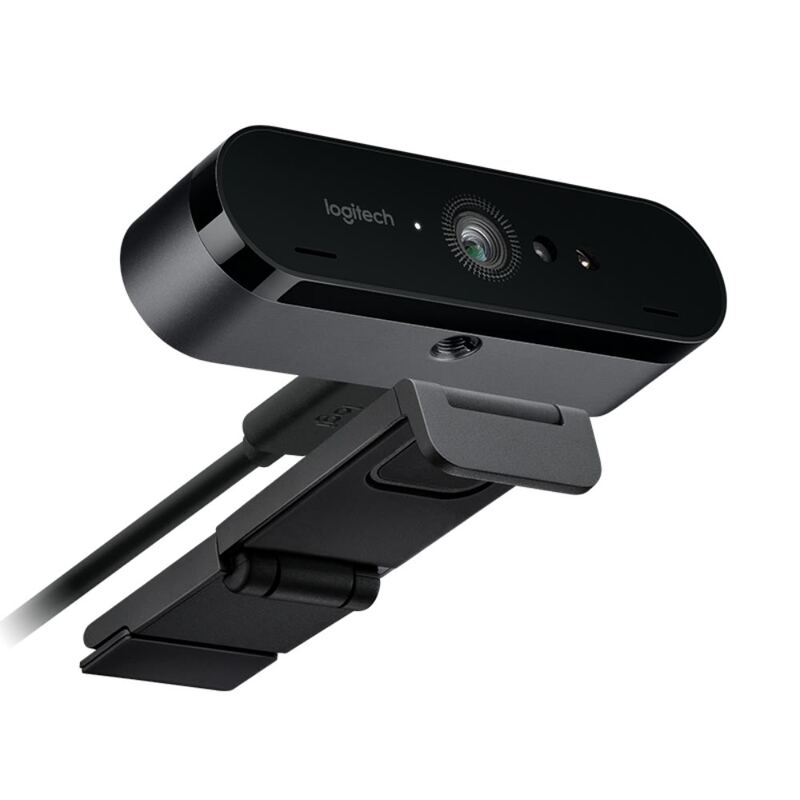
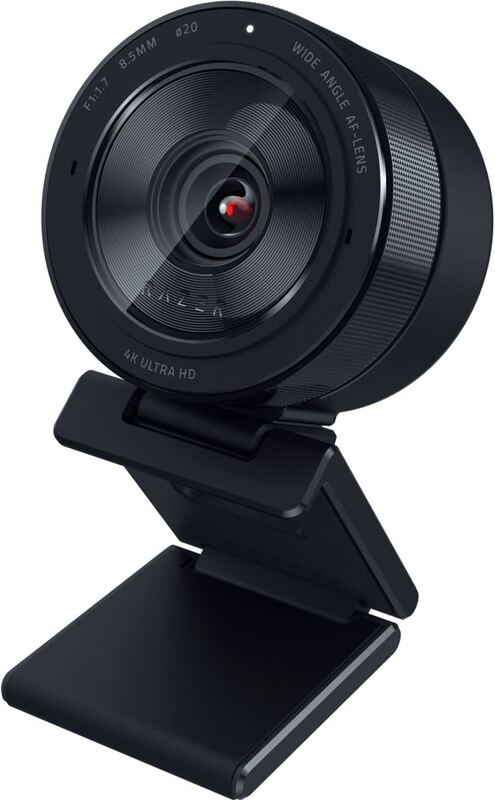
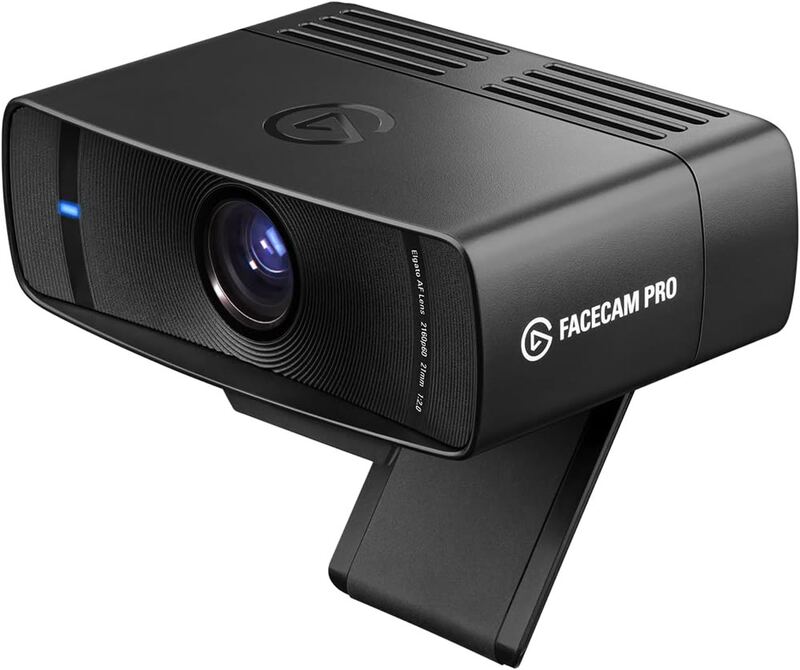
The Logitech StreamCam provides smooth 1080p 60fps video with built-in dual microphones, offering a more complete audio-visual package out of the box compared to the Elgato Facecam Pro and Razer Kiyo Pro Ultra. While it lacks the 4K resolution of the Logitech Brio 4K Pro and Elgato models, it delivers vibrant color accuracy and versatile mounting options that appeal to content creators who do not need 4K resolution.
Rating sources
Our 4.1 score is the average of these published ratings. More about methodology.