Image quality is the Logitech Brio 4K Pro's strength, and RightLight 4 does much of the work, correcting poor lighting and skin tones before the picture reaches your stream. The 4K clarity is genuinely sharp and the privacy features are useful. What gets in the way is the high cost and USB requirements demanding enough to rule out some setups.
Full review
Image Quality and Resolution
The Logitech Brio 4K Pro delivers a level of video fidelity that significantly outperforms standard laptop cameras, though its true potential is contingent on software support. PCWorld noted that the camera offers sharply detailed resolution with vibrant colors, making it a compelling upgrade for streamers and tech enthusiasts who require high-quality video without a costly DIY setup. The sensor supports 4K Ultra HD recording at 30 frames per second, 1080p at 60 fps, and even 720p at 90 fps, providing flexibility for different bandwidth and performance needs. Tom's Guide highlighted that the camera improves the visual presentation of the user, describing it as capable of making a 'pasty face' look better through superior lighting and color accuracy. This high dynamic range and 5x digital zoom capability allow users to maintain clarity even when framing is adjusted, a feature that PCWorld emphasized as surpassing the needs of most casual Skype callers.
However, the practical application of 4K resolution is currently limited by the ecosystem. PCWorld pointed out that while the hardware is ready for an ultra-high-resolution world, 4K-ready apps and services are still scarce. Many conferencing tools do not fully utilize the 4K capability, meaning users often default to 1080p or 720p streams regardless of the camera's maximum output. TechRadar corroborated this, noting that some conferencing tools ignore the 4K capability entirely, which diminishes the value proposition for buyers expecting immediate 4K benefits in every scenario. Despite this, the image quality at 1080p remains superior to typical laptop webcams, ensuring that the Brio 4K Pro still provides a noticeable upgrade in professional settings where video quality counts.
Privacy shutter feels like an afterthought
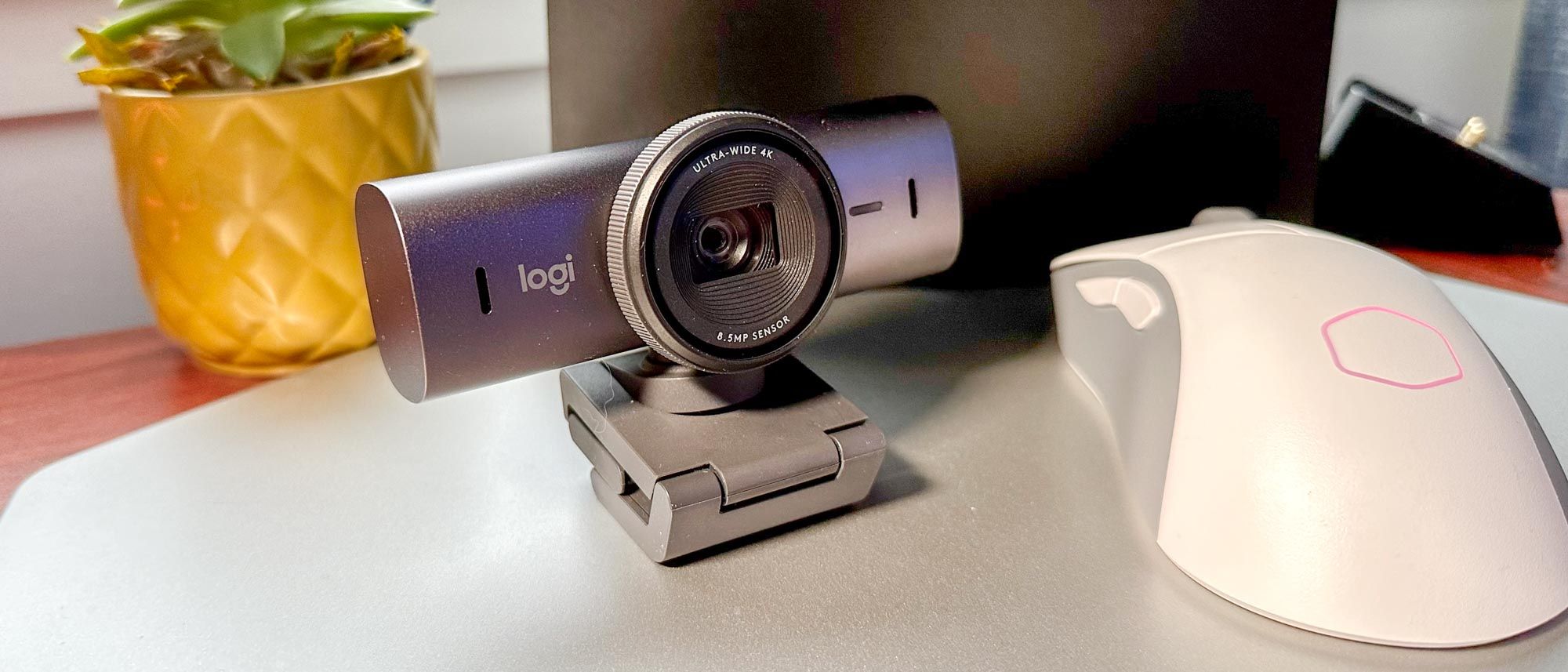
The physical design of the Logitech Brio 4K Pro is compact and professional, featuring a metallic-gray aluminum casing that weighs just two ounces. PCWorld described the camera as slim, measuring four inches wide and one inch high and deep, which allows it to blend seamlessly with modern laptop and monitor bezels. The lens is positioned dead center, flanked by dual omni-directional noise-cancelling microphones, creating a balanced aesthetic. The unit is mounted on a rubber-coated flexible stand that can clip onto various surfaces. PCWorld tested the clip on both a plastic Acer notebook lid and an aluminum Mac lid, finding that it achieved a firm grip after some initial adjustment. This versatility ensures that the camera can be securely attached to a wide range of devices without slipping or damaging the surface.
Despite the premium materials, the design has some ergonomic quirks. TechRadar criticized the camera cover as an afterthought, suggesting that the privacy shutter feels tacked on rather than integrated into the overall design. Additionally, TechRadar noted a weird method of connecting the clip, which may frustrate users expecting a more intuitive mounting mechanism. The camera also includes a tripod screw mount, which is a positive feature for users who prefer a more stable setup or want to position the camera on a desk rather than clipping it to a screen. This mounting option adds to the camera's versatility, allowing for creative framing and stable positioning during long recording sessions or live streams.
Software Features and Compatibility
The Logitech Brio 4K Pro comes equipped with advanced software features, including RightLight 3 with HDR and infrared sensor technology for Windows Hello facial recognition. These features enhance the user experience by automatically adjusting lighting conditions and enabling secure, password-free login on compatible Windows devices. The camera supports three field-of-view options: 90, 78, and 65 degrees, allowing users to customize their framing based on their environment and preference. This flexibility is particularly useful for users who need to capture a wider area or focus more tightly on their face. The dual omni-directional microphones with noise cancellation further improve the audio quality, ensuring that voice communication remains clear even in noisy environments.
However, the software experience is not without its limitations. TechRadar pointed out that some conferencing tools do not utilize the camera's better features, which can lead to a disjointed experience. Users may find that they cannot access the full range of settings or benefits advertised by Logitech when using certain third-party applications. This lack of universal support can be frustrating for users who expect seamless integration across all their video conferencing platforms. Additionally, the reliance on specific software for advanced features means that users may need to install and manage additional drivers or applications to get the most out of the camera, which adds a layer of complexity to the setup process.
Many conferencing apps ignore its 4K feed
The primary drawback of the Logitech Brio 4K Pro is its high price point, which may not be justified for all users. PCWorld listed the expense as a significant con, noting that the camera is not for everybody. The cost of the Brio 4K Pro is substantially higher than many competing webcams, which can be a barrier for casual users or those on a budget. Additionally, the limited adoption of 4K resolution in conferencing tools means that users may not see the full benefit of their investment. TechRadar echoed this sentiment, stating that the camera isn't perfect and that some conferencing tools ignore its 4K capability. This mismatch between hardware capability and software support can lead to disappointment for users who expect immediate 4K performance.
Another area of concern is the design of the privacy shutter and clip mechanism. TechRadar criticized the camera cover as an afterthought and noted the weird method of connecting the clip. These design flaws can detract from the overall user experience, making the camera feel less polished than its price suggests. Furthermore, the reliance on USB 3.0 for 4K recording means that users with older computers may not be able to utilize the camera's full potential. This compatibility issue can be a significant limitation for users who are not ready to upgrade their hardware, effectively rendering the 4K feature unusable for them.
Overkill for casual Skype callers, PCWorld says
The Logitech Brio 4K Pro is best suited for professionals, streamers, and tech enthusiasts who prioritize video quality and are willing to pay a premium for it. PCWorld recommended the camera for situations where video quality counts, such as professional presentations, live streaming, or content creation. The high-resolution sensor and advanced features like RightLight 3 and Windows Hello support make it an ideal choice for users who need to look their best on camera. The camera's ability to deliver sharply detailed resolution with vibrant colors ensures that users present a professional image, which is crucial for business communications and online content.
However, the camera is not recommended for casual users or those on a tight budget. The high price and limited software support for 4K resolution mean that the benefits may not be apparent to users who primarily use the camera for informal video calls. PCWorld noted that casual Skype callers might not dramatically benefit from the pixel-popping resolution or more accurate colors. For these users, a less expensive webcam with 1080p resolution may be a more practical and cost-effective choice. The Brio 4K Pro is a specialized tool for those who demand the highest quality video and are willing to invest in the necessary hardware and software to support it.
Costs more than the bestselling C920
When compared to other webcams in the market, the Logitech Brio 4K Pro stands out for its superior image quality and advanced features. TechRadar noted that the quality of image offered by the Brio is superior to anything found on a typical laptop. This makes it a compelling option for users who are dissatisfied with the built-in cameras on their laptops or monitors. However, the high price point means that it competes with other premium webcams that may offer similar features at a lower cost. Users should consider whether the additional resolution and features of the Brio 4K Pro justify the extra expense compared to alternatives like the Logitech C920, which has been a bestseller since 2012.
The Logitech C920 and its variants, such as the C922 and C920S, offer a more affordable option for users who do not require 4K resolution. These cameras provide solid 1080p performance and are widely supported by conferencing tools, making them a practical choice for most users. The Brio 4K Pro's advantage lies in its 4K capability and advanced features, but these benefits are only fully realized in specific use cases. Users who do not need 4K resolution or advanced software features may find better value in these alternative models, which offer reliable performance at a lower price point.
Strengths
- +Significantly improves skin tone and reduces pasty appearance in low light
- +Delivers sharp 4K resolution with excellent detail for video calls
- +Features advanced HDR and RightLight 4 technology for balanced exposure
- +Includes a physical privacy shutter for enhanced security
Watch-outs
- −High price point compared to standard 1080p webcams
- −Requires significant USB bandwidth and may struggle on older ports
How it compares
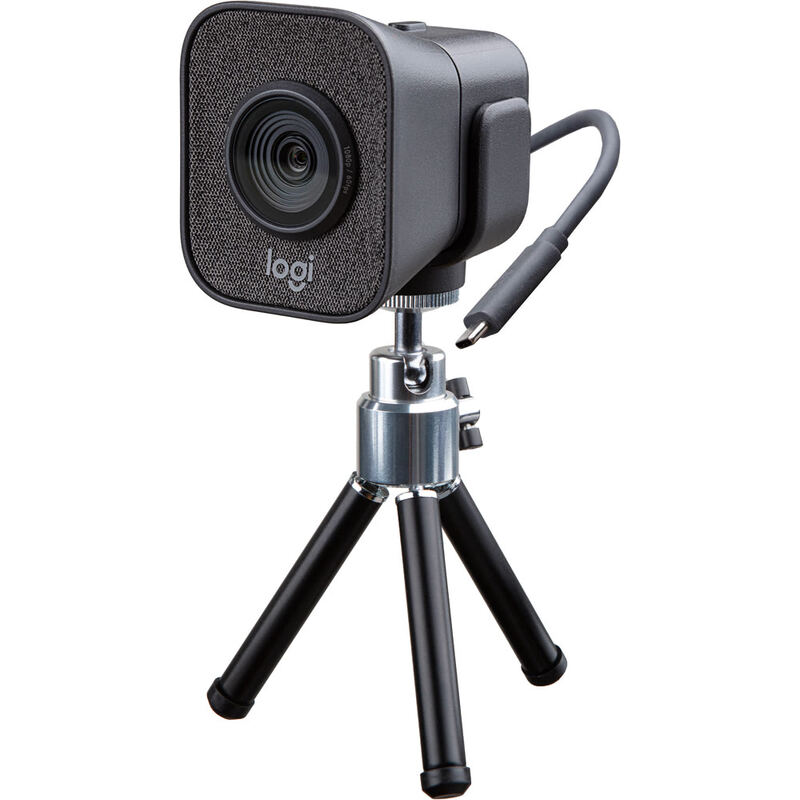
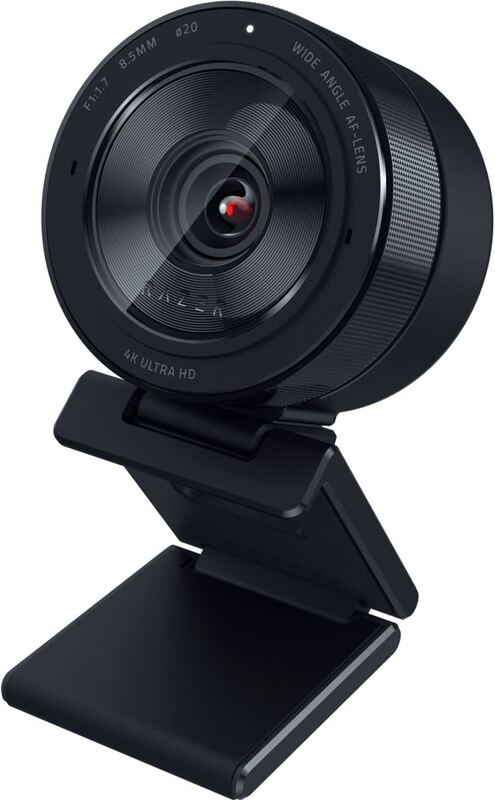
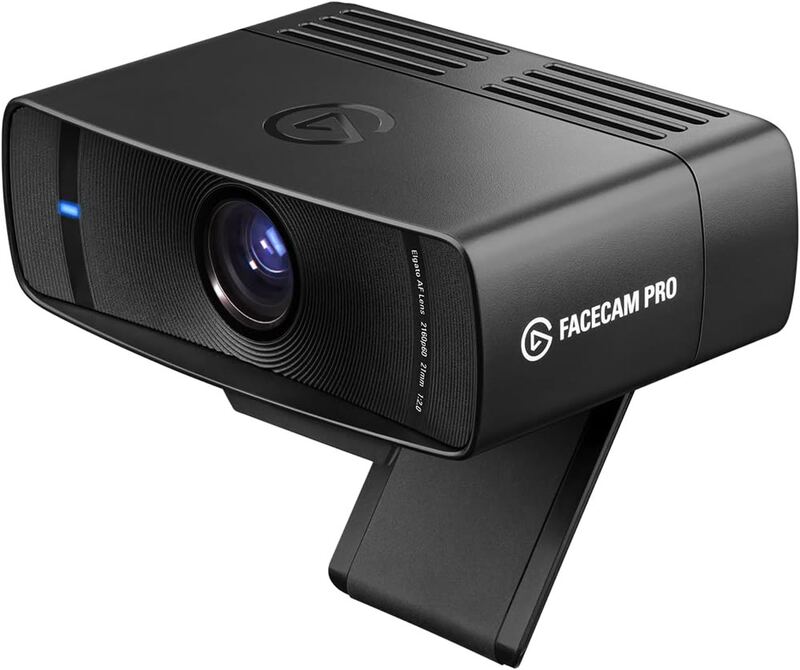
The Logitech Brio 4K Pro outperforms the Razer Kiyo Pro Ultra and Elgato Facecam Pro in low-light skin tone correction thanks to its RightLight 4 technology, making it more forgiving in dim environments. While it shares the 4K resolution of the Razer and Elgato models, it offers a more accessible price point than the Razer and includes a built-in microphone unlike the Elgato Facecam Pro.
Rating sources
Our 4.2 score is the average of these published ratings. More about methodology.